Guest Mode vs Main Profile on a Shared Device
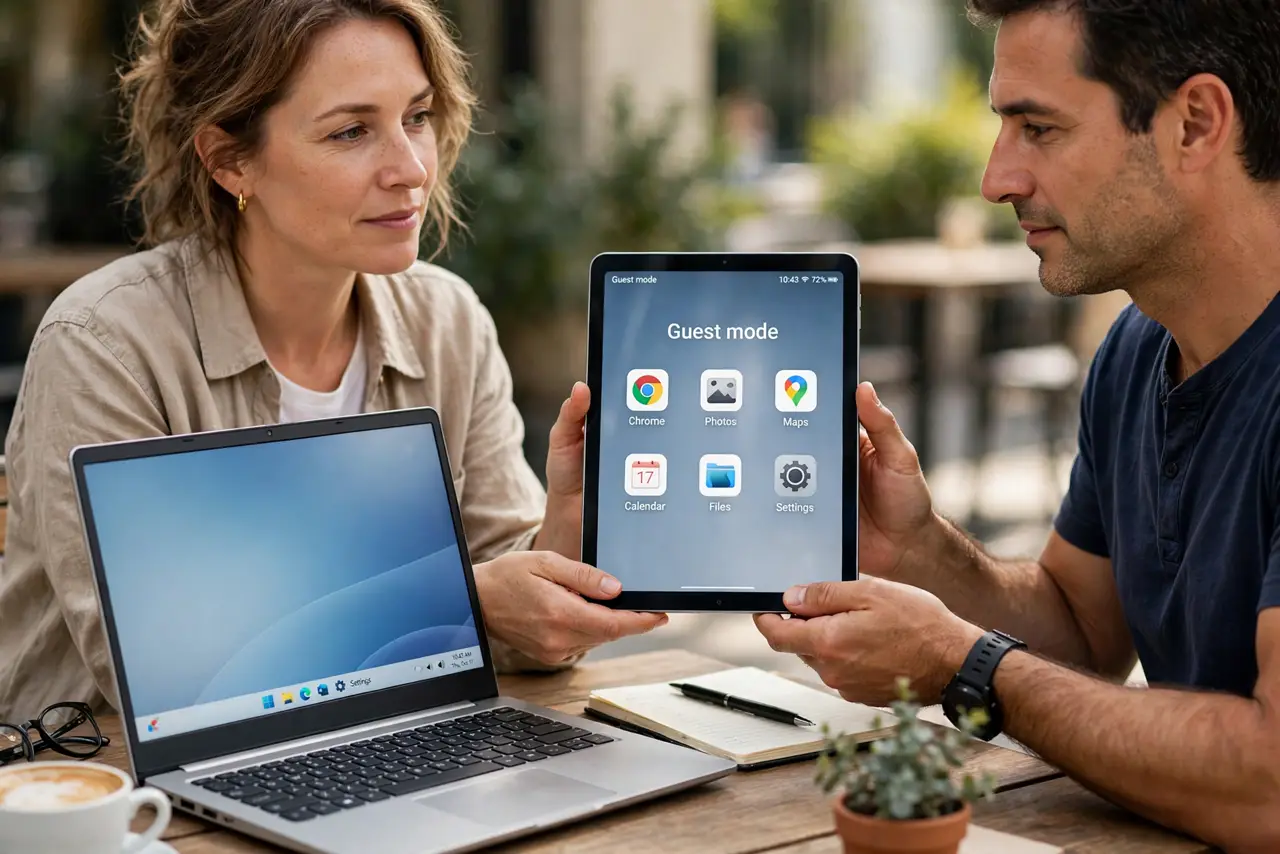
Handing your phone or tablet to someone means handing over your messages, photos, and logged-in apps — unless you use guest mode. Knowing when to switch profiles keeps sharing friendly without oversharing.
TL;DR / Quick Fix
Quick fix: before handing over a device, switch to guest mode or a separate user profile. Then confirm your apps and messages are hidden there, set the guest session to wipe on exit, and switch back to your profile when it returns.
Follow these steps
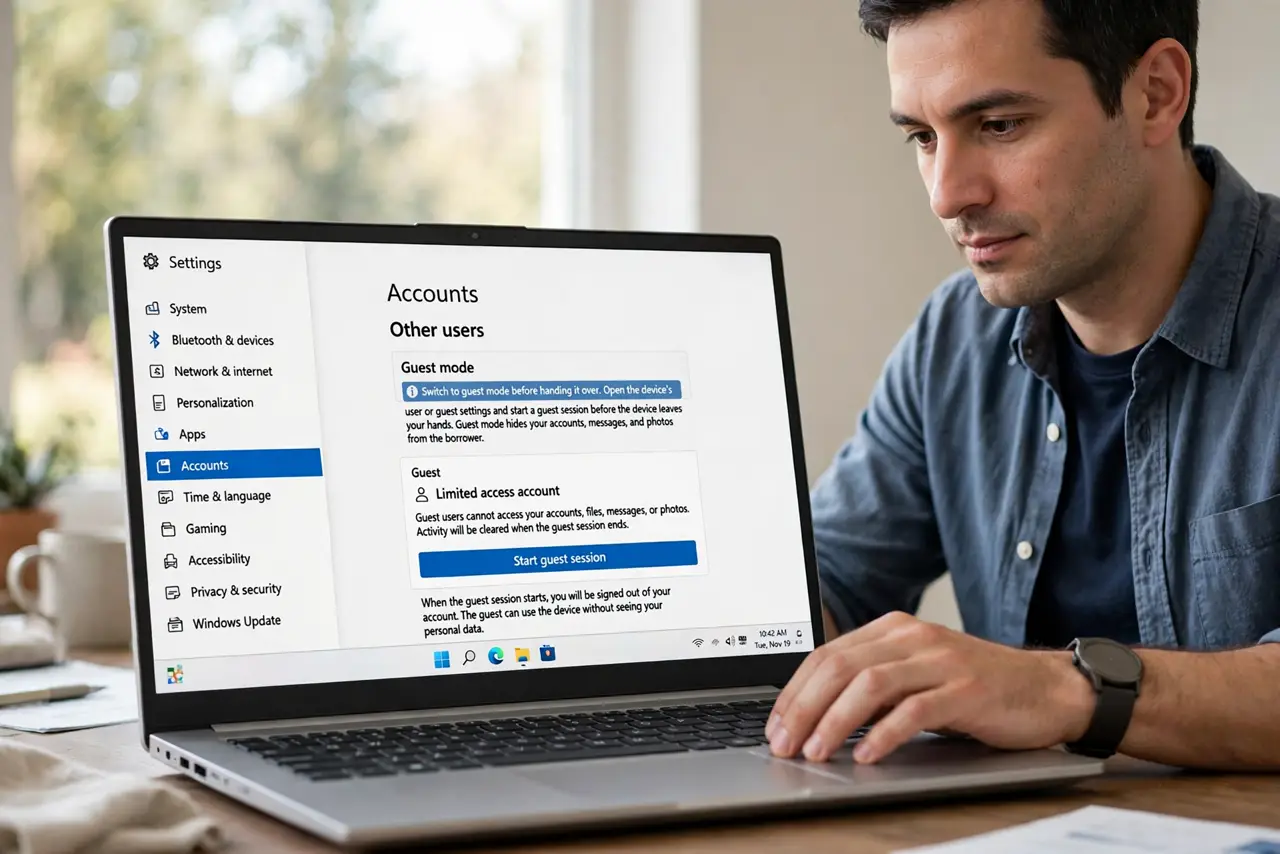
- Switch to guest mode before handing it over. Open the device's user or guest settings and start a guest session before the device leaves your hands. Guest mode hides your accounts, messages, and photos from the borrower.
- Confirm what the guest can see. Glance at the guest session once: your email, messages, and photo library should be absent. A ten-second check beats discovering an open inbox later.
- Set the guest session to wipe on exit. If the device offers it, make guest data clear when the session ends. Wiping stops the next borrower from seeing what the last one browsed, and if a guest account appears on its own, investigate before lending the device.
- Use a separate profile for regular borrowers. For a partner or kid who borrows often, create a named user profile instead of a temporary guest. A real profile keeps their stuff separate from yours permanently.
- Lock your main profile with a passcode. Make sure your own profile needs a passcode or biometrics to open. Guest mode helps little if the borrower can tap straight into your profile.
- Switch back and check when it returns. End the guest session and open your profile when the device comes back. Confirm nothing was installed or changed while it was away.
What NOT to do
- Do not hand over your unlocked main profile. Your messages, banking apps, and photos are all one tap away on your own profile.
- Do not assume a borrower will not snoop. Curiosity is normal, so guest mode removes the temptation instead of testing it.
- Do not leave your profile open in the background. Switch fully to the guest session, since a background profile can still show notification previews.
- Do not skip the passcode on your profile. Without it, guest mode is a suggestion the borrower can walk around.
Frequently asked questions
What does guest mode hide?
Your accounts, messages, photos, and app data. The guest gets a clean session with no access to your personal content.
Is a separate profile better than guest mode?
For regular borrowers, yes. A named profile keeps their apps and files separate permanently, while guest mode suits one-time lending.
Can a guest install apps?
Usually they can browse but changes vanish when the session wipes. Check your device's guest settings to confirm.