Put an Expiry Date on Share Links
Share links live forever by default — the contractor from 2022 can still open your files today. An expiry date closes that door automatically. This guide shows how to set link expirations wherever you share.
TL;DR / Quick Fix
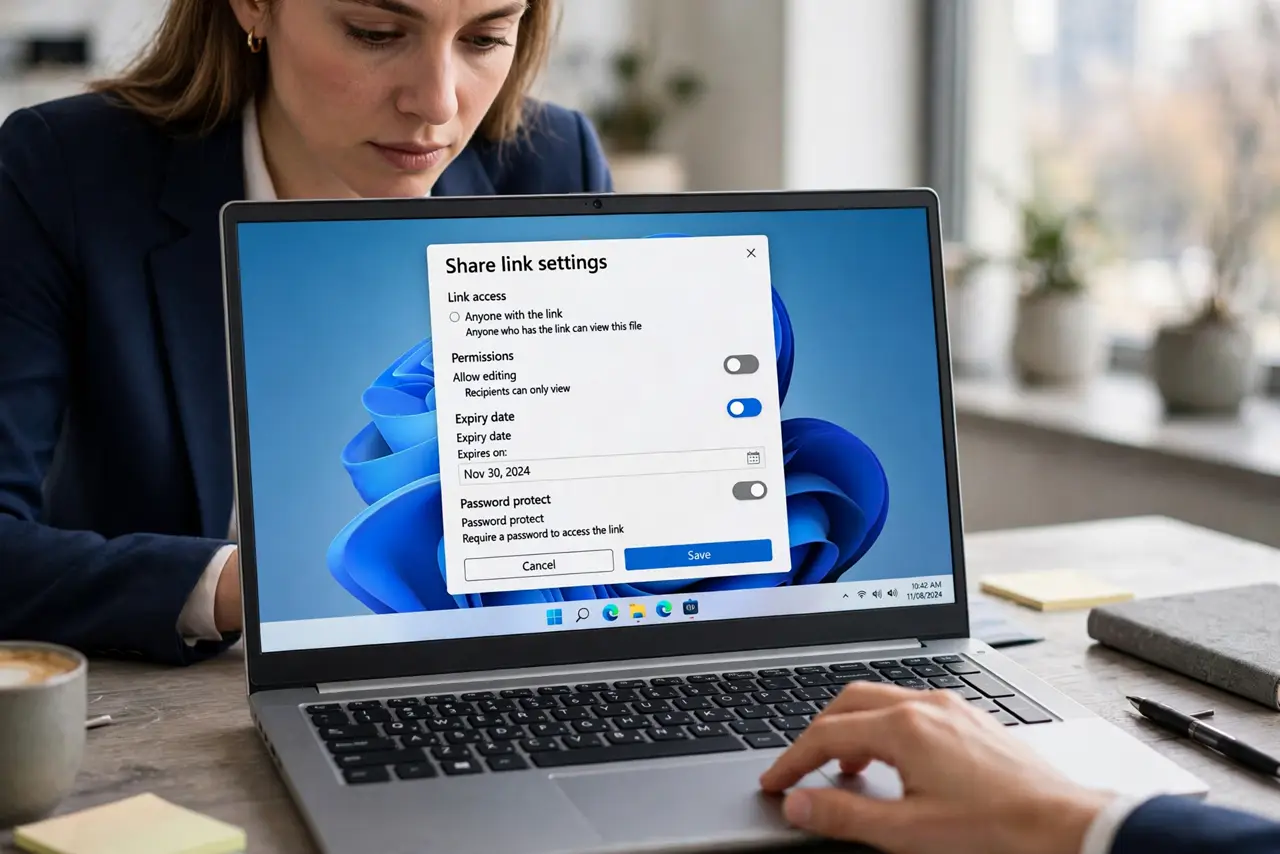
When creating a share link, open the link settings and set an expiration date matching the need — days for contractors, weeks for clients. Remove the person's access entirely when the work ends. Audit old links quarterly and kill the ones you forgot.
Follow these steps
- Create the link as usual. Share the file or folder and generate the link. Expiry is a setting on the link, not a separate feature to hunt for.
- Open the link settings. Find the link's settings or permissions panel. This is also where the anyone-with-the-link risk lives, so review who can open it while you are there.
- Set an expiration date. Pick a date that matches the need: a few days for a quick review, a few weeks for a project. Shorter is safer.
- Match expiry to the relationship. Contractors get days, clients get the project length, nobody gets forever. The expiry should outlive the need by a little, not by years.
- Remove access when work ends. When the collaboration finishes, remove the person's access entirely instead of relying on expiry alone. Belts and suspenders.
- Audit old links quarterly. Every few months, review your shared links and kill the forgotten ones. Expired links die on their own; unexpired forgotten ones do not.
What NOT to do
- Do not share with no expiry out of laziness. Forever access is a decision, so make it deliberately or not at all.
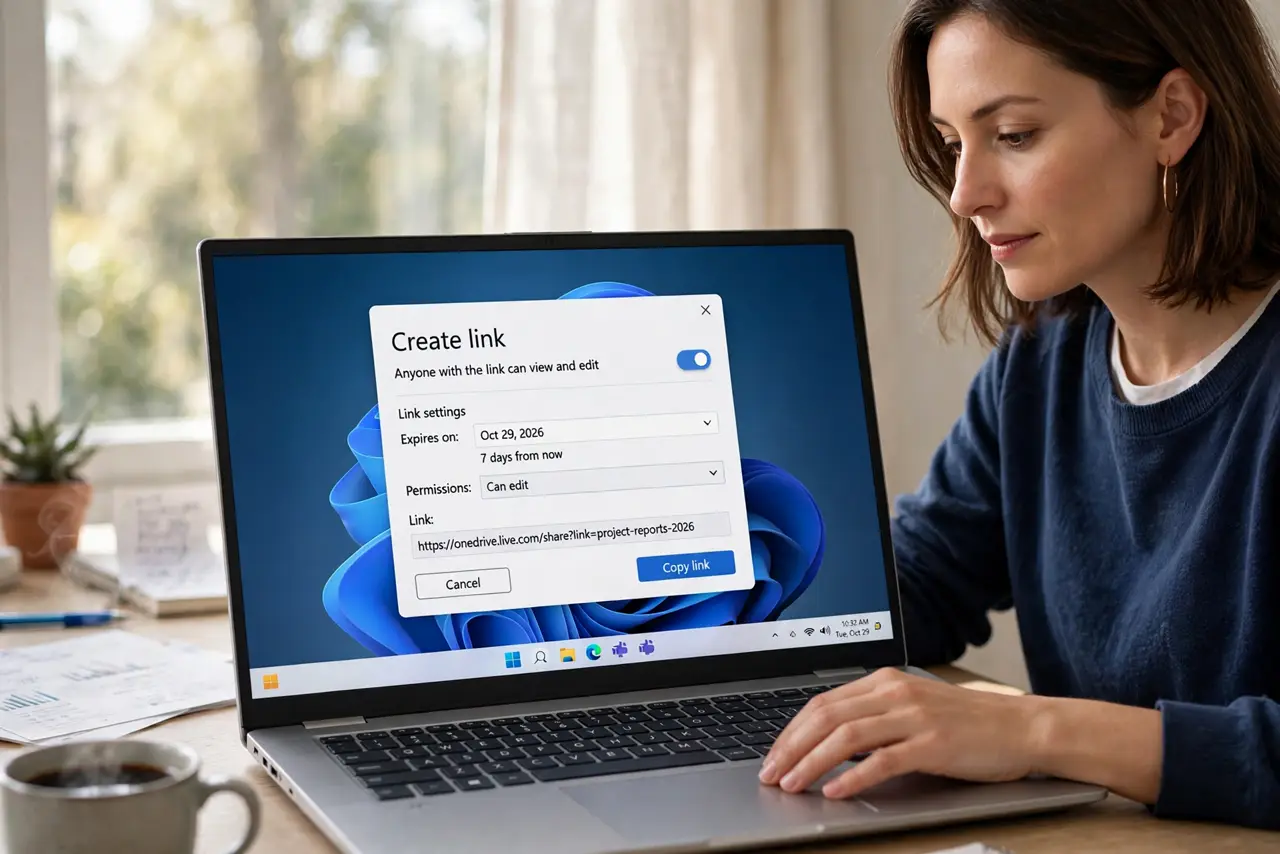
- Do not set expiry and forget the permission level. An expired view link is safe; an unexpired edit link is not.
- Do not rely on expiry for highly sensitive files. Remove access manually the moment the need ends.
- Do not reshare the same immortal link. Create a fresh expiring link each time you share.
Frequently asked questions
How do I make a share link expire?
In the link's sharing settings, set an expiration date when you create it. Most cloud drives offer this on the link settings panel.
What happens when a share link expires?
The link stops working and recipients lose access. The file itself is untouched.
Can I extend an expired link?
Yes. Re-share the file to generate a fresh link with a new expiration date.