SUMIF? Plain Basics
SUMIF adds up only the numbers that meet a condition — total sales for one region, expenses for one month, hours for one project. It is three pieces: the range to check, the condition, and the range to add. One typo in any piece gives a wrong total or zero, which is why SUMIF frustrates beginners. Learn the three pieces once and it clicks forever.
TL;DR / Quick Fix
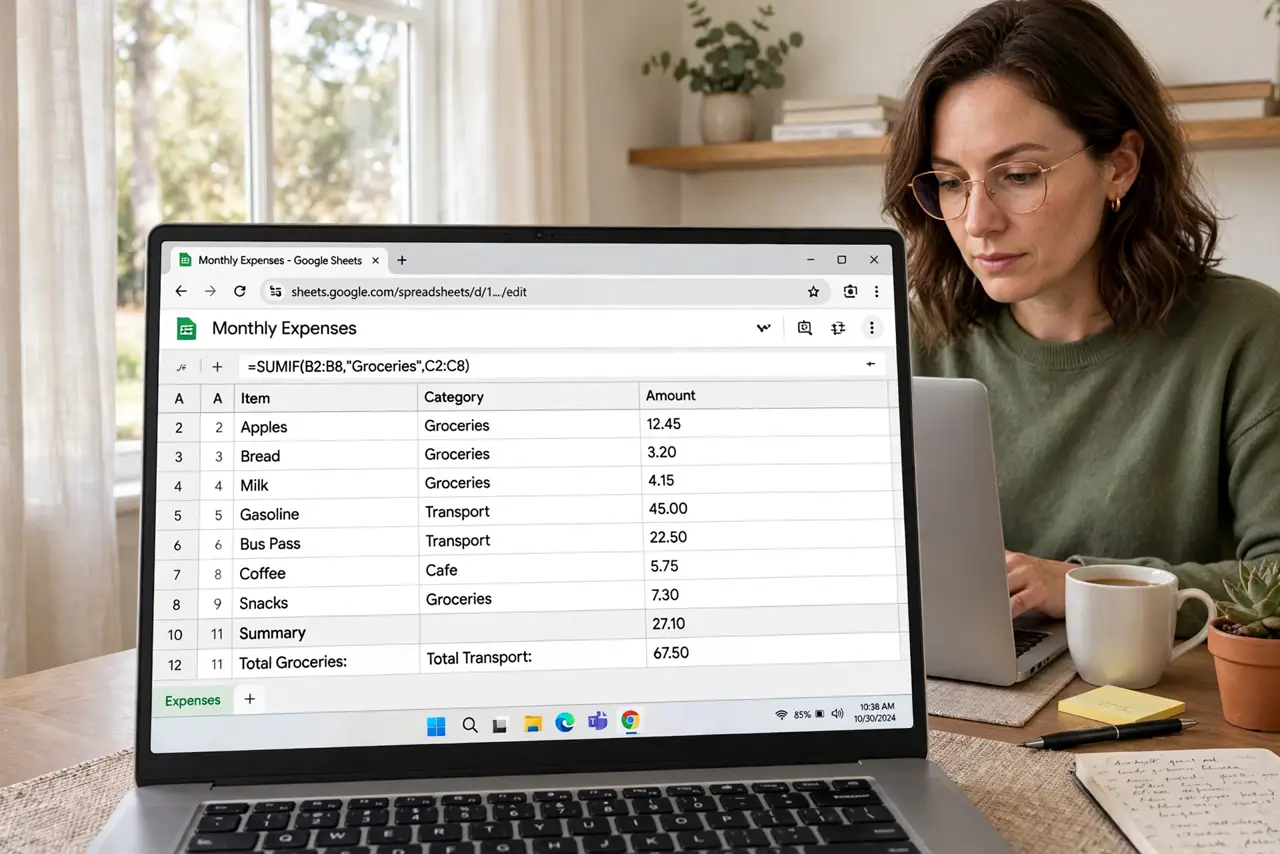
Quick fix: type =SUMIF( then the range to check, the condition in quotes like ">100" or "East", and the range to sum, then close the parenthesis. Example: =SUMIF(B2:B50,"East",C2:C50) totals column C where column B says East. Both ranges must be the same size. Test on a small sample first.
Follow these steps
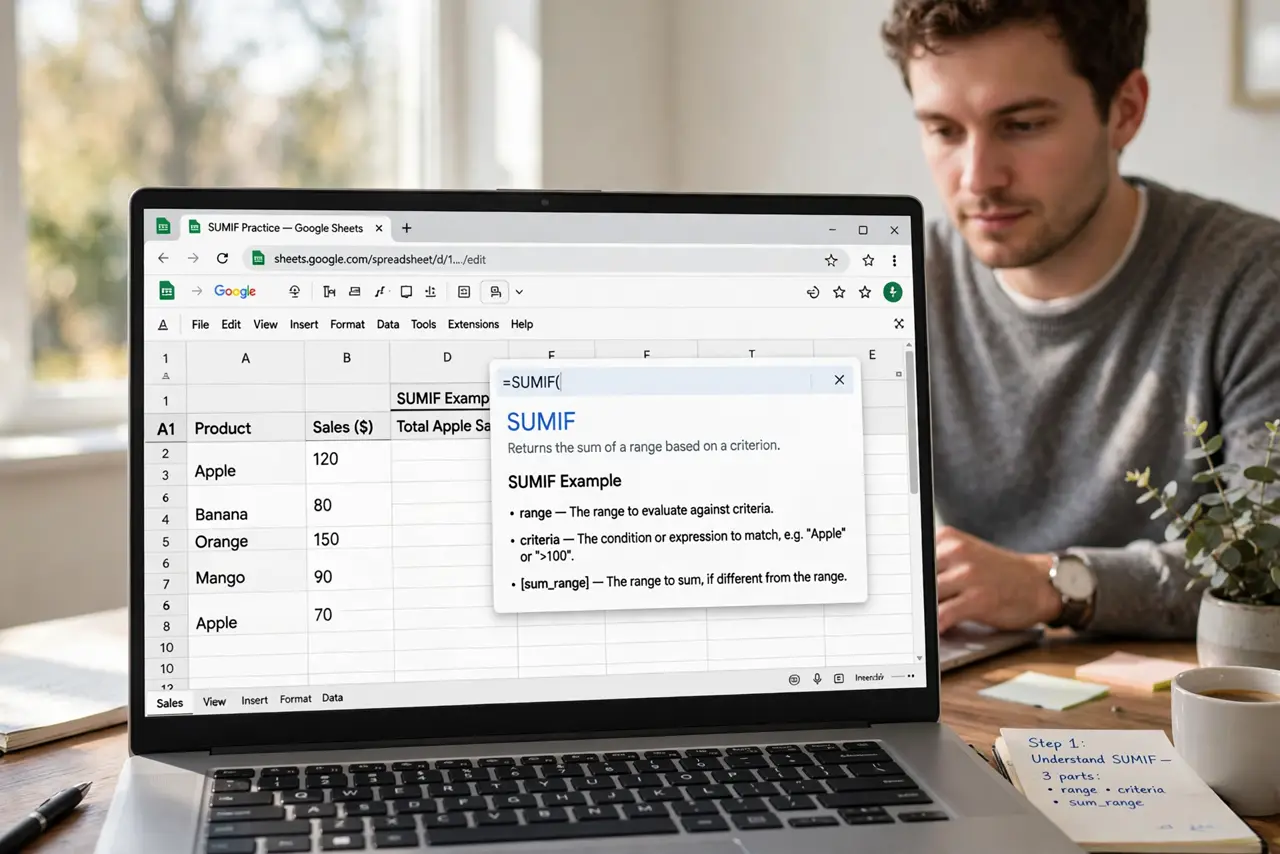
- Understand the three pieces. SUMIF needs: 1) the range to check, 2) the condition to match, 3) the range to add up. Think of it as 'look here, match this, add that.' Mixing up the order is the number one beginner error — compare with plain SUM first if totals confuse you.
- Write your first SUMIF. Click a cell and type =SUMIF(B2:B50,"East",C2:C50). B2:B50 is checked for the word East, and matching rows in C2:C50 get added. Press Enter and the conditional total appears.
- Quote text and operators. Text conditions and comparisons need quotes: "East", ">100", "<>0". Numbers alone do not: 100 works bare. A missing quote is the classic reason a SUMIF returns zero.
- Keep both ranges the same size. The check range and the sum range must cover the same number of rows. B2:B50 with C2:C40 silently gives wrong answers — Sheets does not always warn you.
- Use cell references for conditions. Instead of typing "East" in the formula, put East in cell E1 and write =SUMIF(B2:B50,E1,C2:C50). Now changing E1 updates the total — much easier than editing formulas.
- Test on a tiny sample. Before trusting a SUMIF on 5,000 rows, test it on ten rows where you can add by hand. If the small test matches, the big one is right.
What NOT to do
- Do not mix up the range order. Check-range first, condition second, sum-range third — swapping them gives nonsense totals.
- Do not forget quotes around text. An unquoted East is read as a broken reference, and the formula returns zero.
- Do not use different-sized ranges. Mismatched ranges are the sneakiest SUMIF bug because the formula still runs.
- Do not hardcode values you will change. Put conditions in cells so one edit updates every formula that uses them.
Frequently asked questions
What is the difference between SUM and SUMIF?
SUM adds everything in a range. SUMIF adds only the rows meeting your condition — it is SUM with a filter built in.
Why does my SUMIF return 0?
Almost always a quoting problem or a mismatch — the text in your condition does not exactly match the cells, including spaces or capitalization.
Can SUMIF check multiple conditions?
Not directly — that is SUMIFS with an S, which takes pairs of range-and-condition. Learn SUMIF first; SUMIFS is the natural next step.