Stop Shoulder Surfing
Typing your password in a café while someone 'reads' over your shoulder isn't paranoia — it's the oldest, simplest attack there is, and it needs zero hacking skill. Shoulder surfing steals PINs, passwords, and private messages in seconds. The defenses are physical and habitual, not technical.
TL;DR / Quick Fix
Quick fix: use a privacy screen filter on your laptop and phone — it narrows the viewing angle so only you see the screen. Shield PIN pads with your hand, sit with your back to a wall in public, and lock your screen every time you stand up.
Follow these steps
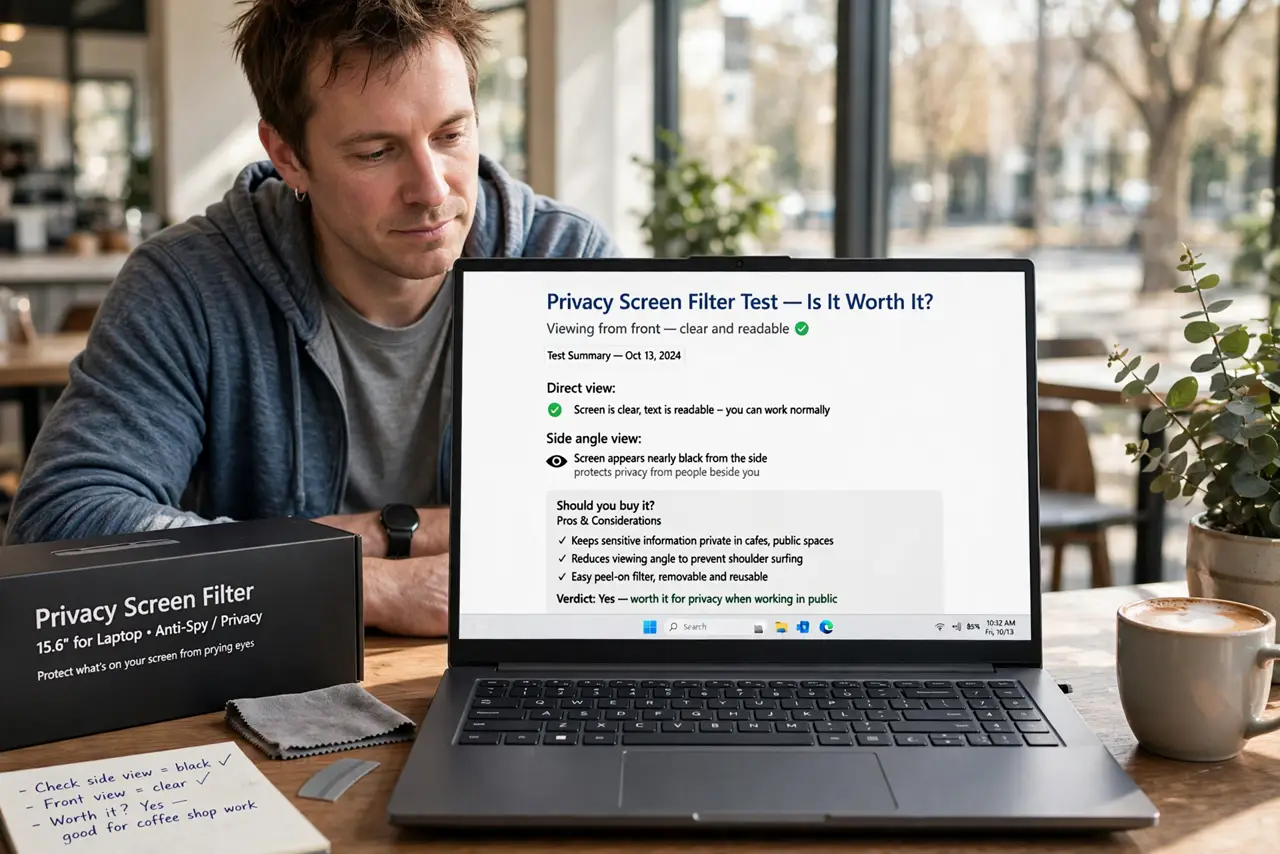
- Get a privacy screen filter. These stick-on filters darken the screen beyond a narrow viewing angle — you see clearly, the person beside you sees black. See whether it is worth it before buying.
- Shield PINs and passwords physically. Cup your hand over the keypad at ATMs and terminals — see PIN-specific tricks. On phones, angle the screen away and use biometric unlock where possible.
- Choose your seat like it matters. Back to the wall, screen facing away from foot traffic. In cafés and airports, seating is a security decision — take the corner.
- Lock the screen every time. Windows+L / Command+Q habits, plus a short auto-lock timeout. An unlocked laptop on a café table is an invitation, not just to viewing but to use.
- Mind reflections and cameras. Windows, mirrors, and even glossy surfaces behind you broadcast your screen. Security cameras overhead do too — angle accordingly.
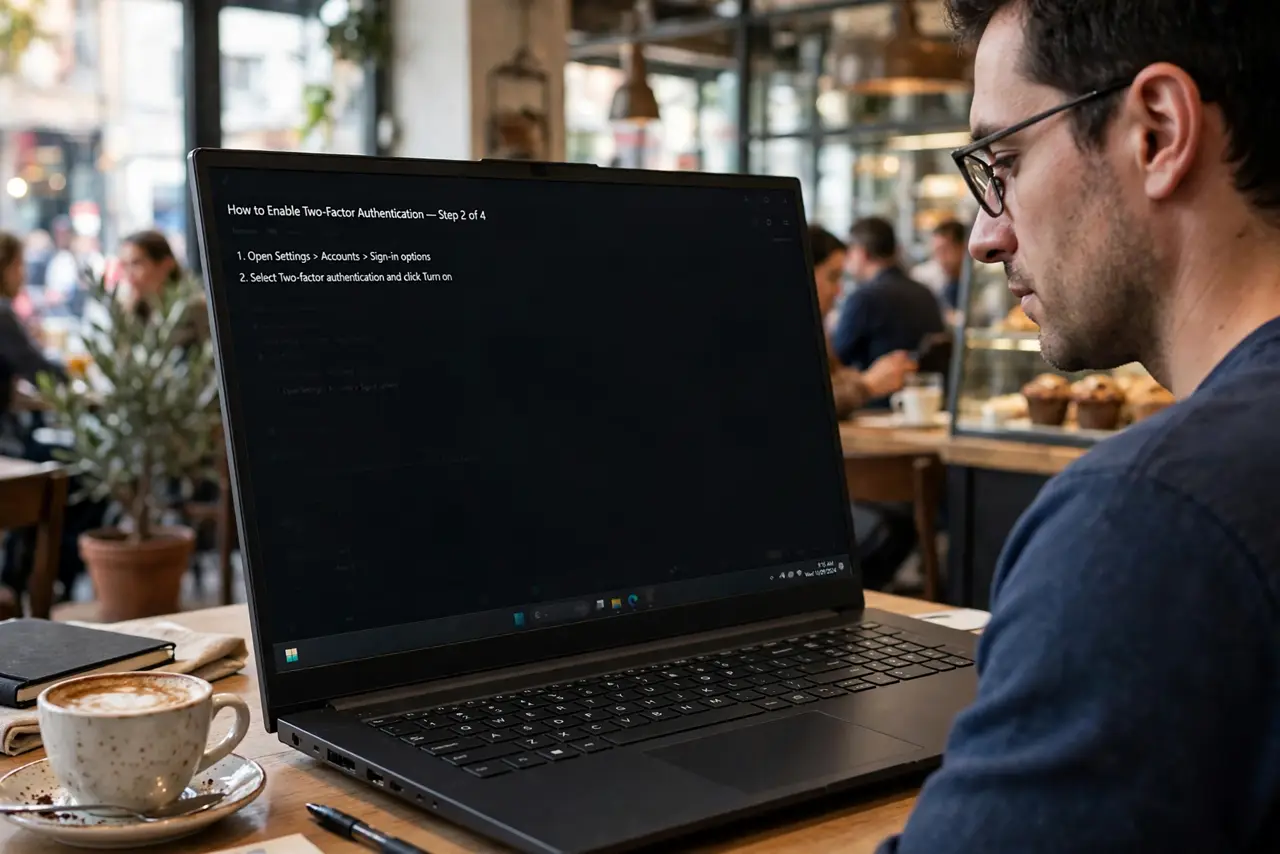
- Be extra careful with 2FA codes. One-time codes on screen are the crown jewels — visible for 30 seconds and fully reusable by anyone who reads them. Shield authenticator apps like passwords.
What NOT to do
- Do not type passwords with an audience. If someone is clearly positioned to watch, wait or reposition — no password is that urgent.
- Do not rely on screen brightness tricks. Dimming helps slightly but doesn't stop a determined watcher; a privacy filter actually does.
- Do not leave sensitive screens up while away. 'Just grabbing coffee' with email open is how accounts get read — lock first, coffee second.
- Do not forget phones are the leakiest. Big bright phone screens in public broadcast messages and codes — notifications on lock screens deserve a review too.
Frequently asked questions
Do privacy screens really work?
Yes for casual snooping — they defeat the over-the-shoulder glance completely. A determined attacker with a camera at the right angle can still capture; see the honest assessment.
What about on airplanes?
Tight quarters make surfing easy. A privacy filter plus seat choice (window seat, screen angled away) covers most of it.
Is shoulder surfing actually common?
Opportunistic viewing is very common; targeted PIN theft happens at ATMs and terminals. The defenses here cost almost nothing, so there's no reason to skip them.