SIM Swap Warning Signs When Your Phone Dies
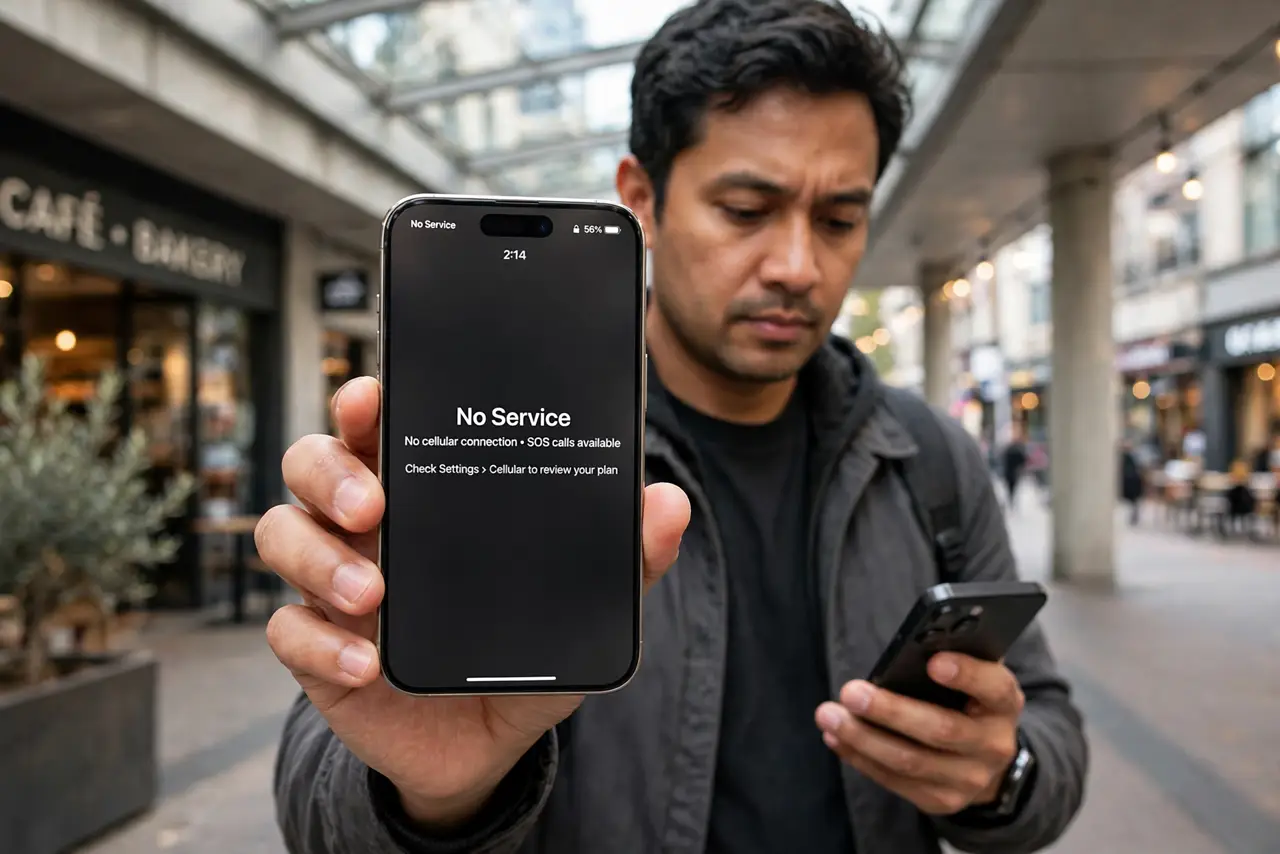
Your phone suddenly shows no service in a place with good coverage, and restarting changes nothing. A SIM swap attack moves your number to a criminal's SIM, and the dead signal on your phone is often the first sign.
TL;DR / Quick Fix
Quick fix: if your phone suddenly shows no service, check whether your number works elsewhere and contact your carrier immediately from another phone. Ask for a port-out PIN and account lock, then watch your email and bank accounts for unauthorized changes.
Follow these steps
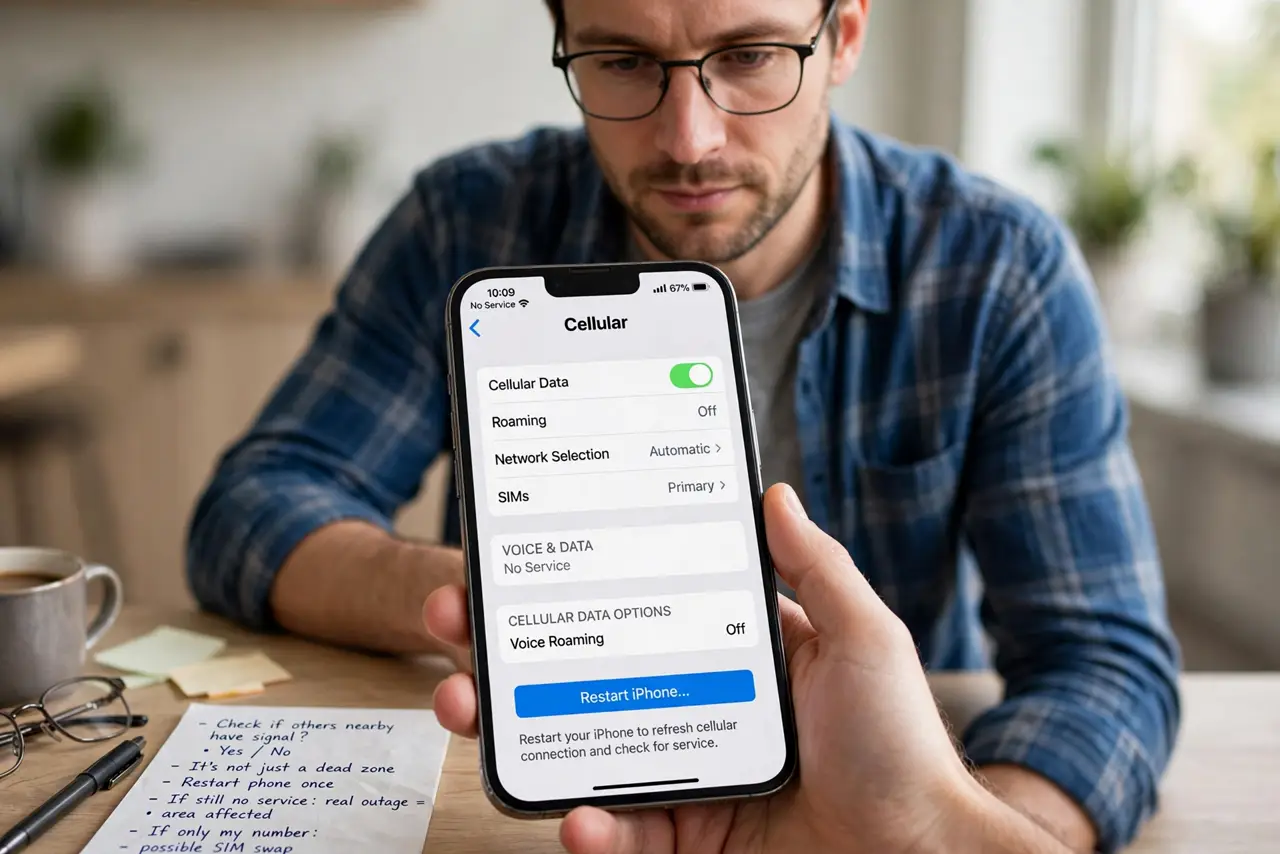
- Confirm it is not just a dead zone. Check whether others nearby have signal, and restart the phone once. A real outage affects an area, while a SIM swap affects only your number.
- Call your carrier from another phone. Borrow a phone and call your carrier's fraud line now. Ask whether your number was moved to a new SIM, and say the words SIM swap so it gets flagged correctly.
- Ask for a port-out PIN and account lock. Request a transfer PIN and a lock on number changes today. These are the protections that stop a repeat attack.
- Check email and bank accounts fast. Look for password resets and logins you did not make. Attackers move quickly from the number to your accounts, so speed matters more than thoroughness right now.
- Change passwords on key accounts. Start with email, then banking, using a different device. Do not wait to see damage before changing them.
- Report it and document everything. File a fraud report with the carrier and note times and names. Written records help with disputes over any fraudulent transactions.
What NOT to do
- Do not wait a day to see if service returns. Every hour gives the attacker more time inside your accounts, so treat sudden no-service as urgent.
- Do not try to fix it by swapping SIMs yourself. The problem is at the carrier, and only the carrier can move the number back.
- Do not log into banking from the affected phone first. Use a separate trusted device until the number is back under your control.
- Do not ignore the warning signs after service returns. A brief outage followed by normal service can still mean an attack happened in between.
Frequently asked questions
What is a SIM swap?
An attacker convinces your carrier to move your number to their SIM, so your calls and texts, including security codes, go to them.
Why does my phone show no service?
Because your number no longer lives on your SIM. The phone is fine; the number was moved away from it.
How do I prevent it?
Set a carrier port-out PIN and account passcode, and prefer app-based two-factor over SMS codes.