Slack? Plain Basics
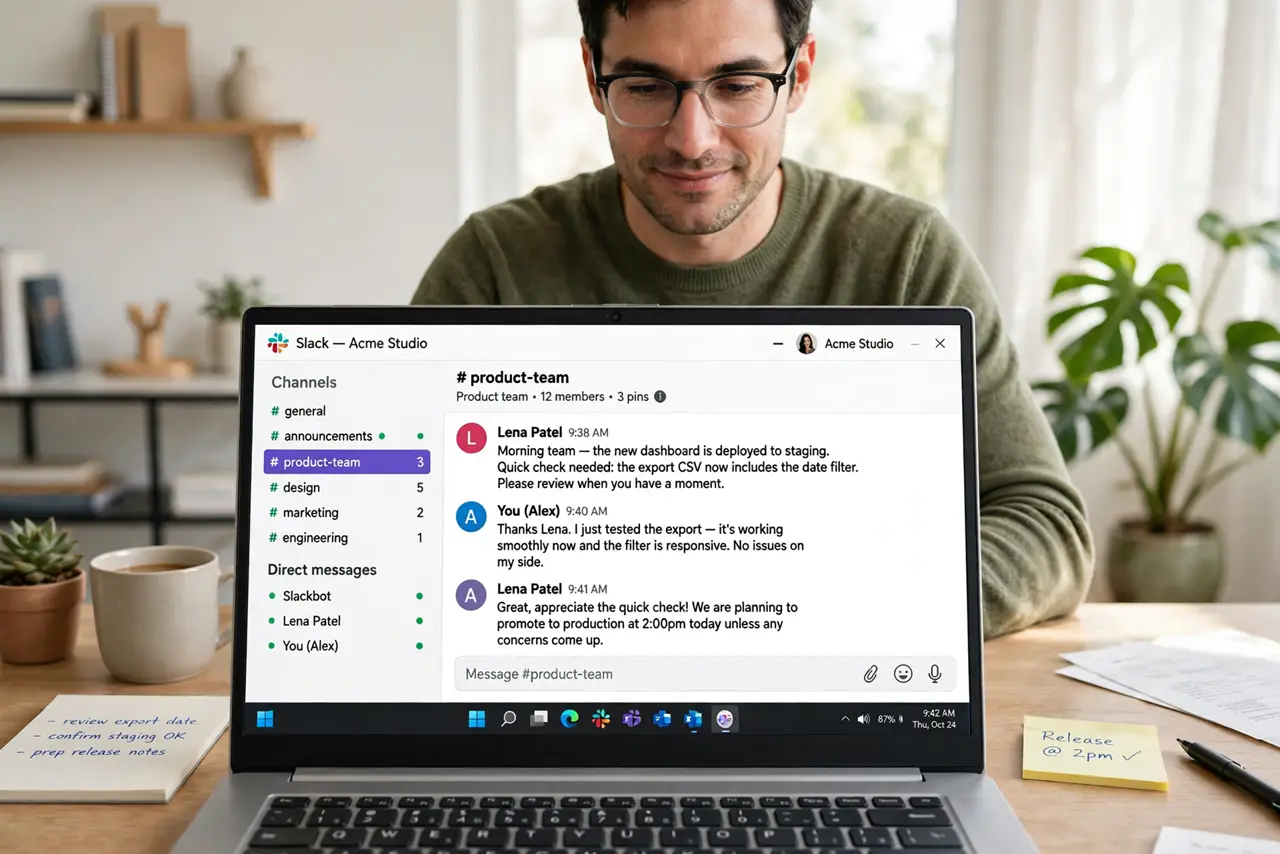
Slack is where many teams actually work now -- less email, more organized chat. Instead of one endless inbox, conversations live in channels by topic, with direct messages for the rest. It feels chaotic at first because it is a new geography: once you learn where things live, it beats email for team coordination by a mile.
TL;DR / Quick Fix
Quick fix: Slack organizes team chat into channels by topic instead of one email inbox. Join only the channels relevant to your work, set notification preferences on day one, and use threads for side discussions. Learn the channel geography before posting everywhere.
Follow these steps
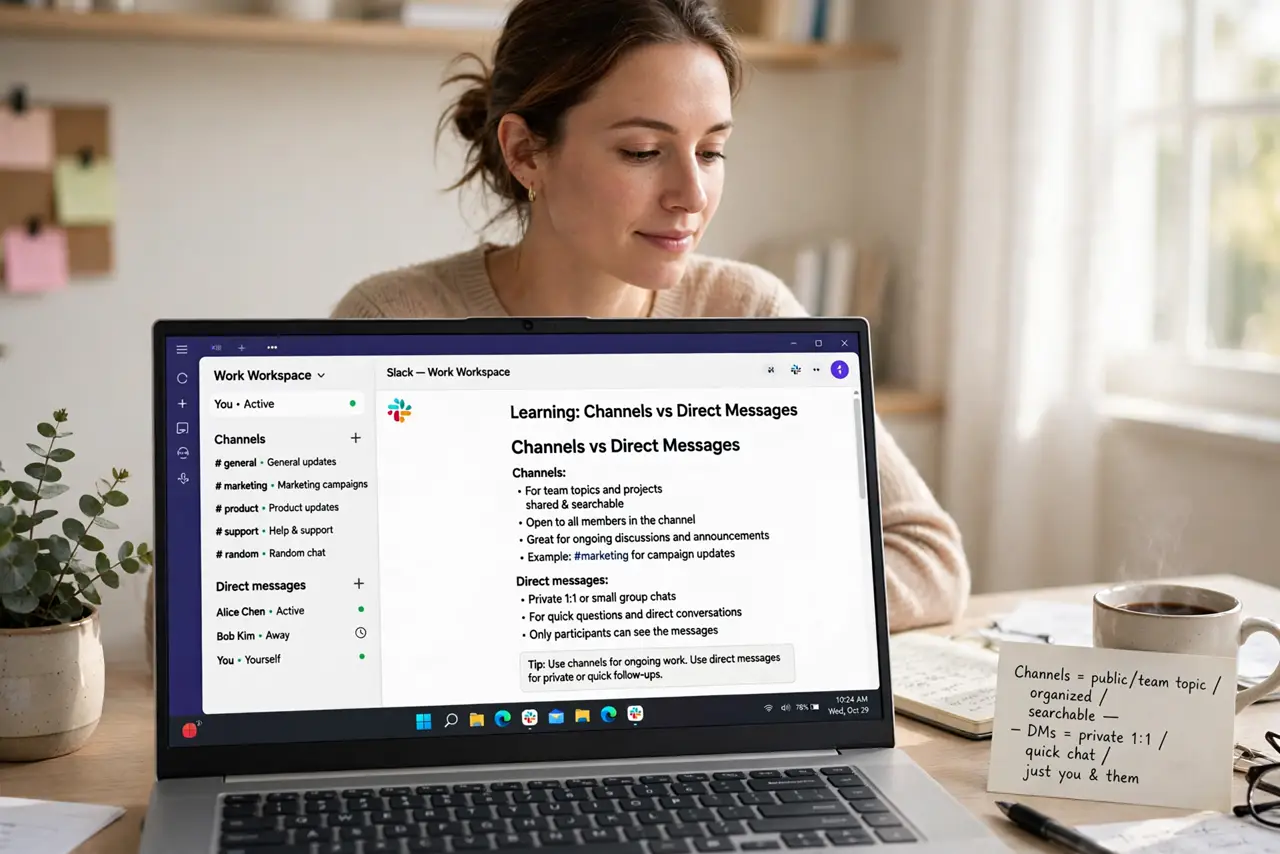
- Understand channels vs direct messages. Channels are topic rooms the team shares -- #marketing, #project-x. Direct messages are private one-to-ones. Default to channels for work talk so knowledge stays findable instead of trapped in DMs.
- Join selectively, leave freely. You do not need to be in every channel. Join the ones for your actual work, mute or leave the rest -- channel overload is the number one Slack complaint, and it is self-inflicted.
- Set notifications on day one. In Preferences, tune notifications: mentions and DMs notify, general channel chatter does not. An unconfigured Slack pings you into madness within a week -- ten minutes of setup prevents it.
- Use threads for side discussions. Reply in a thread instead of the main channel when answering a specific message. Threads keep channels readable; channel-level replies to everything bury the conversation.
- Learn the search before asking. Slack's search covers messages, files, and people across channels. Half of 'does anyone know' questions were answered last month -- search first, ask second.
- Set your status and hours. A status like 'Heads down until 3' plus notification hours tells the team when to expect you. Slack respects boundaries only if you declare them.
What NOT to do
- Do not post everything in #general. The general channel is for announcements -- work talk belongs in topic channels.
- Do not DM a question the whole channel could answer. Public questions build a searchable knowledge base; DMs build silos.
- Do not leave notifications on default. Default Slack notifies too much -- configure it before the pings train your brain to ignore everything.
- Do not treat Slack as instant. Not every message needs a reply in seconds -- that expectation burns teams out.
Frequently asked questions
Is Slack free?
Yes, the free tier covers small teams with message history limits. Paid plans unlock full history, more integrations, and group calls -- growing teams usually upgrade eventually.
Slack vs email -- which for what?
Slack for quick coordination and team discussion; email for formal, external, or long-form communication. They complement rather than replace each other.
How do I stop Slack from distracting me?
Tune notifications to mentions only, mute noisy channels, and set Do Not Disturb hours. Slack is as calm or chaotic as your settings.