A Smart Lock Guest Code Never Expires
You gave the cleaner, the dog walker, or a guest a door code — and it still works today. Smart lock codes do not expire on good intentions, so every old code is a key you forgot you handed out.
TL;DR / Quick Fix
Quick fix: open the lock app's code list, delete every code whose reason has ended, and give future guests time-limited codes. Then check the entry log for surprises, change the master code yearly, and review the list twice a year.
Follow these steps
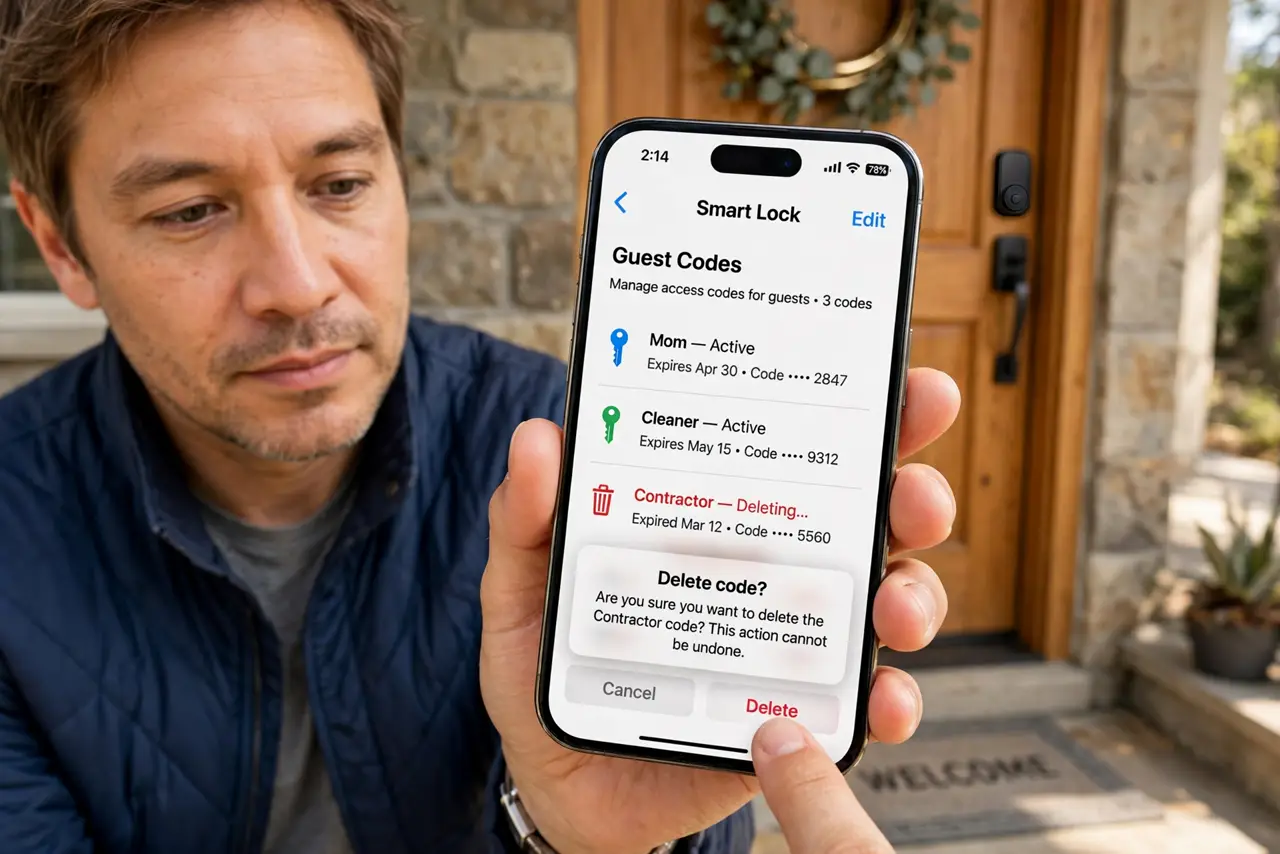
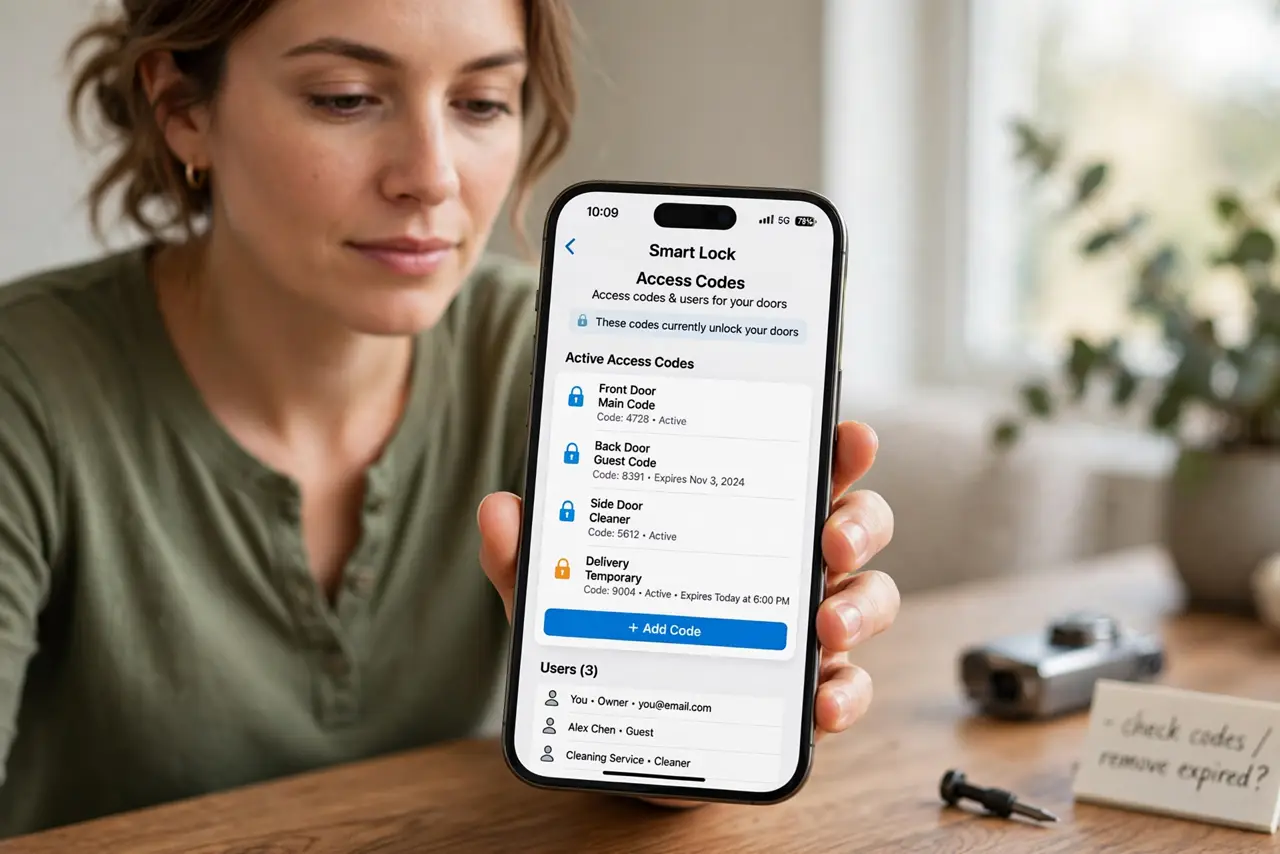
- Open the lock's code list. Open the smart lock app and find the access codes or users section. The list shows every code that opens your door right now.
- Delete codes whose reason ended. Remove the cleaner's, guest's, and contractor's codes once their job is done. A code should live exactly as long as its reason, like revoking camera guest access when a housesitter leaves.
- Use time-limited codes going forward. Create codes that expire after a date or a number of uses for future guests. Expiring codes remove themselves, so forgetfulness stops mattering.
- Check the entry log for surprises. Review when each code was last used. A code used at 3 a.m. by someone whose job ended months ago tells you the review was overdue.
- Change the master code yearly. Rotate the main household code once a year. People share codes casually, and a yearly rotation limits how far any shared copy spreads.
- Review the list twice a year. Set a reminder to recheck codes every six months. Access accumulates quietly, and a regular review keeps it honest.
What NOT to do
- Do not reuse one code for every guest. A single shared code cannot be revoked for one person without changing it for everyone.
- Do not use birthdays or addresses as codes. Guests know or can guess personal numbers, so codes should be random.
- Do not assume a guest deleted the code from memory. Memory does not expire, which is why the code itself must.
- Do not ignore the entry log. The log is the only witness to who came and went, so check it instead of assuming.
Frequently asked questions
How often should guest codes expire?
Match the code's life to the visit: a weekend guest gets a weekend code, a cleaner gets a recurring window, and one-time visitors get single-use codes.
Can someone guess my lock code?
Only if it is obvious. Random codes resist guessing, while birthdays and street numbers do not.
What if the lock's app stops working?
Use the physical key backup every smart lock includes, and keep it somewhere secure outside the house.