Smart Speaker Recordings Kept by Default? Delete
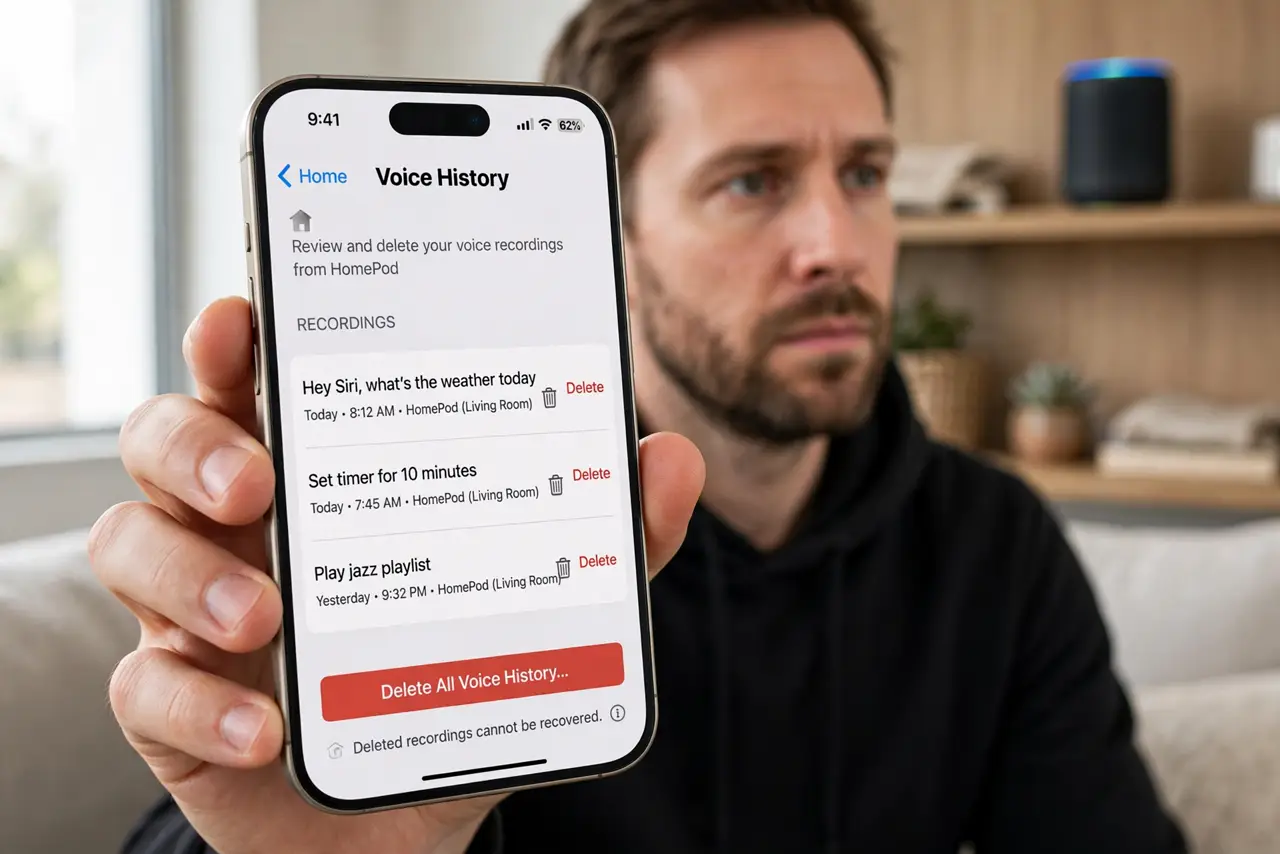
Smart speakers often keep voice recordings to improve recognition, unless you change the setting. That history can include background conversations and accidental triggers. Review it, delete what you do not need, and set recordings to auto-delete.
TL;DR / Quick Fix
Quick fix: open voice history in the speaker app, delete recordings you do not need, and set auto-delete to the shortest period offered. Turn on mute when you want no listening at all, and review the setting after updates. Delete the past, and mute when needed.
Follow these steps
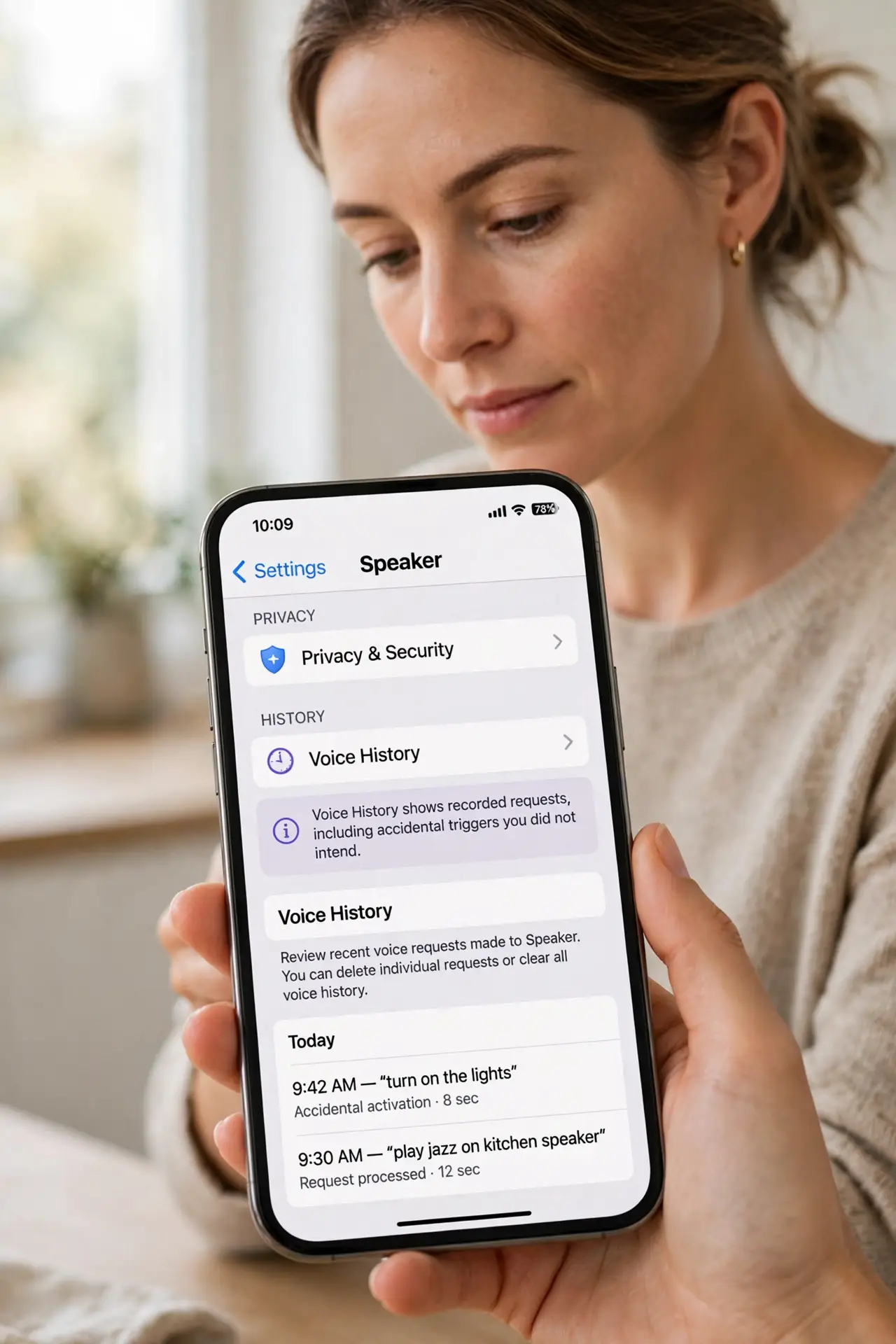
- Open voice history in the app. Open the speaker app, then privacy or voice history. This shows recorded requests, including accidental triggers you did not intend.
- Delete recordings you do not need. Delete individual recordings, or delete all history if the app offers it. Deleting history does not stop the speaker working for future requests.
- Set auto-delete. Choose the shortest auto-delete period offered, such as a few months or less. Auto-delete keeps future history short without you remembering to clean it.
- Turn off human review if offered. If the app offers a setting for human review or improvement use, turn it off unless you deliberately want to contribute recordings.
- Use the mute button for private moments. Press the physical mute button when you want no listening at all, such as during private conversations. Mute is immediate and visible.
- Recheck after updates. Recheck voice history settings after major updates. Updates can reset privacy choices, and a quick review keeps auto-delete as you set it.
What NOT to do
- Do not assume a speaker only records when you use its wake word. Accidental triggers happen, and those recordings land in history too.
- Do not leave auto-delete off because you never look at history. Unchecked history grows indefinitely by default.
- Do not place a speaker in a bedroom or bathroom without thinking. Location decides what accidental recordings can capture.
- Do not share a speaker account with guests casually. A shared account shares voice history access too.
Frequently asked questions
Will deleting recordings break the speaker?
No. The speaker keeps working for new requests, and may lose some personalization, such as voice recognition, until it relearns from new requests.
Can I stop recordings entirely?
Some speakers offer a setting to not save recordings at all. If yours does not, auto-delete on the shortest period is the closest equivalent.
Does mute really stop listening?
The physical mute button disconnects the microphones on most speakers, shown by a visible light. Use it whenever you want certainty.