Water Smarter with Controllers
Your sprinklers run during rainstorms, soak the sidewalk, and keep the same summer schedule in October. A dumb timer waters the calendar; a smart controller waters the weather. Swapping the timer — not the whole system — gives you rain skips, seasonal adjustment, and a lower water bill.
TL;DR / Quick Fix
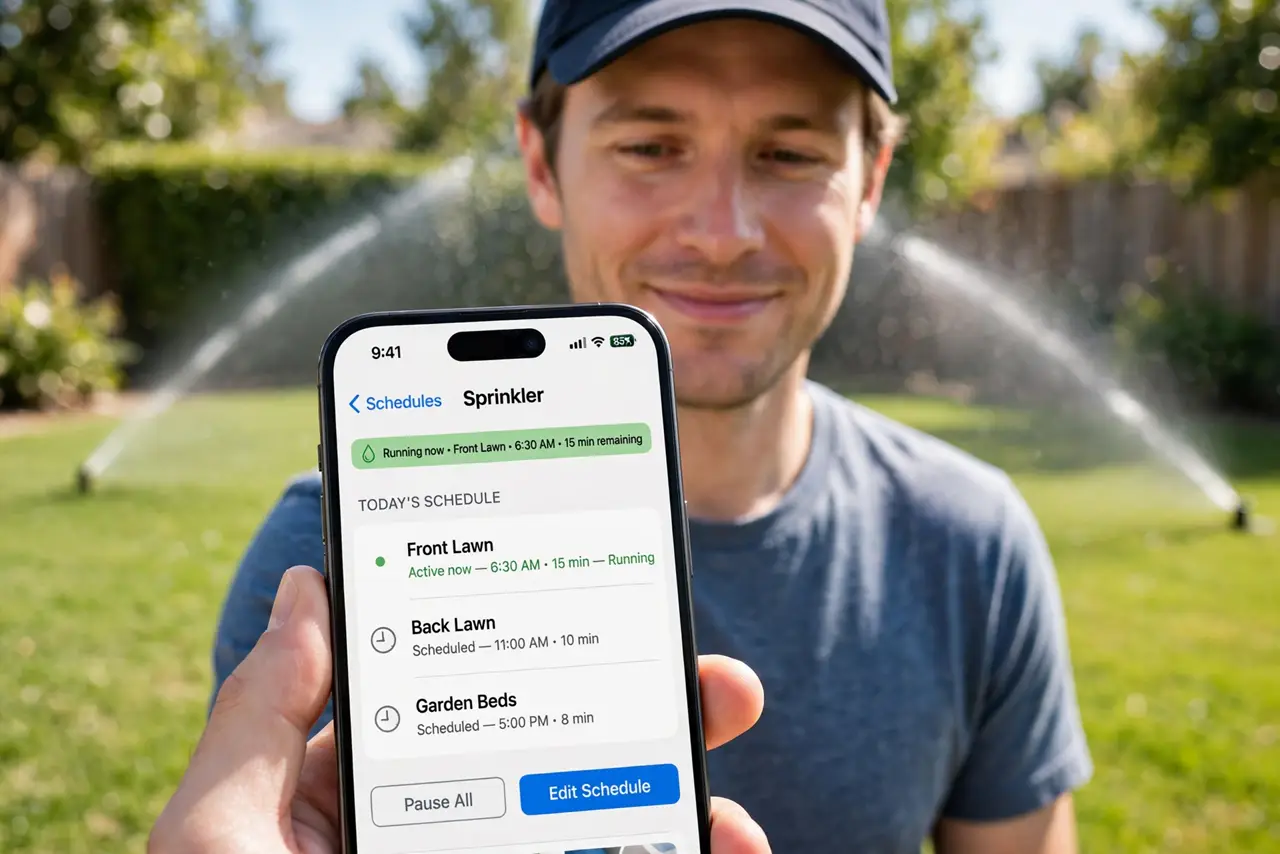
Quick fix: replace your old sprinkler timer with a smart controller that wires to the same valve terminals — it then skips watering when rain is forecast and adjusts for the season. Connect it to Wi-Fi, set your watering days in the app, and let weather intelligence handle the rest.
Follow these steps
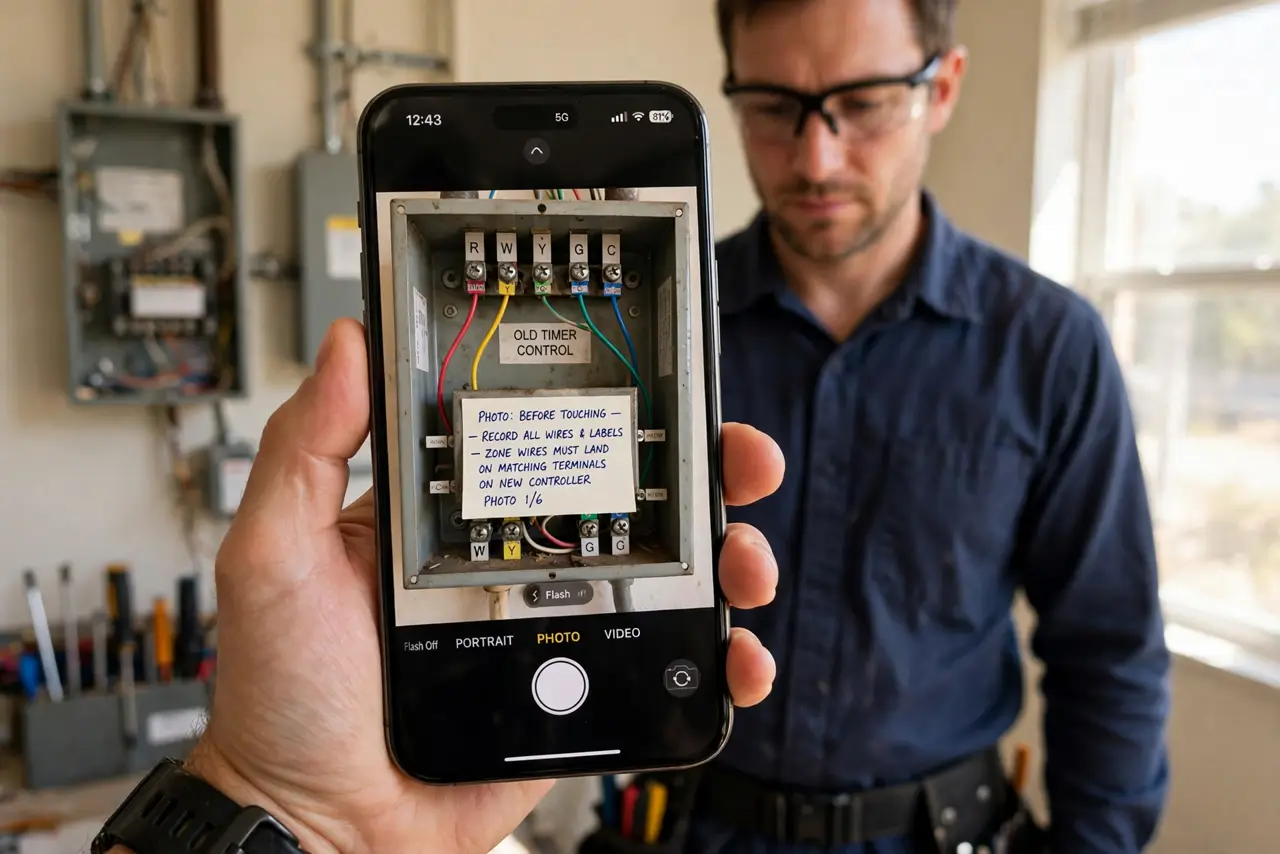
- Photograph the old wiring. Open the old timer and photograph every wire and terminal label before touching anything. Zone wires must land on matching terminals on the new controller.
- Turn off power and water. Cut power to the timer and close the main irrigation valve. You are working with low-voltage wires, but dry work is safe work.
- Move wires to the new controller. Transfer each zone wire to the same-numbered terminal, plus the common wire. Smart controllers use the same wiring — the intelligence is in the box, not the wires.
- Connect to Wi-Fi. Mount the controller where your phone gets a solid signal — garages and basements can be dead zones. Pair it in the app and confirm it reaches the internet.
- Set zones and schedules. Name each zone (front lawn, garden beds), set watering days, and let the weather features adjust duration. Start conservative — you can always water more.
- Test every zone manually. Run each zone from the app and walk the yard. Check for broken heads and coverage gaps while you are out there — a smart schedule cannot fix a broken sprinkler head.
What NOT to do
- Do not skip the wiring photo. 'I'll remember' fails the moment there are eight identical wires.
- Do not mount it in direct rain. Most controllers are weather-resistant, not waterproof — under an eave or in the garage is right.
- Do not set it and forget it for a year. Walk the zones seasonally — heads break, plants grow, and coverage changes.
- Do not water on a fixed schedule year-round. The entire point is weather adaptation — let the rain-skip feature do its job.
Frequently asked questions
Will it really lower my water bill?
Usually yes — rain skips and seasonal adjustment cut the biggest waste: watering when nature already did.
Do I need new sprinkler heads?
No. The controller drives your existing valves and heads — it is a brain transplant, not new plumbing.
What happens if Wi-Fi goes down?
The controller keeps running its last schedule locally. You lose remote control and weather updates until Wi-Fi returns.