Install a Smart Switch
A smart light switch promises voice control and schedules, but inside the wall box there is a tangle of wires and one big question: is there a neutral wire? Most smart switches need one, and older homes often do not have it. Knowing what is in your box before you buy saves a return trip and an electrician call.
TL;DR / Quick Fix
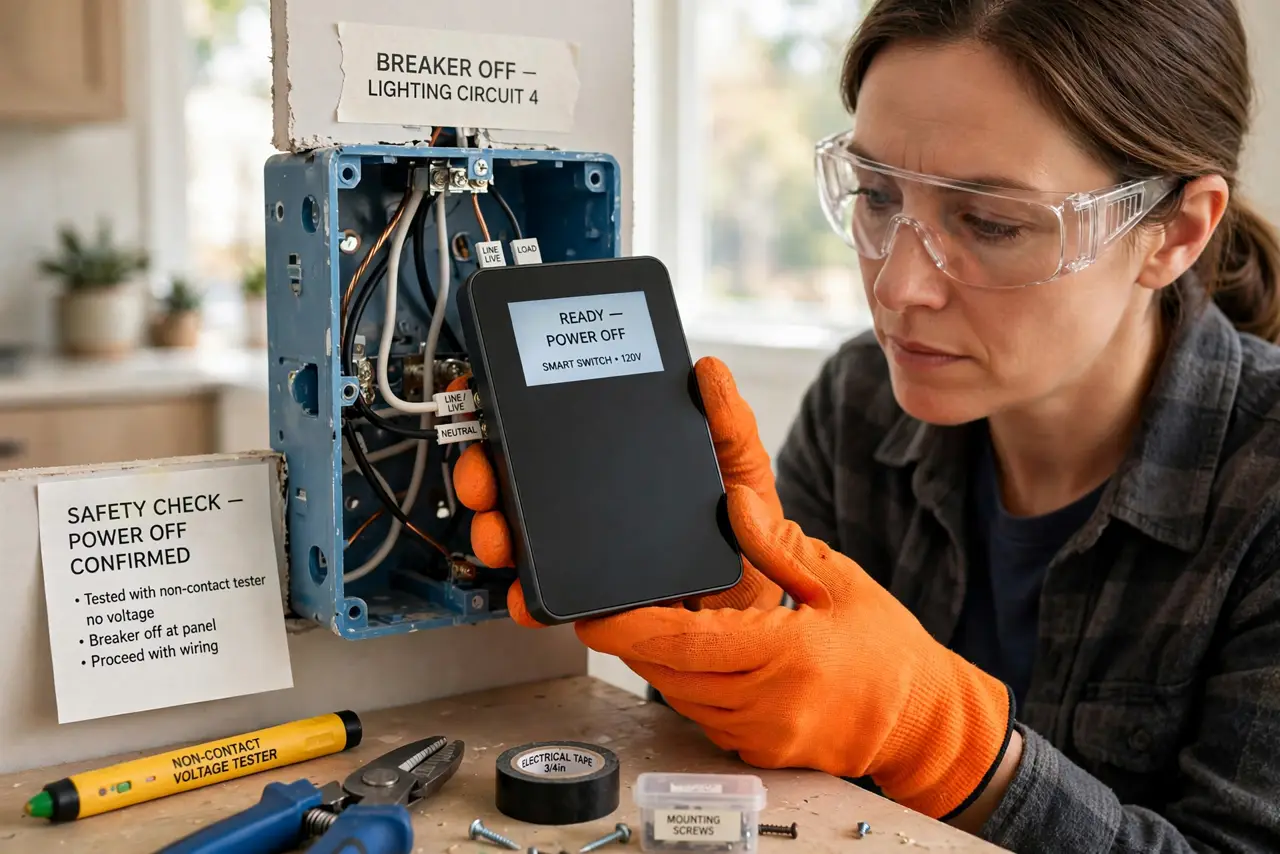
Quick fix: turn off the breaker, verify power is dead with a non-contact tester, and check for a neutral wire bundle in the box — most smart switches need one. Wire line, load, neutral, and ground to the marked terminals, restore power, and pair the switch with its app.
Follow these steps
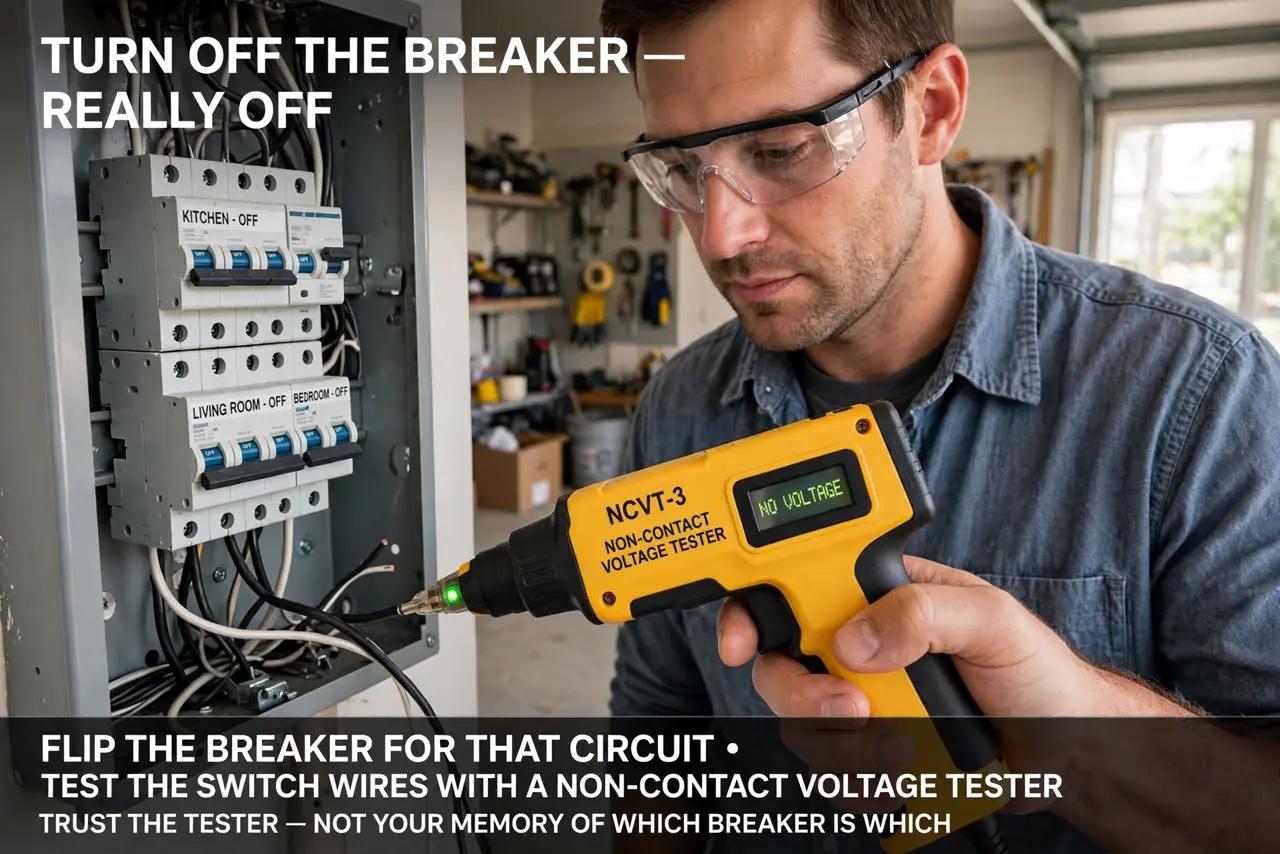
- Turn off the breaker — really off. Flip the breaker for that circuit, then test the switch wires with a non-contact voltage tester. Trust the tester, not your memory of which breaker is which.
- Check for a neutral wire. Look for a bundle of white wires capped in the back of the box. No neutral means most smart switches will not work — buy a no-neutral model or call an electrician.
- Photograph the old wiring. Before disconnecting anything, take clear photos from several angles. If you get confused mid-install, the photos are your map back.
- Connect wire to marked terminals. Line (power in), load (to the light), neutral, and ground each have a labeled terminal. Match colors to labels, tighten firmly, and cap with wire nuts where required.
- Restore power and test manually. Flip the breaker back on and test the switch by hand first. If the light works manually, the wiring is right — then move to the app.
- Pair with the app. Put the switch in pairing mode per its manual and add it in the manufacturer's app. Pair near the router if the switch struggles — then it can live on the wall.
What NOT to do
- Do not work on live wires. 'I'll just be careful' is how shocks happen — breaker off and tester-verified, every time.
- Do not install without a neutral unless the switch is rated for it. Forcing a standard smart switch onto a no-neutral box causes flicker and failure.
- Do not skip the ground wire. It is the safety net — an ungrounded smart switch is a hazard hiding in your wall.
- Do not cram oversized switches into shallow boxes. Smart switches are deeper than dumb ones — if the box is packed tight, get a box extender or an electrician.
Frequently asked questions
My house has no neutral wire. Now what?
Buy a smart switch specifically rated for no-neutral installs, or have an electrician run a neutral. Do not improvise with the ground wire.
Can I install a smart switch on a 3-way setup?
Yes, but you need a 3-way-compatible smart switch and you must identify the traveler wires. Photograph everything first.
The switch works but the bulb flickers. Why?
Usually a bulb compatibility issue — use dimmable LED bulbs rated for the switch, or disable dimming in the app.