Smart TV Buffers Only at Night? Fix It
The TV streams fine by day but buffers every night, while phones seem fine. Nights bring peak household and neighborhood load, and the TV, often far from the router, feels it first.

TL;DR / Quick Fix
Quick fix: test another device at night in the same room, then connect the TV with a cable if you can. Lower the stream quality one step at peak times, restart the TV and router, and check for app updates.
Follow these steps
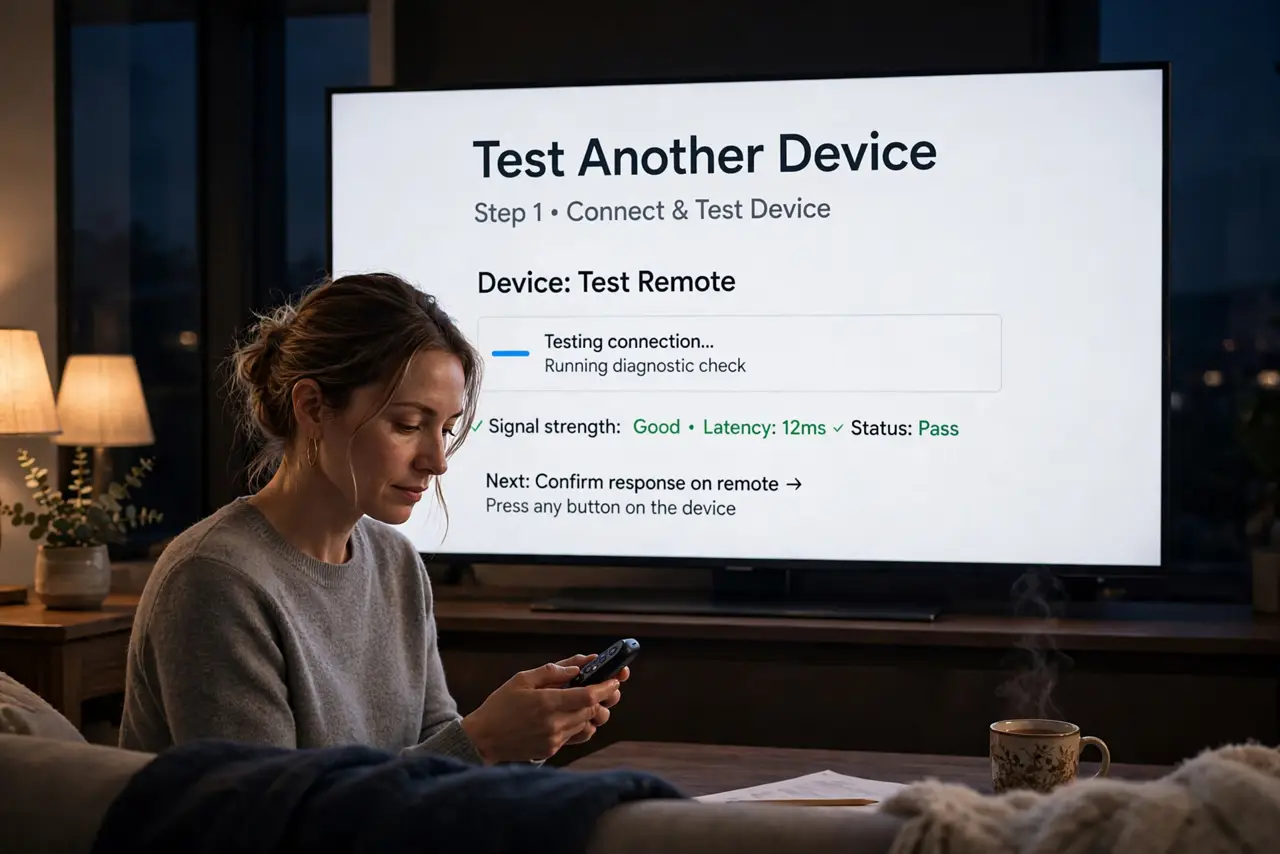
- Test another device at night. At night, test a phone or laptop in the same room as the TV. If other devices also struggle, the evening load is the cause, not the TV alone.
- Connect the TV with a cable. If a cable route exists, connect the TV directly to the router. A wired TV ignores Wi-Fi weakness and evening wireless congestion completely.
- Lower the stream quality one step. In the streaming app, lower quality one step at peak times. A slightly softer picture that plays beats a sharp picture that buffers every minute.
- Restart the TV and the router. Restart the TV fully, not just to standby, and restart the router once. A restart clears a tired TV app state and a tired router state at once.
- Update the TV and the app. Check for TV software updates and streaming app updates, and install them. Old TV apps buffer more, since they miss fixes for newer streams.
- Check what else streams at night. List what else runs at night, such as backups, downloads, and other streams. Pausing one heavy stream often frees enough for the TV.
What NOT to do
- Do not buy a new TV for night buffering. A cable, a quality step, and a restart fix most night-only buffering without new hardware.
- Do not restart the router every night as a routine. One restart is a test, while nightly restarts hide a load or placement problem.
- Do not set the stream to the highest quality and expect it to hold at peak times. Peak load makes the highest quality the first to buffer.
- Do not ignore a TV far from the router. Distance hurts the TV most at peak times, so a cable or closer node matters more than a plan upgrade.
Frequently asked questions
Why does the TV buffer only at night?
Evening peak load hits hardest, and a TV far from the router feels weak Wi-Fi first, while nearby phones cope.
Does a cable really help a TV?
Yes. A wired TV skips Wi-Fi congestion entirely, which is why it often fixes night buffering outright.
Should I lower stream quality forever?
No. Lower it at peak times only, and return to higher quality when the network is quiet.