Smart TV Buffers but the Phone Is Fine? Fix It
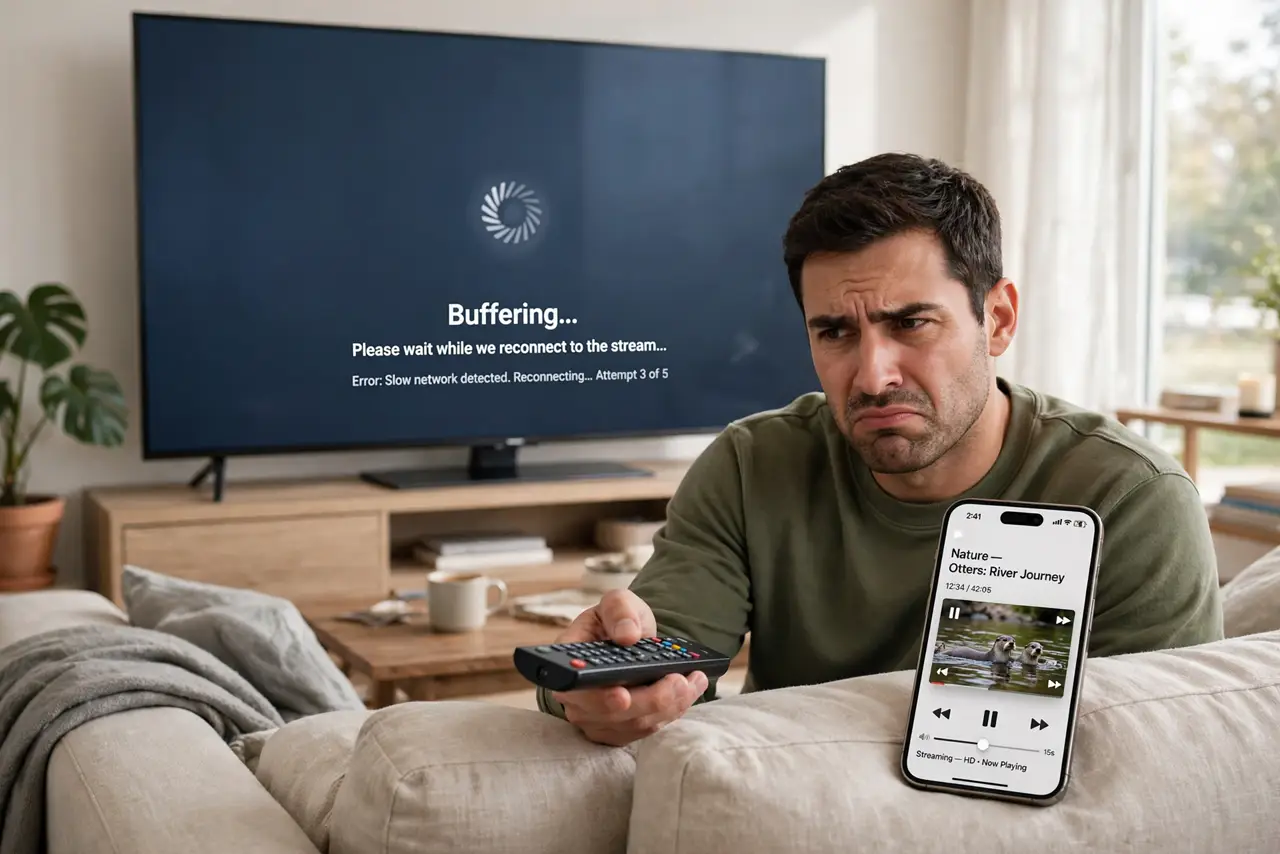
Netflix stutters on the TV while your phone streams perfectly on the same Wi-Fi. The TV is not broken — its Wi-Fi radio is usually weaker, older, and farther from the router than your phone. The fix targets the TV's connection, not your internet plan.
TL;DR / Quick Fix
Quick fix: move the TV to the 5 GHz band or closer to the router's signal path, and restart the TV fully — not just standby. If only one TV struggles, check whether the issue is [[that one TV|streaming-app-buffers-on-one-tv-only]] rather than your internet speed.
Follow these steps
- Restart the TV completely. Unplug the TV for 30 seconds. Standby mode keeps the network stack in a weird state; a full power cycle clears it.
- Check which band the TV uses. TVs often cling to the slow 2.4 GHz band. If the TV is in the same room as the router, switch it to the faster 5 GHz band.
- Test speed at the TV's location. Stand where the TV sits and run a speed test on your phone. If the phone is slow there too, the spot — not the TV — is the problem.
- Move the router's signal path, not the TV. You cannot move a wall-mounted TV, but you can move the router a few feet for a clearer path. Even small shifts beat a signal shooting through a fish tank.
- Try ethernet if the TV has a port. A cable ends the debate permanently. If running a cable is impossible, a powerline adapter is the next best thing.
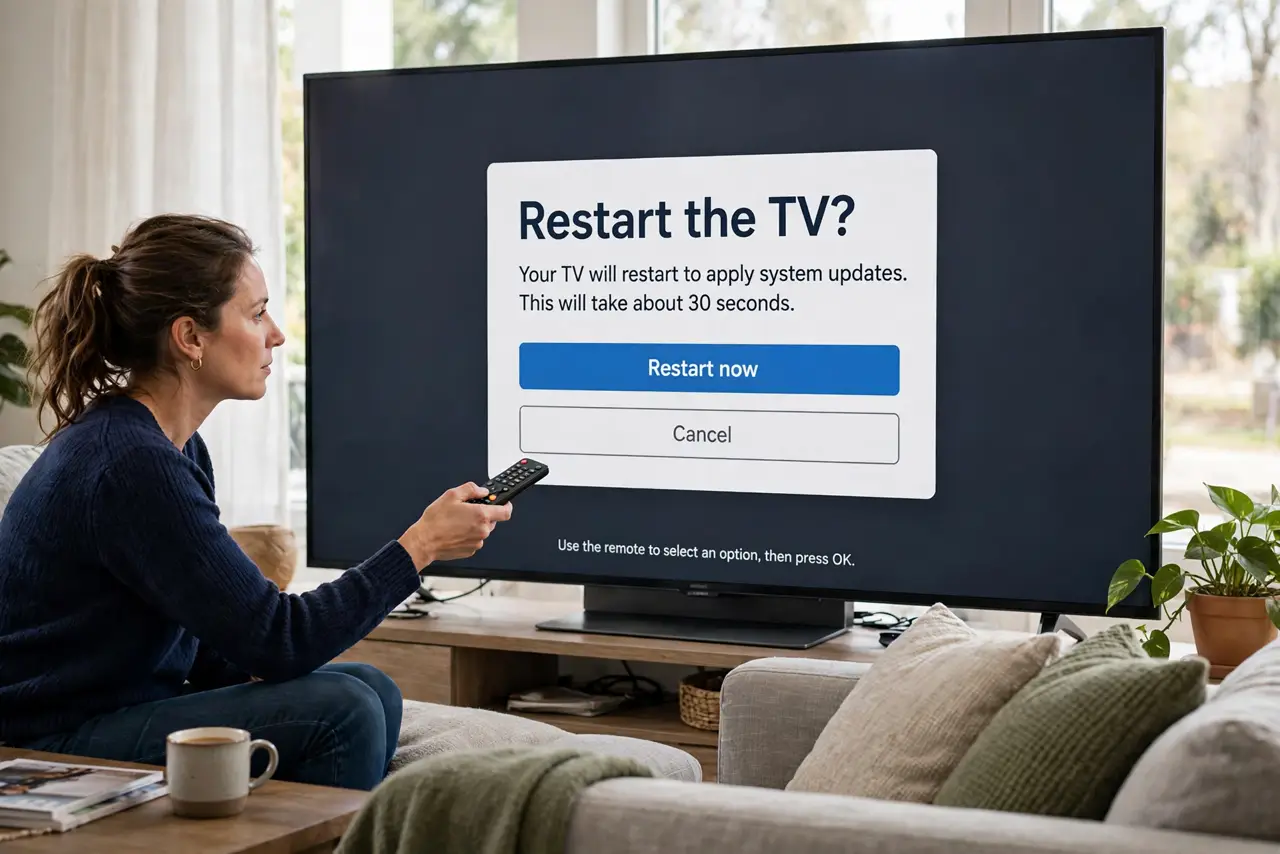
- Update the TV's software. Old smart-TV firmware has buggy Wi-Fi drivers. Check for updates in the TV's settings — it is a two-minute job that fixes real issues.
What NOT to do
- Do not upgrade your internet plan first. If the phone streams fine, the plan is fine — the bottleneck is the TV's connection.
- Do not factory-reset the TV as step one. You will lose all logins and settings for a problem that is almost certainly the Wi-Fi signal.
- Do not hide the router behind the TV. The TV's own electronics and metal back interfere with the signal the TV is trying to receive.
- Do not ignore the time of day. If it only buffers at 8 PM, check whether evening congestion is the real cause before blaming the TV.
Frequently asked questions
Why does my phone stream fine but the TV buffers?
Phones have newer, stronger Wi-Fi radios and move around. TVs have weak radios, sit far from routers, and often use the slow band.
Will a new streaming stick fix it?
Often yes — a modern stick has a better Wi-Fi radio than an old smart TV, and it is cheaper than a new TV.
How fast does the TV's connection need to be?
About 25 Mbps for 4K. Run a speed test at the TV's spot; anything above that with low buffering elsewhere points at the TV's radio.