Follower List Changed? Find What Happened
New follows you did not add, or friends who vanished, can come from a connected app, a shared device, or someone with your password. Review the list calmly, remove what you did not choose, and check who can act for your account.
TL;DR / Quick Fix
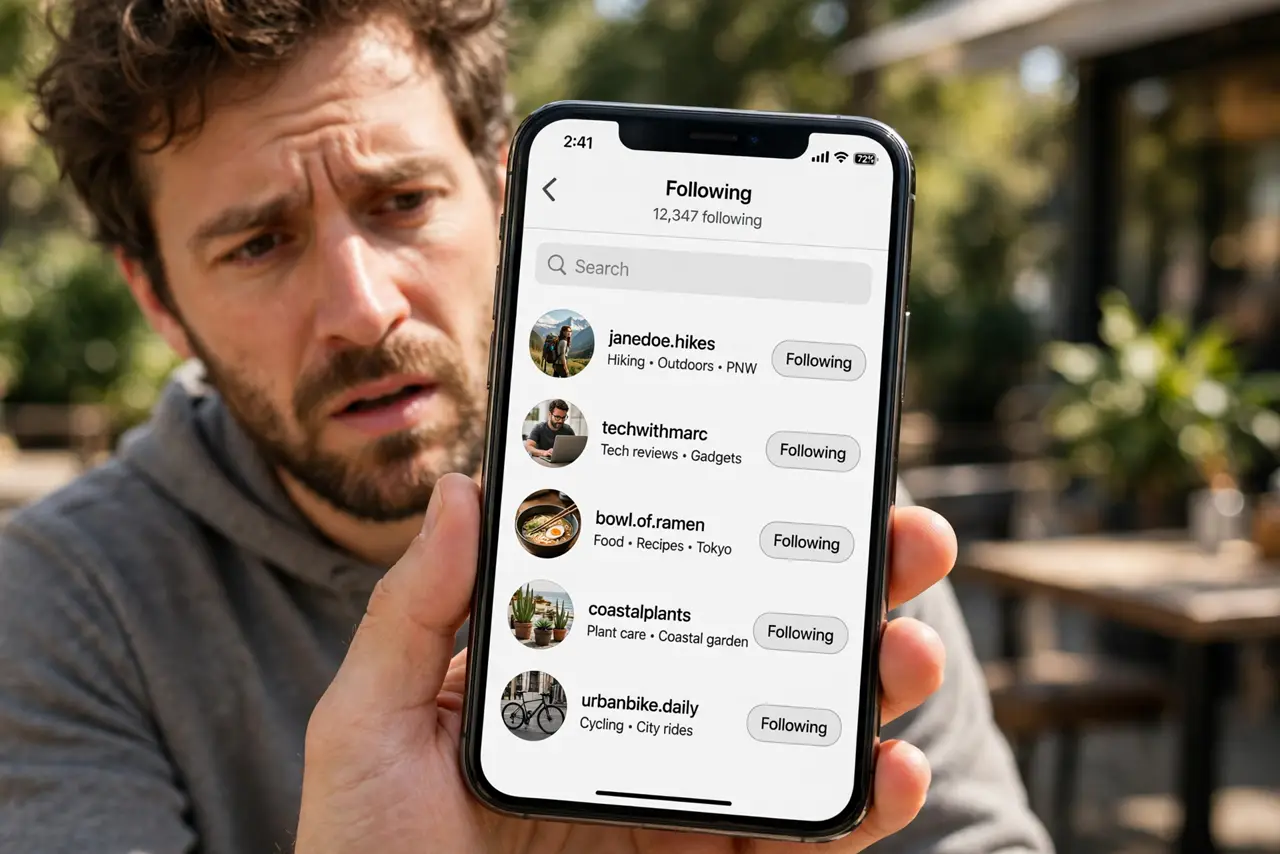
Quick fix: open your following list and remove accounts you did not follow. Then check connected apps, change your password if anything looks unfamiliar, sign out other sessions, and turn on two-factor authentication. Remove strangers, revoke access, and recheck soon.
Follow these steps
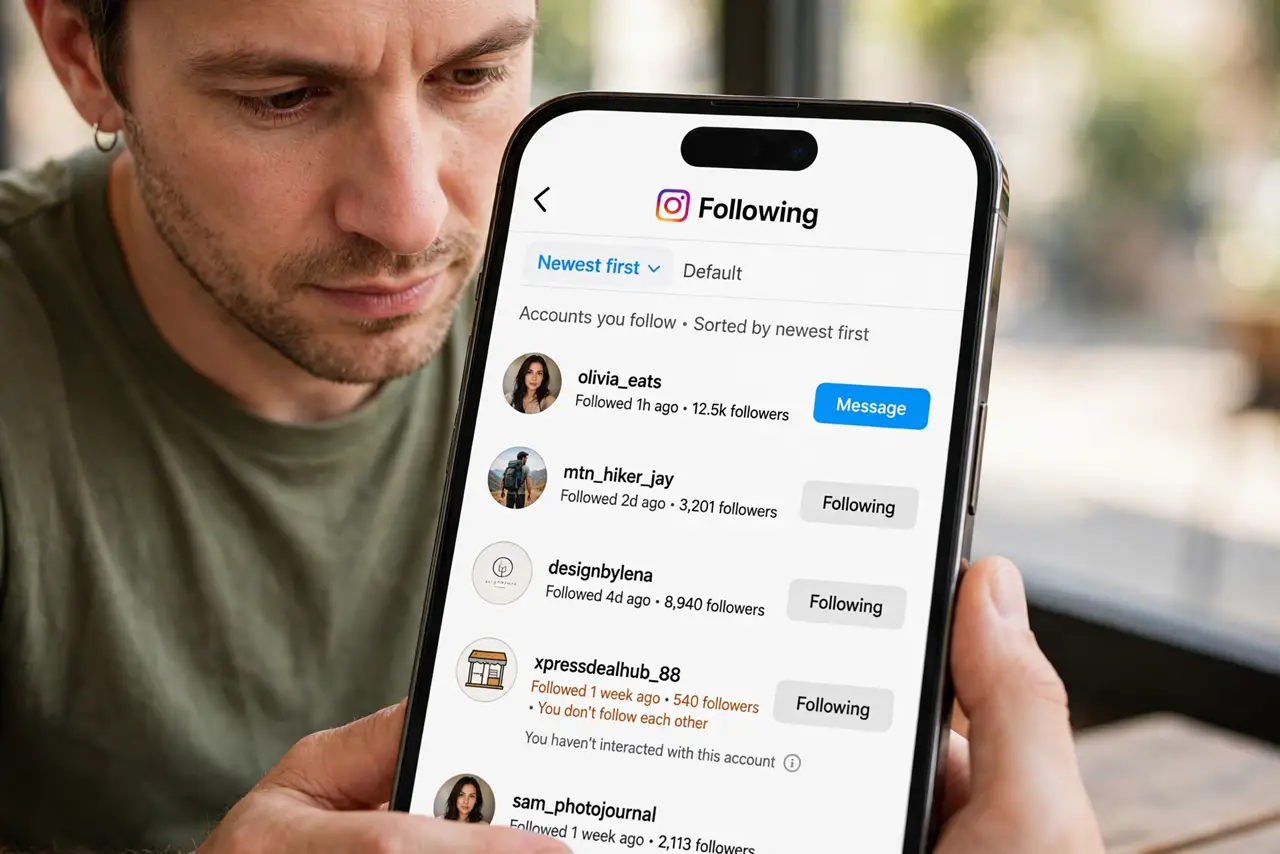
- Open your following list. Look through the accounts you follow, newest first if the app allows it. Note any account you do not recognize, especially ones added recently.
- Remove follows you did not add. Unfollow each unfamiliar account. If a large number appeared at once, remove them in batches and note the pattern for later checks.
- Check your followers too. Look for new followers that look like spam accounts, and remove or block them if the app offers that option. A sudden spam wave often follows a connected-app problem.
- Review connected apps. In settings, check apps and websites connected to your account. Remove anything you do not recognize, especially tools that promise followers or growth.
- Change the password if anything is unfamiliar. If follows appeared without you, set a fresh, unique password and sign out other sessions. This stops anyone using an old password from adding more.
- Turn on two-factor authentication. Turn on two-factor authentication and confirm recovery details belong to you. Then recheck the list after a few days to confirm it stays clean.
What NOT to do
- Do not buy a follower-cleanup tool that asks for your password. It can be the cause of the problem.
- Do not unfollow real friends in a panic without checking. Remove only accounts you truly do not recognize.
- Do not ignore a changed list because it seems harmless. Unwanted follows often signal wider account access.
- Do not share your login with a friend or tool to fix the list faster. Change the password yourself instead.
Frequently asked questions
Why would follows change without a hack?
A connected app with permission to follow accounts can do it, and so can someone using a device where you stayed signed in.
What if friends say I unfollowed them?
Check whether your following list changed during a period of unknown access, and refollow only people you actually want to follow.
How often should I check?
A quick look after any odd activity is enough. A regular monthly check of connected apps catches most problems early.