Social Account Posting Things You Did Not Post?
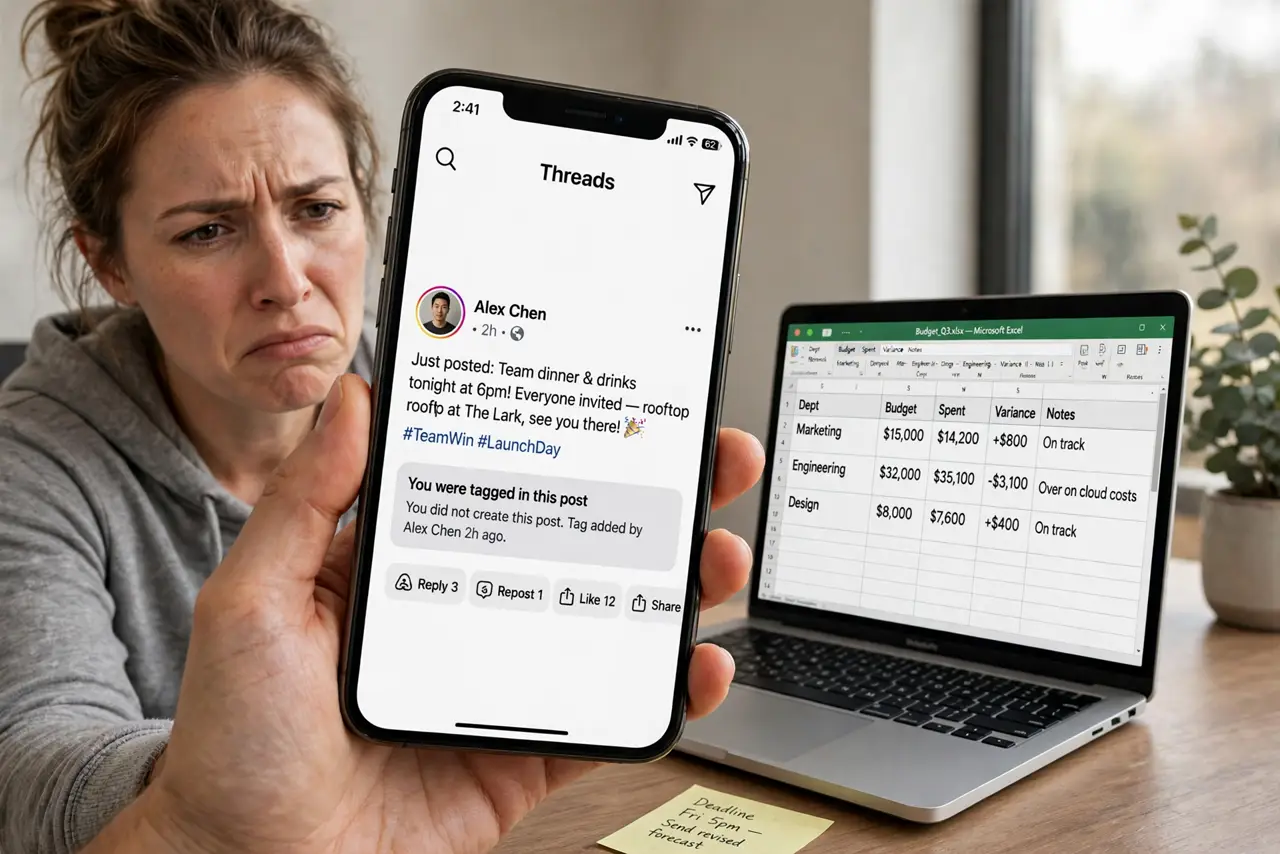
Strange posts, messages, or follows from your social account usually mean someone else signed in, or an app you connected is posting for you. Change the password, remove unknown access, and clean up what was posted.
TL;DR / Quick Fix
Quick fix: change your password from the official app, sign out other sessions, and remove connected apps you do not recognize. Delete posts and messages you did not make, warn friends that recent odd posts were not yours, and turn on two-factor authentication.
Follow these steps
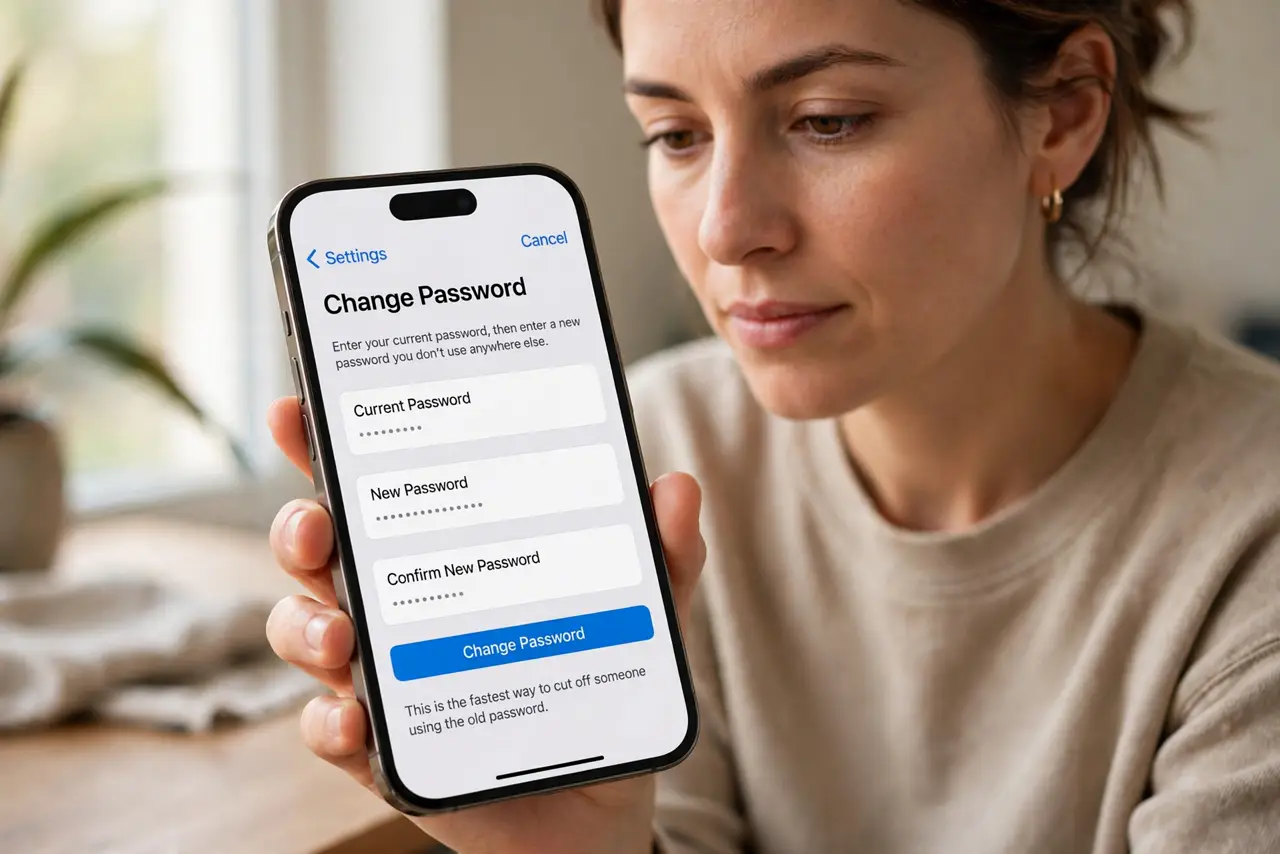
- Change your password at once. Open the official app yourself and set a fresh password you do not use anywhere else. This is the fastest way to cut off someone using the old one.
- Sign out other sessions. In account settings, look for sessions or logged-in devices, and sign out anything you do not recognize. Keep only the devices you actually use.
- Remove connected apps you do not recognize. Check connected apps and websites in settings. Remove anything unfamiliar, especially apps with permission to post, read messages, or manage your account.
- Delete posts and messages you did not make. Go through recent posts, stories, and sent messages, and delete anything you did not create. Check drafts and scheduled posts too, if the app offers them.
- Warn friends briefly. Post a short note, or message close contacts, saying recent strange posts were not yours and not to click their links. Keep it simple and factual.
- Turn on two-factor authentication. Turn on two-factor authentication and review recovery details. A second factor stops a stolen password from being enough on its own.
What NOT to do
- Do not just delete the posts and leave the password unchanged. The intruder will post again.
- Do not click links in the strange posts to see where they lead. They may be the trap that started the problem.
- Do not grant a new app posting permission to fix the problem. Remove access first, then add back only apps you trust.
- Do not share your new password with anyone offering to clean up the account for you.
Frequently asked questions
What if the posts came from a connected app, not a hacker?
Removing that app stops the posts. Change the password anyway, since the app may have stored it, and check what else it could access.
What if I cannot sign in?
Use official account recovery from the real app or site, and follow its identity checks. Do not pay anyone offering faster recovery.
Should I report the account?
Report the strange posts through the app reporting tools if they break the rules, and report the account as compromised if that option is offered.