Speaker Crackles at High Volume? Fix It
Your speaker sounds fine at low volume, but push it past halfway and the sound breaks into crackle and buzz. That distortion usually means the driver is overdriven or something in the chain is loose — and it is almost always fixable without buying a new speaker. This guide walks through the safe checks in order.
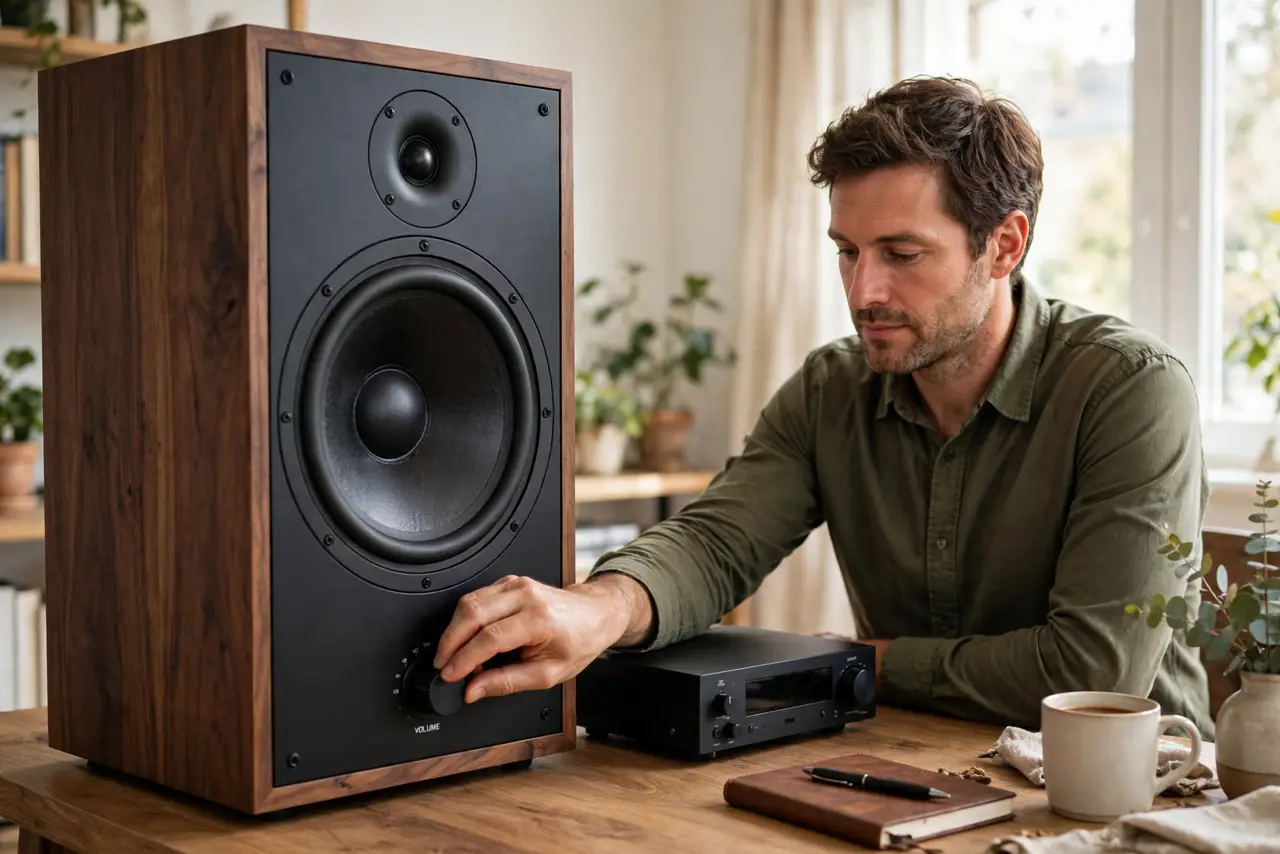
TL;DR / Quick Fix
Quick fix: lower the volume below the crackle point, tighten every cable, and disable bass boost or EQ at the source. If only one app or device crackles, that source is at fault. Persistent crackle on a [[Bluetooth connection|audio-crackles-on-bluetooth-only]] points to a dying driver.
Follow these steps
- Find the volume where the crackle starts. Play familiar music and raise the volume slowly until you hear the first crackle. Knowing the exact threshold tells you whether the speaker is simply overdriven or failing at normal levels.
- Cut bass boost and EQ at the source. Turn off bass boost, loudness, and any aggressive EQ preset on the phone or computer. Low-frequency boost pushes the driver hardest, so flattening the EQ often ends the distortion instantly.
- Tighten and reseat every connection. Unplug and firmly replug the audio cable or speaker wires at both ends. A half-seated plug or corroded contact crackles under load, exactly like a dying driver — so rule cables out first.
- Test with a different source and cable. Play the same track from another device with a different cable. If the crackle follows the speaker, the speaker is the problem; if it follows the device, the source is the problem.
- Try a wired connection instead of Bluetooth. Bluetooth adds compression and interference that can crackle at high volume — see the guide on Bluetooth-only crackling. If wired playback is clean, the driver is fine and the wireless link is the weak point.
- Accept a blown driver when it crackles everywhere. If the speaker crackles on every source, every cable, and at modest volume, the driver cone is likely damaged. Replacing the speaker is the honest fix — no setting can repair a torn cone.
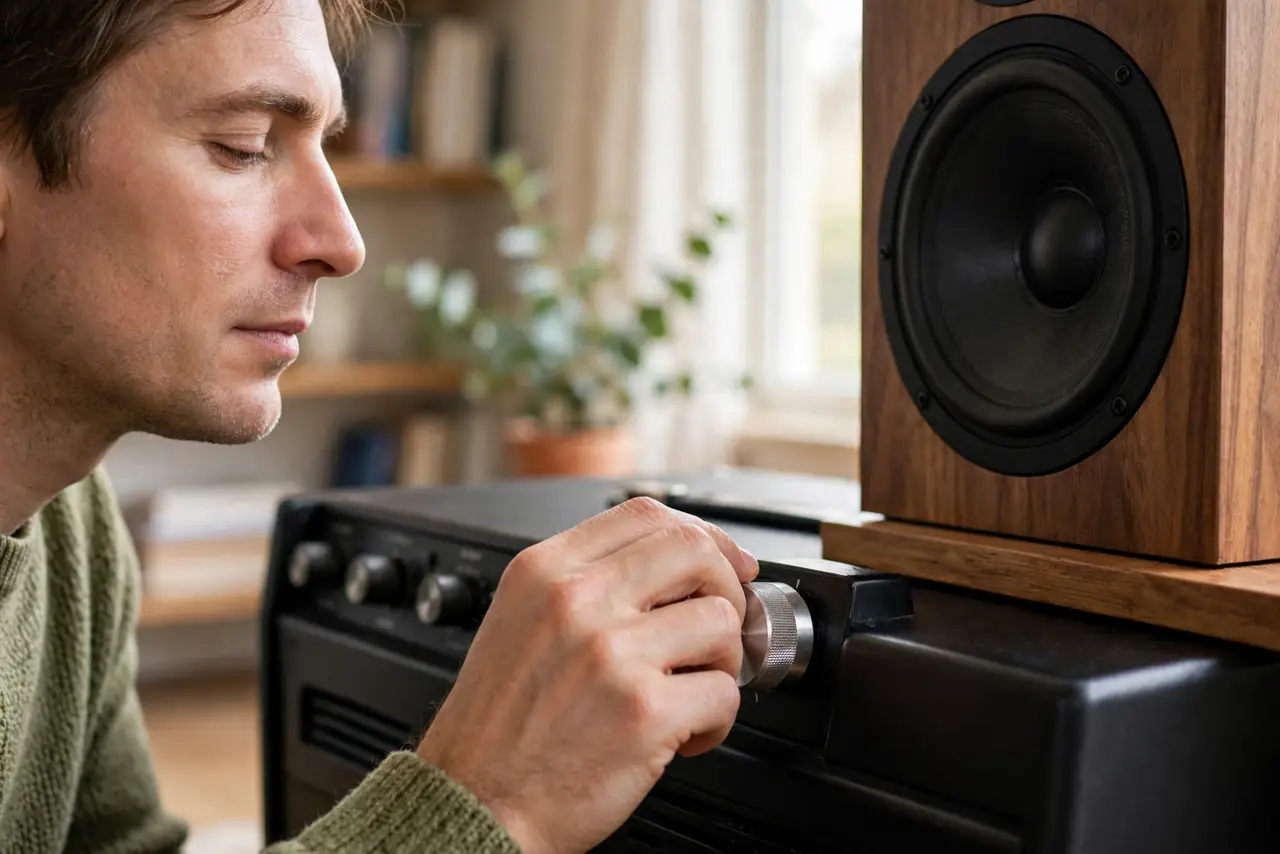
What NOT to do
- Do not crank a crackling speaker louder to 'push through it.' More power through a distressed driver tears the cone further and turns a repair into a replacement.
- Do not assume the speaker is dead before testing cables and sources. Most volume-dependent crackle is a loose connection or an overdriven EQ, not a blown driver.
- Do not use a damaged cable with exposed strands. Frayed speaker wire can short the amplifier, which is a much more expensive failure than a new cable.
- Do not ignore the smell of hot electronics. A burning smell means the voice coil is overheating — stop, turn the volume down, and let the speaker cool before any further testing.
Frequently asked questions
Why does my speaker crackle only at high volume?
Because the driver is pushed past its clean range — by volume, by bass boost, or by a weak amplifier clipping. Reduce the load first; damage is the last explanation, not the first.
Can a cable cause crackling?
Yes, and it is one of the most common causes. A loose or corroded connection passes clean audio at low volume but breaks up under louder, more demanding signals.
Is crackling the same as clipping?
They sound similar but differ: clipping comes from an overdriven amplifier or boosted source signal, while crackling from a damaged driver happens at any volume. If flattening the EQ fixes it, it was clipping.