Spreadsheet Currency Symbol Wrong? Fix It
A wrong currency symbol usually means the cell format or the spreadsheet locale points to another currency. Setting the currency format on the cells fixes the symbol without changing the numbers underneath.
TL;DR / Quick Fix
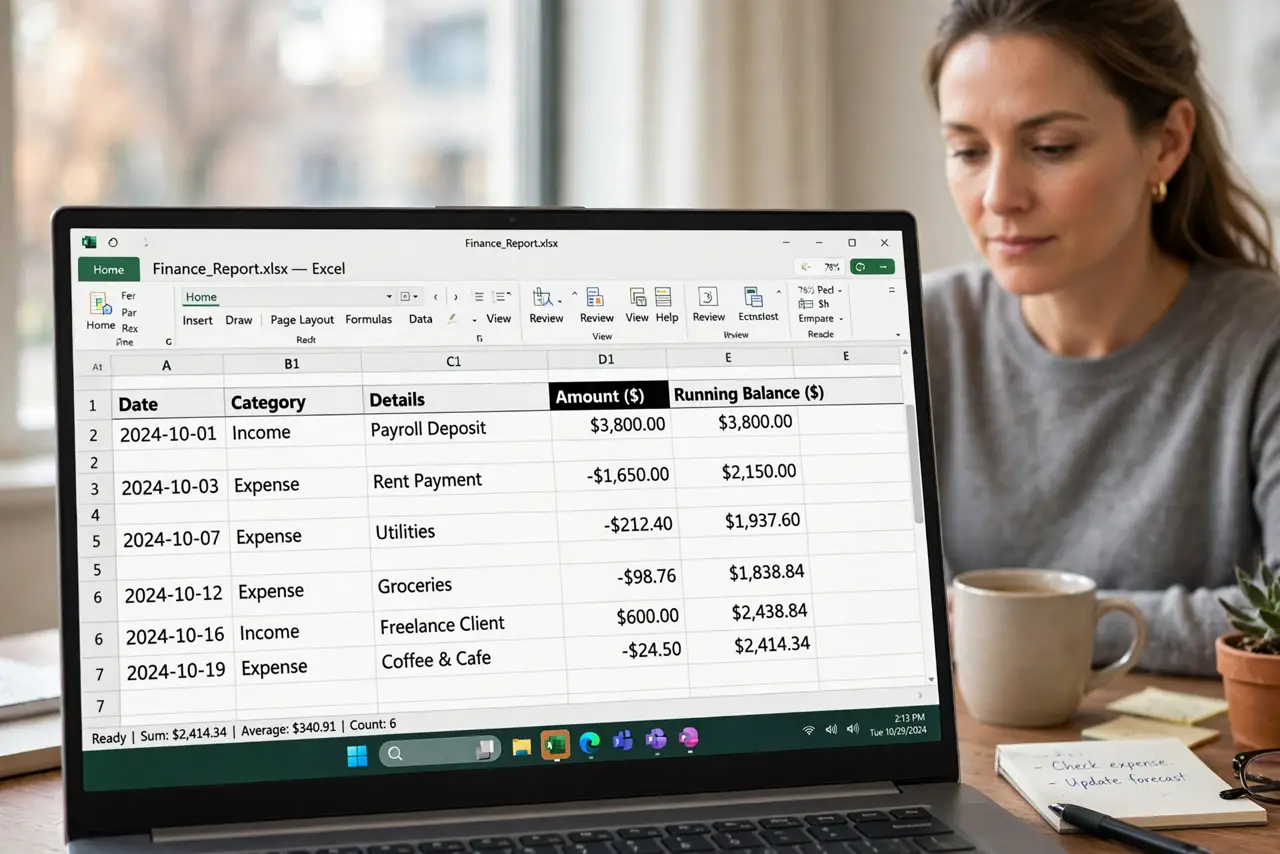
Quick fix: select the money cells, set the currency format to your currency, and check the spreadsheet locale matches your region. Then verify a few values, since the symbol change should not alter the numbers themselves. Last, apply the format to new entries too to confirm it.
Follow these steps
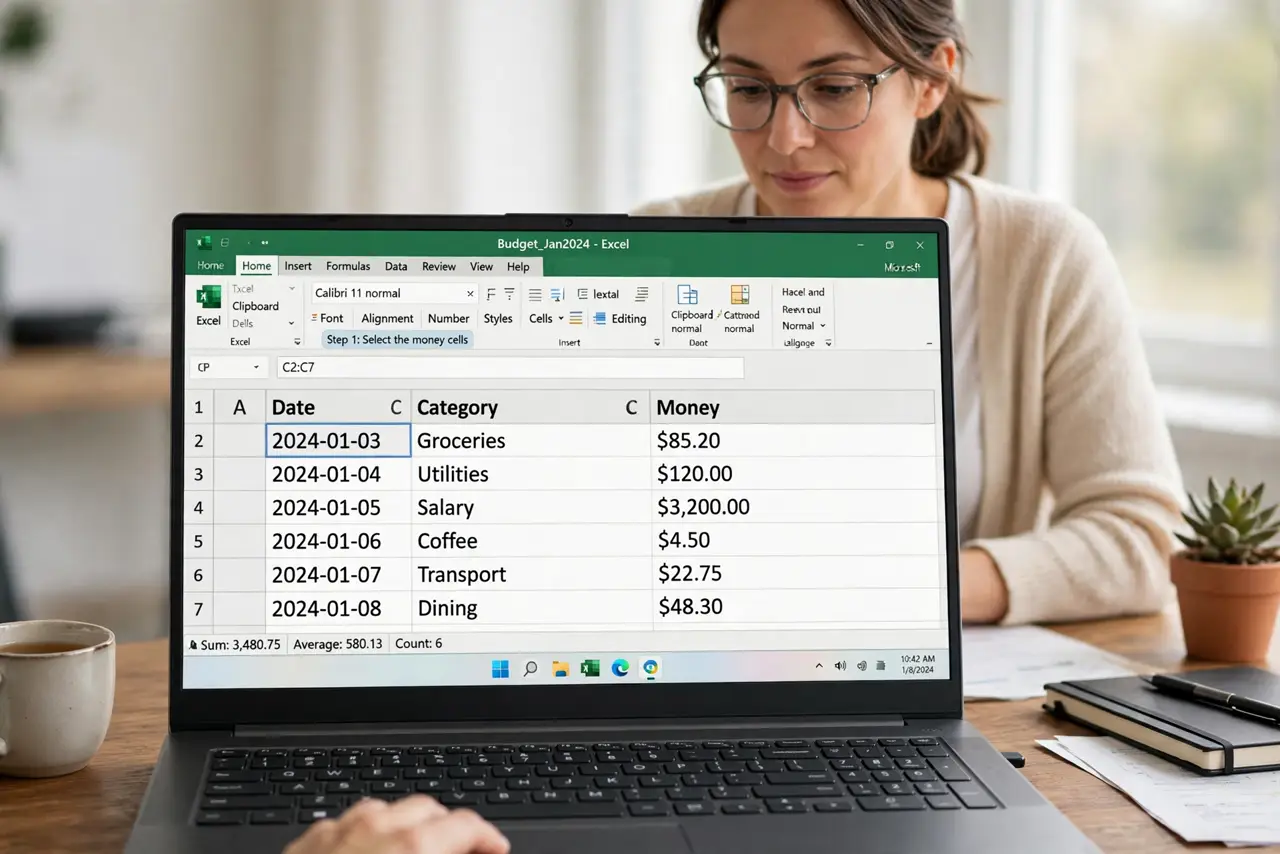
- Select the money cells. Select the cells that hold money values, not the whole sheet. Formatting only the money cells avoids changing dates or plain numbers elsewhere.
- Set the currency format explicitly. Open format options, choose Currency, and pick your currency. An explicit currency format replaces the symbol the locale guessed.
- Check the spreadsheet locale. Confirm the spreadsheet locale matches your region. A locale for another country can default money cells to that country's currency.
- Check for text values pretending to be money. Look for values that align left or fail to total. Money stored as text will not take a currency format until it is converted to numbers.
- Verify the numbers did not change. After the format change, check several totals. A symbol fix should change only the symbol, never the underlying values.
- Apply the format to new entries too. Format the empty cells below the money column as currency as well. New entries then inherit the right symbol automatically.
What NOT to do
- Do not type the currency symbol into the cell value. A typed symbol turns the number into text and breaks totals.
- Do not change the device region to fix one sheet. The spreadsheet locale and cell format are the right places.
- Do not mix currencies in one column without labels. Mixed symbols in one total column produce meaningless sums.
- Do not assume a correct symbol means correct values. Check totals after any format change.
Frequently asked questions
Why does my sheet show the wrong currency?
The cell format or the spreadsheet locale defaults to another currency, often from a template or an import.
Will changing the symbol change my totals?
No. Formatting changes only how values display, not the numbers underneath, provided the values are real numbers.
What if only some cells show the wrong symbol?
Those cells have a different format. Select them and apply the same currency format as the rest.