Spreadsheet Date Changes Format? Fix It
A date changes format when the cell format, the locale, or the way you typed it disagree. Setting the cell format explicitly, and typing dates one consistent way, stops the shifting.
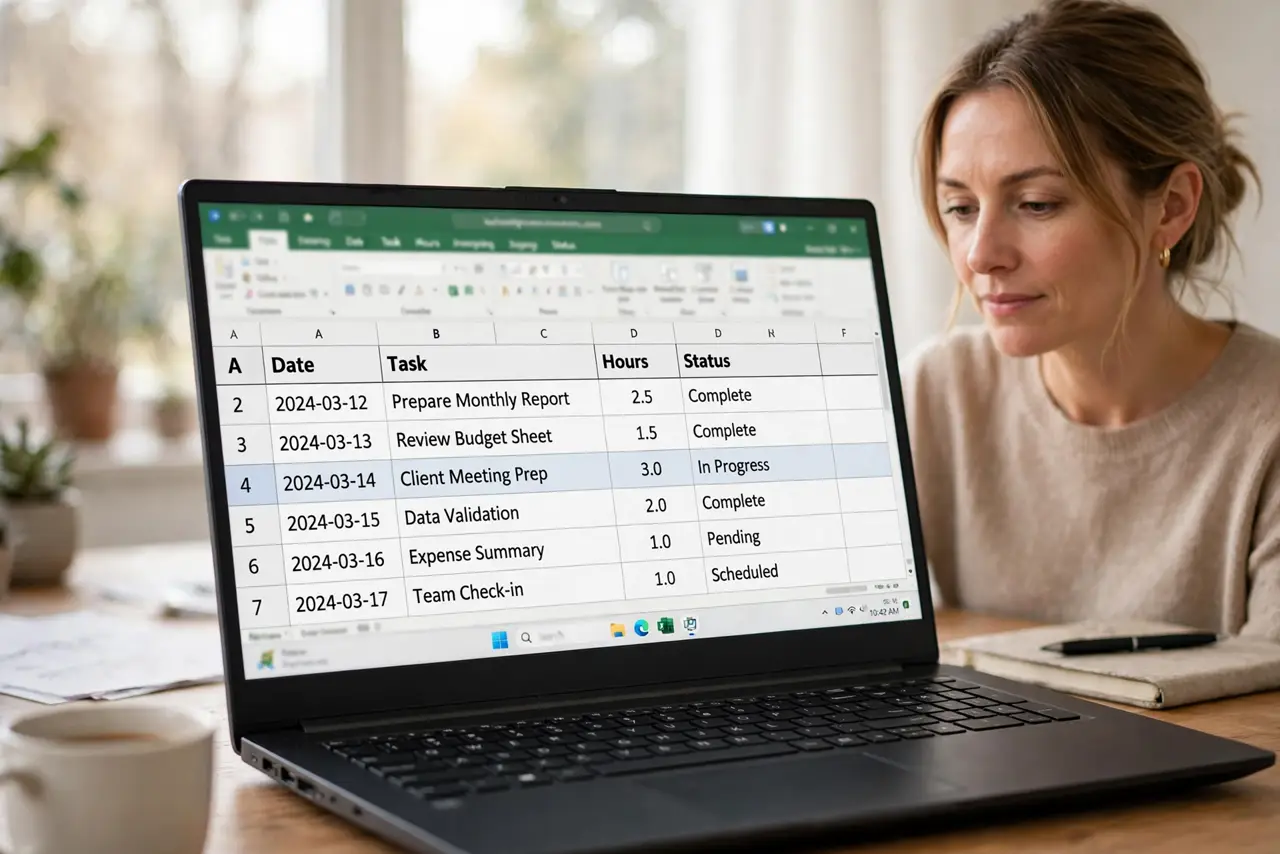
TL;DR / Quick Fix
Quick fix: select the date cells, set an explicit date format, and check the spreadsheet locale matches your region. Then re-enter any dates that still look wrong, using the same format every time. Last, test with a new date entry to confirm it.
Follow these steps
- Select the date cells and set an explicit format. Select the affected cells, open format options, and choose an explicit date format, such as day, month, year in full. An explicit format stops the app from guessing.
- Check the spreadsheet locale. Confirm the spreadsheet locale or region matches where you live. A locale that reads month first will reinterpret a day-first date, and vice versa.
- Re-enter dates that still look wrong. Delete and retype any dates that still display incorrectly after the format change. A date stored as text will not obey a new format until it is re-entered.
- Enter dates one consistent way. Pick one way to type dates, such as year-month-day, and use it everywhere. Consistent entry prevents the app from guessing differently each time.
- Check imported dates separately. Dates pasted or imported from another file often arrive as text. Format and re-enter imported dates, rather than assuming they match your local format.
- Test with a new date entry. Type a new date in an empty cell and check it displays correctly. A correct new entry confirms the format fix worked.
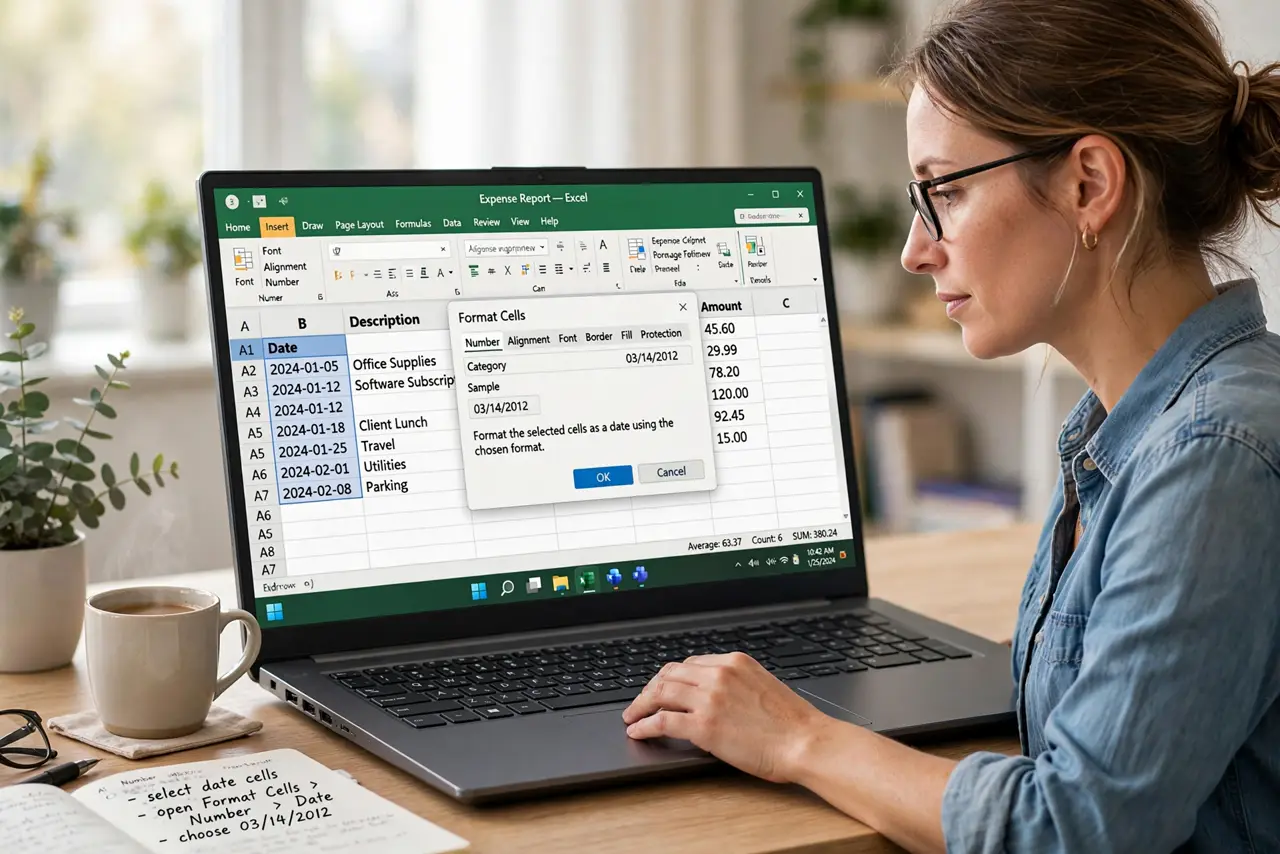
What NOT to do
- Do not type dates as plain numbers without separators. Ambiguous numbers get reinterpreted by locale and format.
- Do not mix date styles in one column. Mixed styles make sorting and calculations unreliable.
- Do not change the device locale to fix one sheet. The spreadsheet locale is the right place for a sheet-level fix.
- Do not trust a date that only looks right. Check the underlying value, because a displayed date can hide a different stored date.
Frequently asked questions
Why does a date flip day and month?
The locale reads the date in the opposite order, so a day-first date becomes a month-first date.
Why does formatting not fix some dates?
Those dates are stored as text, not as dates, so they ignore format changes until re-entered.
What date format is safest?
Year-month-day is unambiguous across locales, and it sorts correctly as well.