Your First Pivot Table, Step by Step
A pivot table summarizes thousands of rows in seconds, with no formulas to write. You drag fields into boxes, and the sheet builds the summary for you.
TL;DR / Quick Fix
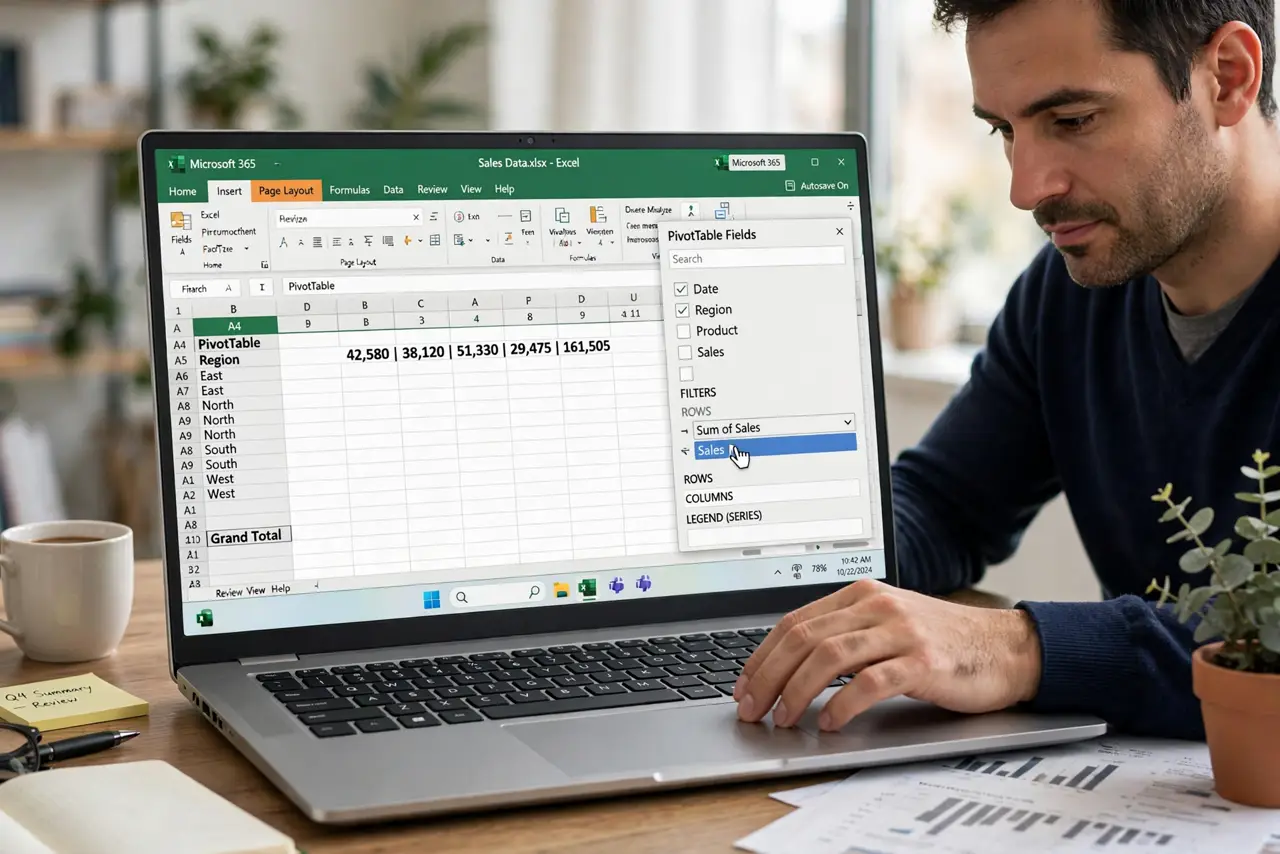
Quick fix: select your data table, insert a pivot table, and drag one text field to rows and one number field to values. Then change the value to sum or count, and read your first summary and refresh the pivot when data changes.
Follow these steps
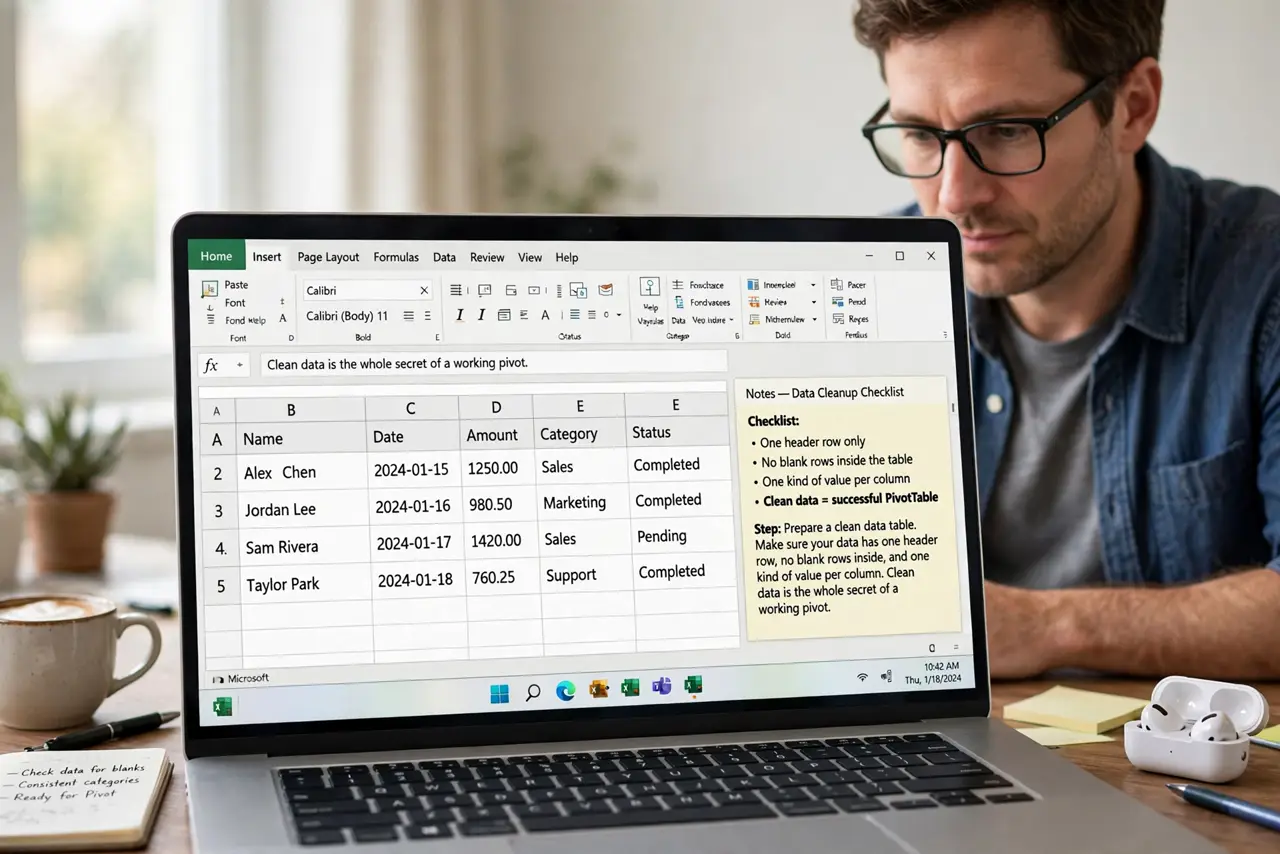
- Prepare a clean data table. Make sure your data has one header row, no blank rows inside, and one kind of value per column. Clean data is the whole secret of a working pivot.
- Insert the pivot table. Select the data and choose pivot table from the insert menu. Put it on a new sheet to keep the summary separate from the raw data.
- Drag a text field to rows. Drag a category field, like region or product, into the rows box. The pivot lists each unique value as a row of the summary.
- Drag a number field to values. Drag a number field, like sales, into the values box. The pivot totals it for each row automatically.
- Set sum or count. Click the value field and choose sum for money or count for items. The wrong aggregation is the most common first-pivot mistake.
- Refresh when data changes. After editing the source data, refresh the pivot. A pivot is a snapshot, and it only updates when you tell it to.
What NOT to do
- Do not build a pivot from messy data. Clean the table first, since blank rows and mixed columns break the summary.
- Do not fear the field list. Dragging fields into boxes is the whole skill, and undo fixes any wrong drag.
- Do not forget to refresh. A pivot shows old totals until you refresh it after data changes.
- Do not write summary formulas by hand first. Try the pivot, since it builds in seconds what formulas take an hour to match.
Frequently asked questions
What is a pivot table?
A tool that summarizes a data table by dragging fields into rows, columns, and values, with no formulas needed.
Why is my pivot empty or wrong?
Usually the source data has blank rows, missing headers, or the value field uses the wrong aggregation.
Do pivot tables update automatically?
No. Refresh the pivot after changing the source data, or it keeps showing old totals.