Stop AirTag Stalking
'AirTag Detected Near You' — the alert is chilling because it means a tiny tracker has been quietly traveling with you, reporting your location to a stranger's phone. Apple built these alerts after real stalking cases, and they work on Android too. Do not panic, do not ignore it: there is a clear sequence — find it, disable it, preserve evidence. This is the AirTag-specific companion to the general Bluetooth tracker guide and unknown tracker alerts.
TL;DR / Quick Fix
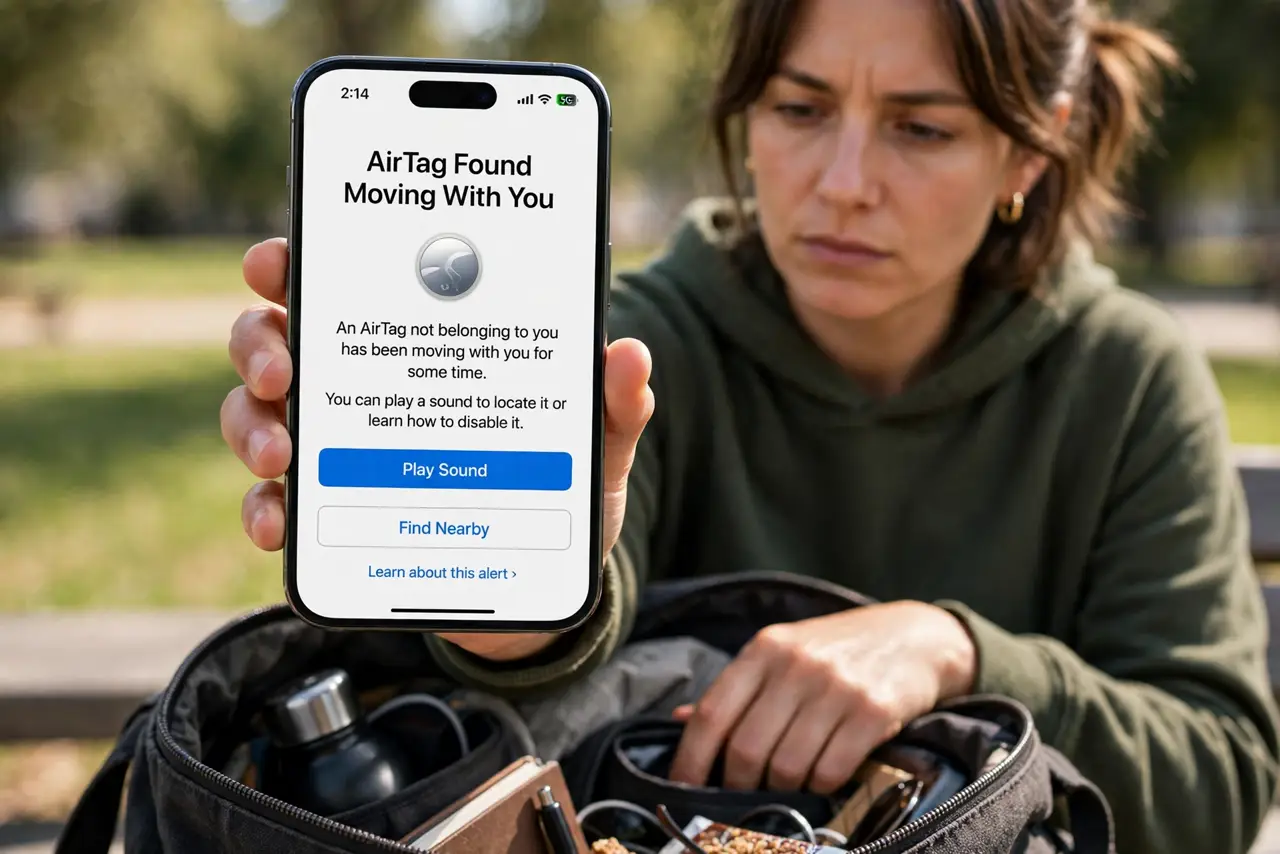
Quick fix: if an unknown AirTag follows you, tap it to play a sound, find the tag, and disable it by twisting off the back and removing the battery. Do not go home if unsafe. Save the tag's serial from the alert screen — it is evidence for police.
Follow these steps
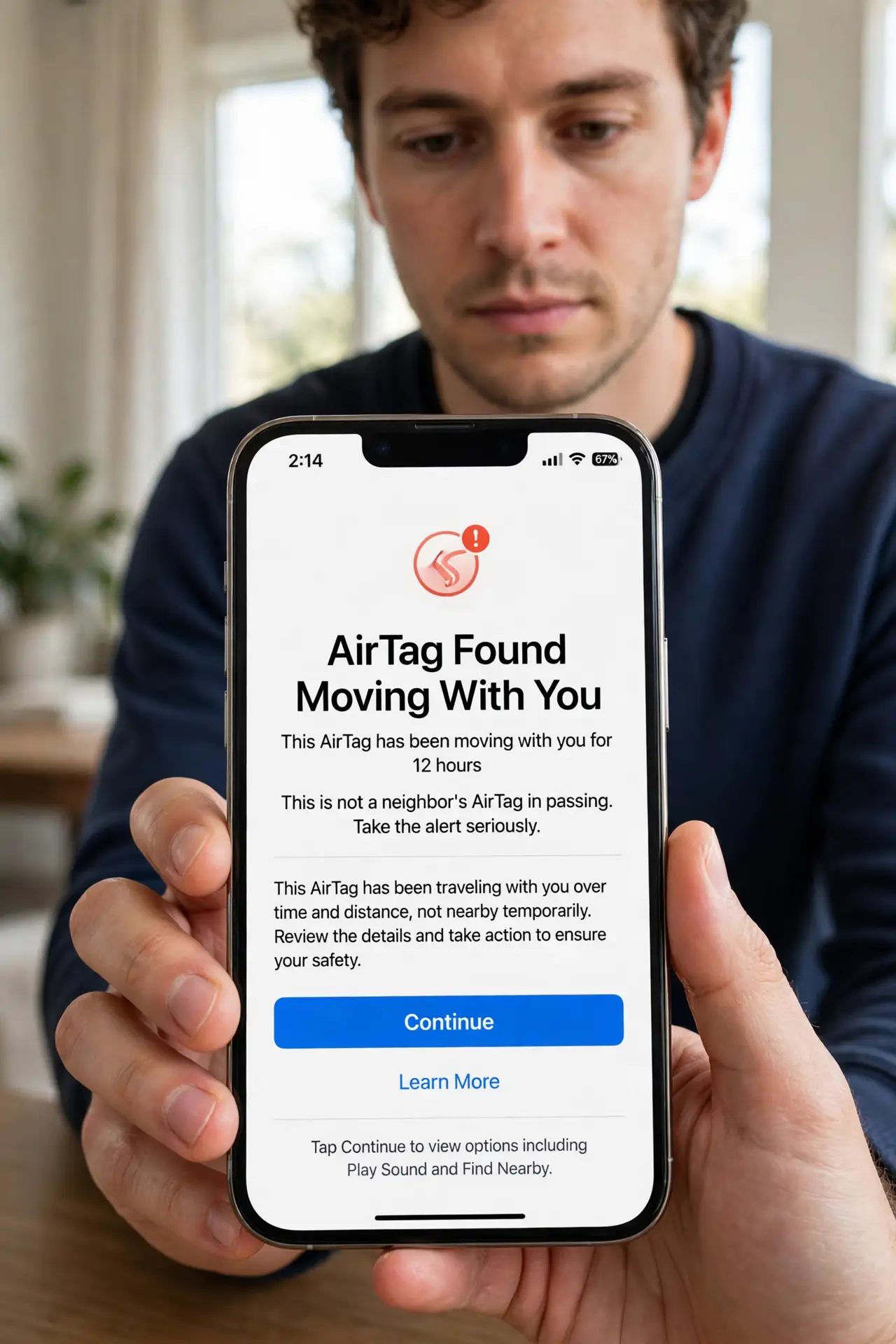
- Take the alert seriously. The alert triggers only after the tag has traveled with you over time and distance — this is not a neighbor's keys in passing. Treat it as real until you prove otherwise.
- Do not go home. If someone planted it, home is what they want to discover. Go somewhere public first — you can deal with the tag there.
- Tap the alert and play the sound. The alert offers 'Play Sound' — the AirTag will chirp. Follow the sound through bags, pockets, coat linings, and car crevices. Move slowly; the chirp is quiet.
- Find the physical tag. It is a coin-sized silver disc, easily slipped into a bag pocket or stuck under a car. Empty bags fully — the tag hides in seams and linings.
- Disable it: twist and remove the battery. First screenshot the alert's tag identifier — Apple can link it to an Apple ID for law enforcement, so capture that evidence now. Then press and twist the steel back counter-clockwise, lift it off, and remove the coin battery. No battery, no tracking — the tag is now an inert disc.
- Consider contacting police. A planted tracker can be a crime. Bring the disabled tag and the screenshot — officers increasingly know exactly what to do with them.
What NOT to do
- Do not ignore the alert as a glitch. The detection criteria are conservative — by the time it fires, the tag has genuinely been following you.
- Do not confront someone you suspect. Disable, document, and let authorities handle people — your safety outranks your curiosity.
- Do not throw away an active tag. It keeps reporting location until the battery is out — disable first, then dispose.
- Do not turn off tracker alerts afterward. The system that warned you is protection — keep it enabled.
Frequently asked questions
How long before the alert appears?
Typically after the tag has been separated from its owner and moving with you for hours. Apple tuned it to avoid false alarms from passing strangers.
Can Android phones detect AirTags?
Yes — Android's unknown-tracker alerts catch AirTags too, and Apple's Tracker Detect app adds manual scanning. Cross-platform stalking gets caught.
What if I cannot hear the chirp?
Try in a quieter place, and check the alert's map showing where the tag was detected traveling with you. Quiet rooms and patience beat rushing.