Stop PS5 Overheating
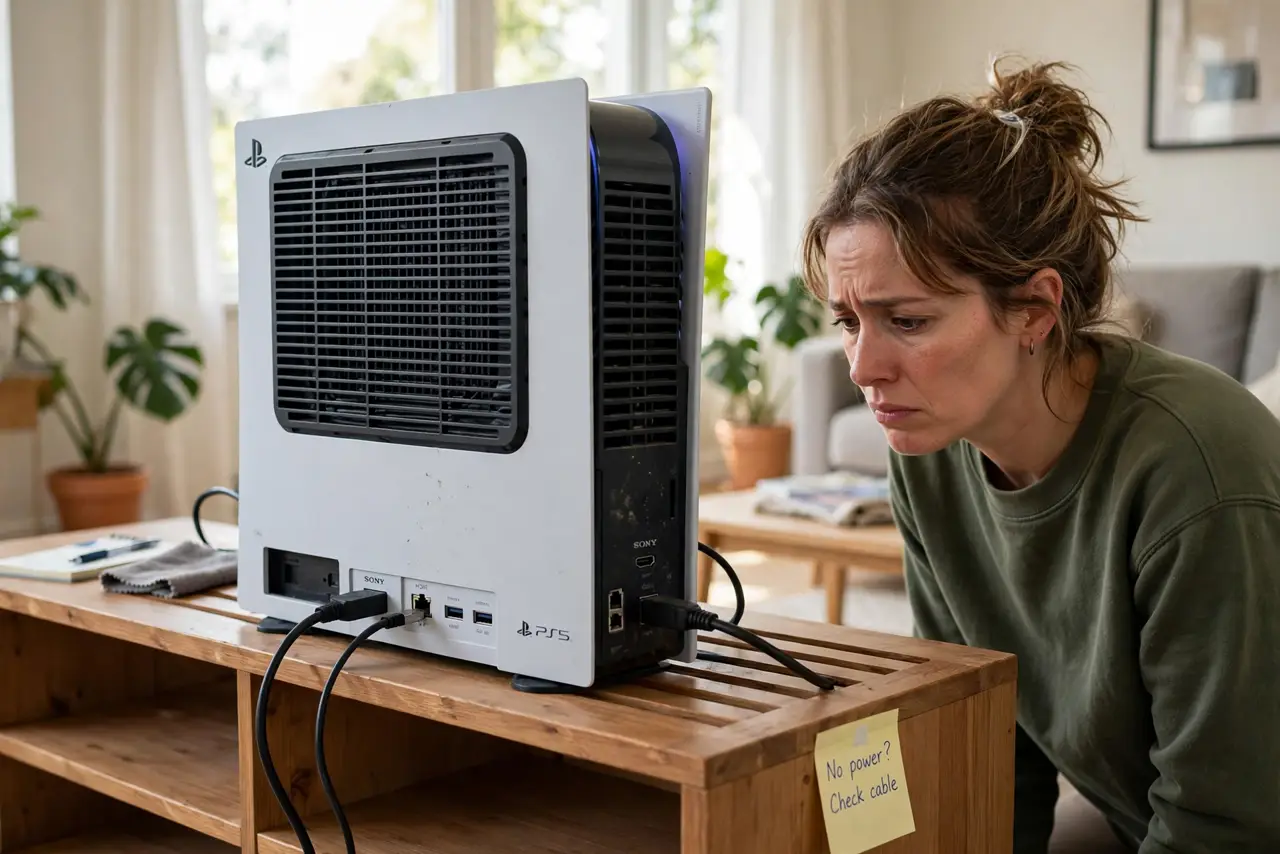
A PS5 that sounds like a hair dryer is telling you it cannot breathe. Consoles pull cool air in and push hot air out, and anything blocking that airflow — a cabinet, dust, a wall inches away — makes the fan scream. Most overheating fixes are free and take minutes. This guide walks through them before you consider any repair.
TL;DR / Quick Fix
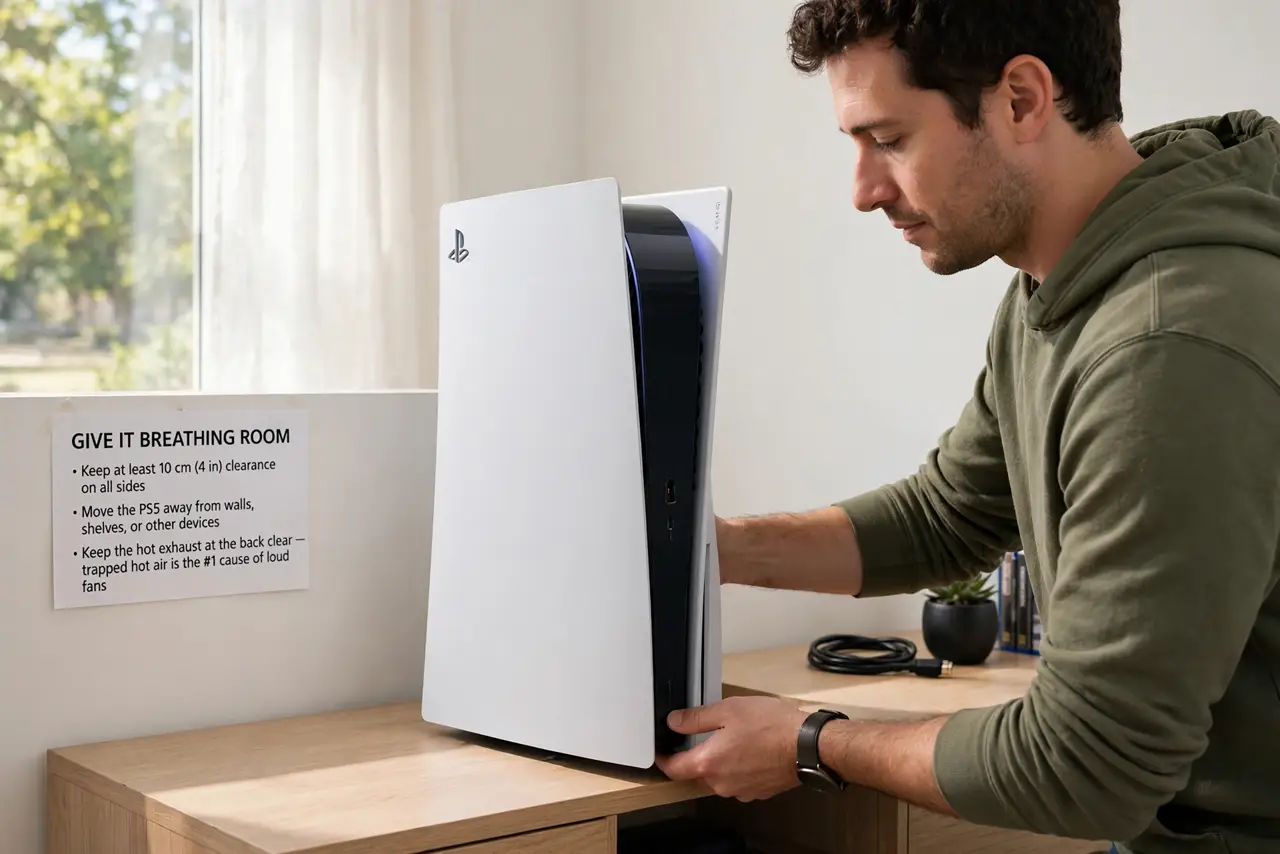
Quick fix: give the PS5 at least 10 cm of clear space on all sides, especially behind the exhaust vents, and move it out of any enclosed cabinet. Vacuum dust from the vents. Most loud, hot consoles quiet down once they can breathe — no tools or repairs needed.
Follow these steps
- Give it breathing room. Move the PS5 so no side is closer than about 10 cm (4 inches) to a wall, shelf, or other device. The hot exhaust at the back needs a clear path — trapped hot air is the number one cause of loud fans.
- Get it out of the cabinet. An enclosed TV cabinet turns into an oven. If the console lives behind a glass door, leave the door open while playing or move the PS5 to an open shelf.
- Clean the vents gently. Power off fully, then use a soft brush or a vacuum on low near the intake and exhaust vents to remove dust. Do not poke anything into the vents — surface dust removal is enough.
- Check the room temperature. Consoles struggle in hot rooms. If the room itself is very warm, even a clean console runs loud — improving room airflow helps everything electronic.
- Confirm it is not a specific game. Some graphically intense games simply push the console harder. If the fan screams in every game and at the dashboard, it is airflow; if only in one title, that is normal load.
- Let it cool before judging. After moving and cleaning, play for an hour. Fans that were screaming from trapped heat usually settle quickly once airflow is fixed.
What NOT to do
- Do not open the console to 'fix' the fan yourself. Opening it risks damage and warranty issues — airflow fixes solve the vast majority of cases.
- Do not lay it in a way that blocks the vents. Check the orientation so no vent faces a wall or the floor directly.
- Do not stack devices on top of the PS5. A router or box on top traps heat exactly where the console vents.
- Do not ignore a console that shuts itself off. Repeated heat shutdowns mean the problem is beyond dust — that is the point to contact support.
Frequently asked questions
Is a loud fan normal on PS5?
Some fan noise under heavy load is normal. Constant jet-engine noise at the dashboard or in light games means an airflow problem.
Should the PS5 stand vertical or horizontal?
Both are officially fine. What matters is clear space around the vents, not the orientation.
Can dust really make that much difference?
Yes — dust blankets the vents and insulates the heat inside. A quick cleaning often drops noise dramatically.