How Much Speed Does 4K Streaming Need?
Streaming services say 4K needs 25 Mbps, but your household never uses just one stream at a time. The real number depends on how many screens, calls, and downloads run together. Here is how to size your speed honestly instead of guessing.
TL;DR / Quick Fix
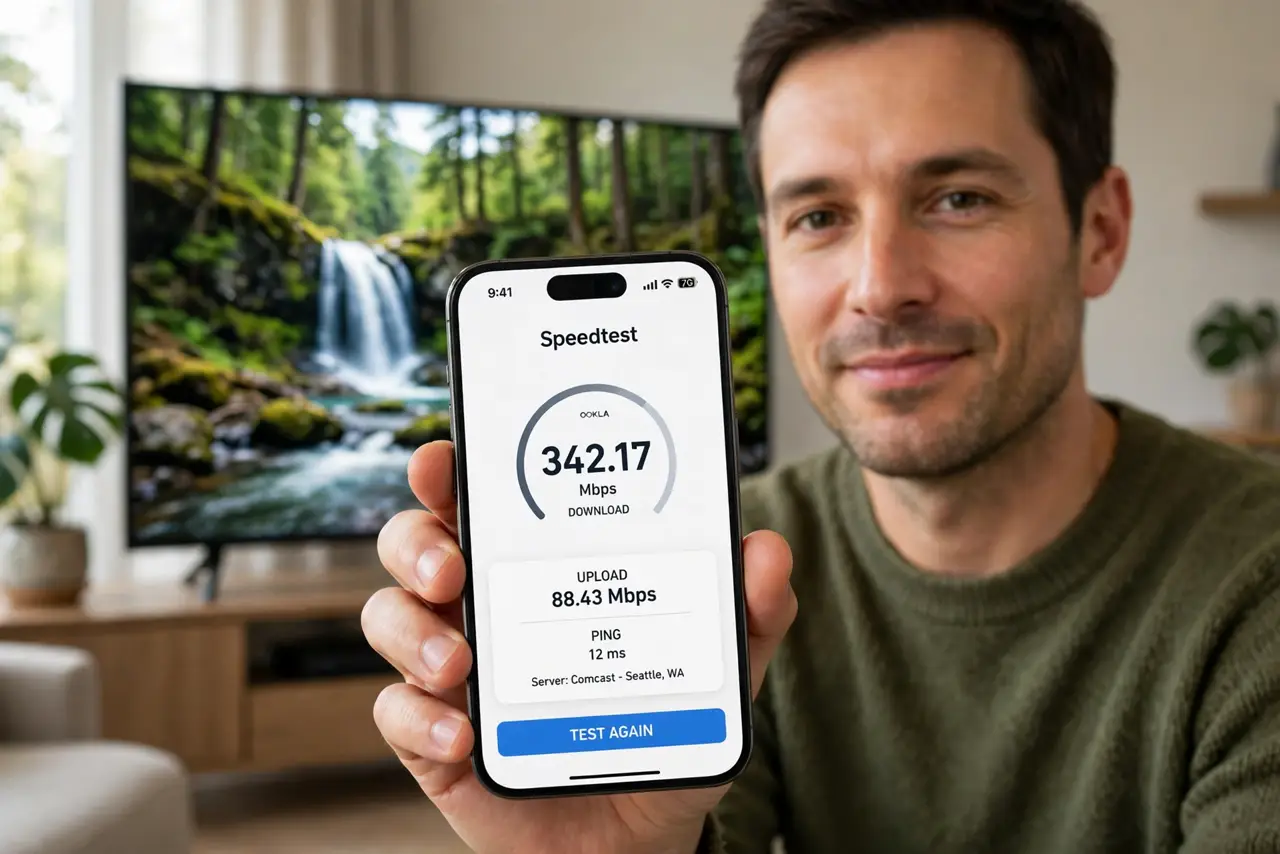
Quick fix: budget 25 Mbps per 4K stream plus 10 Mbps per video call and a cushion for everything else — a two-stream home wants around 75–100 Mbps. Test your real speed at the TV, and remember that [[evening slowdowns|internet-slow-only-at-night]] can halve it.
Follow these steps
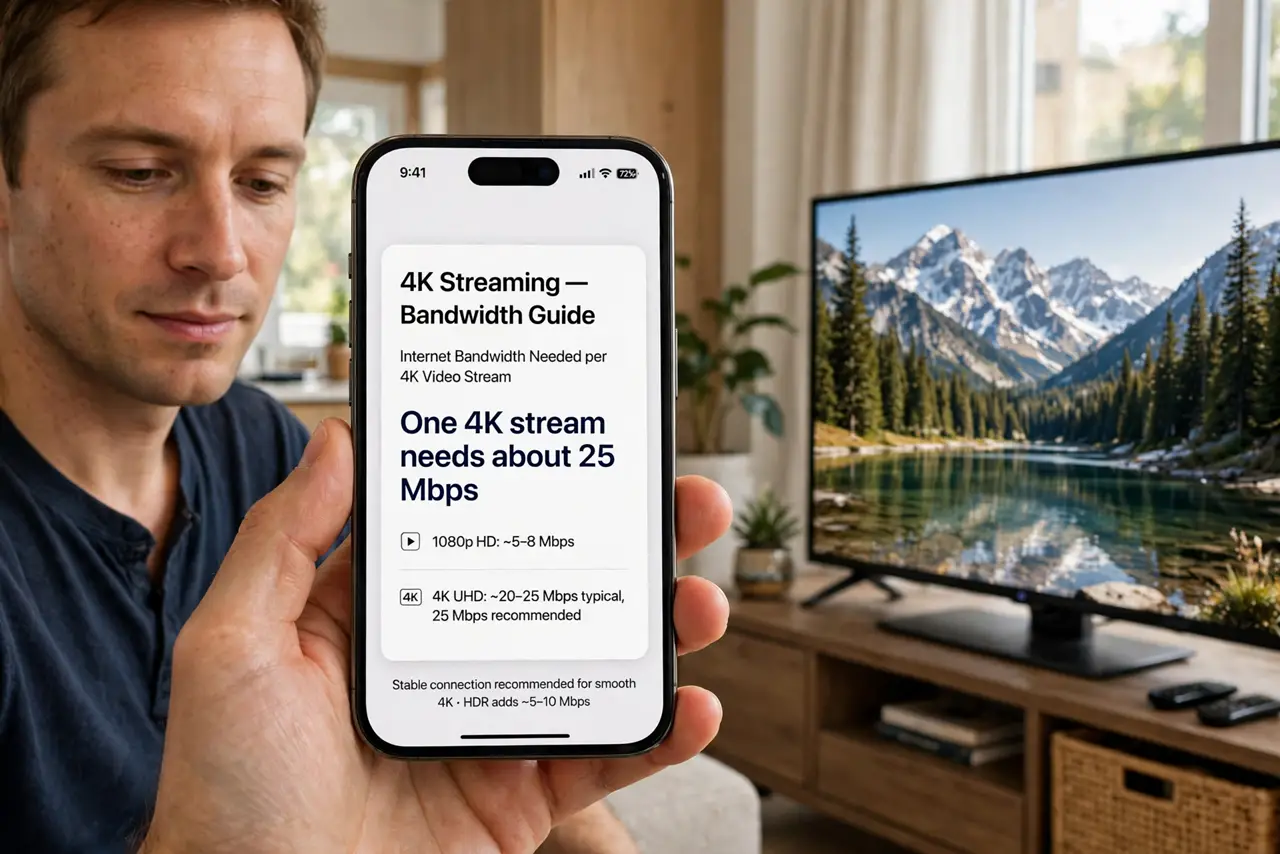
- Learn the per-stream numbers. Netflix and others ask roughly 25 Mbps for 4K, 5–8 for HD. Those are per stream — two 4K TVs need 50 before anything else happens.
- Add up your simultaneous use. Count the busiest hour: two streams, one video call, a game download. Add the numbers and then add a 25 percent cushion for overhead.
- Measure at the device, not the router. Run a speed test on the TV or stick itself. The router may get 200 Mbps while the TV's corner of the room gets 20.
- Check upload too if you video-call. Streaming down is only half the story. Calls need steady upload — about 10 Mbps per call — so verify that number as well.
- Test during your real peak hour. Run the test at 8 PM, not 8 AM. If peak-hour speed collapses, the issue is congestion, not your plan's headline number.
- Upgrade only the bottleneck. If the TV gets 15 Mbps on a 200 Mbps plan, the Wi-Fi is the bottleneck, not the plan. Fix the signal before paying for more speed.
What NOT to do
- Do not buy gigabit for one 4K TV. A single stream needs 25 Mbps; gigabit only helps when many heavy users share the connection.
- Do not trust the plan's advertised number. That is the maximum to the router under ideal conditions, not what the TV gets at 8 PM.
- Do not forget upload speed. Downloads get all the marketing, but choppy video calls are an upload problem.
- Do not run the test once and decide. Speed varies by hour — test at your busiest time for the number that actually matters.
Frequently asked questions
Is 100 Mbps enough for 4K?
For one or two 4K streams plus normal use, yes. Add more headroom if three or more people stream or game at once.
Why does 4K buffer when my plan is 200 Mbps?
The TV may only receive a fraction of that over Wi-Fi. Check the speed at the TV's location before blaming the plan.
Does HDR need more speed than 4K?
Slightly more, but not dramatically. The 25 Mbps guideline already covers typical 4K HDR streams.