Streaming Drops When Someone Starts Gaming
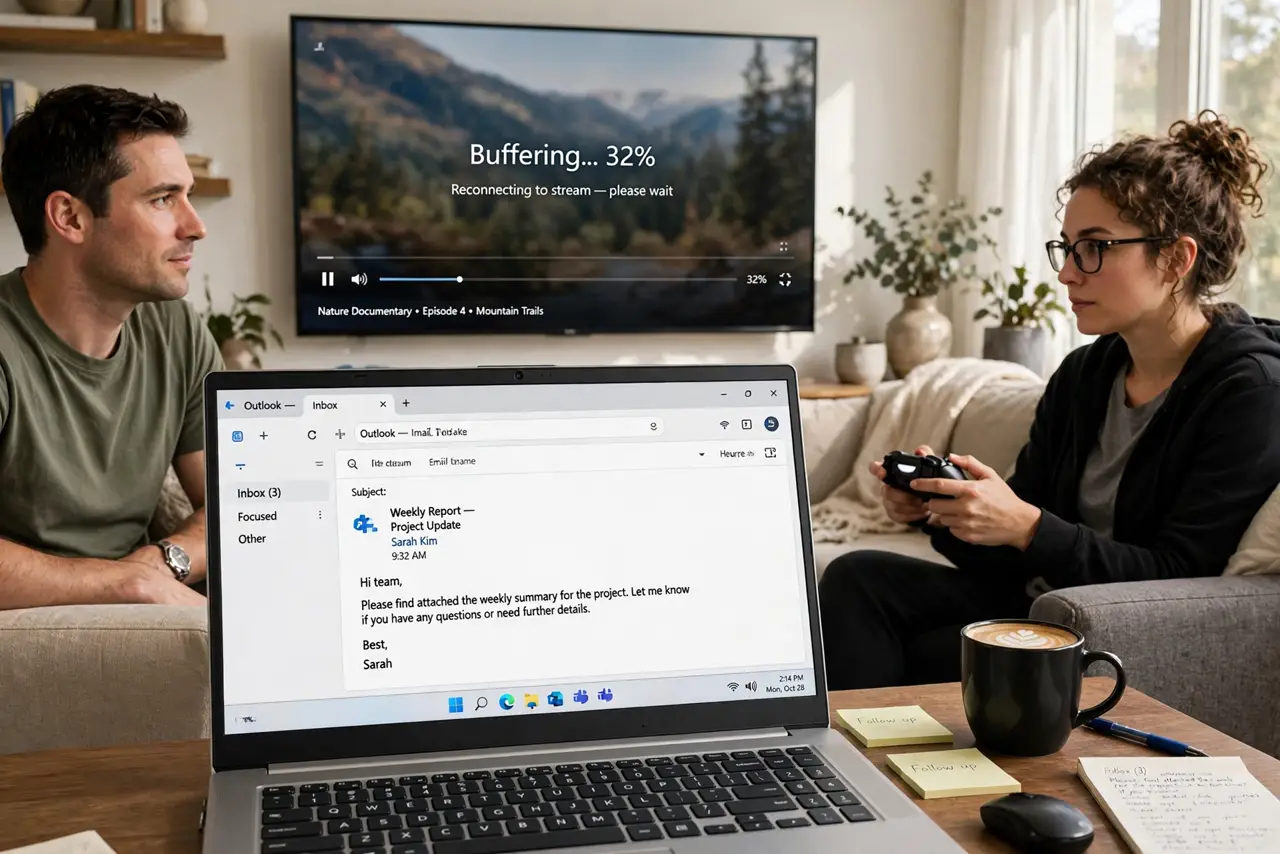
The movie streams perfectly until someone starts gaming — then it buffers, pixelates, or dies. Games do not use much download, but they devour responsiveness, and the stream loses the fight for priority.
TL;DR / Quick Fix
Quick fix: wire the gaming console or PC with ethernet so it stops fighting the stream for Wi-Fi airtime. Then set router QoS to balance gaming and streaming fairly, lower the stream quality one notch, and test both running together.
Follow these steps
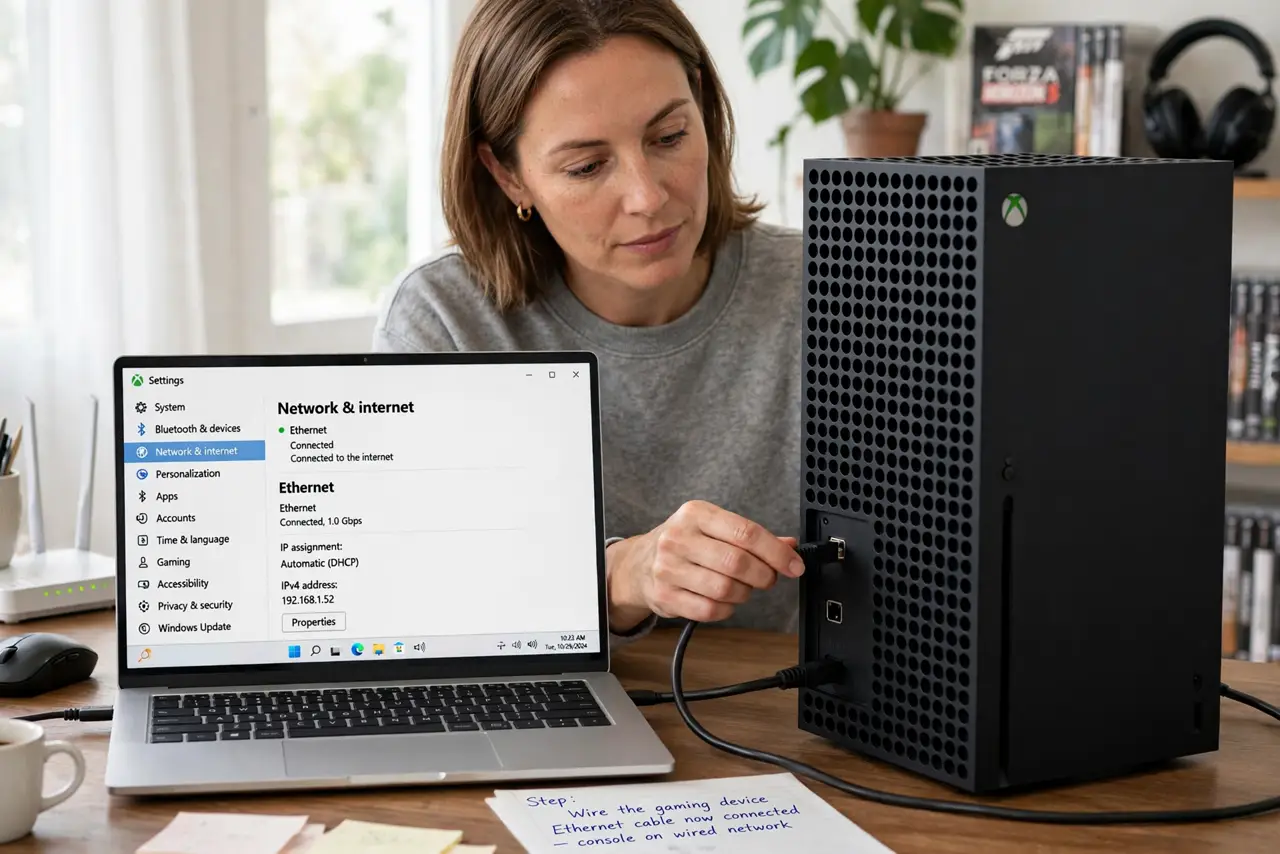
- Wire the gaming device. An ethernet cable takes the console off Wi-Fi entirely. This single change often ends the conflict, since the two no longer share the same wireless airtime.
- Set QoS for both activities. Tell the router that gaming latency and streaming steadiness both matter with QoS for both activities. Without QoS, the router lets one bully the other.
- Lower the stream one quality notch. Dropping from 4K to 1080p frees a large chunk of bandwidth with a difference most viewers barely notice on a normal TV.
- Check the game's background downloads. Consoles download updates while you play, and a background download eats far more than the game itself. Pause updates during streaming hours.
- Test both at once deliberately. Start the game, then start the stream, and watch for ten minutes. A real combined test beats theorizing about which one misbehaves.
- Consider a bandwidth reality check. If both still suffer, the plan itself may be too small for gaming plus streaming — do a bandwidth reality check. Measure before blaming the devices.
What NOT to do
- Do not blame the streaming service first. A stream that works fine until gaming starts is a local network fight, not a service outage.
- Do not game on Wi-Fi and stream on Wi-Fi if you can wire one. Two wireless heavyweights in one room is the worst arrangement for both.
- Do not max the stream quality out of pride. One notch down is invisible from the couch and can be the difference between smooth and stuttering.
- Do not ignore the console's update schedule. A 50-gigabyte update downloading mid-movie explains the worst evenings all by itself.
Frequently asked questions
Why does gaming kill the stream?
Games need instant responses and can saturate upload and airtime, leaving the stream's steady flow starved and stuttering.
Will a faster plan fix it?
It helps, but wiring the console and setting QoS often fix it without spending more each month.
Should the game or the stream get priority?
Balance them. Games need low delay, streams need steady flow, and good QoS gives each what it needs.