Stylus Lags on Your Tablet? Fix It
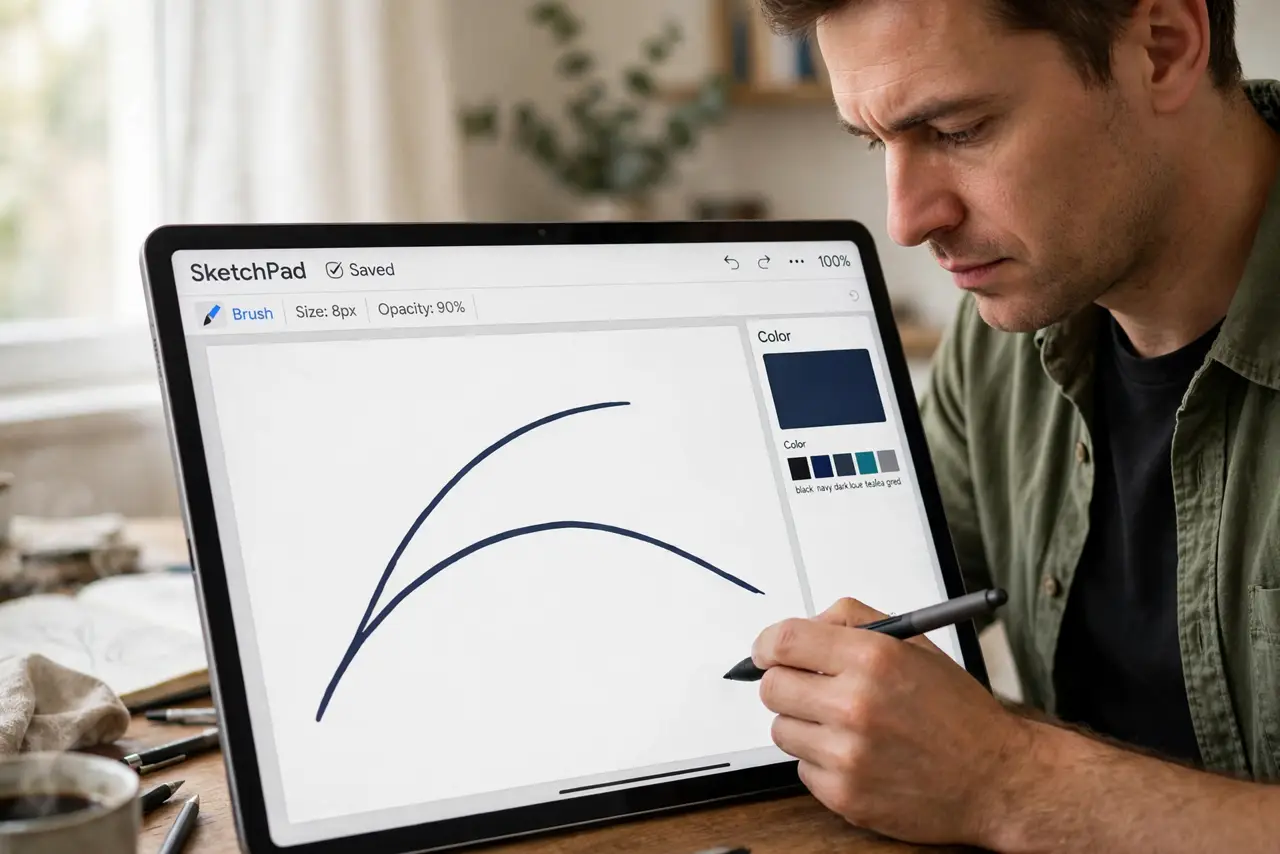
Your stylus trails behind your hand, leaving a visible gap between the pen tip and the line. That lag comes from the digitizer, the app, or the pen tip itself — and it is usually reducible to nearly nothing. This guide tunes the chain for responsive drawing.
TL;DR / Quick Fix
Quick fix: replace the stylus tip — worn nibs drag and feel like lag. Close background apps and lower the canvas resolution in your drawing app. If lag persists everywhere, check for a firmware update for the tablet and the stylus.
Follow these steps
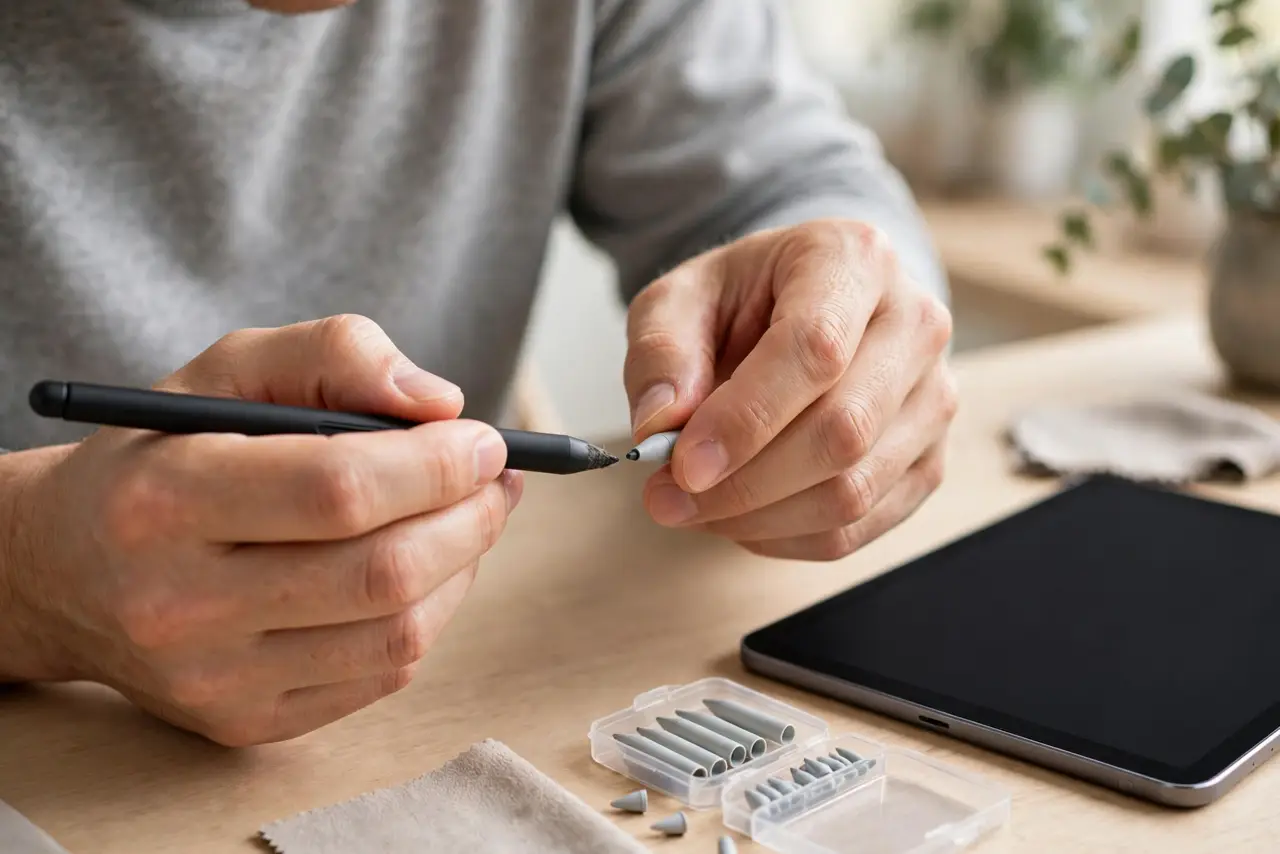
- Replace the stylus tip. A worn nib increases friction and feels exactly like input lag — and can also kill pen pressure. Swap in a fresh tip: the cheapest fix and the most common one.
- Close background apps. Heavy apps competing for CPU and memory delay stroke rendering. Close everything except the drawing app and retest.
- Lower the canvas resolution. Huge canvases with many layers strain the tablet. Work at a moderate resolution and flatten layers you no longer edit — lag often halves instantly.
- Check the app's smoothing settings. Stroke stabilization and smoothing add deliberate delay to beautify lines. Reduce the smoothing slider if you want raw responsiveness.
- Update tablet and stylus firmware. Manufacturers improve pen latency in updates. Check for system updates and any stylus firmware update in the companion app.
- Test in a second app. Try the bundled notes app. If the pen is fast there but slow in your drawing app, the app's engine — not your hardware — is the bottleneck.
What NOT to do
- Do not press harder to compensate. Pressing harder wears the nib faster and does not reduce electronic lag — fix the cause instead.
- Do not draw with a nearly dead stylus battery. Low battery in an active pen causes erratic tracking that feels like lag.
- Do not ignore a swollen-feeling pen. A damaged active pen can behave strangely; stop using it if the barrel feels wrong.
- Do not blame the tablet before testing the tip. Most 'my tablet lags' cases are a five-cent nib, not a failing digitizer.
Frequently asked questions
Why does my stylus lag when I draw fast?
Rendering cannot keep up: worn tip, heavy canvas, background load, or smoothing delay. Fast strokes expose every weak link.
Does screen protector cause stylus lag?
Thick protectors can slightly reduce sensitivity and add friction, but they rarely cause true lag — the tip and the app matter more.
Which is better for lag, pen display or tablet?
Pen displays with dedicated digitizers usually win on latency, but a tuned tablet gets close enough for most artists.