Sync Notes Across Devices
You jotted the brilliant idea on your phone, and now it is nowhere on your laptop. Notes stuck on one device almost always trace to one cause: the note was saved to a local 'On My Phone' account instead of the synced cloud account. The fix is a settings change plus moving the stranded notes.
TL;DR / Quick Fix
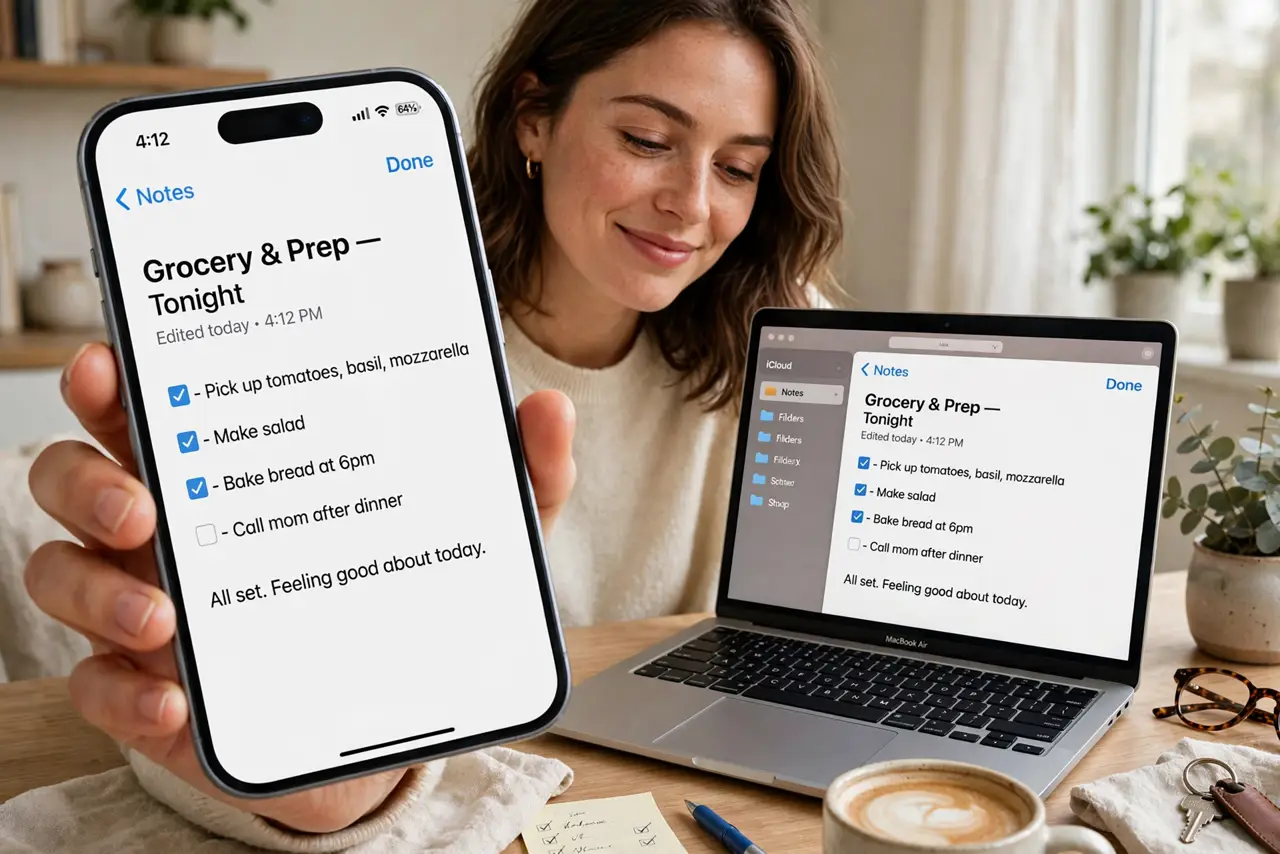
Notes fail to sync when saved to a local on-device account instead of your cloud account. On iPhone, confirm Notes uses iCloud and move notes out of 'On My iPhone'; on Android, confirm your notes app syncs to your Google or Samsung account. The Apple Notes basics shows the switch.
Follow these steps
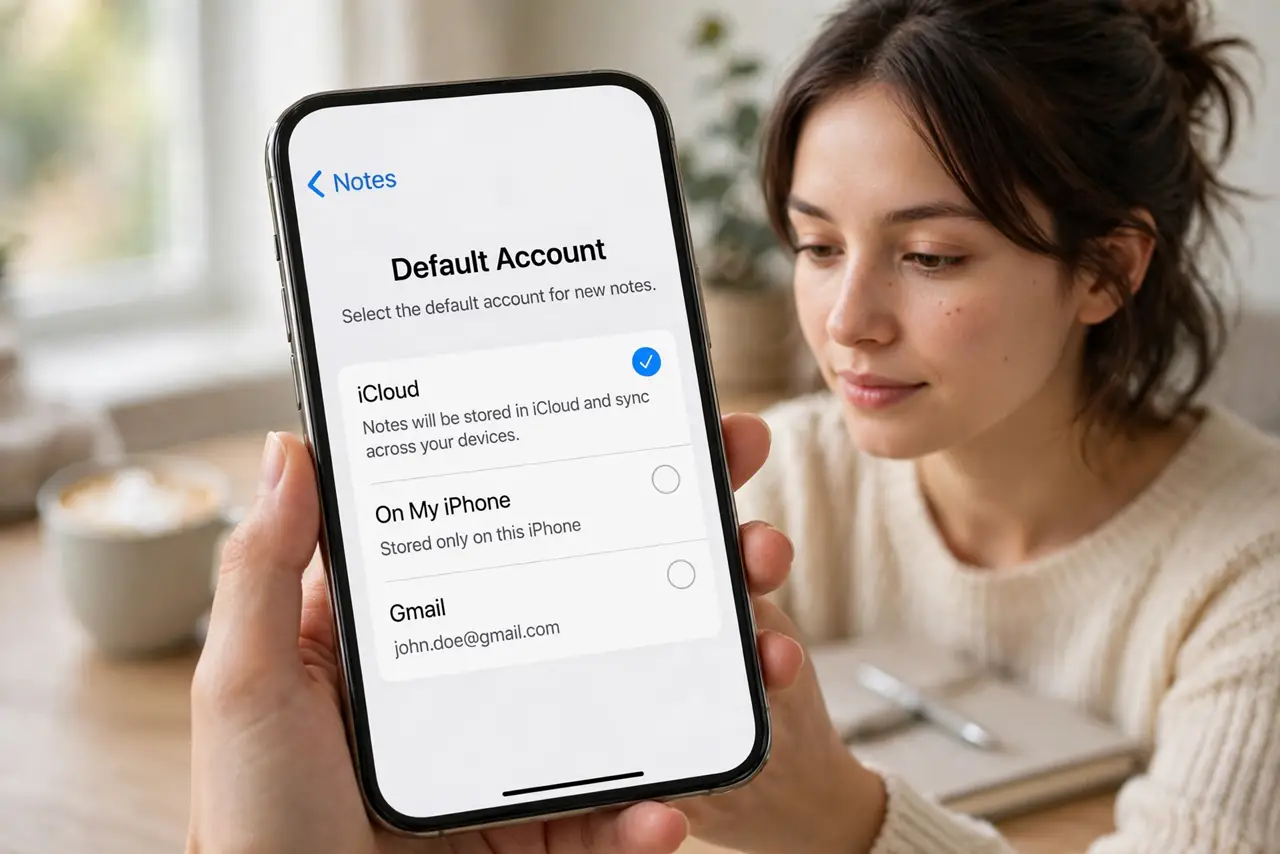
- Check which account your notes app uses. Open the notes app settings and look at the default account. If it says On My iPhone, On My Device, or a local account, new notes are not syncing anywhere.
- Switch the default to your cloud account. Set the default to iCloud, Google, or your Samsung/Microsoft account. Future notes will then sync automatically to every signed-in device.
- Move existing notes to the synced account. Open each stranded note and use Move or the folder picker to relocate it to the cloud account's folder. Do this before changing anything else — moving is safe, deleting is not.
- Sign into the same account everywhere. On your laptop, tablet, and other phone, verify you are signed into the identical cloud account. A personal and a work account mix-up is a classic silent cause.
- Force a sync and wait. Pull to refresh or tap Sync in the app, then give it a few minutes on Wi-Fi. Large attachments and poor connections delay the first full sync.
- Verify on the second device. Open the notes app on your other device and confirm the notes appear. Only after visual confirmation should you consider the job done.
What NOT to do
- Do not delete the local notes before they appear elsewhere. Deletion syncs too — delete only after you have seen the note on the second device.
- Do not use two different cloud accounts across devices. iCloud on the phone and Google on the laptop will never meet in the middle.
- Do not assume airplane mode notes will sync later without checking. They will — but verify once, because a failed first sync looks identical to success until you look.
- Do not ignore storage-full warnings. A full iCloud or Google account silently stops syncing new notes — the app rarely shouts about it.
Frequently asked questions
Why did my notes disappear after an update?
Updates sometimes reset the default account to local, stranding new notes. Check the account setting first — the old notes are usually still on the device.
Can I sync iPhone notes to a Windows PC?
Yes via iCloud.com in a browser, or the iCloud for Windows app. Native sync is Apple-to-Apple, but the web bridge works fine.
Do notes sync over mobile data?
Usually yes, unless you restricted the app to Wi-Fi only in system settings. Check the app's cellular data permission if syncs stall off Wi-Fi.