System Restore Fails at the End? Try This Next
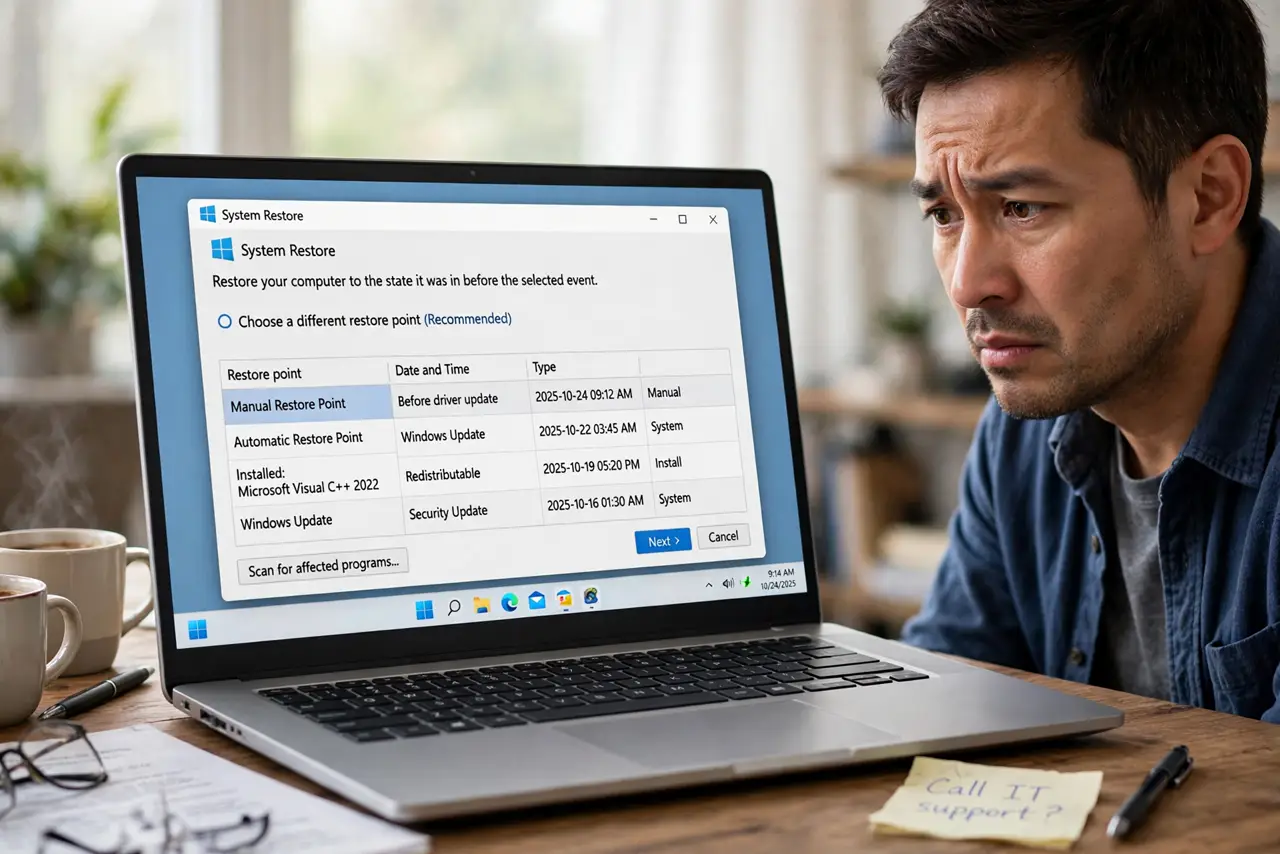
System Restore runs for a while, then fails at the end and undoes itself. A running app, a security tool, or a damaged restore point can block the final step. Retry cleanly before concluding restore is broken.
TL;DR / Quick Fix
Quick fix: close all apps, temporarily pause background security tools only if you can re-enable them at once, and retry the same restore point. If it fails again, pick an older point, then check System Protection and disk space before trying a third time.
Follow these steps
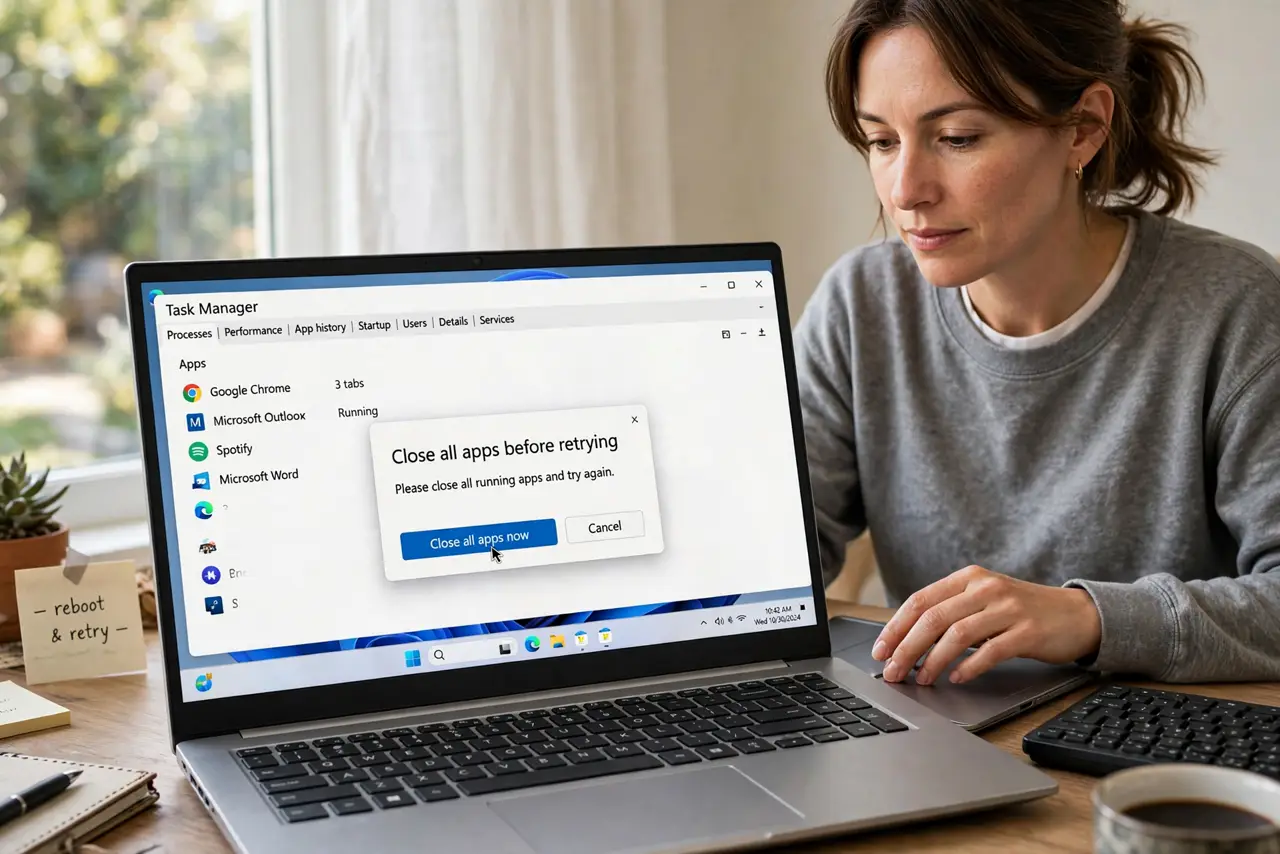
- Close all apps before retrying. Save your work, close every open app, and retry the restore. A running app holding a system file can block the final restore step.
- Retry the same point once. Run System Restore again with the same point. A one-time failure can be a transient lock, and a single clean retry is a fair test.
- Pick an older restore point. If the same point fails twice, choose an older point from before the problem started. The first point you tried may itself be damaged.
- Check System Protection and space. Open System Protection settings and confirm protection is on and space is reserved. A protection setting that flipped off can leave points incomplete.
- Retry after a clean restart. Restart the computer, open nothing else, and run System Restore immediately. Fewer running processes means fewer locks on the files restore needs to change.
- Stop after three careful tries. If three careful tries with different points all fail, stop and seek help rather than forcing repeated restores. Repeated failures point at a deeper system problem.
What NOT to do
- Do not keep retrying the same failed point endlessly. Two failures for one point are enough evidence to try an older point instead.
- Do not turn off security protection and forget to turn it back on. If you pause anything for a restore, re-enable it immediately after, pass or fail.
- Do not interrupt a restore because it looks slow. Stopping mid-restore can leave the system in a worse state than the failed restore itself.
- Do not treat a failed restore as proof your files are lost. Restore affects system settings, and your personal files remain in their folders regardless.
Frequently asked questions
Why does restore fail at the very end?
A running app or security tool can lock a file restore needs to replace, so the whole restore rolls back instead of finishing halfway.
Should I try the same point again?
Once, cleanly, with apps closed. If it fails twice, switch to an older point rather than repeating the same failure.
What if every point fails?
Stop after careful tries and seek help. Repeated failures suggest a deeper system issue that restore alone will not fix.