Take Walking Meetings
Your workday is eight hours of sitting in video calls, and your body feels it — stiff back, restless legs, dead energy by 3pm. Walking meetings move suitable calls outdoors: you walk, you talk, the meeting happens. Not every meeting qualifies, but the ones that do transform your day.
TL;DR / Quick Fix
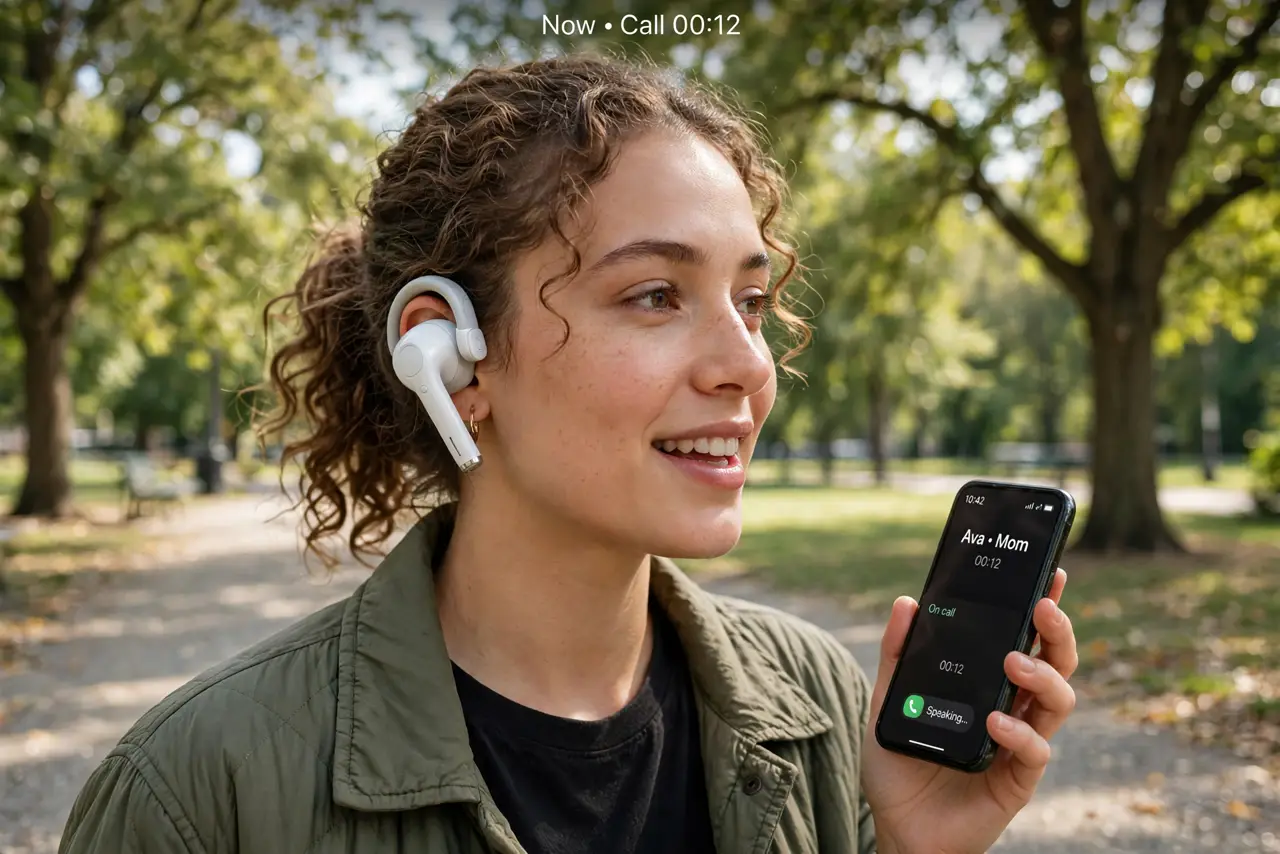
Quick fix: turn phone-only meetings into walking meetings — 1:1s, catch-ups, and brainstorms work on foot; screen-sharing and decision meetings do not. Tell attendees in advance, bring earbuds and a charged phone, and dictate notes by voice memo right after. Start with one a week and expand.
Follow these steps
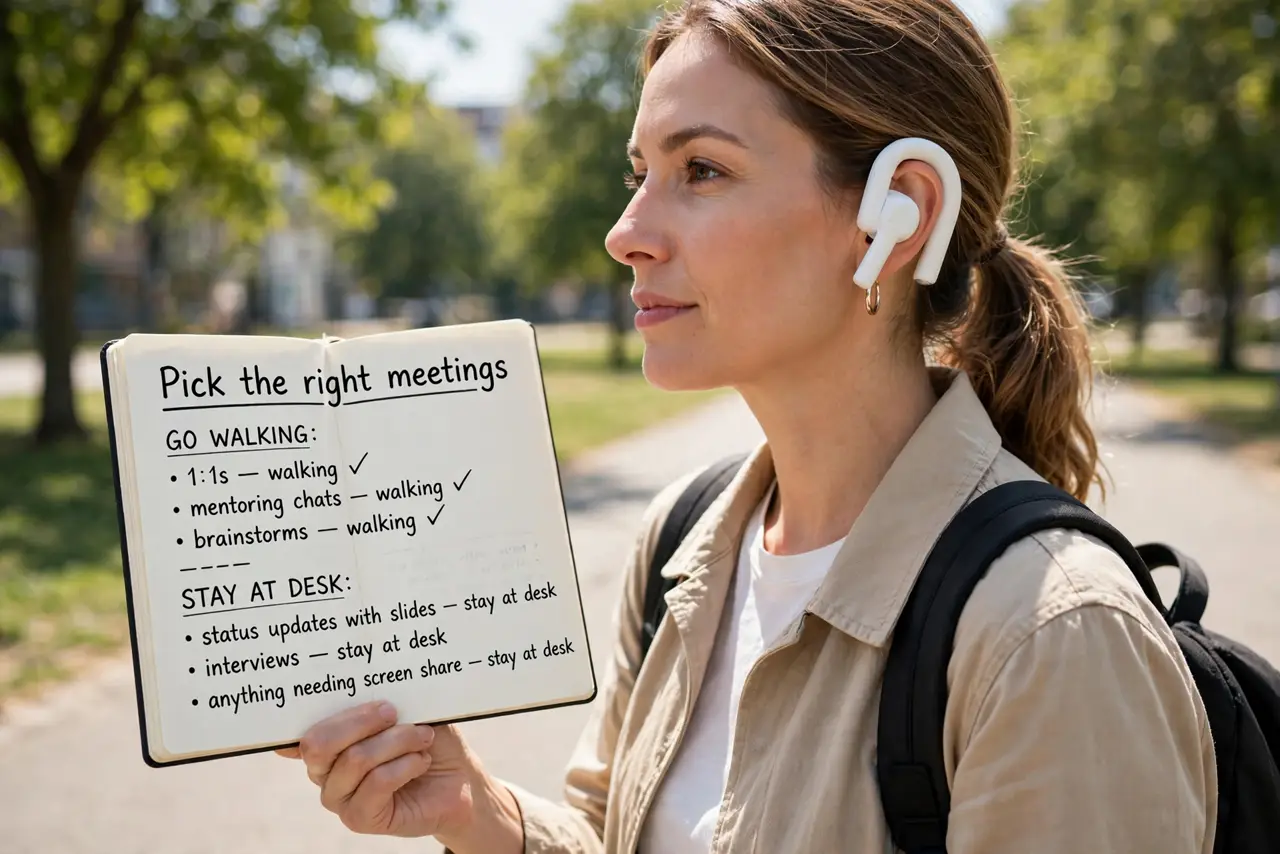
- Pick the right meetings. 1:1s, mentoring chats, and brainstorms thrive walking. Status updates with slides, interviews, and anything needing screen share stay at the desk — match the format to the content.
- Tell attendees beforehand. A surprise walking meeting confuses people. Mention it in the invite — 'walking meeting, phone only' — so they can join from wherever suits them too.
- Gear up simply. Earbuds with a decent mic, a charged phone, and a route you know. That is the whole kit — no special apps or equipment needed.
- Capture notes by voice. Dictate a voice memo the moment you hang up — decisions and actions evaporate fast without the usual typed notes. Two minutes of memo beats a forgotten follow-up.
- Start with one a week. Do not convert the whole calendar at once. One walking 1:1 weekly proves the concept; the habit spreads naturally once people feel the difference.
- Pair with meeting hygiene. Walking meetings work best inside a sane calendar — shorter defaults and no-meeting days multiply the benefit instead of competing with it.
What to avoid
- Do not take walking meetings for screen-heavy calls. Squinting at slides on a phone while walking serves nobody — keep those at the desk.
- Do not walk somewhere unsafe or distracting. Traffic-heavy streets and chaotic areas ruin the call — pick a quiet route you know well.
- Do not skip the notes. Walking meetings feel productive and then evaporate — the voice memo habit is what makes them actually count.
- Do not force it on reluctant attendees. Some people cannot walk and meet comfortably — offer it, never mandate it.
Frequently asked questions
Do walking meetings actually work?
For the right meeting types, yes — people report better energy and often better ideas. The research on walking and creativity is genuinely encouraging.
What about bad weather?
Have a backup: an indoor walking route, or just take that week's meeting at the desk. Flexibility keeps the habit alive through winter.
How do I take notes while walking?
You do not — you dictate a voice memo immediately after. Trying to type while walking produces garbage notes and a sore neck.