Shorten Default Meetings
Meetings default to 30 or 60 minutes, so they take 30 or 60 minutes — Parkinson's law with a calendar invite. Shortening the defaults to 25 and 50 minutes does not just save time; it forces tighter agendas and gives everyone breathing room between calls. Here is how to change the defaults where it counts.
TL;DR / Quick Fix
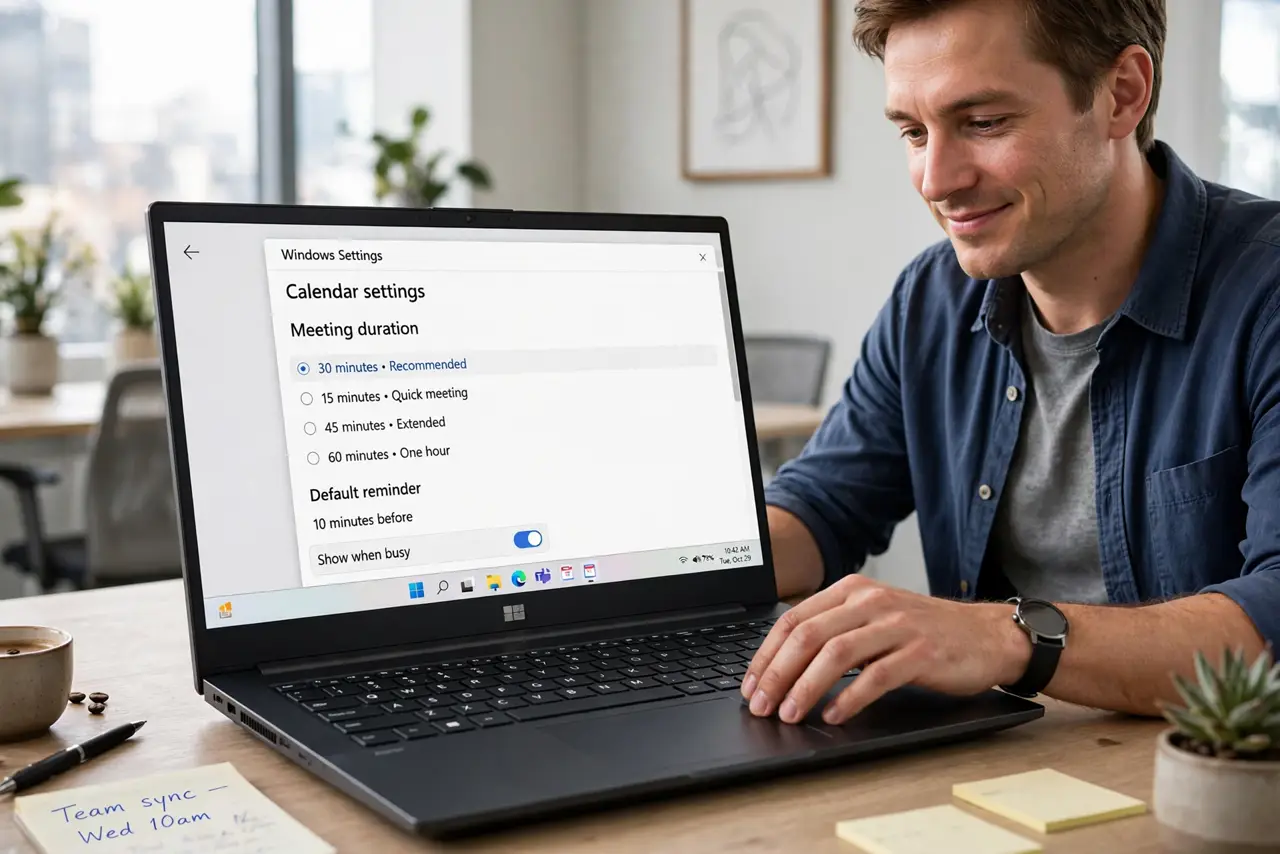
Quick fix: change your calendar's default meeting length from 60 to 50 minutes and from 30 to 25 — in Google Calendar under Settings, Event settings; in Outlook under Calendar options. Shorter defaults build in buffer time and force tighter agendas. Apply to new meetings first, then renegotiate recurring ones.
Follow these steps
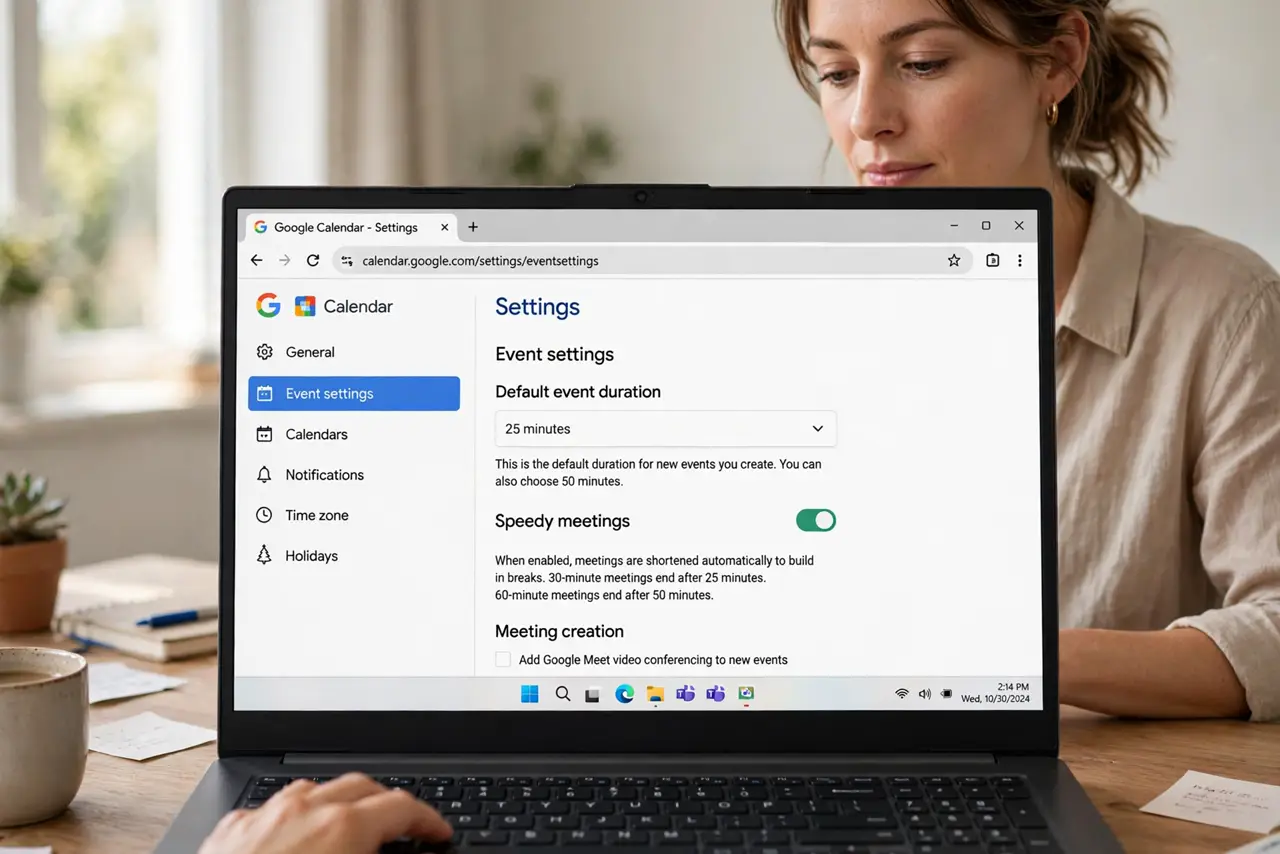
- Change the default in Google Calendar. Go to Settings, Event settings, and set the default duration to 25 or 50 minutes — or enable 'Speedy meetings' to auto-shorten. Every new invite you create now defaults shorter.
- Change it in Outlook too. Under File, Options, Calendar, set default meeting lengths. If your team lives in Outlook, this is where the habit forms — see the default length guide.
- Let the 25-minute meeting do its work. A 25-minute default pairs with a real agenda to end on time. The 25-minute meeting guide shows the format that makes short meetings actually decide things.
- Renegotiate recurring meetings. Defaults only affect new invites. For the standing hour-long weekly, propose 50 minutes to the organizer — most agree instantly once asked.
- Protect the freed buffers. Shorter meetings create 5-10 minute gaps — defend them with buffer time instead of letting back-to-backs reabsorb the savings.
- Measure the reclaimed hours. After a month, count the hours saved versus the old defaults. Concrete numbers — often 3-5 hours weekly — make the change permanent and spread it to the team.
What to avoid
- Do not shorten without tightening the agenda. A 25-minute meeting with a 60-minute agenda just ends mid-decision — shrink both together.
- Do not apply it to every meeting type. Brainstorms and 1:1s sometimes need the full hour — shorten the status updates, protect the deep conversations.
- Do not forget the external invites. Your defaults do not change meetings others organize — propose shorter lengths when you accept theirs.
- Do not let 25 become the new 30. Without agendas, short meetings still drift — the default change enables discipline, it does not replace it.
Frequently asked questions
Why 25 and 50 instead of 30 and 60?
The 5-10 minute gap gives people time to wrap up, grab water, and join the next call on time. Back-to-back 60s guarantee chronic lateness.
Will people resist shorter meetings?
Rarely, once they try it. The resistance is theoretical; the relief is immediate — most teams wonder why they did not do it sooner.
What about meetings I do not organize?
Suggest the shorter length when accepting, or ask the organizer. Many will happily switch — nobody loves the full hour either.