Task Board Archived Task Reappears? Fix It
An archived task that keeps coming back is frustrating, but it usually returns because something unarchived it: a rule, a sync from a stale device, or a teammate reopening it. Find the trigger and the reappearance stops.

TL;DR / Quick Fix
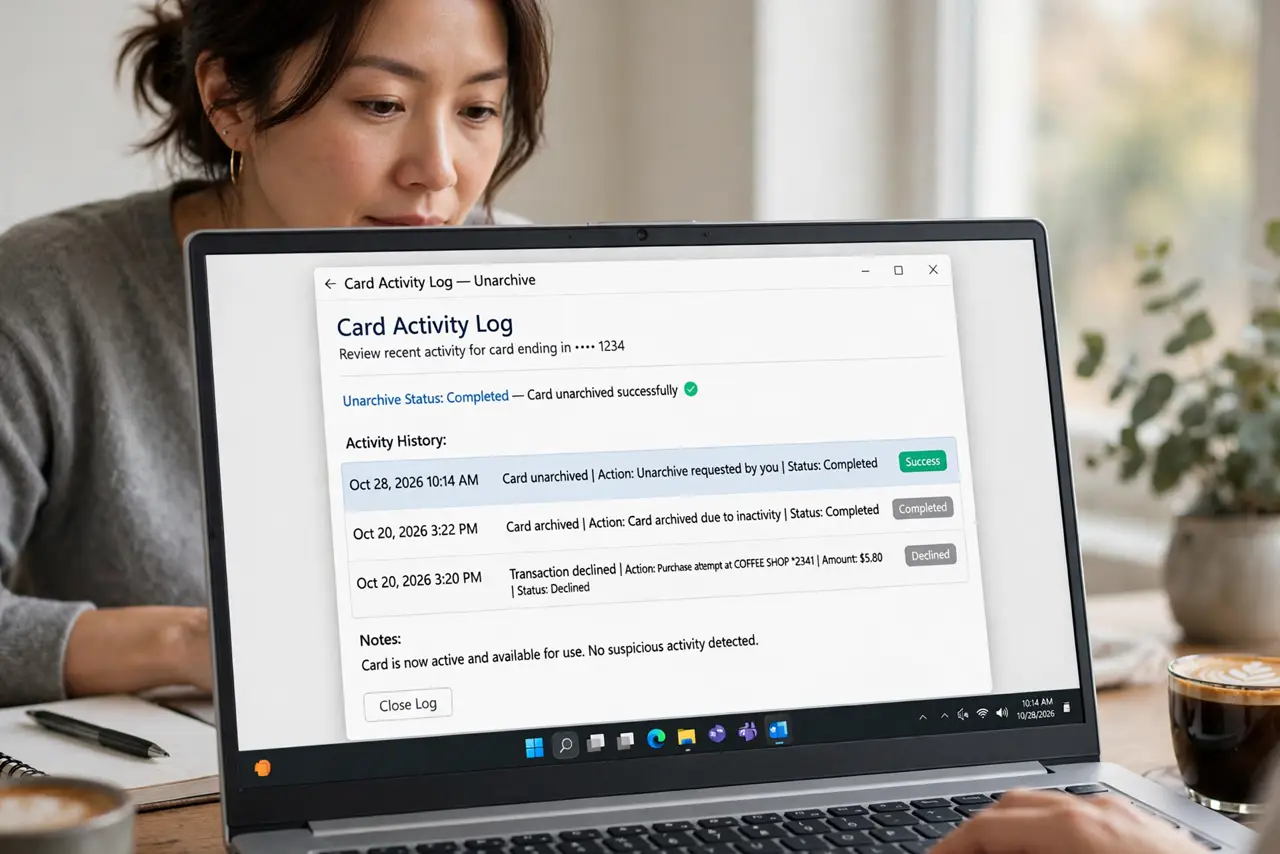
Quick fix: Check the card activity log for the unarchive. Check for rules that reopen completed cards. Close stale board views on other devices. Ask the team whether anyone reopened it. Archive it once, then verify on another device. Check the card activity again after a day.
Follow these steps
- Check the card activity log for the unarchive. Open the card history and look for who or what brought it back. The log usually names the actor, whether human, rule, or sync.
- Check for rules that reopen completed cards. Some boards auto-reopen cards when a checklist resets, a date recurs, or a linked item changes. A recurring task can look exactly like a reappearing archive.
- Close stale board views on other devices. A tablet or phone holding an old board view can push the card back when it syncs. Close those views before archiving again.
- Ask the team whether anyone reopened it. A teammate may have reopened the task deliberately, believing it unfinished. A quick question prevents an archive war.
- Archive it once, then verify on another device. Archive the card, then check the board from a second device after sync. If it stays archived there, the archive held.
- Check the card activity again after a day. If the card returns within a day, the trigger is active, not historical. Re-read the log with fresh eyes for a timed rule.
What NOT to do
- Do not delete the task to stop it reappearing. Deletion loses history that archiving preserves.
- Do not keep archiving without reading the log. The trigger will undo every archive until you fix it.
- Do not ignore recurring-task settings. A task set to recur will return by design, not by error.
- Do not archive from a stale device view. Archive from a freshly synced view so the archive itself syncs cleanly.
Frequently asked questions
Why does an archived task come back?
Usually a rule, a recurring setting, a stale sync, or a teammate reopening it.
Is archiving the same as deleting?
No. Archiving hides the task but keeps its history, while deleting removes it.
What if it is a recurring task?
Then return is by design. Change the recurrence or complete the series instead of archiving repeatedly.