Task Board Due Date Not Alerting? Fix It
A due date that never alerts is dangerous because it looks like everything is fine until the deadline passes. The usual causes are a missing reminder setting, muted notifications, or a date that was never actually set.
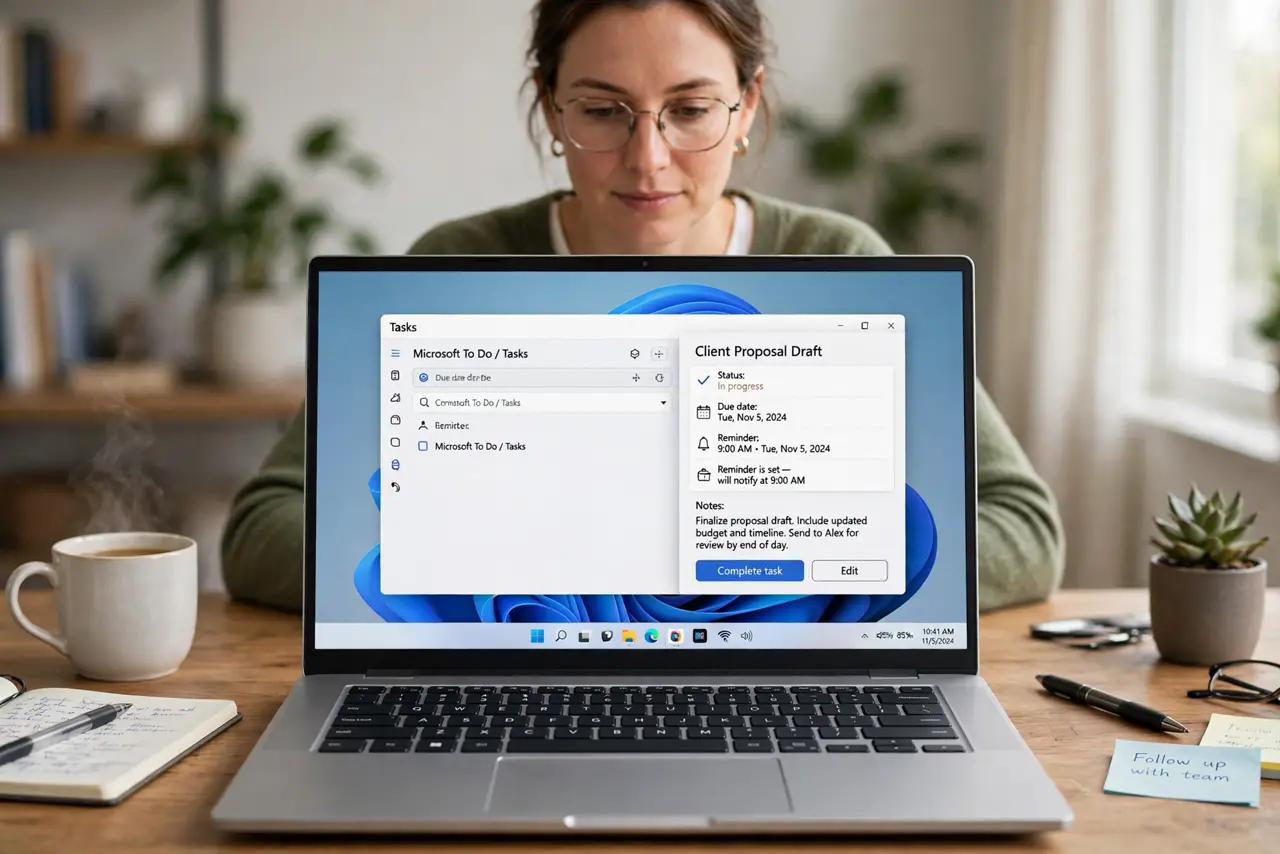
TL;DR / Quick Fix
Quick fix: Confirm the due date is actually set. Check the reminder setting on the card. Check notifications for the board app. Check whether you are assigned to the card. Test with a near-term date. Add the deadline to your weekly planning routine.
Follow these steps
- Confirm the due date is actually set. Open the card and look at the date field itself. A date mentioned in a comment, but never entered in the date field, triggers no reminder at all.
- Check the reminder setting on the card. Many boards separate the due date from the reminder. Set a reminder for the day before, not just the due day, so you have time to act.
- Check notifications for the board app. Confirm the app can notify you on your device and that its notifications are not muted. A perfect reminder is useless if notifications are silenced.
- Check whether you are assigned to the card. Some boards only alert assignees. If nobody is assigned, or the wrong person is, the alert goes to the wrong inbox or nowhere.
- Test with a near-term date. Set a test card due in ten minutes and confirm the alert arrives. A successful test proves the chain works; a failed test narrows the broken link.
- Add the deadline to your weekly planning routine. Even with alerts fixed, review upcoming due dates weekly. A calendar review catches what any single notification might miss.
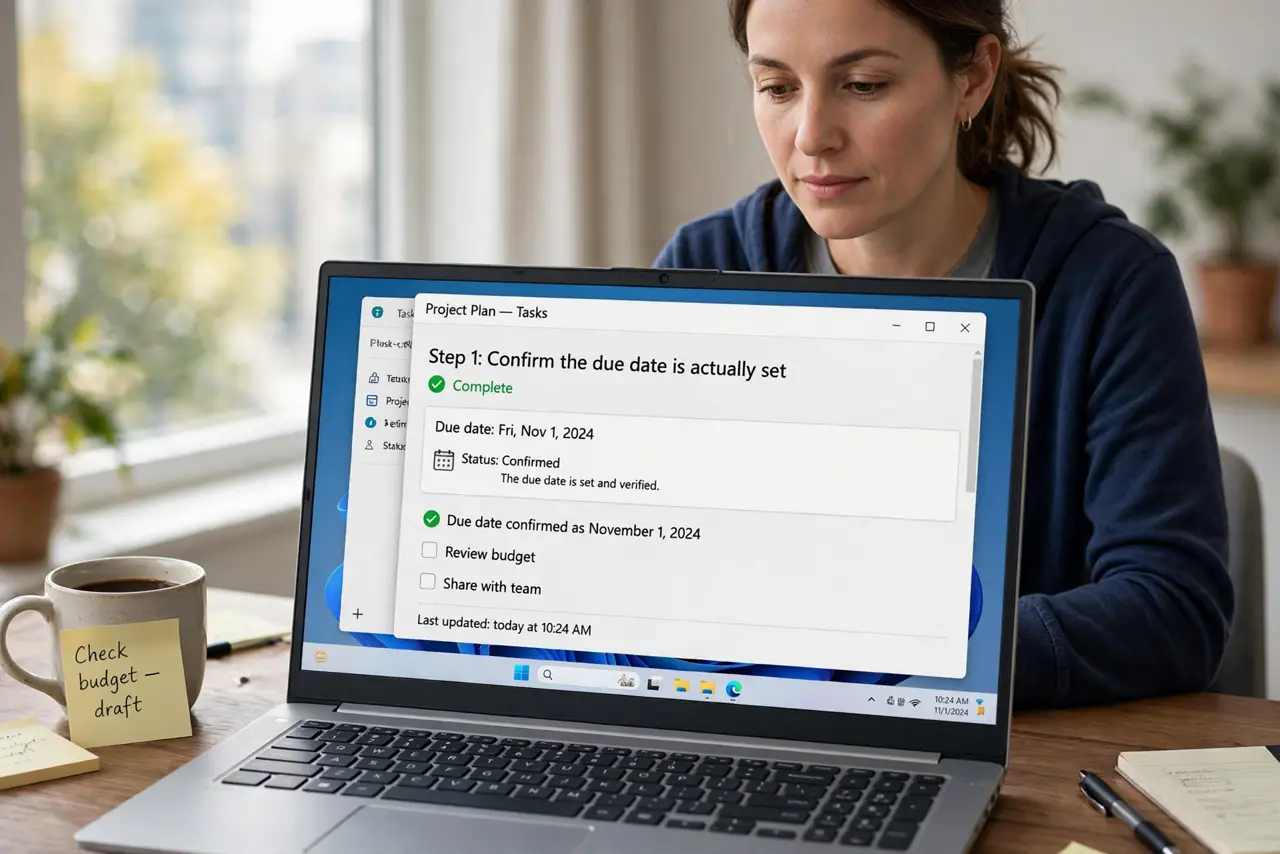
What NOT to do
- Do not rely on a due date alone without a reminder. Dates without reminders are easy to miss.
- Do not mute the board app and expect alerts to reach you. Muting is a choice to miss them.
- Do not put deadlines only in comments. Comments do not trigger date reminders.
- Do not assume assignment. An unassigned card alerts nobody, however urgent its date looks.
Frequently asked questions
Why did my due date not remind me?
Usually no reminder was set, notifications were muted, or nobody was assigned to the card.
Should the reminder be on the due day?
No, set it the day before, so you still have time to finish the work.
What if alerts work but I still miss deadlines?
Add a weekly review of upcoming dates. Alerts help, but a review habit catches stragglers.