Tech Support Scam Calls
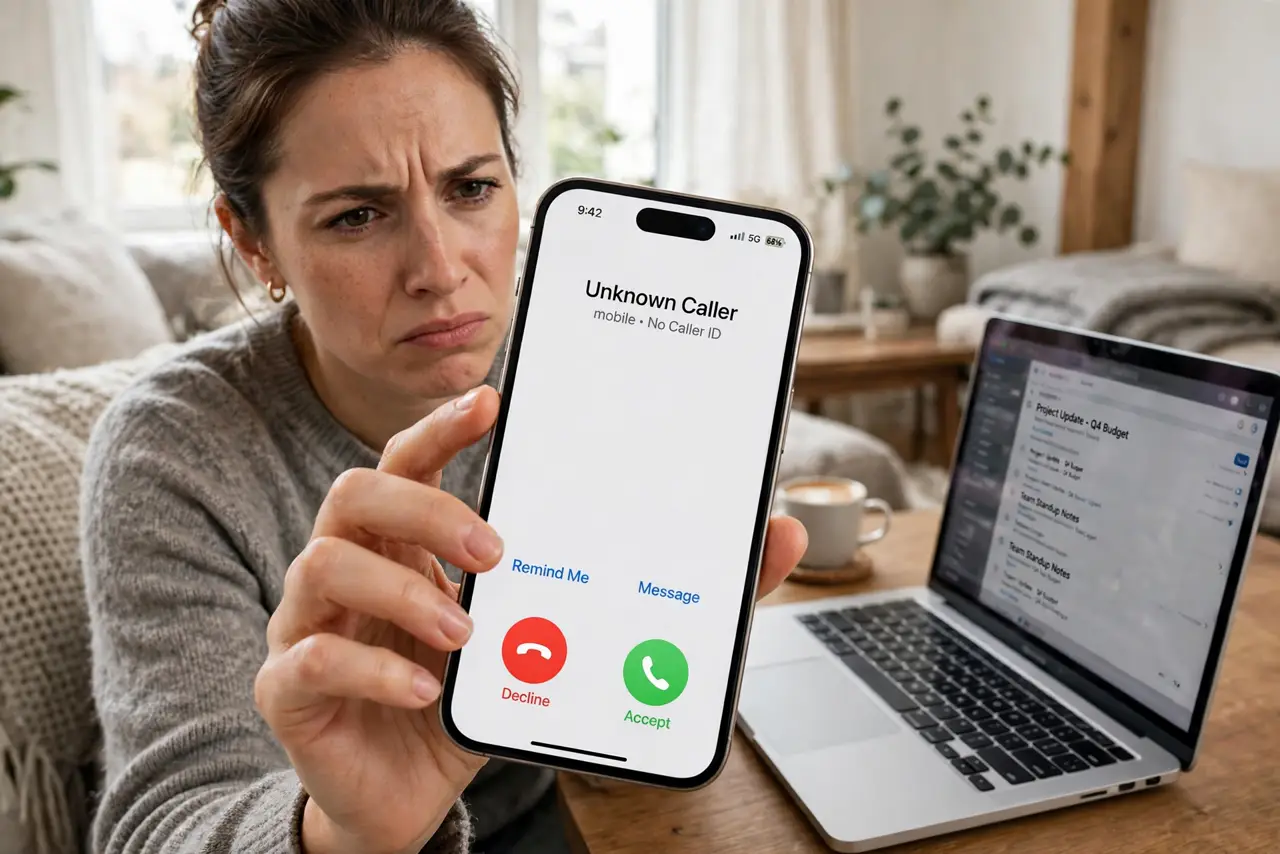
The caller says they are from Microsoft: your computer is sending virus warnings, and they need remote access to fix it right now. Maybe they show you scary Event Viewer errors as proof. None of it is real — Microsoft, Apple, and Google never call users about problems on their devices. This is the tech support scam: fake urgency, fake authority, and a remote-access tool that hands them your computer. Hang up is the whole defense.
TL;DR / Quick Fix
Quick fix: Microsoft, Apple, and Google never call you about viruses — any unsolicited tech support call is a scam. Hang up, do not grant remote access, and never pay. If you already let them in, disconnect from the internet, uninstall their remote tool, and scan with your real antivirus.
Follow these steps
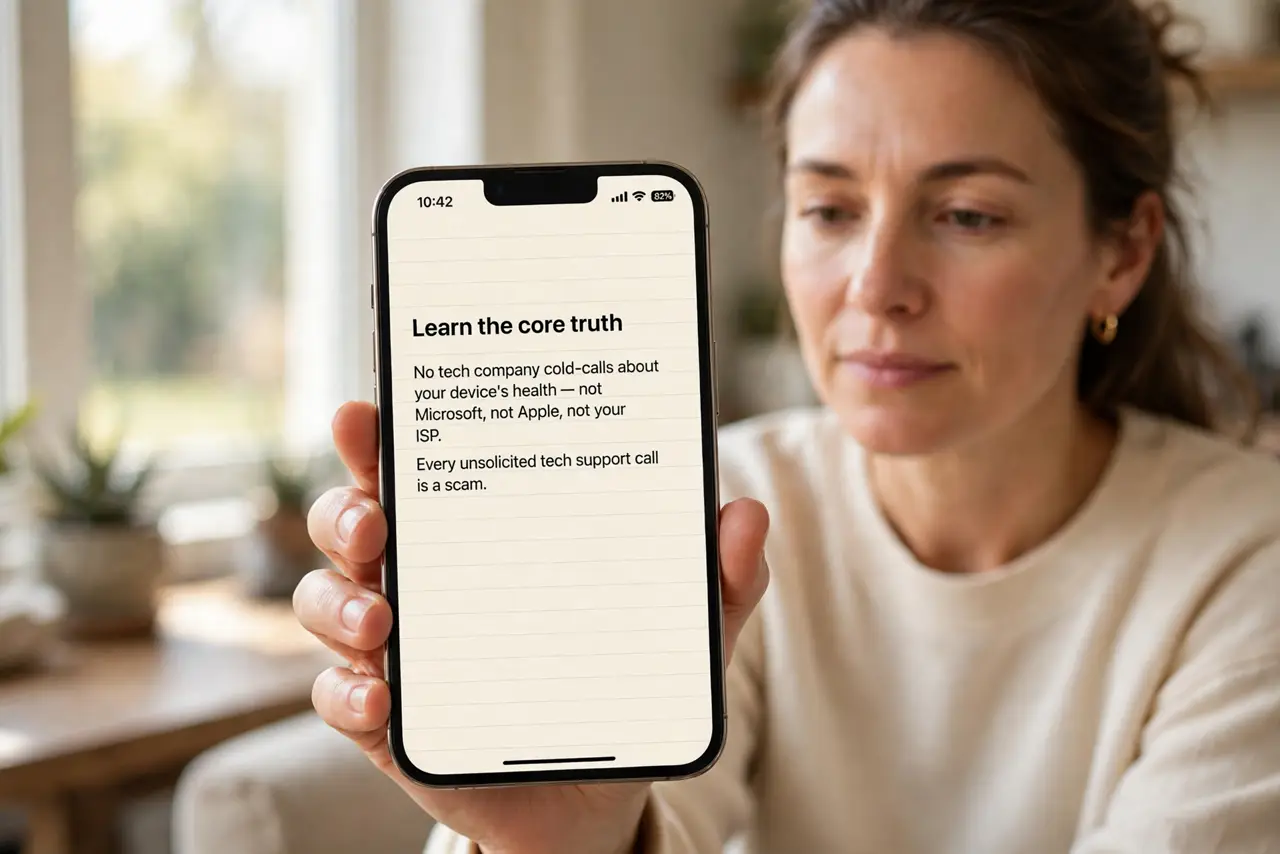
- Learn the core truth. No tech company cold-calls about your device's health — not Microsoft, not Apple, not your ISP. Every unsolicited tech support call is a scam, without exception. Internalize this and the scam has no entry point.
- Hang up immediately. Do not debate, do not ask for a callback number, do not play along. Scammers are trained to keep you talking; every minute is leverage. Hang up, block the number, done.
- Never grant remote access. The ask always comes: install AnyDesk, TeamViewer, or similar so we can fix it. That tool hands them your screen, your files, and your banking sessions. No legitimate support process starts with a cold call asking for remote control.
- Recognize the fake evidence. Event Viewer warnings (normal on every PC), your IP address (public knowledge), a confident badge number — all theater. Real diagnoses do not arrive by surprise phone call.
- If you already let them in, act fast. Disconnect from the internet, uninstall the remote-access tool, run a full scan with your real antivirus, and change important passwords from a clean device. Then consider a professional cleanup — assume anything typed during the session is compromised.
- Report and warn others. Report the number to your national fraud line and tell older relatives the one rule: refund-scam callers and tech-support callers are the same criminals with different scripts. One conversation protects the people scammers target most.
What NOT to do
- Do not call back the number they give you. It routes to the same scammers, now warmed up and expecting you.
- Do not pay for the fix, the warranty, or the cleanup — in gift cards, wire, or crypto. Payment is the entire goal; everything before it was setup.
- Do not trust the caller ID name. Microsoft Support on your screen is trivially spoofed and proves nothing about who is calling.
- Do not let embarrassment stop you from getting help. These operations run boiler rooms that fool thousands daily — fast cleanup beats quiet shame.
Frequently asked questions
What if I gave them my credit card?
Call your card issuer immediately to freeze and replace the card, then monitor statements. Treat every account you accessed during the call as potentially compromised.
They showed me errors in Event Viewer — was that real?
The errors were real and meaningless — every Windows PC logs routine warnings. It is the oldest prop in this scam's kit.
Can they still access my PC after I hung up?
Only if you installed their remote tool and it is still running — uninstall it, disconnect, and scan. Hanging up alone does not remove software.
What to read next
- Spot Refund Scams
- Spot the IRS Call Scam