Thermal Printers Explained
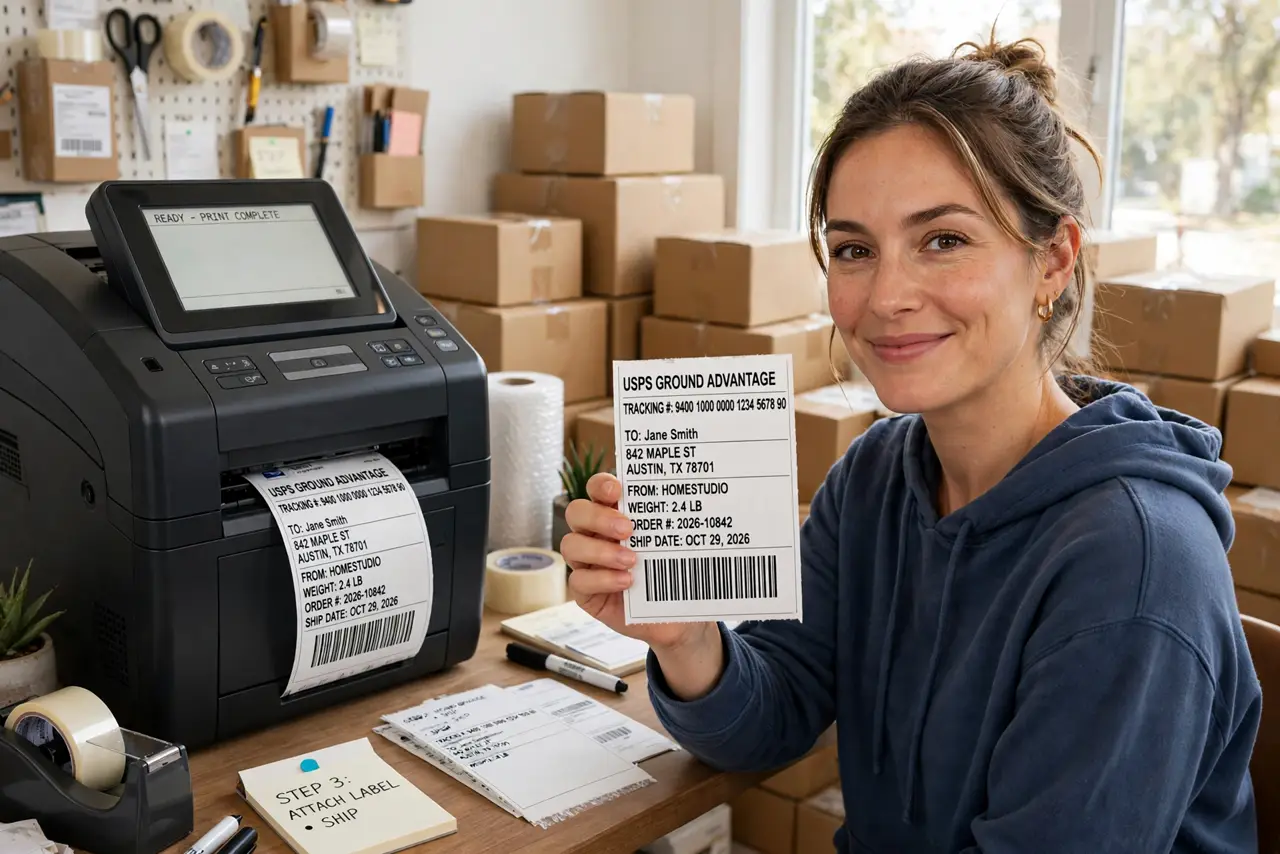
You ship packages regularly, and the inkjet is eating cartridges just to print labels. A thermal printer — the kind that prints shipping labels with heat instead of ink — never needs a cartridge, never clogs, and spits out a label in seconds. But it cannot print documents, and its prints fade. Here is exactly what it is for and what it is not.
TL;DR / Quick Fix
Quick fix: thermal printers print with heat, not ink — no cartridges or toner to replace. They are ideal for labels, receipts, and shipping, but the print fades over time and heat ruins it. Buy one for shipping; stick with inkjet or laser for documents you need to keep.
Follow these steps
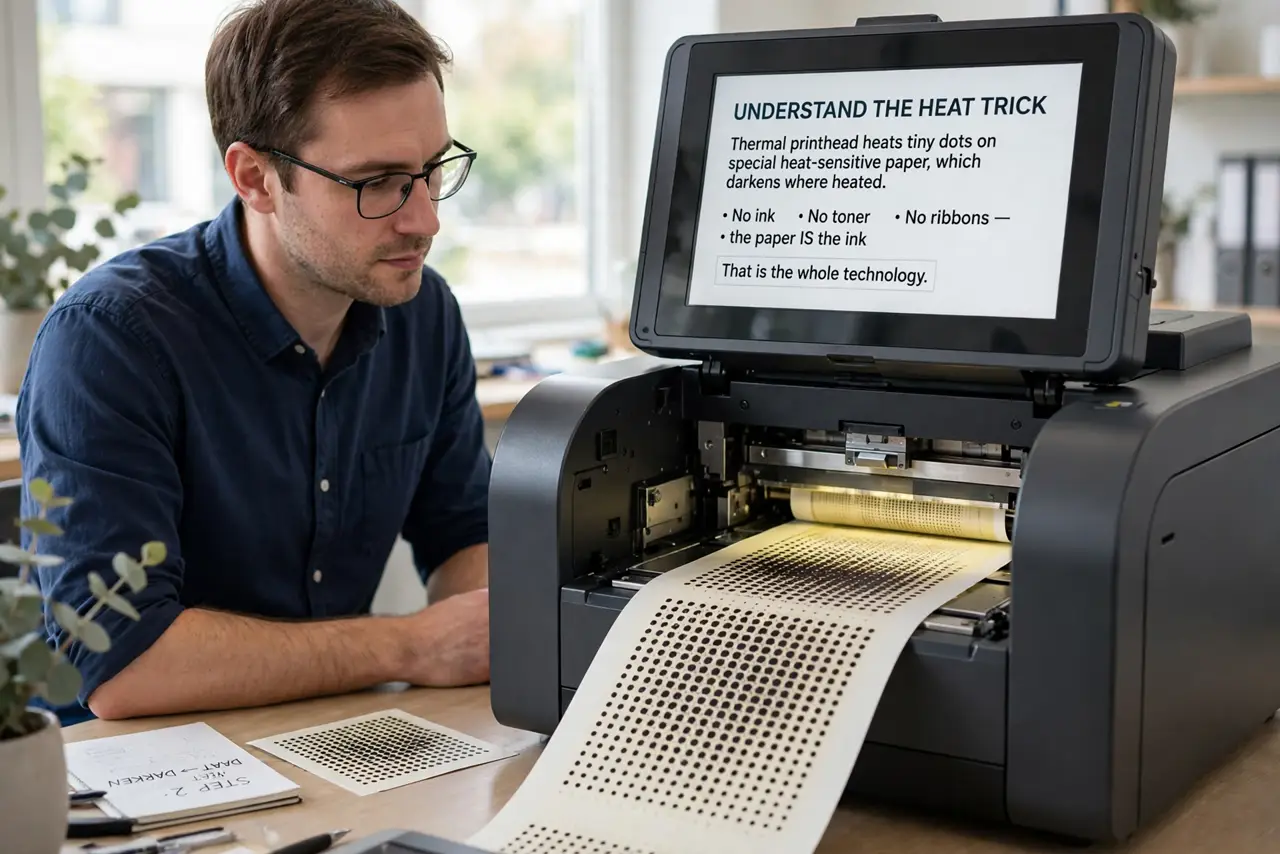
- Understand the heat trick. A thermal printhead heats tiny dots on special heat-sensitive paper, which darkens where heated. No ink, no toner, no ribbons — the paper IS the ink. That is the whole technology.
- Learn the two types. Direct thermal: prints straight onto heat-sensitive paper — cheapest, but fades. Thermal transfer: melts a ribbon onto regular labels — costs more per label, lasts years. Shipping labels = direct; asset tags = transfer.
- Know what it is for. Shipping labels, receipts, barcodes, name badges — high-volume, short-life printing. If you print 20 shipping labels a day, a thermal printer pays for itself in months of saved ink.
- Know what it is NOT for. Documents, photos, anything archival. Thermal print fades in heat and sunlight — a receipt left on a car dashboard becomes blank paper. Keep an inkjet or laser for real documents.
- Buy the right label size. Thermal printers are picky about label dimensions — measure what you actually print (4x6 for shipping is standard) and match the printer to it. Wrong size = constant jams and waste.
- Store prints away from heat. File thermal receipts flat, away from sunlight and heat. For receipts you must keep (warranties, taxes), photograph or scan them — the paper will not survive years.
What NOT to do
- Do not buy a thermal printer for documents. It is a label machine — printing letters on thermal paper gives you fading, curling pages.
- Do not leave thermal prints in heat. Cars, sunny windowsills, and radiators erase them — sometimes in a single afternoon.
- Do not use the wrong label stock. Direct-thermal printers need heat-sensitive paper; regular labels print blank and waste your time.
- Do not expect photo quality. Thermal is monochrome dots — barcodes and text look crisp, images look like fax art.
Frequently asked questions
How long do thermal prints last?
Direct thermal: months to a few years indoors, away from heat and light. Thermal transfer: years — it is actual ribbon ink on the label.
Why is my thermal printer printing blank labels?
Usually wrong label stock (not heat-sensitive), the roll loaded backwards (printable side down), or a dirty printhead. Check all three in that order.
Are thermal printers cheaper than inkjet?
Per label, dramatically — no ink to buy, ever. The printer itself costs more upfront, but high-volume shippers save quickly.