Thermal Throttling? The Signs
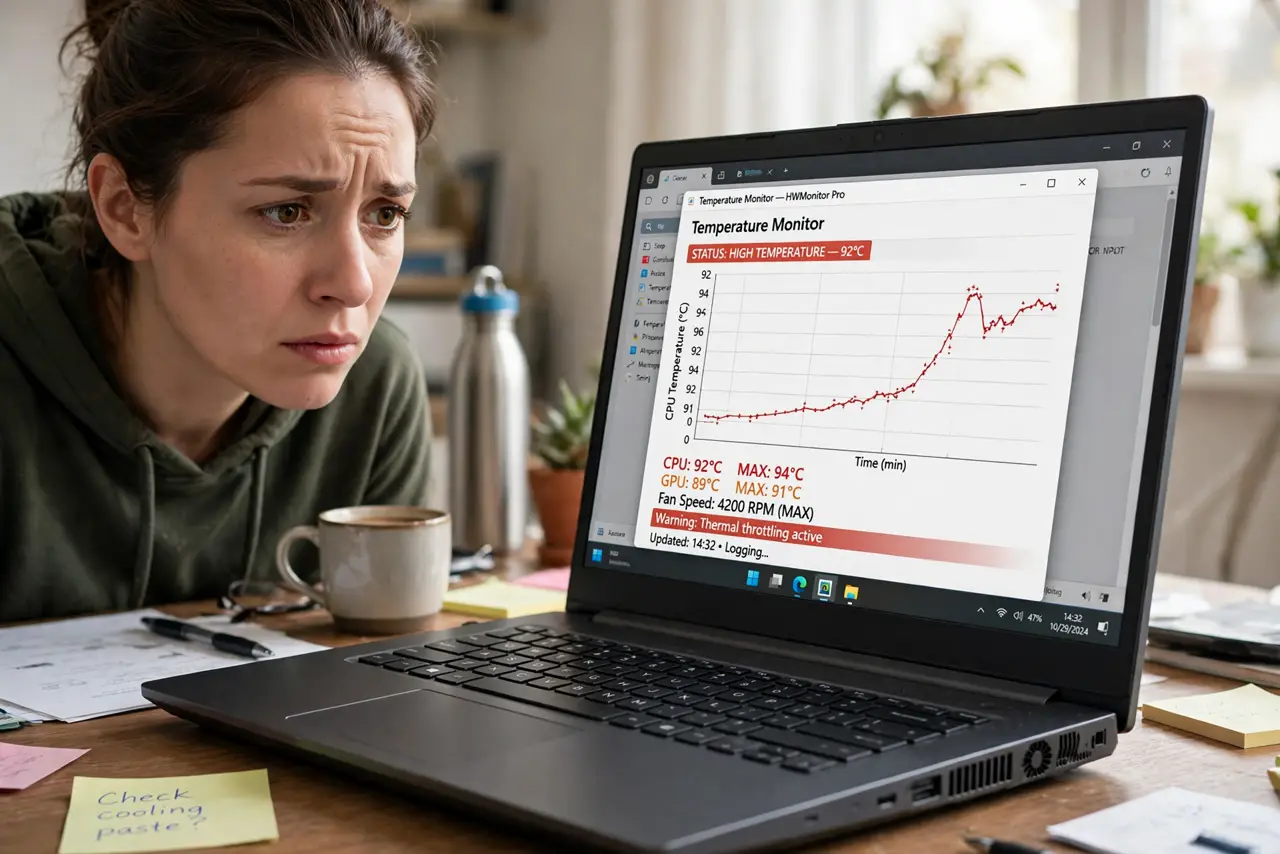
Your PC was fast this morning and sluggish by afternoon — same tasks, mysteriously slower. That is thermal throttling: the CPU or GPU deliberately slowing itself to escape overheating. It protects your hardware while quietly stealing your performance. Here is how to catch it in the act.
TL;DR / Quick Fix
Quick fix: throttling shows as performance that fades under sustained load — fast at first, slow after minutes — with high temperatures and loud fans. Confirm with a monitoring tool showing clocks dropping as heat rises. Clean dust, improve airflow, and the speed returns.
Follow these steps
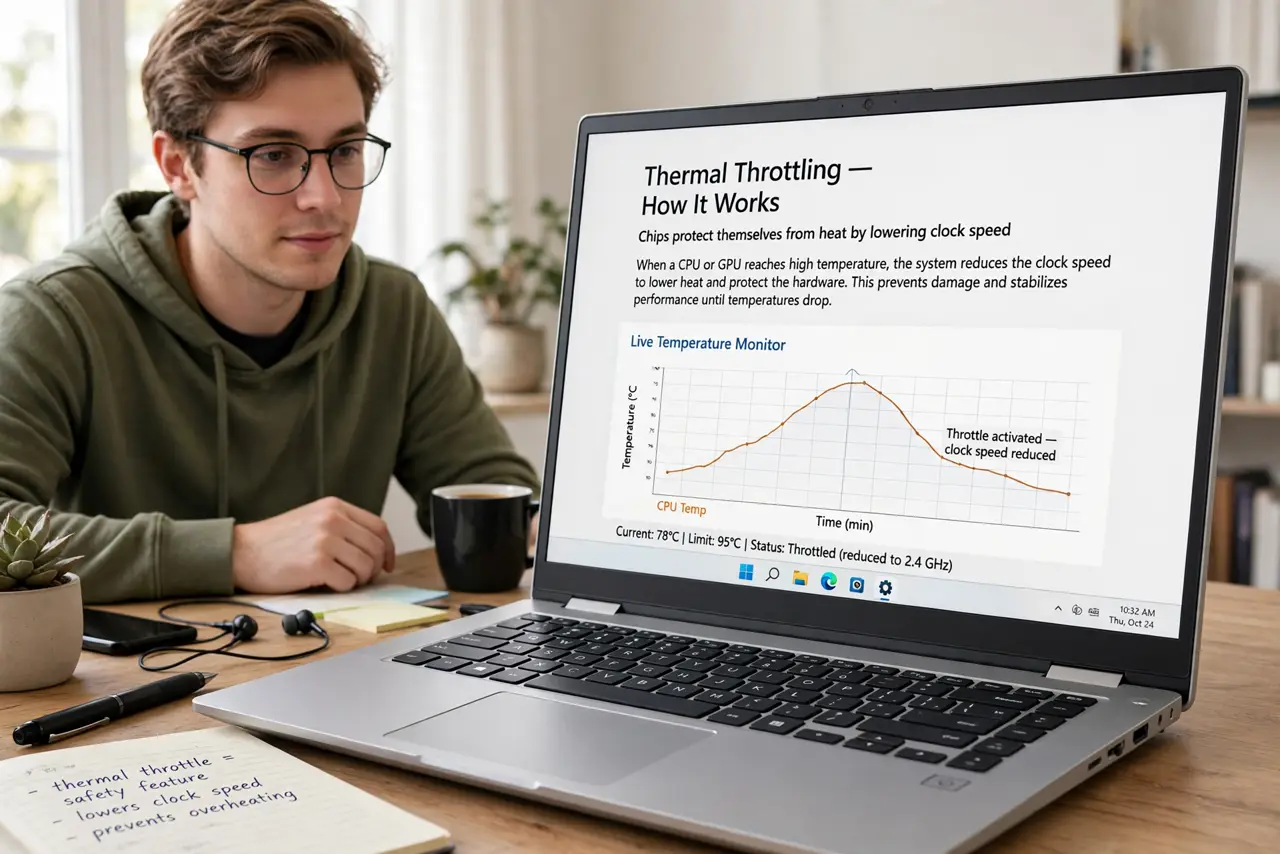
- Learn what throttling is. Chips protect themselves from heat by lowering clock speed. Performance drops, temperatures stabilize — the hardware survives, your fps does not.
- Spot the fade pattern. Fast for the first minutes, then a slow decline to a lower plateau. That fade-to-slow curve is throttling's signature — instant slowness is something else.
- Confirm with monitoring. Watch clocks and temperatures together under load. Clocks stepping down as temps hit the high 90s confirms throttling — see the fan curve if fans are not responding.
- Clean first. Dust-clogged heatsinks are the top cause. A compressed-air clean often restores full speed in twenty minutes.
- Improve the airflow path. Blocked vents, bad case airflow, or a suffocated laptop all invite throttling. Fix the path before buying parts.
- Consider [[undervolting|undervolting-explained]] next. If cleaning and airflow are good but heat persists, undervolting lowers temperatures without losing performance.
What NOT to do
- Do not confuse throttling with a slow PC. Throttling is speed that fades under load — constant slowness has other causes.
- Do not disable thermal protections. They exist to save the chip; defeating them trades a slow PC for a dead one.
- Do not repaste before cleaning. Dust is the common cause; paste is the rare one — work in order.
- Do not ignore throttling on a new PC. Fresh machines should not throttle — bad paste application or a plastic film left on the cooler are real factory defects.
Frequently asked questions
Is thermal throttling bad for the CPU?
No — it is the protection working. The chip slows to stay safe. Performance suffers, hardware does not.
Why does my laptop throttle but my desktop doesn't?
Laptops pack hot chips into thin bodies with tiny coolers. Desktops have the space for real cooling — physics favors the big box.
Can software fix throttling?
Partly — undervolting and fan curves help. But throttling is fundamentally a heat-removal problem; airflow and cleaning are the real fixes.