Blocking Third-Party Cookies Breaks a Login
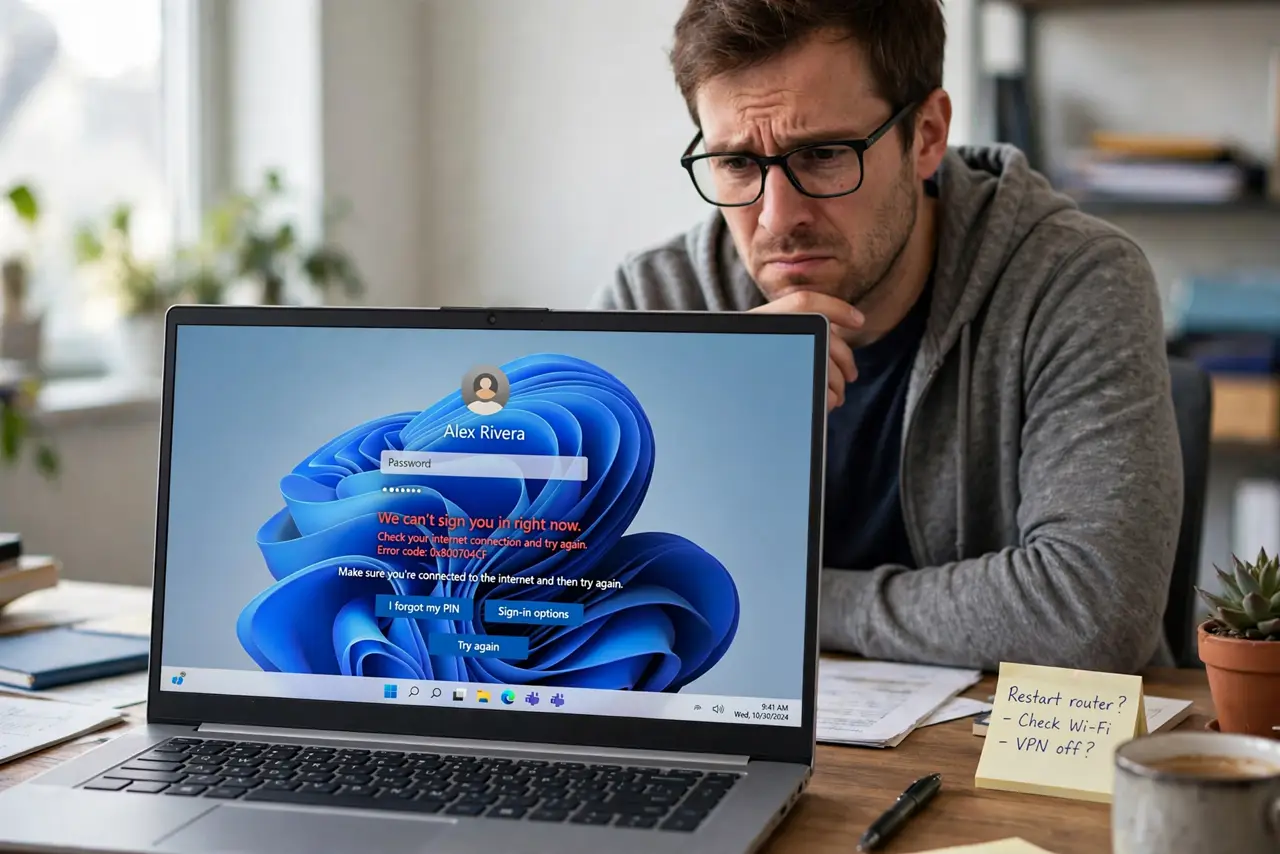
You blocked third-party cookies for privacy, and now a login loops or fails. Some sign-in systems depend on those cookies to pass you between the site and the login provider — and there is a middle path that keeps both working.
TL;DR / Quick Fix
Quick fix: allow third-party cookies just for the site that fails, complete the login, then re-block them afterwards. Or try the site's own login instead of the social button today, and keep the global block on for everything else permanently.
Follow these steps
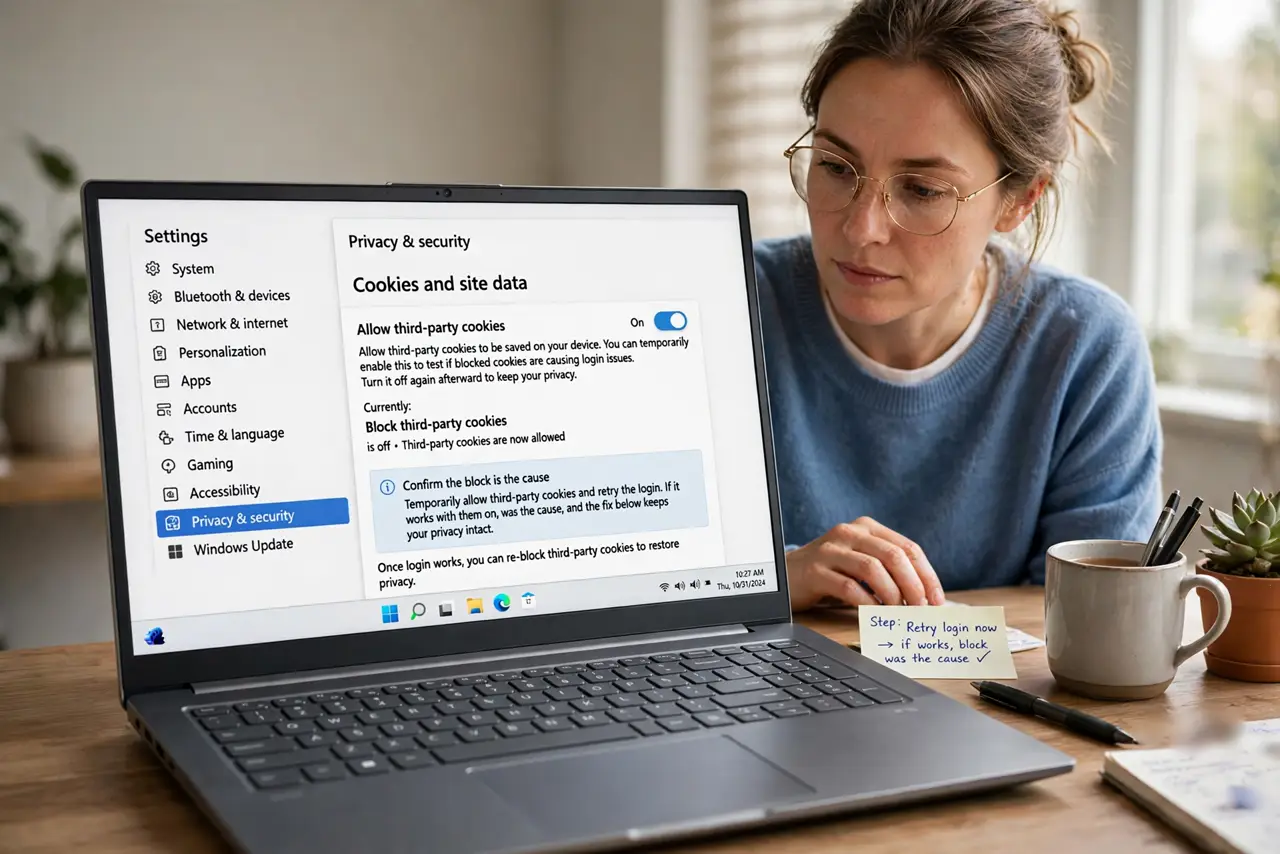
- Confirm the block is the cause. Temporarily allow third-party cookies and retry the login. If it works with them on, the block was the cause, and the fix below keeps your privacy intact.
- Allow them for just that site. Add the failing site to your browser's cookie exceptions instead of turning the global block off. One exception fixes the login while the block protects you everywhere else.
- Try the site's own login form. Use the email-and-password login instead of the Sign in with button. Social logins cross domains and need third-party cookies, while the site's own form often does not.
- Re-block after the login works. Once logged in, remove the temporary exception if the site holds the session. Some sites only need the cookies for the login moment itself.
- Check for a pop-up blocker conflict too. Login flows also use pop-ups, and a blocked pop-up looks exactly like a cookie failure. Allow pop-ups for the site before blaming cookies further.
- Keep the global block for everything else. Leave third-party cookies blocked by default. One or two site exceptions give you working logins without reopening tracking across the whole web.
What NOT to do
- Do not turn the global block off permanently. Site exceptions solve the failing logins, while a global off hands tracking back to every site.
- Do not allow all cookies just to log in faster. The exception list exists precisely so one login does not cost your whole privacy setup.
- Do not blame the site before testing. A quick allow-and-retry test proves the cause in seconds, while guessing wastes an afternoon.
- Do not forget which sites you excepted. Review the exception list occasionally and remove sites you no longer use.
Frequently asked questions
Why do logins need third-party cookies?
Because social and single sign-on logins pass you between domains, and third-party cookies carry that handoff.
Is one site exception risky?
Barely. It lets that site's login work while your global block still stops tracking everywhere else.
What if the login still fails?
Check pop-up blocking and try the site's own login form, since both mimic a cookie problem.