Make Better Thumbnails
A thumbnail is a billboard the size of a postage stamp — it has under a second to earn a click. Most bad thumbnails fail the same three ways: too much text, too little contrast, no clear subject. Fix those and you beat most of what you are competing against, whether for video or articles.
TL;DR / Quick Fix
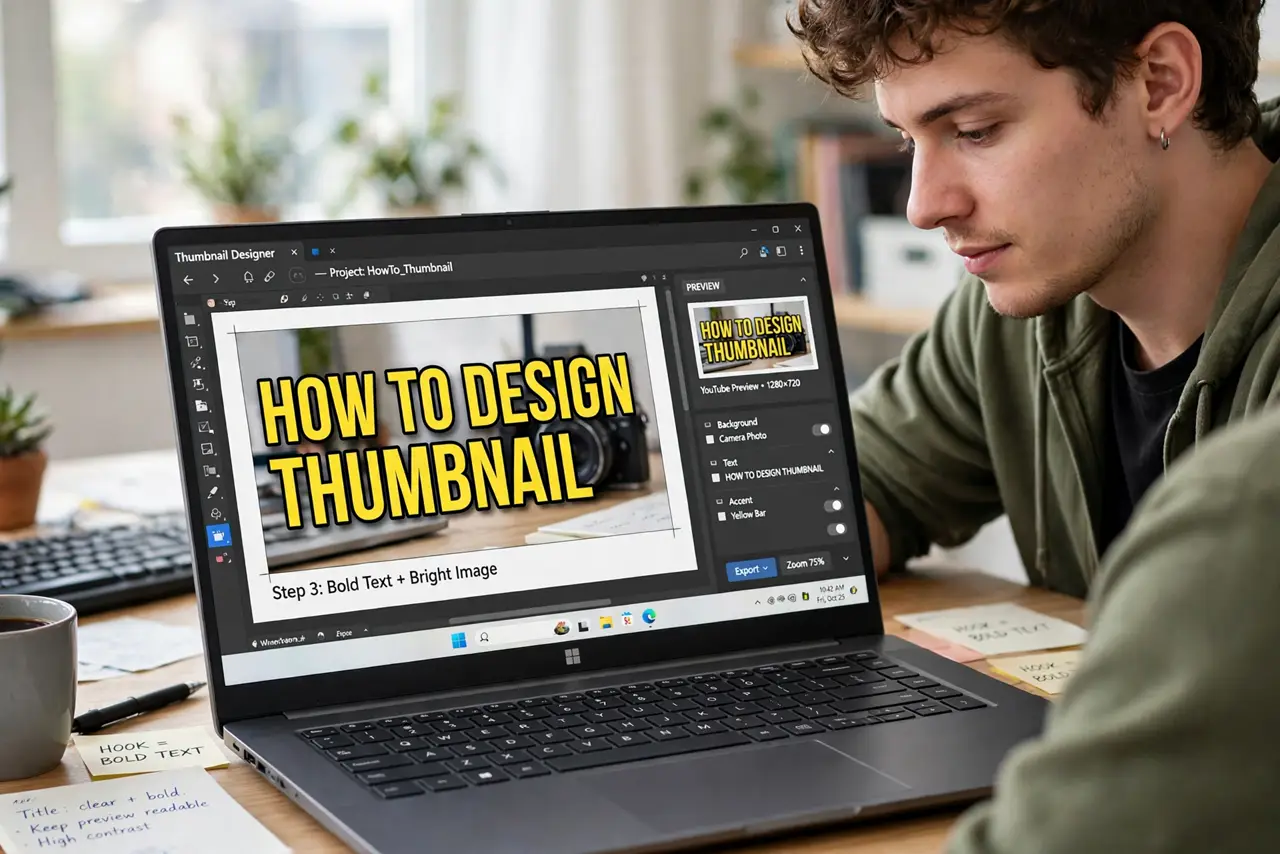
Quick fix: a good thumbnail has three things — one clear subject, three or fewer words in huge type, and high contrast that survives phone-size viewing. Faces with strong expressions outperform everything else. Test yours at tiny size; if you can’t read it, neither can anyone scrolling.
Follow these steps
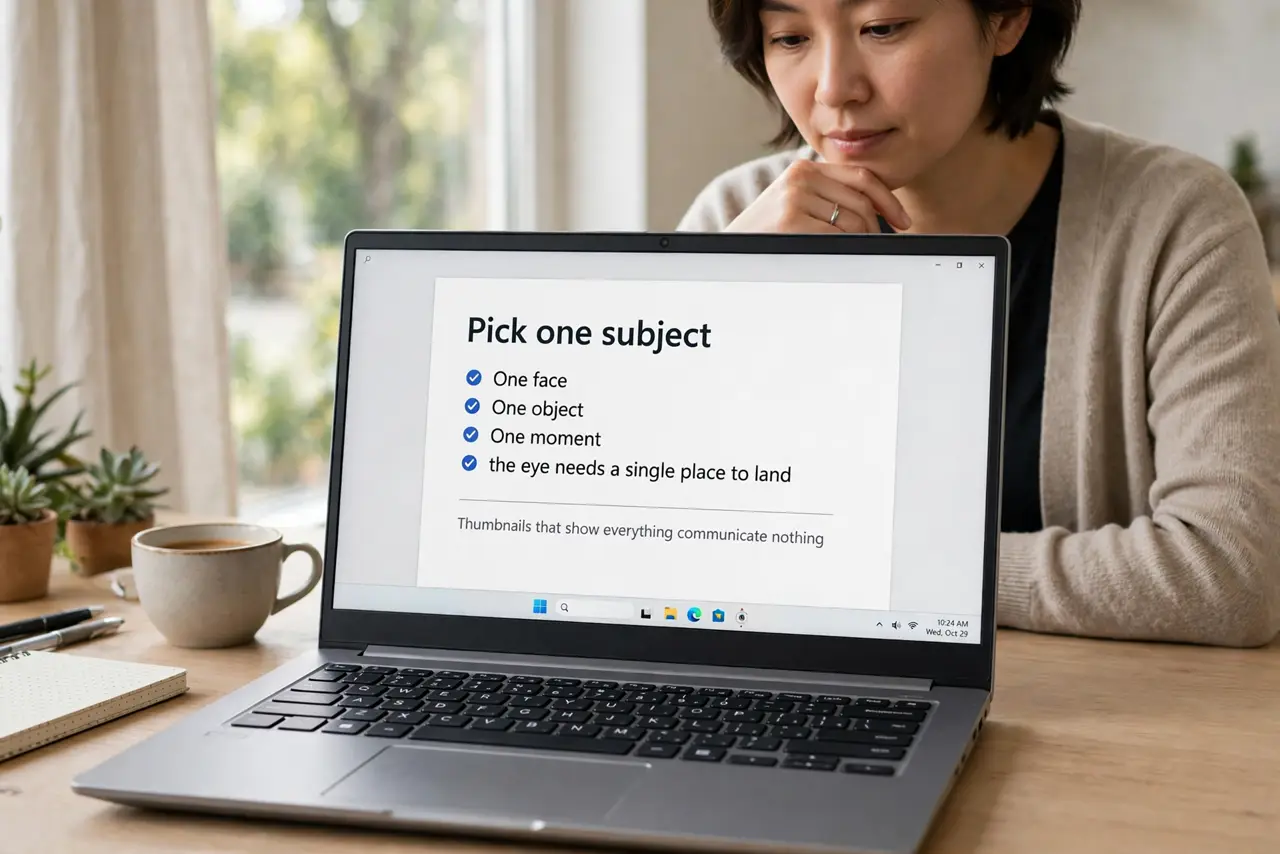
- Pick one subject. One face, one object, one moment — the eye needs a single place to land. Thumbnails that show everything communicate nothing.
- Use three words or fewer. Huge, bold, readable at stamp size. If the title already says it, the thumbnail does not need to repeat it — complement, do not duplicate.
- Crank the contrast. Bright subject, darker background (or the reverse). Phone screens in sunlight murder subtle thumbnails — bold separations survive.
- Use expressive faces. Surprise, curiosity, strong emotion — faces pull clicks like nothing else. Even for tech content, a human reaction beats a product shot.
- Test at tiny size. Zoom out until the thumbnail is postage-stamp sized. Unreadable? Redo it. This test takes five seconds and catches 90% of failures.
- Stay honest. The thumbnail must match the content — curiosity gaps are fine, lies are not. Clickbait that disappoints trains viewers to skip you forever.
What NOT to do
- Do not cram a sentence into the thumbnail. Tiny text is invisible on phones — three words max, huge.
- Do not use low-contrast color pairs. Gray on gray, yellow on white — sunlight and small screens erase them.
- Do not misrepresent the content. A shocked face for a calm tutorial burns trust with every click.
- Do not reuse one template forever. Templates are efficient, but audiences go blind to them — evolve the look quarterly.
Frequently asked questions
Text or no text on thumbnails?
A few huge words usually help — they add context the image alone cannot. But a strong image alone beats weak text every time.
Do I need Photoshop?
No — free editors and even phone apps make perfectly good thumbnails. Skill beats software here by a mile.
How do I know if mine work?
Click-through rate in your analytics. Change one element at a time and watch the number — that is the whole science.