Set Up TikTok Family Pairing
TikTok’s Family Pairing links a parent’s account to a teen’s, letting you set screen-time limits, restrict content, and control direct messages — without needing the teen’s phone in your hand. It is not spyware and it is not perfect, but it is the official tool, and it takes ten minutes to connect.
TL;DR / Quick Fix
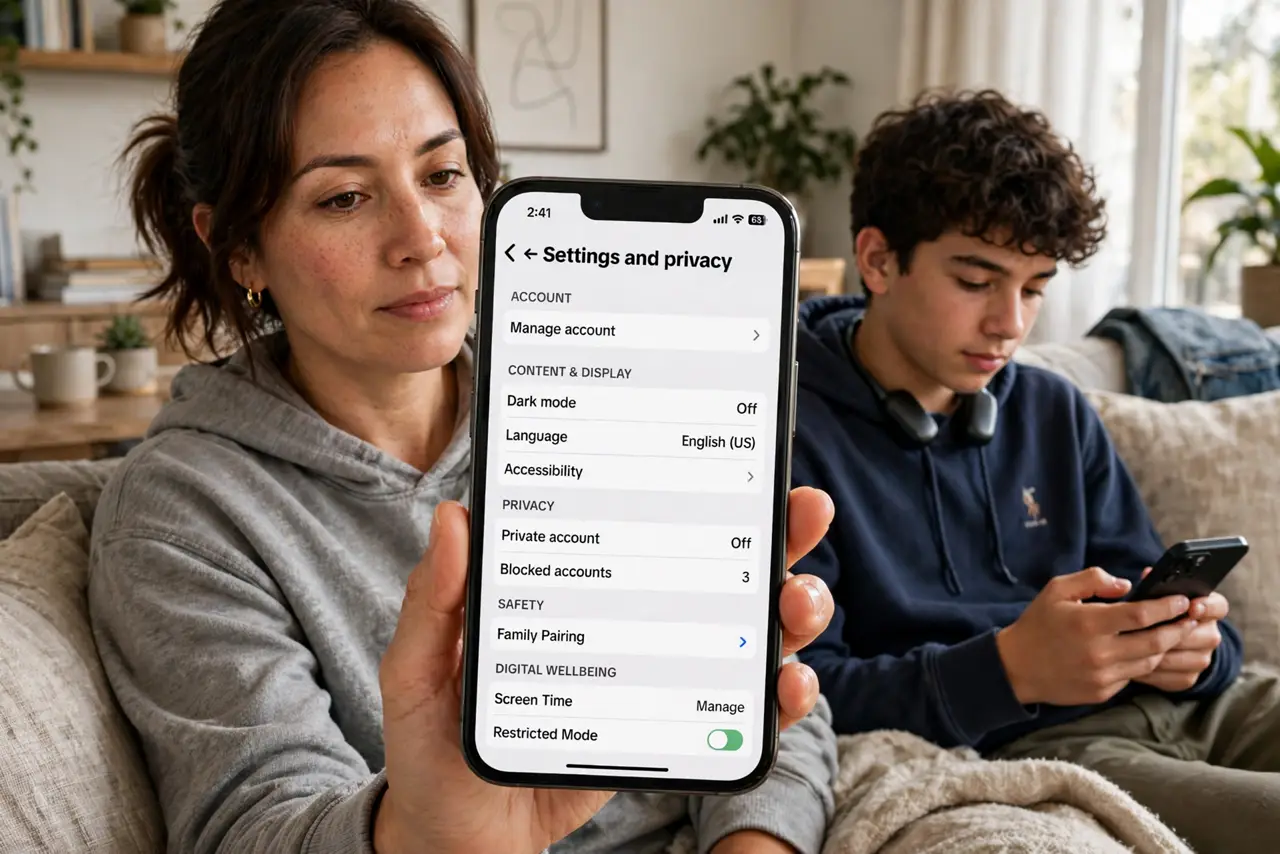
Quick fix: open TikTok on your phone, go to Settings > Family Pairing, and scan the QR code shown in your teen’s TikTok app. From there you can set daily screen time, turn on Restricted Mode, limit who can message them, and manage privacy settings — all remotely, all reversible.
Follow these steps
- Install TikTok on your own phone. Family Pairing runs from the parent’s TikTok account, so install the app and create or sign in to your own account first. You do not need to post anything — the account is just a remote control.
- Open Family Pairing in both apps. On both phones go to Profile > menu > Settings and privacy > Family Pairing. Your phone shows a QR scanner; your teen’s shows a QR code. This link is the whole setup — keep both phones handy.
- Scan and confirm the link. Scan the teen’s code with your phone and accept the pairing on both sides. Either account can break the link at any time, so this works best as an agreement, not a secret — talk about it first.
- Set daily screen time. In the pairing dashboard, set a daily limit that fits your family’s rules — TikTok will nudge the teen when time is up. Start with the platform’s suggested default and adjust after the first week of real use.
- Turn on Restricted Mode and lock DMs. Enable Restricted Mode to filter mature content, and set direct messages to No One or Friends only. Review the teen’s privacy settings too — a private account is the single biggest safety upgrade.
- Schedule a monthly check-in. Settings drift: updates reset things, teens explore menus. Once a month, open the pairing dashboard together and review what is on — five minutes keeps the agreement real instead of decorative.

What NOT to do
- Do not set it up secretly. Teens who discover hidden controls work around them; teens who agreed to them mostly respect them.
- Do not rely on Restricted Mode alone. It filters a lot but misses plenty — combine it with screen-time limits and regular conversation.
- Do not forget the teen can unlink. Family Pairing notifies you if the link breaks, but it is a tool for trust, not a lock.
- Do not ignore the rest of the phone. TikTok controls do nothing about other apps — pair this with Instagram’s teen protections and the device’s own parental controls.
Frequently asked questions
Can my teen turn off Family Pairing?
Yes — either side can unlink at any time, and you will be notified. That is by design: it is a parenting tool, not surveillance software.
Does Family Pairing let me read their messages?
No. It controls settings — screen time, content filters, DM permissions — but does not show message content or browsing history.
What age does this work for?
Family Pairing is designed for under-18 accounts. TikTok’s own age gates apply at signup; pairing adds the parental controls on top.