Try Time Blocking
You reach 5pm wondering where the day went — busy all day, nothing important finished. Time blocking fixes this by assigning every hour a job in advance: deep work gets a block, email gets a block, and the day has a shape before it starts. This guide builds your first blocked day in fifteen minutes.
TL;DR / Quick Fix
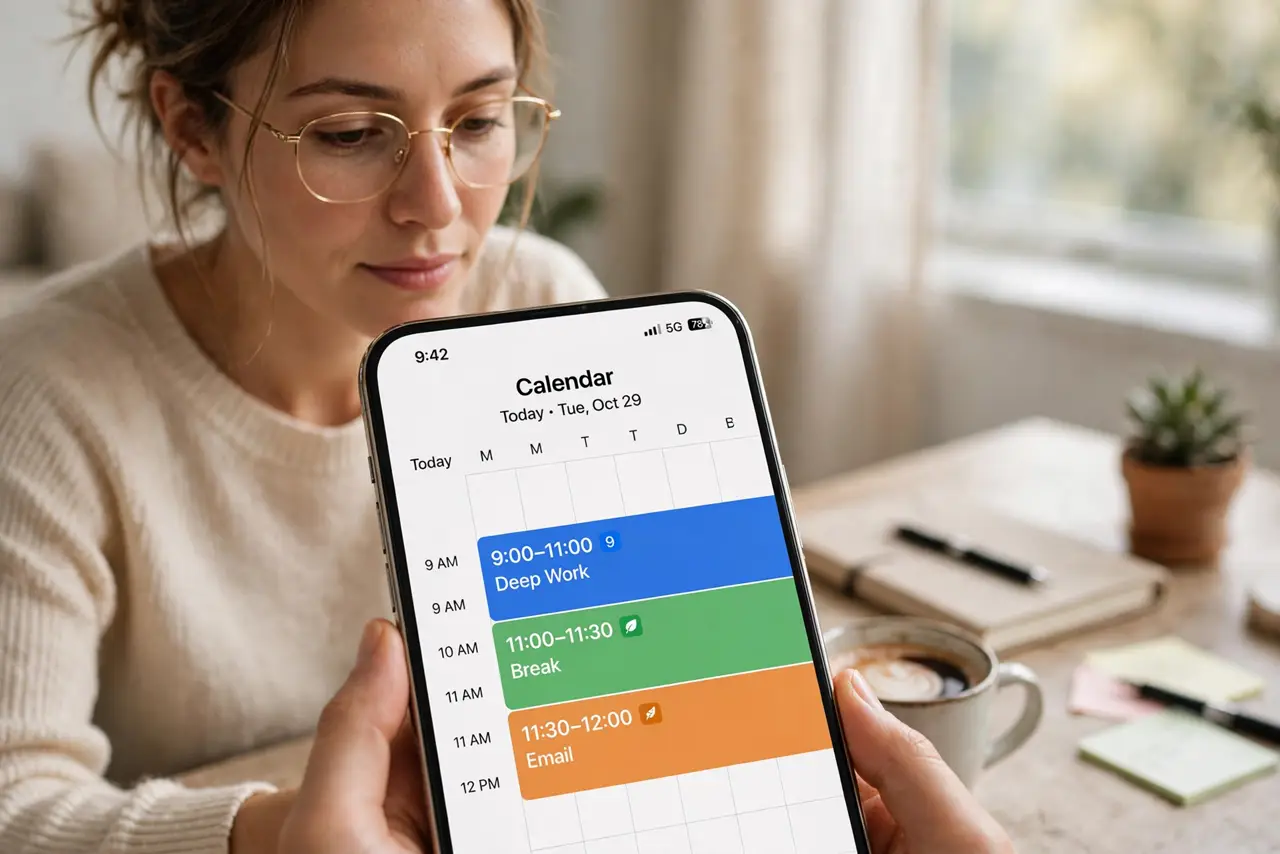
Quick fix: tonight, open your calendar and block tomorrow's hours — one 90-minute block for your most important task, blocks for meetings, and a block for email. Treat blocks like appointments you cannot skip. A planned day beats a reactive one, even when the plan bends.
Follow these steps
- Pick your most important task tonight. Before bed, choose the one task that would make tomorrow a win. Everything else is secondary — this task gets the first and best block.
- Block 90 minutes for it. Put a 90-minute block on tomorrow's calendar for that task, ideally in the morning when focus is freshest. Name the block after the task, not 'work.'
- Block your fixed commitments. Add meetings, appointments, and routines as blocks. Seeing the real shape of the day stops you from overpromising.
- Give email and admin a block. Assign one or two short blocks for email and small tasks. Outside those blocks, the inbox stays closed — batching beats dripping.
- Leave buffer blocks. Leave 30-minute gaps between big blocks. Days always sprout surprises; buffers absorb them without wrecking the plan.
- Review for two minutes at day's end. Check what got done and what slipped, then block tomorrow. The review is what turns one good day into a system — see calendar-based blocking for the weekly version.

What NOT to do
- Do not schedule every minute. A calendar with zero breathing room shatters at the first surprise — buffers are mandatory.
- Do not block deep work for your worst hours. Give your sharpest block to the hardest task, not the leftover slot at 4pm.
- Do not treat blocks as suggestions. A block you routinely ignore is decoration — defend the important ones like meetings.
- Do not rebuild the system daily. Keep the same skeleton most days; only the tasks inside the blocks change.
Frequently asked questions
How is this different from a to-do list?
A to-do list says what; time blocking says when. Unscheduled tasks drift — blocked tasks have an appointment with you.
What if my day is full of meetings?
Block what is left, even if it is two 30-minute chunks. And question recurring meetings that eat every day — some can go.
Does time blocking work for unpredictable jobs?
Yes, with bigger buffers and theme blocks instead of precise tasks. The structure flexes; the principle holds.