Time Tracker Logs Wrong Project? Fix It
Time logged to the wrong project quietly corrupts reports, invoices, and your own sense of where the week went. The usual causes are a forgotten active project, a timer left running, or an automatic rule guessing wrong.
TL;DR / Quick Fix
Quick fix: Check which project is currently active. Stop any timer still running from earlier. Correct the wrong entries promptly. Check automatic tracking rules. Start each work block by selecting the project. Review the idle time entries weekly. Work in order, and verify each step before moving on.
Follow these steps
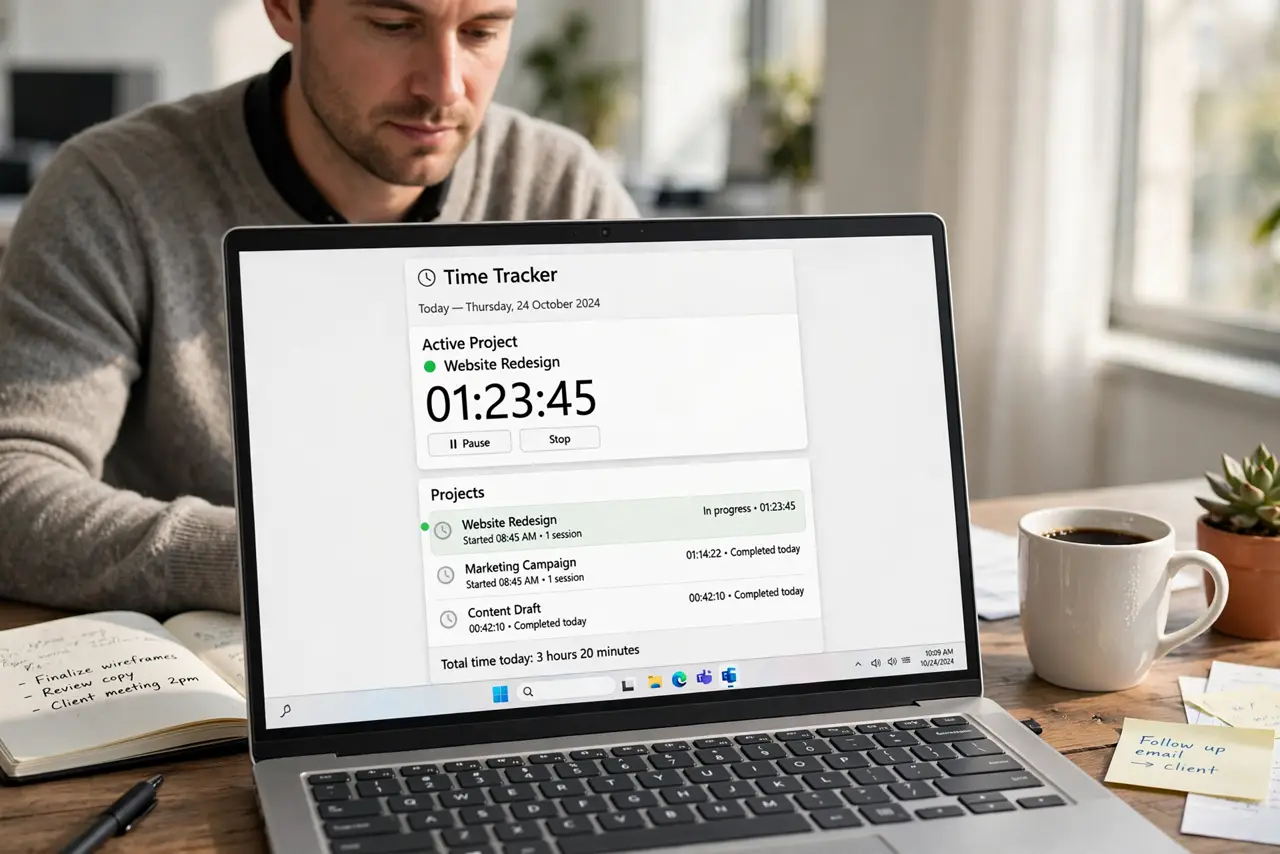
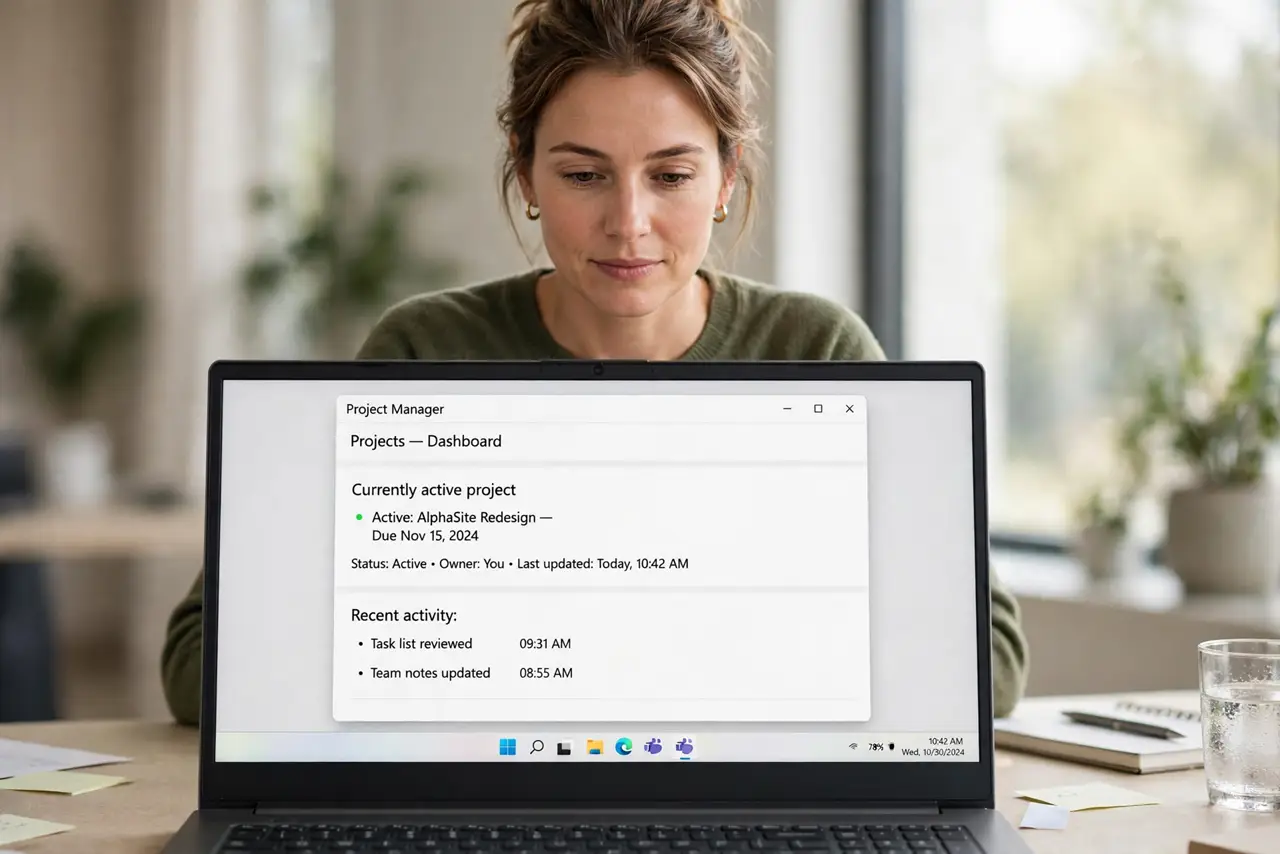
- Check which project is currently active. Open the tracker and look at the active project before you start work. A project left active from yesterday captures today's work by default.
- Stop any timer still running from earlier. Look for a running timer you forgot. A timer that never stopped keeps logging to its old project until you stop it.
- Correct the wrong entries promptly. Move mislogged time to the right project while you still remember what you did. Corrections get harder and less accurate every day you wait.
- Check automatic tracking rules. If the tracker assigns time by app or window title, review its rules. A misclassified app can send hours to the wrong project silently.
- Start each work block by selecting the project. Make project selection the first action of a work block, before opening documents. A two-second habit prevents most mislogging.
- Review the idle time entries weekly. Idle periods often hide mislogged or unassigned time. A weekly review catches strays before they reach a report.
What NOT to do
- Do not leave corrections for the end of the month. Memory fades, and wrong projects become wrong invoices.
- Do not run two timers at once for two projects. Overlapping timers double-count time and confuse reports.
- Do not trust automatic rules without reviewing them. Rules guess, and guesses need checking.
- Do not delete wrong entries instead of moving them. Moving preserves the hours; deleting loses them.
Frequently asked questions
Why is time on the wrong project?
Usually the previous project stayed active, a timer kept running, or an automatic rule misclassified the work.
Can I fix entries after invoicing?
Sometimes, but it is messy. Correct promptly, before reports go out.
How do I remember to switch projects?
Make selection the first action of each work block, and stop the timer when you stop working.