To-Do Tasks Disappear After Sync? Fix It
Tasks disappear after sync when they live in a different list, a different account, or behind a filter that hides completed tasks. Check those three places before assuming sync deleted your work.
TL;DR / Quick Fix
Quick fix: check every list in the app, confirm you are in the right account, and clear any filter hiding completed tasks. If tasks are still missing, check the web version, which often shows the full synced list. Last, restore from a backup if truly gone to confirm it.
Follow these steps
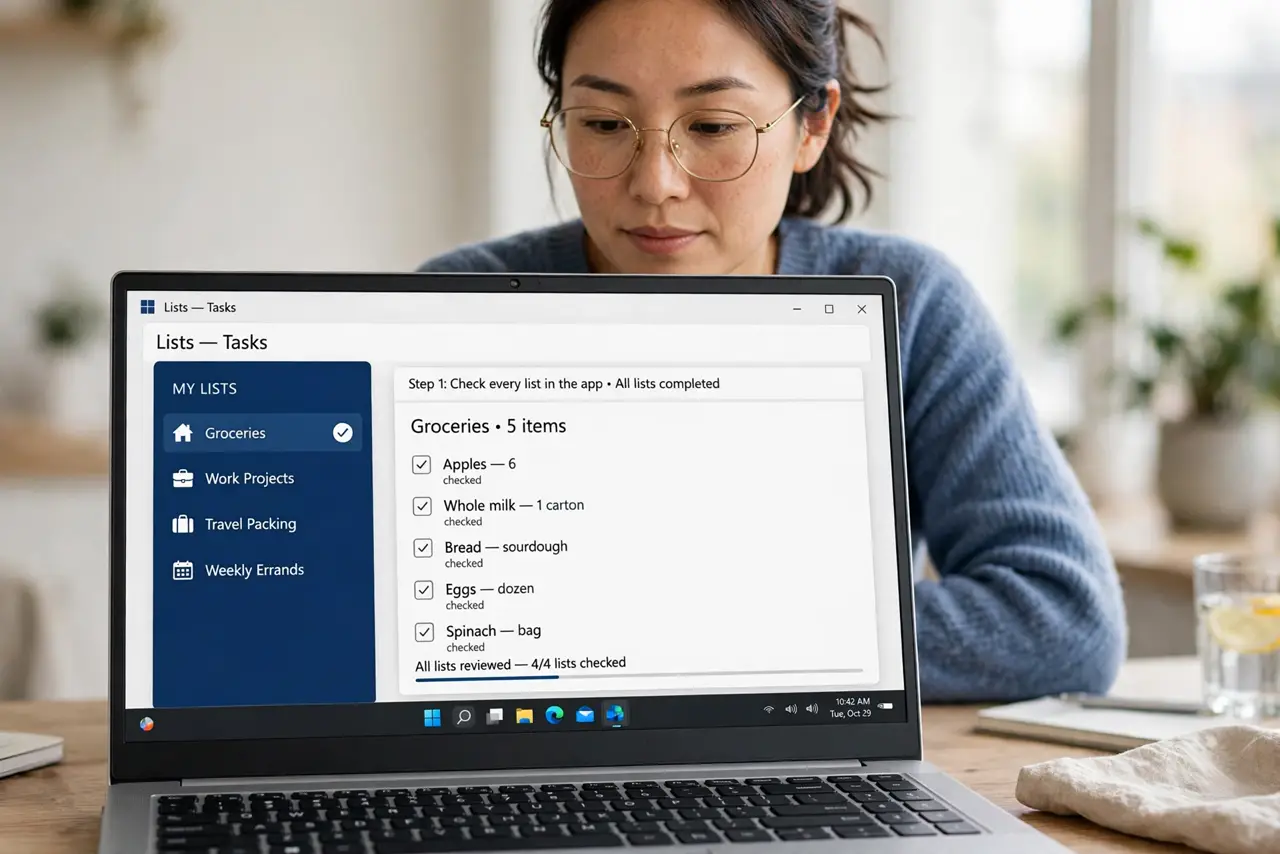
- Check every list in the app. Open each list, including archived and default lists. A task can move lists during a sync, and it may be sitting in a list you rarely open.
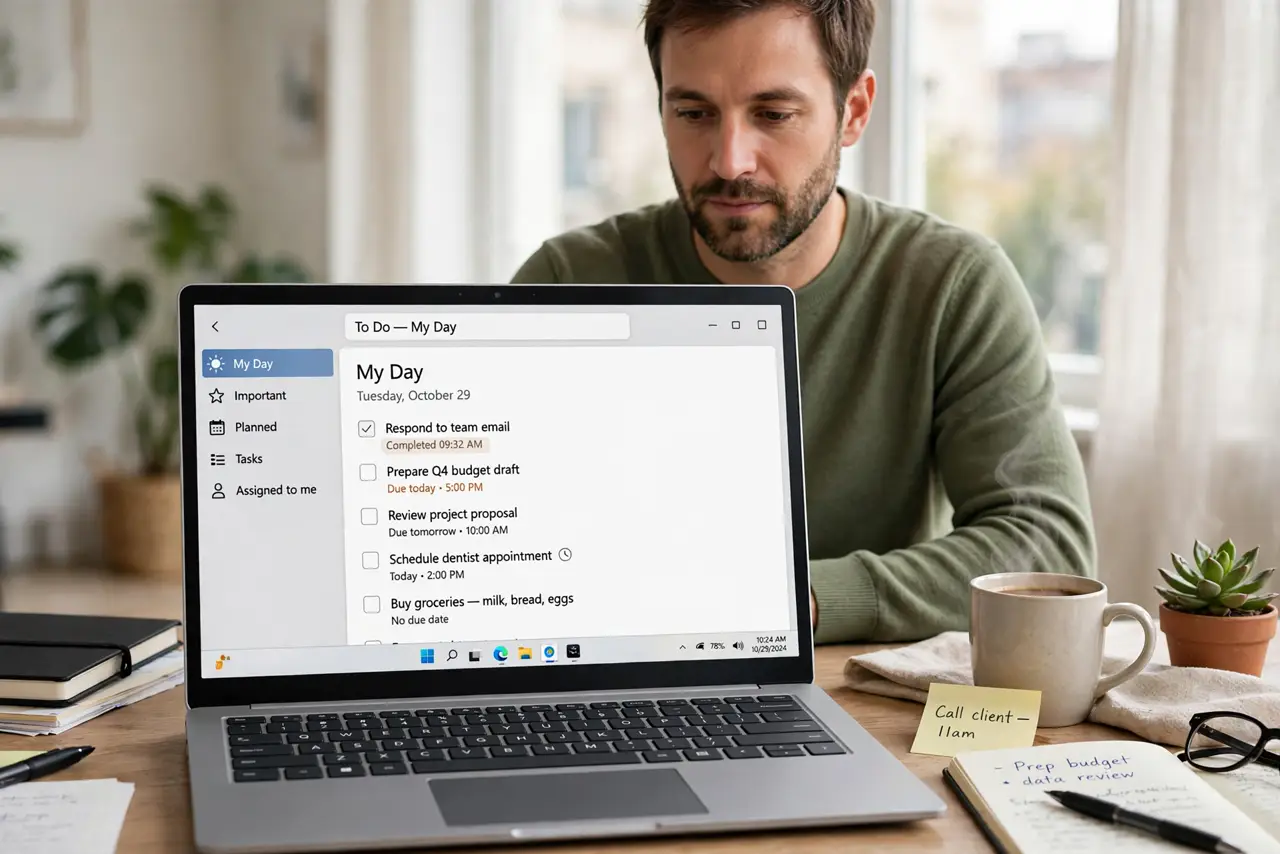
- Clear filters that hide tasks. Turn off filters for completed, dated, or flagged tasks, and view all tasks. A filter that hides completed tasks can make a whole list look empty.
- Confirm the right account. Check the app is signed in to the account that holds the tasks. A second account shows its own lists, which can look like your tasks vanished.
- Check the web version. Open the same to-do service on the web and look for the tasks there. The web view often shows the full synced state, revealing whether the phone app is the problem.
- Force a sync and wait. Run a manual sync and wait a minute before judging. A sync interrupted by a weak connection can leave tasks missing until it completes.
- Restore from a backup if truly gone. If tasks are missing everywhere, check the service's trash, archive, or export backup. Restore from there rather than recreating everything from memory.
What NOT to do
- Do not recreate missing tasks immediately. Duplicates appear when the original tasks sync back later.
- Do not delete lists to clean up. A list you delete may hold the tasks you think are missing.
- Do not turn sync off to freeze tasks. That creates diverging lists that are harder to merge.
- Do not assume sync deleted your tasks. Lists, accounts, and filters explain most disappearances.
Frequently asked questions
Why do tasks vanish after sync?
They usually moved lists, switched accounts, or fell behind a filter, rather than being deleted.
Can synced tasks be recovered?
Often yes, from the web version, trash, or archive, if they were truly removed from the app.
How do I prevent this?
Keep one account, one main list for daily tasks, and check filters before assuming a task is gone.