What Is TPM 2.0?
Windows 11 refused to install, citing TPM 2.0 — three letters standing between you and the upgrade. The TPM is a security chip that guards encryption keys and verifies your PC boots untampered. This guide explains what it does, how to check for it, and how to turn it on.
TL;DR / Quick Fix
Quick fix: TPM 2.0 is a security chip Windows 11 requires — it stores encryption keys and verifies boot integrity. Most PCs from 2016 onward have it; check with tpm.msc. If off, enable it in BIOS security settings. No TPM usually means too old for Windows 11.
Follow these steps
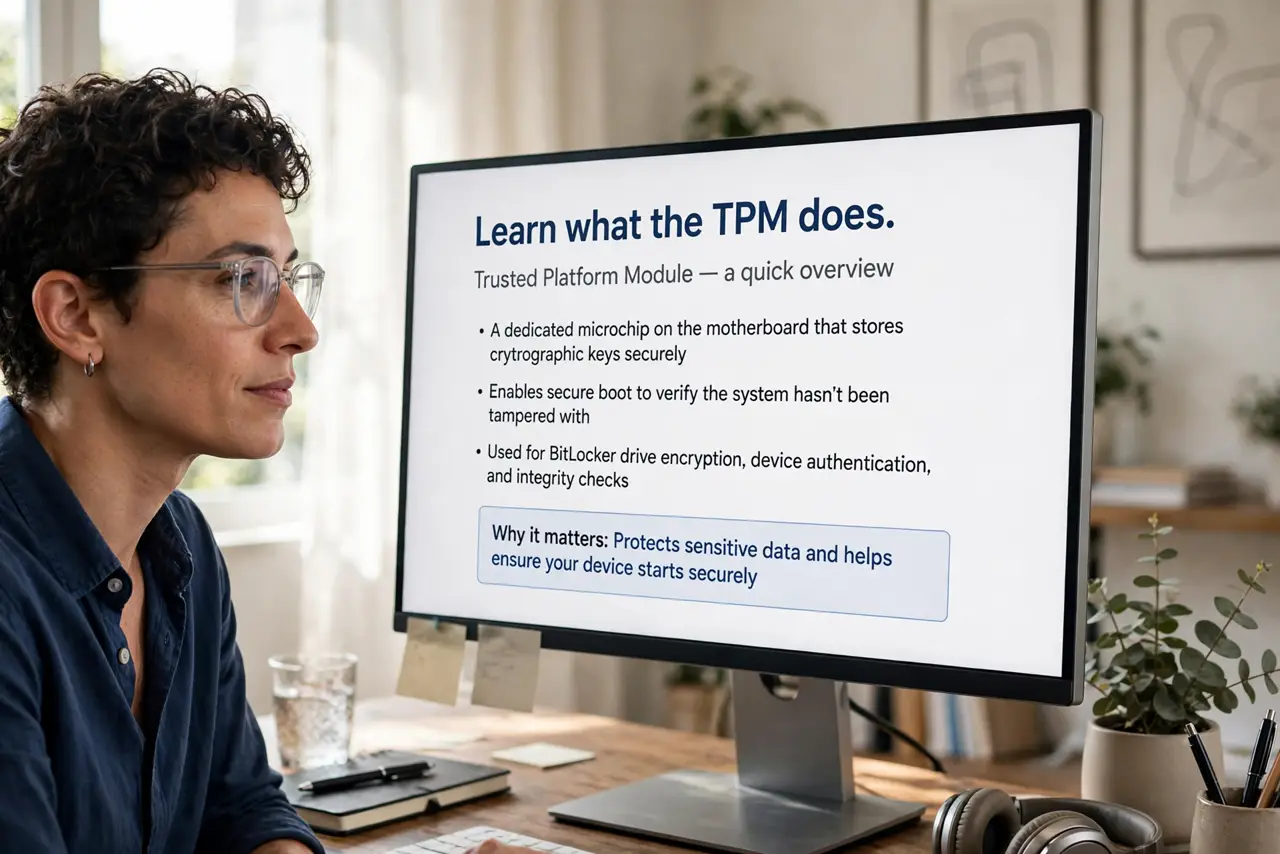
- Learn what the TPM does. The Trusted Platform Module is a dedicated chip (or firmware equivalent) that stores encryption keys and measures the boot process. BitLocker and Windows Hello lean on it heavily.
- Check whether you have it. Press Windows+R, type tpm.msc, and read the status. 'TPM is ready for use' with version 2.0 means you are set — Windows 11's requirement is satisfied.
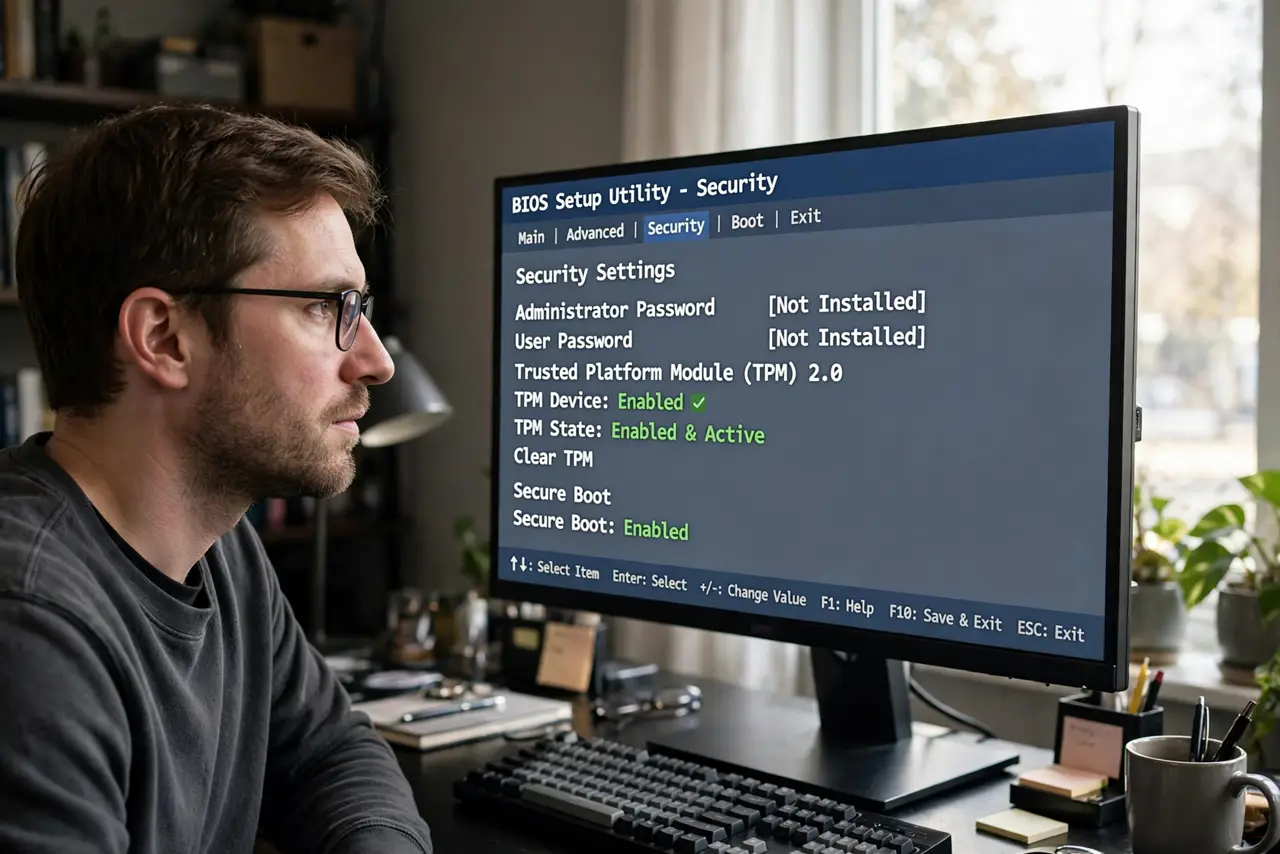
- Enable it in BIOS if it is off. Reboot into BIOS/UEFI, find the Security tab, and enable TPM / PTT (Intel) / fTPM (AMD). Save and exit — tpm.msc should then report ready.
- Understand firmware vs discrete TPM. Most modern PCs use firmware TPM built into the CPU — no physical chip needed. Discrete TPM modules exist for some desktops but are rarely required.
- Know why Windows 11 demands it. Microsoft requires TPM 2.0 plus Secure Boot as a security baseline. It is not arbitrary — these two features block entire classes of boot attacks.
- Decide about old hardware. No TPM 2.0 usually means a pre-2016 platform. Weigh a workaround install (unsupported, no updates guaranteed) against hardware that meets the spec — for most, the hardware verdict is final.
What NOT to do
- Do not buy a sketchy 'TPM module' from a marketplace. Firmware TPM in your CPU is free — check BIOS before spending money.
- Do not clear the TPM without understanding BitLocker. Clearing can lock encrypted drives if you have not saved recovery keys.
- Do not disable TPM to dodge Windows 11 requirements and then complain about missing updates. Unsupported installs are a dead end.
- Do not confuse TPM with a performance feature. It adds security, not speed — nothing gets faster with TPM on.
Frequently asked questions
Will enabling TPM erase anything?
Enabling alone does not. Clearing the TPM does affect keys — enable freely, clear cautiously.
Does TPM spy on me?
No — it is a local security chip holding your keys. It does not phone home or track you.
Can I add TPM to an old motherboard?
Some boards have a TPM header for a module — check your manual. Many old boards lack even the header, which settles the question.