Turn Off Ad Personalization
You searched for shoes once and now every site shows you shoes — ads feel like they read your mind because, in a real sense, they read your behavior. Ad personalization is the system that builds a profile from your browsing and app activity to pick which ads you see. You can turn much of it off, and here is exactly where the switches live.
TL;DR / Quick Fix
Quick fix: turn off ad personalization where it matters most — Google's Ad Settings, your phone's ad settings, and the ad preferences of the social apps you use most. It will not remove ads, but it stops them from being picked using your personal profile.
Follow these steps
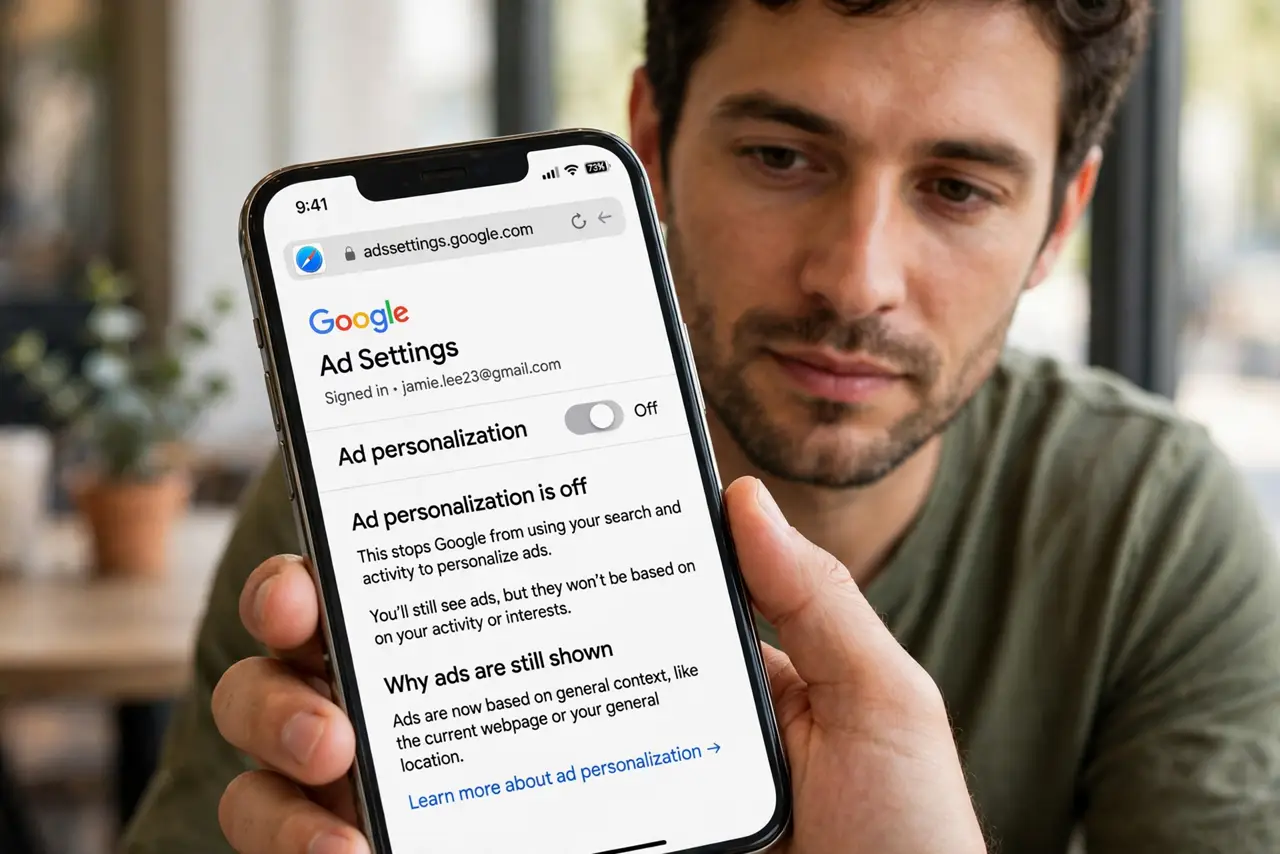
- Turn off Google ad personalization. Visit Google's Ad Settings page while signed in and toggle off ad personalization. This stops Google from using your search and YouTube history to target ads across the web.
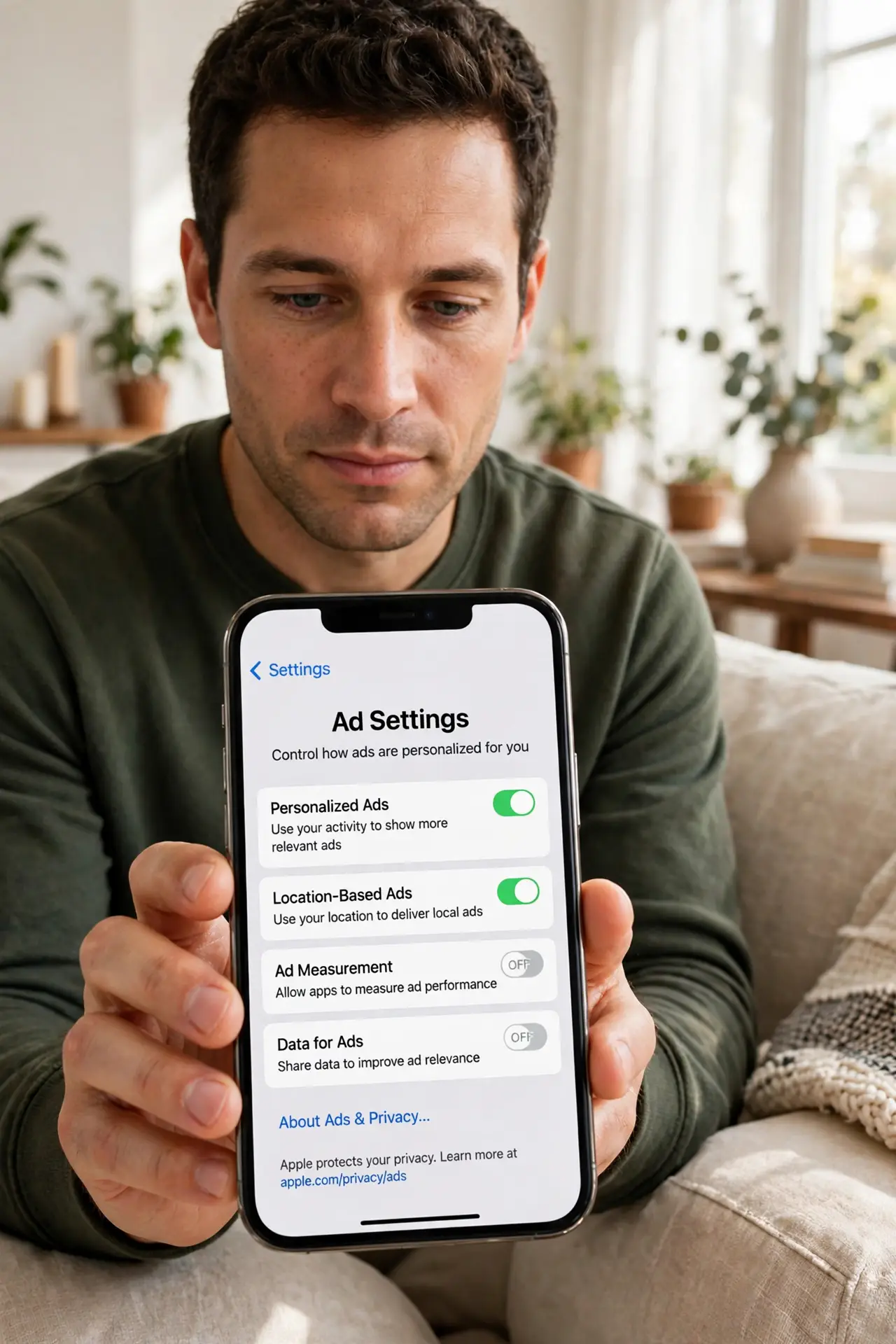
- Turn off phone-level ad tracking. On iPhone, disable Personalized Ads under Privacy settings, and answer 'Ask App Not to Track' when apps ask — see the app tracking guide. On Android, delete the advertising ID under Settings, Privacy, Ads.
- Opt out in your social apps. Facebook, Instagram, and TikTok each have ad preference panels where you can remove interests and limit off-app tracking. Do the ones you actually use — that is where most of the profiling happens.
- Clear old ad interests. Google and Meta let you see the interests they have assigned you — remove the wrong or creepy ones. It is oddly satisfying and genuinely reduces mistargeting.
- Expect ads to continue, just dumber. Turning off personalization does not remove ads; it makes them generic. Anyone promising an ad-free internet from these toggles is overselling — that needs a different approach.
- Shrink the data feeding the profiles. Fewer inputs mean a thinner profile. Opting out of data brokers and reviewing your app privacy report cut the raw material advertisers buy and infer.
What to avoid
- Do not expect zero ads afterward. Personalization off means generic ads, not no ads — adjust expectations or you will think the switches failed.
- Do not forget the in-app toggles. The phone-level switch helps, but each big social app has its own ad settings that also need attention.
- Do not assume incognito mode does this. Private browsing limits local history, not the ad profiles companies already hold on you.
- Do not pay for sketchy 'privacy apps' promising to do it all. The real switches are free in your OS and account settings — paid apps add little here.
Frequently asked questions
Will this stop companies collecting my data?
No — it limits how the data is used for ads, not the collection itself. Full privacy needs broader steps than ad toggles alone.
Why do I still see relevant ads after opting out?
Contextual ads match the page you are on, not your profile — shoe ads on a shoe site are not personalization, just context.
Do I have to redo this on every device?
Mostly yes. Google settings follow your account, but phone-level and in-app toggles are per device — run through the list on each one.