Do You Need 120Hz?
Sports blur into smears on your TV — the ball streaks, the players ghost — and the store says 120Hz fixes everything. Refresh rate does matter for motion, but the marketing doubles the numbers and the content rarely matches. Here is when 120Hz earns its premium and when 60Hz is perfectly fine.

TL;DR / Quick Fix
Quick fix: buy 120Hz if you watch lots of sports or game on a console — motion is visibly smoother. For movies and casual shows, 60Hz is fine; films are 24 frames per second anyway. Do not pay extra for inflated motion-rate numbers — native 120Hz panel or nothing.
Follow these steps
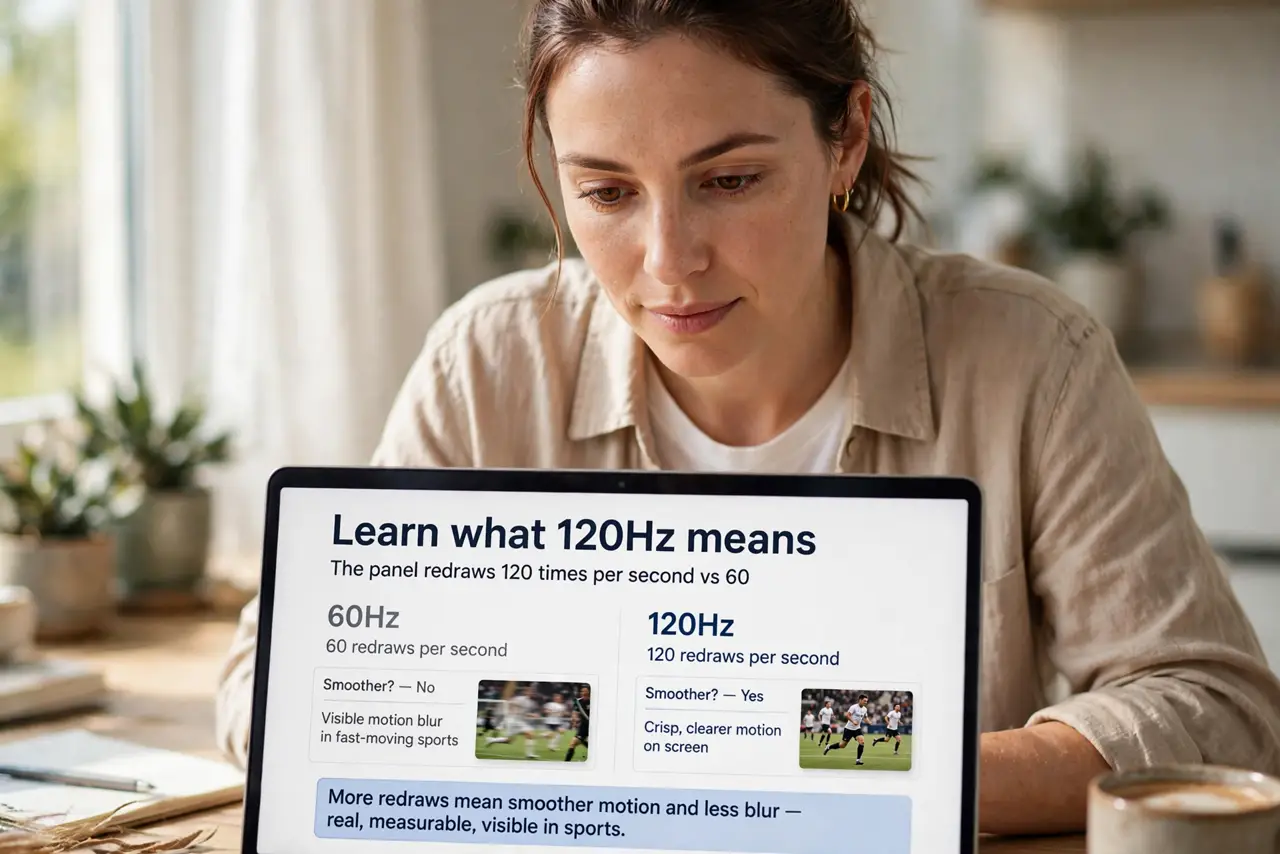
- Learn what 120Hz means. The panel redraws 120 times per second versus 60. More redraws mean smoother motion and less blur — real, measurable, visible in sports.
- Match it to your content. Sports and gaming: yes, it shines. Movies at 24fps: the TV invents frames, which some love and some hate — film purists often turn smoothing off anyway.
- Beware inflated numbers. Motion Rate 240 and similar are marketing math, not panel specs. Native 120Hz is the only number that matters — the rest is backlight trickery.
- Check the HDMI ports. True 120Hz at 4K needs HDMI 2.1. Older ports cap you at 60Hz regardless of the panel — verify before assuming.
- Gamers: check input lag too. High refresh with high input lag is a hollow win. Gaming modes cut processing delay — refresh plus low lag is the combo.
- Pair with calibration. A smooth but garish picture is still garish. The calibration basics matter as much as the hertz — do both.
What NOT to do
- Do not pay for 240 motion rate thinking it is 240Hz. Marketing numbers are not panel specs — native refresh only.
- Do not buy 120Hz for a bedroom casual TV. News and sitcoms gain nothing; save the premium.
- Do not forget the source. A 120Hz panel showing 30fps streams is mostly idle — content must supply the frames.
- Do not confuse refresh with response time. Both affect motion clarity; a slow panel at 120Hz still smears.
Frequently asked questions
Is 120Hz noticeable?
In sports and gaming, yes — clearly. In movies and news, barely. Content decides.
Do I need HDMI 2.1?
For 4K at 120Hz, yes. For 1080p120 or 4K60, older HDMI suffices — match the cable to the ambition.
What about 144Hz TVs?
Diminishing returns past 120 for TV content; PC gamers on monitors care more. For TVs, 120 is the sane ceiling.