TV Refresh Rates Explained
The box screams 120Hz, MotionFlow 960, TruMotion 240 — numbers that promise buttery motion but refuse to explain themselves. TV refresh rates are genuinely useful and genuinely over-marketed at the same time: the real panel rate matters, the inflated motion numbers do not. Here is how to read the label like an engineer instead of a marketer.
TL;DR / Quick Fix
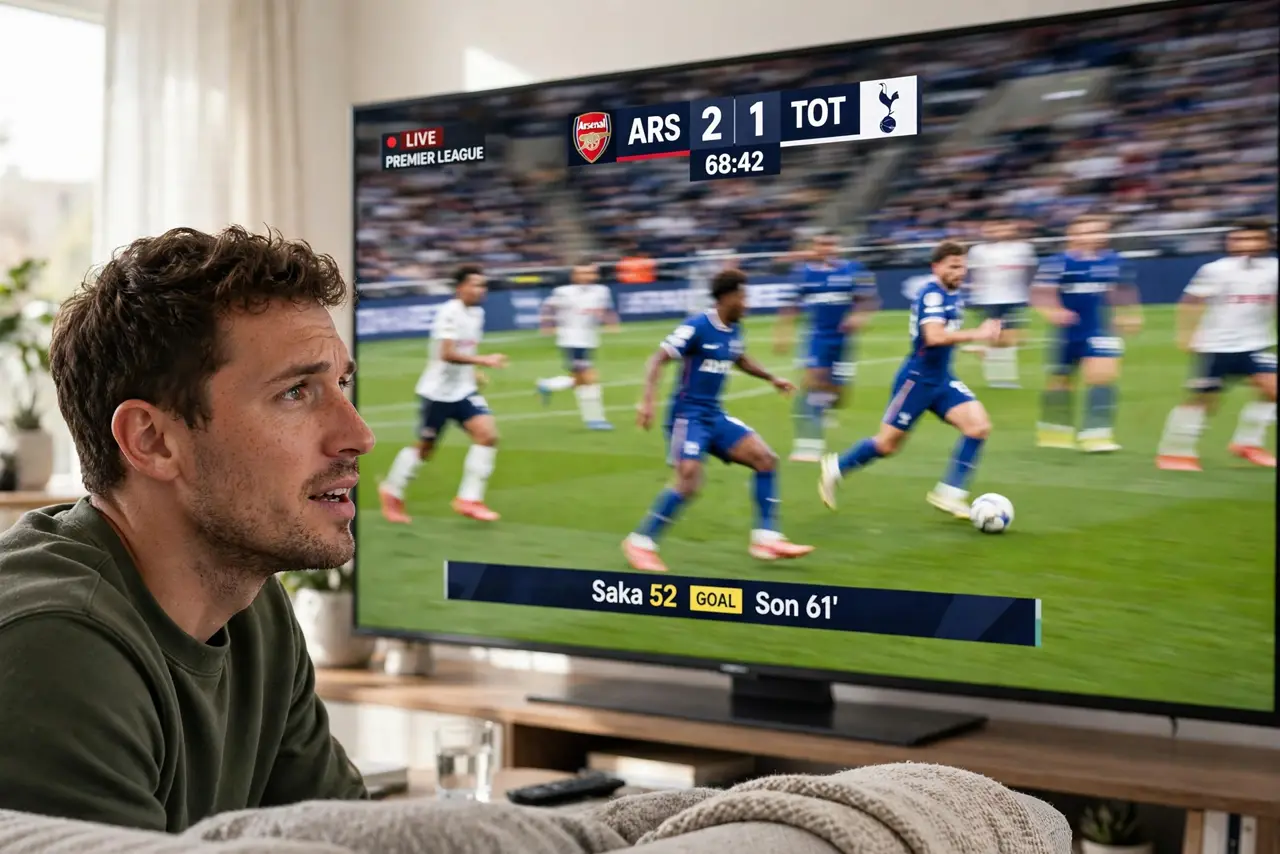
Quick fix: the native refresh rate — 60Hz or 120Hz — is the only number that matters; ignore inflated motion-rate marketing. 120Hz genuinely helps sports and gaming; for movies and shows, 60Hz is fine. Check the real panel spec in reviews, not the box.
Follow these steps
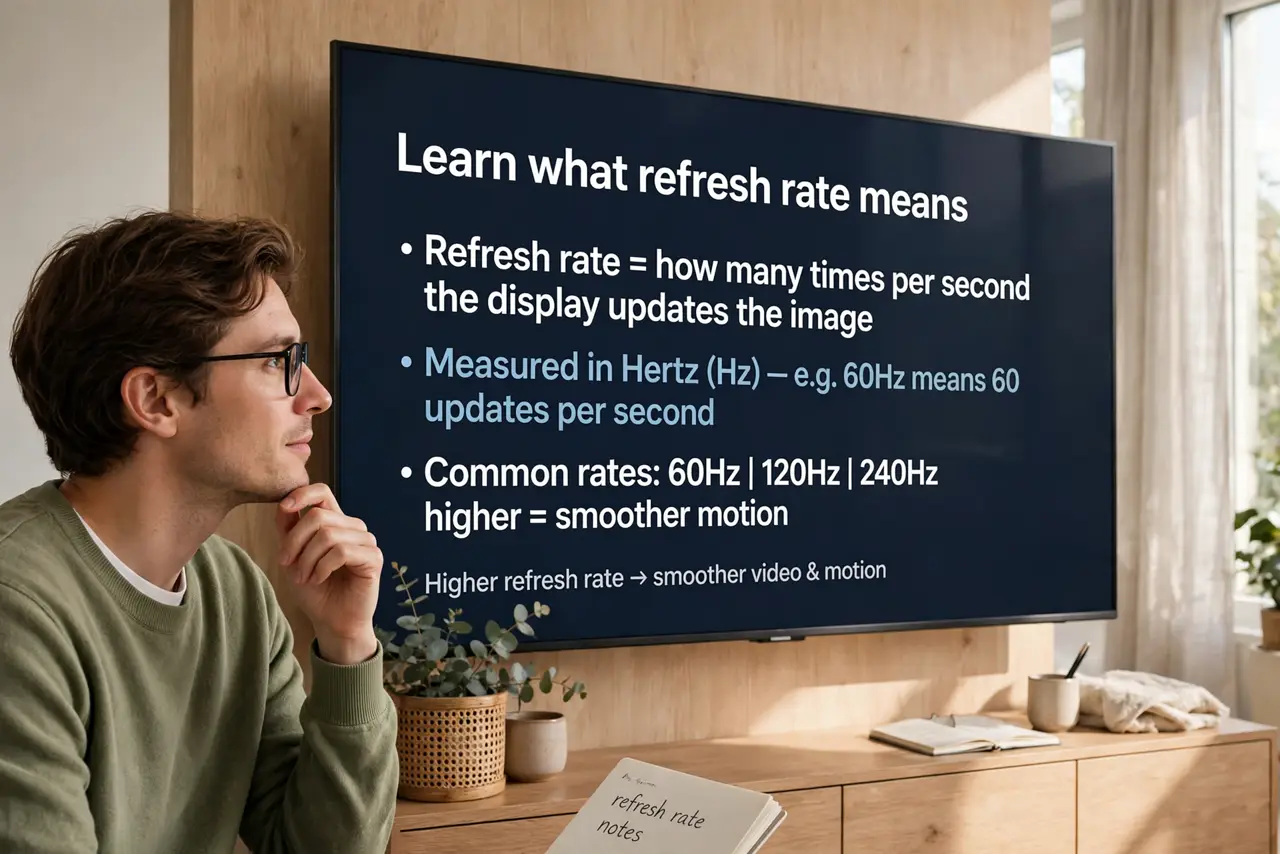
- Learn what refresh rate means. It is how many times per second the screen draws a new image — 60Hz draws 60 frames, 120Hz draws 120. Higher means smoother motion, up to what the content provides.
- Ignore the inflated numbers. MotionFlow 960 and TruMotion 240 are marketing math — backlight tricks counted as hertz. The native panel rate, 60 or 120, is the real spec; see what refresh rates do for the plain version.
- Match rate to content. Sports and gaming benefit visibly from 120Hz — fast motion stays clean. Movies are filmed at 24 frames per second, so 120Hz adds little for film watching.
- Know the gaming angle. Consoles and PCs can output 120 frames per second — but only if the TV's HDMI ports support the bandwidth. Pair a 120Hz TV with HDMI 2.1 for the full benefit.
- Turn off motion smoothing for movies. The soap-opera effect — motion interpolation making films look like daytime TV — comes from these features. Disable it for movies; keep it for sports if you like the look.
- Verify the real spec. Check reviews for the measured native refresh rate. Some budget 120Hz claims are 60Hz panels with backlight tricks — the box will not tell you.
What NOT to do
- Do not pay extra for a fake 240Hz. Inflated motion numbers are not panel capability — verify the native rate.
- Do not assume 120Hz fixes blurry streams. A low-bitrate stream looks soft at any refresh rate — the source is the limit.
- Do not leave motion smoothing on for everything. Sports: fine. Movies: the soap-opera effect ruins the film look.
- Do not confuse refresh rate with response time. Refresh is frames per second; response is pixel speed — both matter for gaming clarity.
Frequently asked questions
Is 120Hz worth it for regular TV?
For sports fans and gamers, yes — the difference is visible. For news and dramas, save your money.
Why do movies look weird on my new TV?
Motion smoothing is on — the soap-opera effect. Turn off the motion interpolation setting for film content.
Can my eyes even see 120Hz?
In side-by-side motion, yes — most people see smoother movement. It is subtle for static content, obvious for fast action.