What Is HDMI 2.1?
Your new TV and console both brag about HDMI 2.1, the old cable in your drawer says High Speed, and nothing explains whether any of it matters for your setup. HDMI 2.1 is a bigger pipeline — more bandwidth for 4K at 120 frames, better audio return, smarter gaming features. Whether you need it depends entirely on what you plug in.
TL;DR / Quick Fix
Quick fix: you need HDMI 2.1 only for 4K at 120Hz gaming or 8K — 4K movies and shows work fine on older HDMI. Check that both the TV port and the cable support it; one weak link caps everything. When in doubt, buy a certified Ultra High Speed cable.
Follow these steps
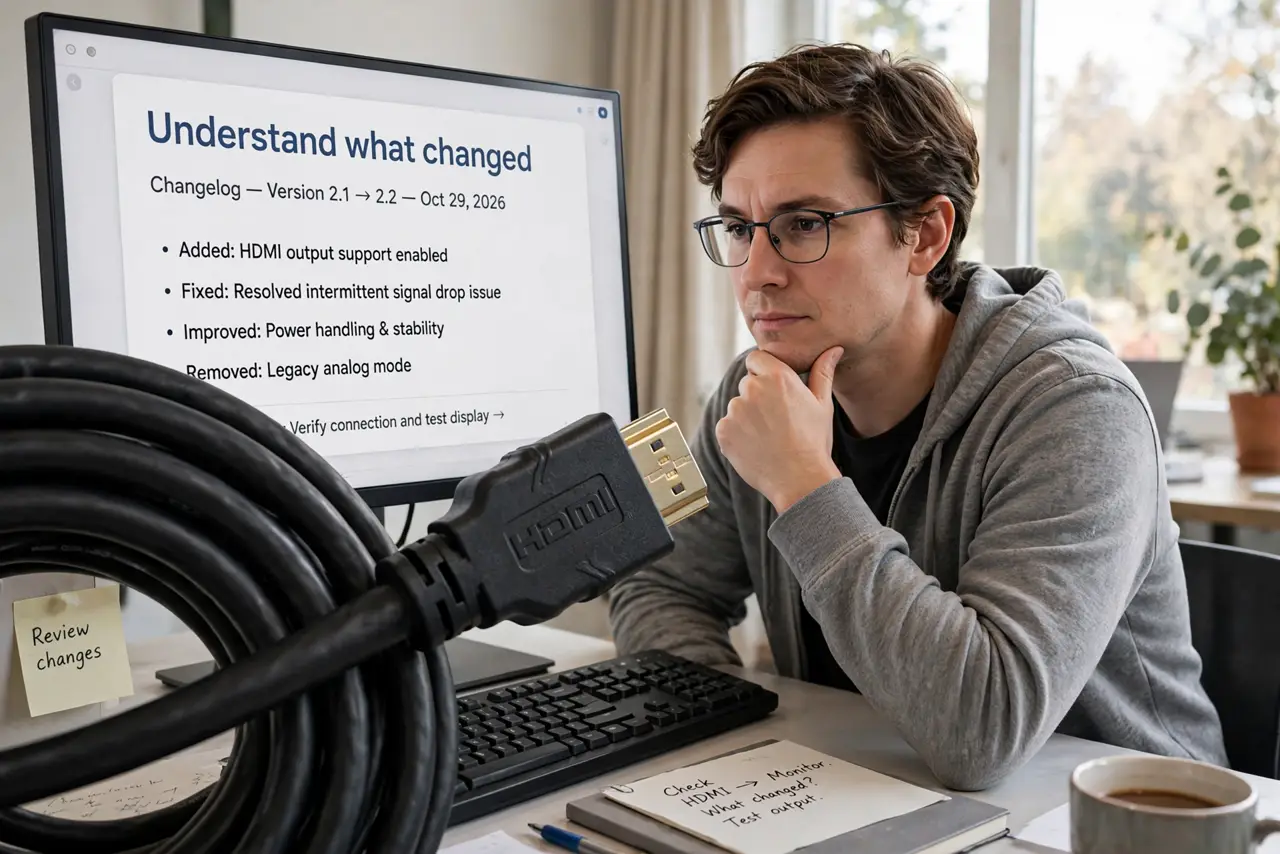
- Understand what changed. HDMI 2.1 massively increases bandwidth over 2.0 — enough for 4K at 120 frames per second or 8K at 60. It also adds gaming features like variable refresh rate and auto low-latency mode.
- Know when you need it. New consoles at 4K/120Hz, high-end PC gaming, future 8K: yes. Streaming boxes, Blu-ray players, regular 4K TV watching: HDMI 2.0 handles it all — see the version breakdown.
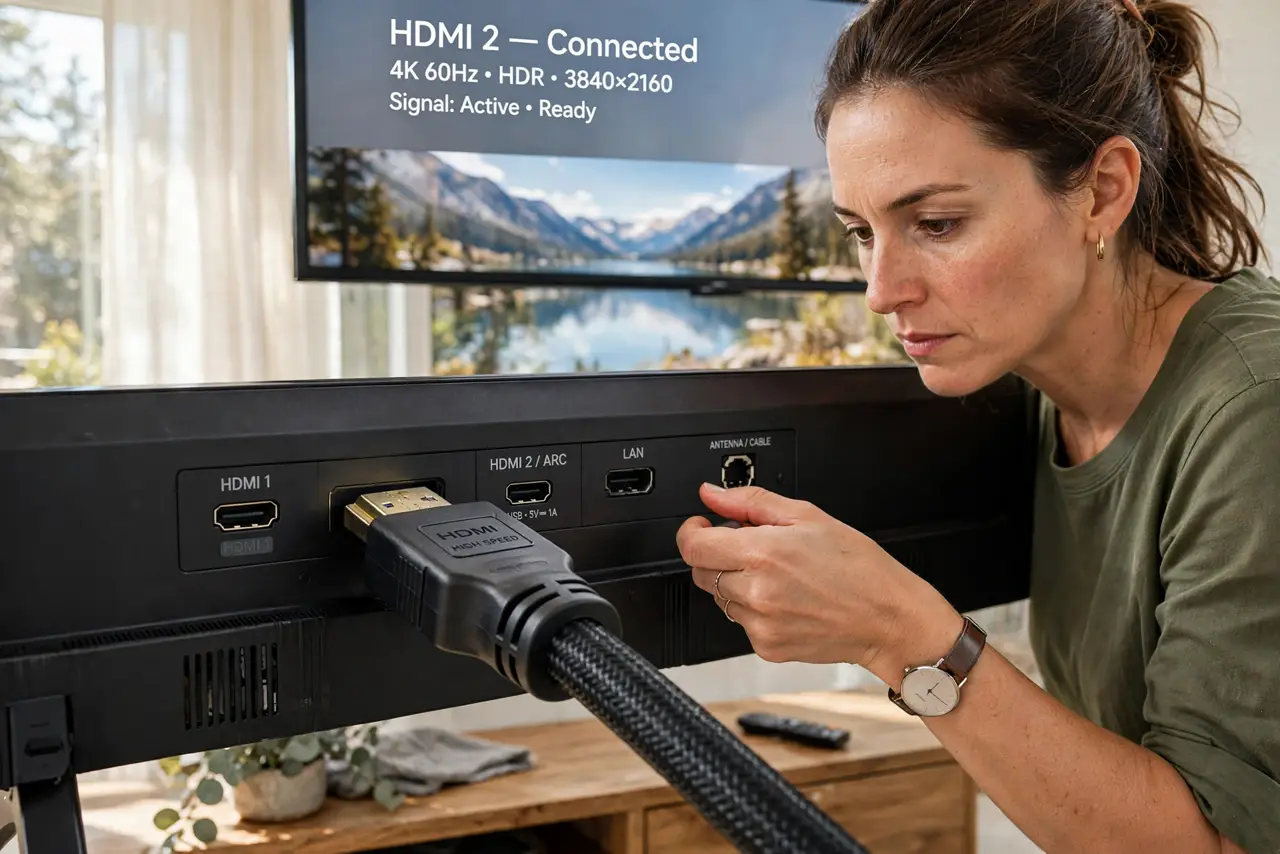
- Check the ports, not just the TV. A TV advertised as HDMI 2.1 may have only one or two such ports among several older ones. Plug the console into the right port — the manual names them.
- Use a proper cable. You need an Ultra High Speed certified cable for full 2.1 bandwidth. Old cables may work for lower demands but choke at 4K/120 — verify with the 4K cable check.
- Enable the features. HDMI 2.1 features often ship disabled — enhanced format modes, game mode, eARC. Tour the TV's HDMI settings once and switch them on; see audio return for the sound side.
- Do not overbuy. If nothing you own outputs 4K/120 or 8K, standard cables are fine. Buy for the gear you have, not the acronym on the box.
What NOT to do
- Do not assume every port is 2.1. Mixed-port TVs are the norm — one wrong port and your console drops to older specs silently.
- Do not trust unmarked cheap cables for 4K/120. Uncertified cables are the number one cause of mysterious 2.1 failures.
- Do not enable every feature blindly. Some 2.1 gaming features conflict with certain receivers — enable, test, keep what works.
- Do not replace working cables preemptively. If your current setup runs fine, no HDMI upgrade is needed — 2.1 is for new demands.
Frequently asked questions
Will HDMI 2.1 improve my regular 4K movies?
No — movies do not use the extra bandwidth. The picture is identical; 2.1 only matters for high-frame-rate and 8K content.
Are expensive HDMI cables better?
No — certified is certified. A certified Ultra High Speed cable performs identically whether it costs little or a lot.
What is eARC?
Enhanced Audio Return Channel — it sends high-quality audio from the TV back to a soundbar or receiver over the same HDMI cable. It needs 2.1-level support on both ends.