Is Your TV Listening? Voice Remote Facts
Your TV's voice remote has a microphone — but unlike a smart speaker, it only listens while you hold the button. Still, smart TVs collect plenty of other viewing data. This guide separates fact from fear.
TL;DR / Quick Fix
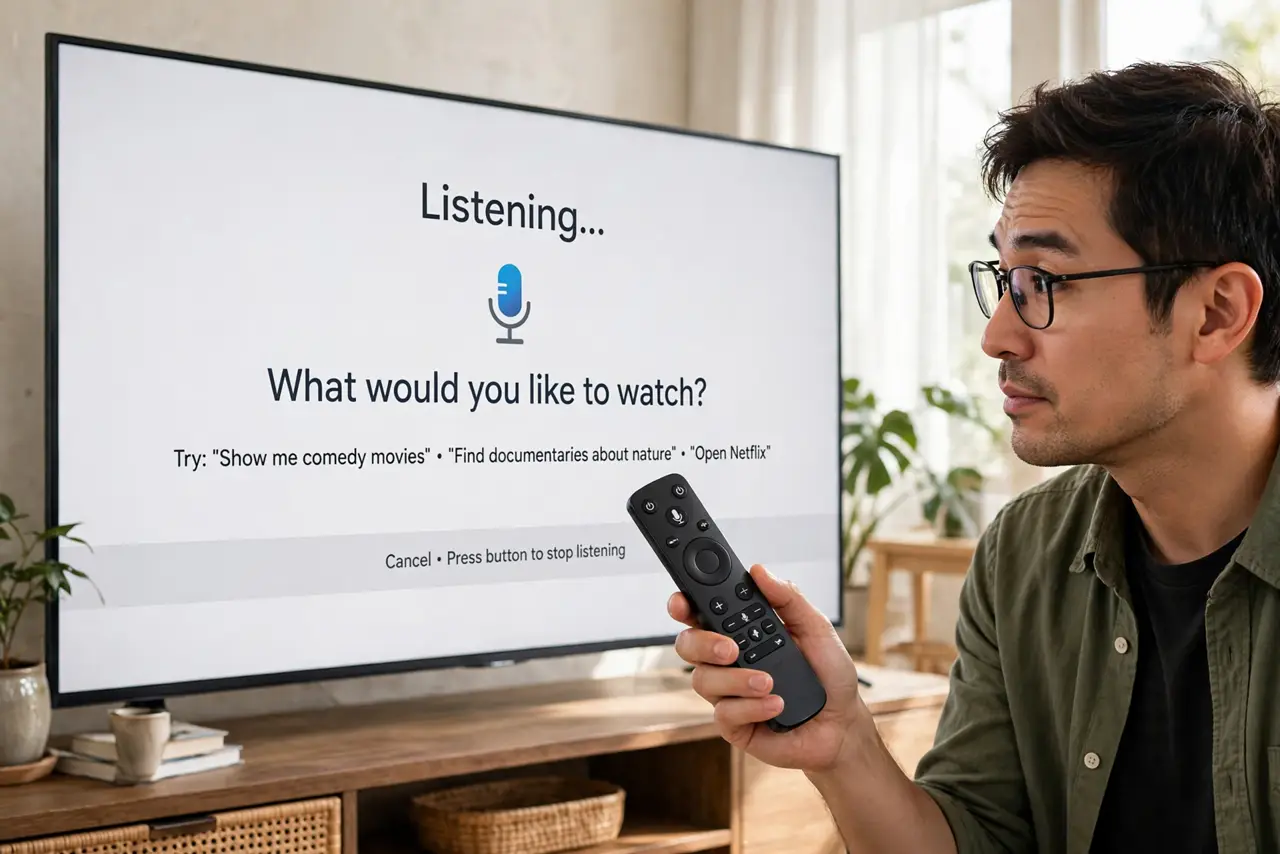
Quick fix: your voice remote only listens while you press and hold its mic button — it isn't listening like a smart speaker. The privacy issue is your smart TV's viewing data collection, which you can limit in the TV's privacy settings. Don't discuss sensitive topics near an unmuted speaker.
Follow these steps
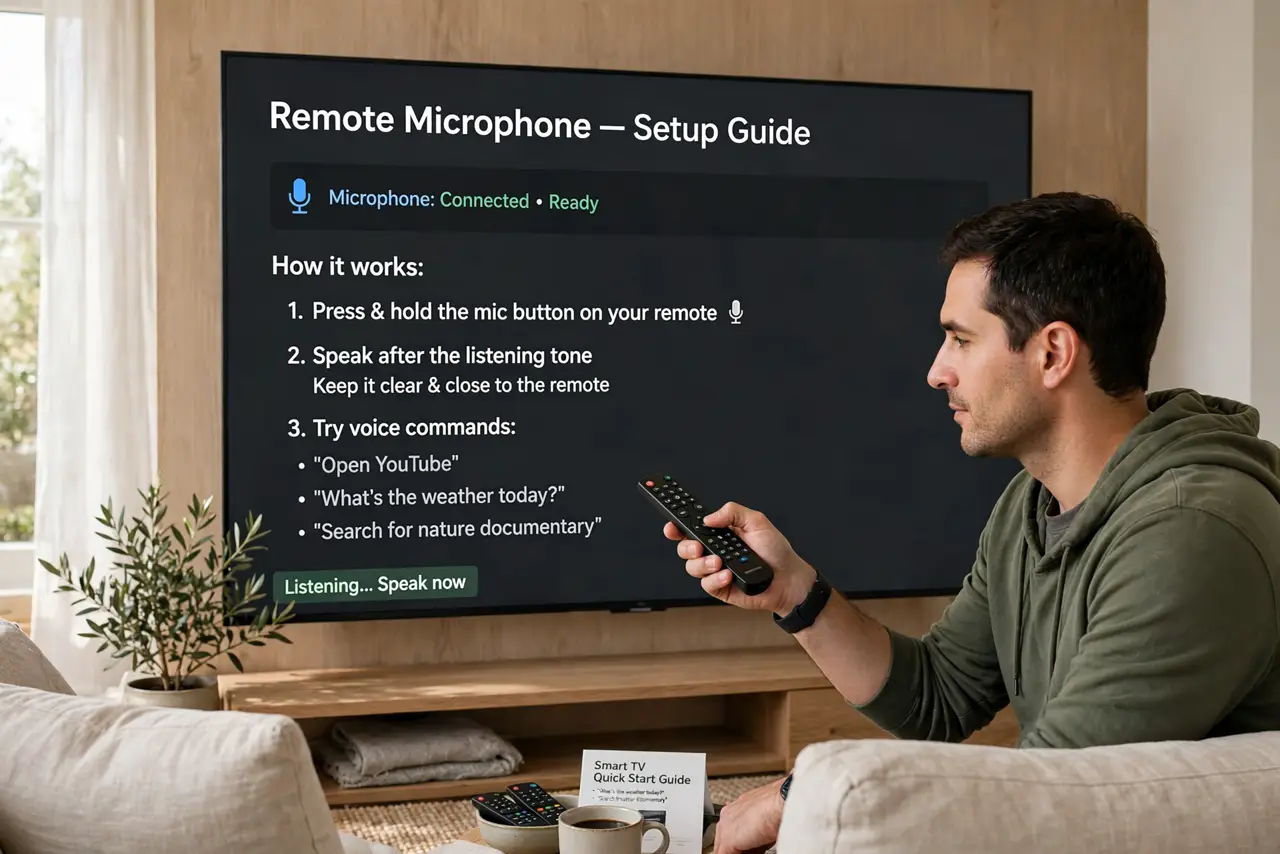
- Know how the remote mic works. It activates only while you hold the button down. Release it and the mic is off — there is no always-listening mode in a standard voice remote.
- Know what the TV collects anyway. Smart TVs track what you watch through automatic content recognition. That viewing data — not the remote mic — is the real privacy story.
- Turn off viewing data collection. In your TV's Settings under Privacy, disable Viewing Information, Interest-Based Ads, or similarly named options. Every brand names it differently.
- Decline extra data sharing at setup. New TVs ask to share data 'to improve your experience.' Declining costs you nothing except slightly less personalized recommendations.
- Check the built-in assistant. Some TVs have Alexa or Google built in with always-listening mics. If yours does, treat it like a smart speaker: review recordings and use mute.
- Keep software updated. TV privacy settings and vulnerabilities both improve with updates. An updated TV is a less leaky TV.
What NOT to do
- Do not confuse the remote with a smart speaker. Holding a button to talk is fundamentally different from an always-listening device.
- Do not skip the privacy settings on a new TV. Defaults favor data collection on almost every brand.
- Do not assume 'dumb' TVs are exempt. Any TV connected to the internet can report viewing data.
- Do not discuss passwords aloud near voice devices. It sounds paranoid until a recording captures it.
Frequently asked questions
Is my TV listening to my conversations?
Through the remote, only while you hold the button. Through a built-in voice assistant, possibly — check whether your model has one and mute it if so.
What is automatic content recognition?
Technology that identifies everything on your screen — shows, ads, even HDMI inputs — and reports it for ad targeting. This is what the privacy toggle disables.
Should I disconnect my smart TV from Wi-Fi?
That is the nuclear option and it works, but you lose streaming apps. Tuning the privacy settings is enough for most people.