Mount a TV Safely
A wall-mounted TV looks fantastic — until you imagine fifty pounds of glass tearing out of drywall at 2 AM. Done right, wall mounting is extremely safe; done wrong, it is a disaster. The entire difference is studs: mount into wood or metal studs with proper hardware, and the TV is not going anywhere.
TL;DR / Quick Fix
Quick fix: mount into wall studs — never drywall alone — using a mount rated well above your TV's weight. Use a stud finder, drill pilot holes, and tighten lag bolts firmly. Get a second person to lift; most TV damage happens during the lift, not on the wall.
Follow these steps
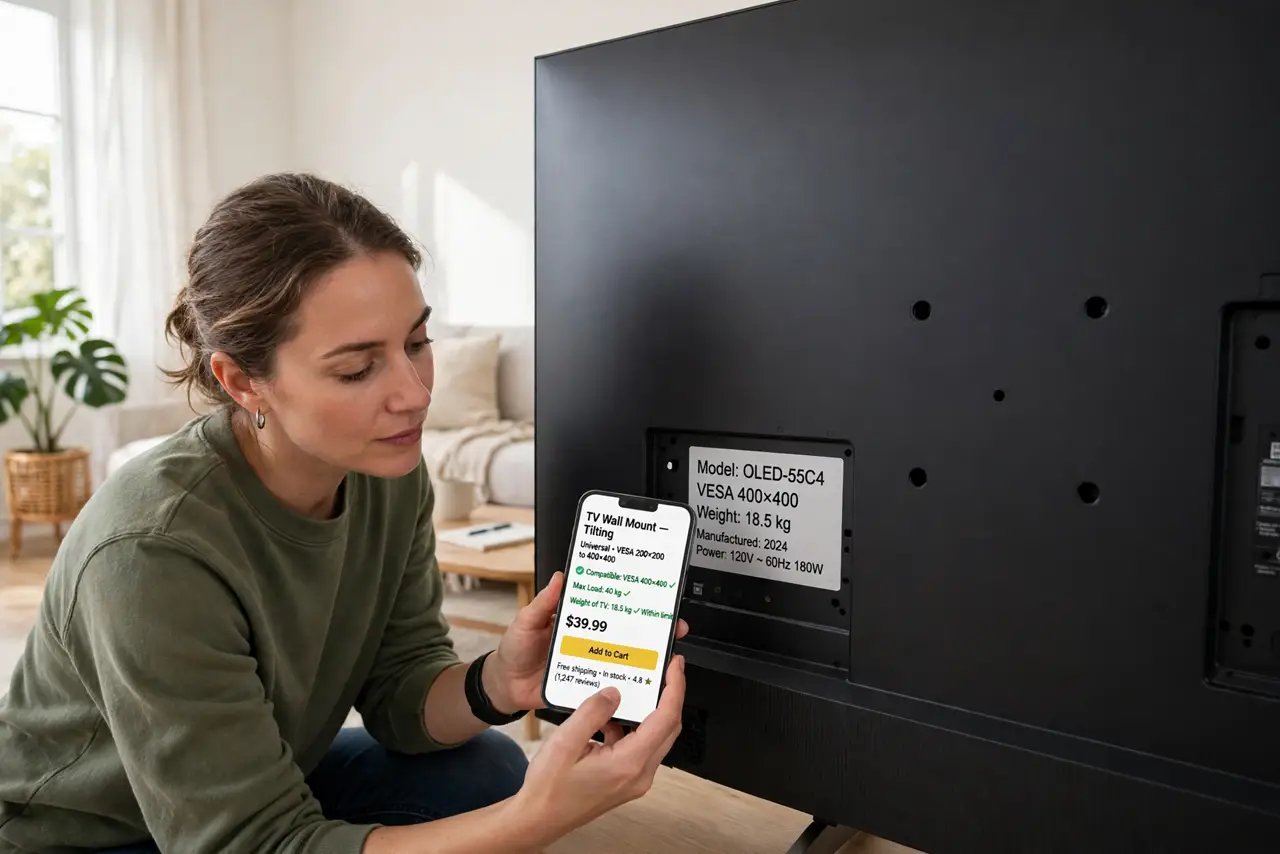
- Buy the right mount. Check your TV's VESA pattern and weight, then buy a mount rated well above both. A mount rated for twice your TV's weight is cheap insurance.
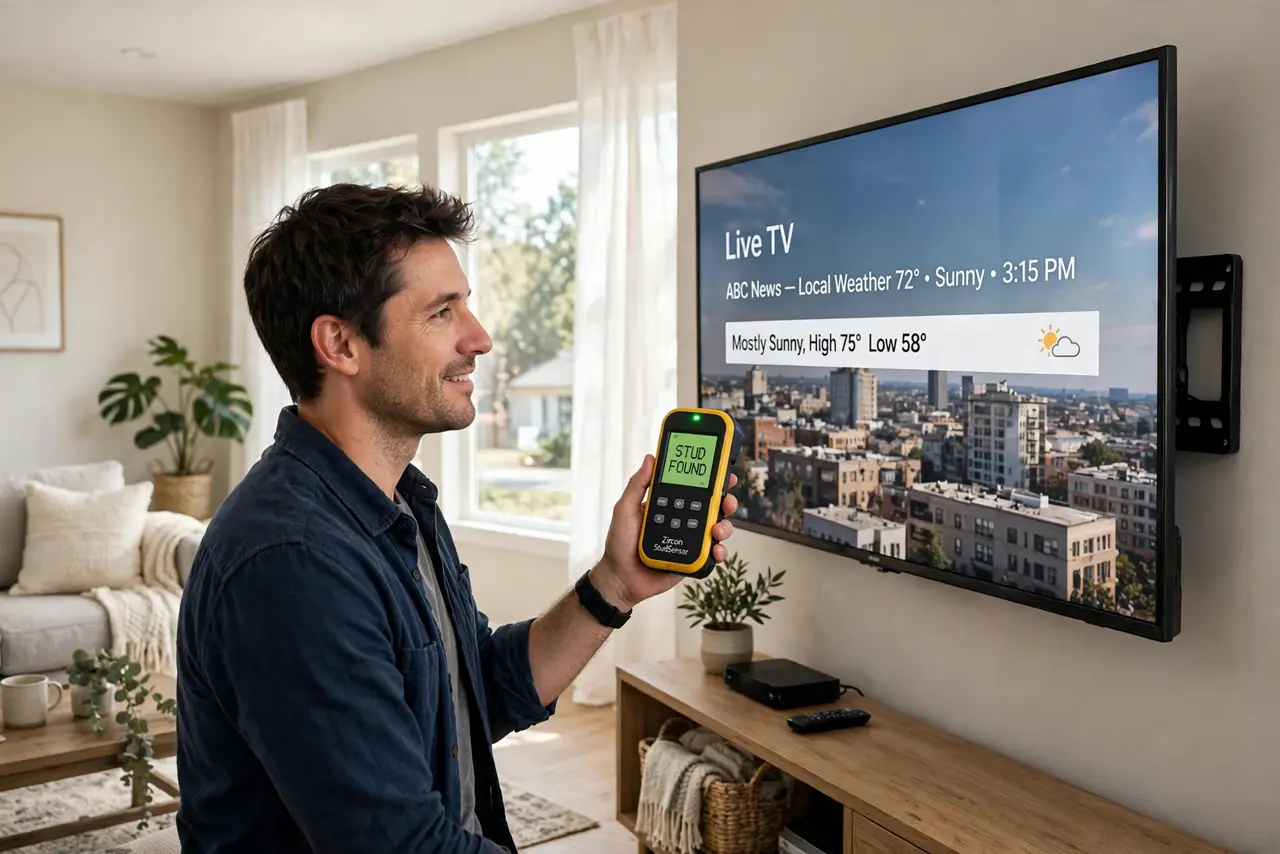
- Find the studs. Use a stud finder to locate the wooden or metal studs behind the drywall — mark their centers with painter's tape. Mounting into drywall alone is the failure mode; studs are the whole game.
- Drill pilot holes. Drill pilot holes into the stud centers with a bit slightly smaller than your lag bolts. Pilot holes prevent splitting and make the bolts drive straight.
- Attach the mount firmly. Drive the lag bolts with a socket wrench until snug — firm, not gorilla-tight. Tug the mount hard; it should feel like part of the wall.
- Lift with a partner. TVs are awkward, not just heavy — one slip can break the panel. Two people, clean hands, lift straight onto the mount brackets.
- Connect and set up. With the TV secure, connect HDMI cables and power, then set up HDMI-CEC so one remote runs everything. Route cables cleanly — dangling cables ruin the floating look.
What NOT to do
- Do not mount into drywall alone. Drywall anchors are for pictures, not televisions — studs or nothing.
- Do not skip the stud finder. Knocking and guessing is how mounts end up in hollow drywall.
- Do not overtighten lag bolts. Stripped holes in the stud are weaker than properly snug ones.
- Do not lift a big TV alone. Panel damage happens during solo lifts far more than on the wall — get help.
Frequently asked questions
Can I mount on a brick or concrete wall?
Yes, with masonry anchors instead of lag bolts. Drill with a masonry bit and use anchors rated for the load — different wall, different hardware.
How high should the TV go?
Center of the screen at seated eye level — usually lower than people guess. Above-fireplace mounting looks dramatic and feels terrible on the neck.
What if my studs don't line up?
Use a mount with a wide wall plate that spans two studs, or add a plywood backer board across studs. Never compromise to a single stud or drywall.