Soundbar Has No Sound?
You connected the soundbar, the TV shows it is selected, and … silence. A silent soundbar is one of the most common home-theater complaints, and it is almost never a broken speaker — it is a wrong input, a loose cable, or a TV setting hiding two menus deep. Work through these checks before you blame the hardware.
TL;DR / Quick Fix
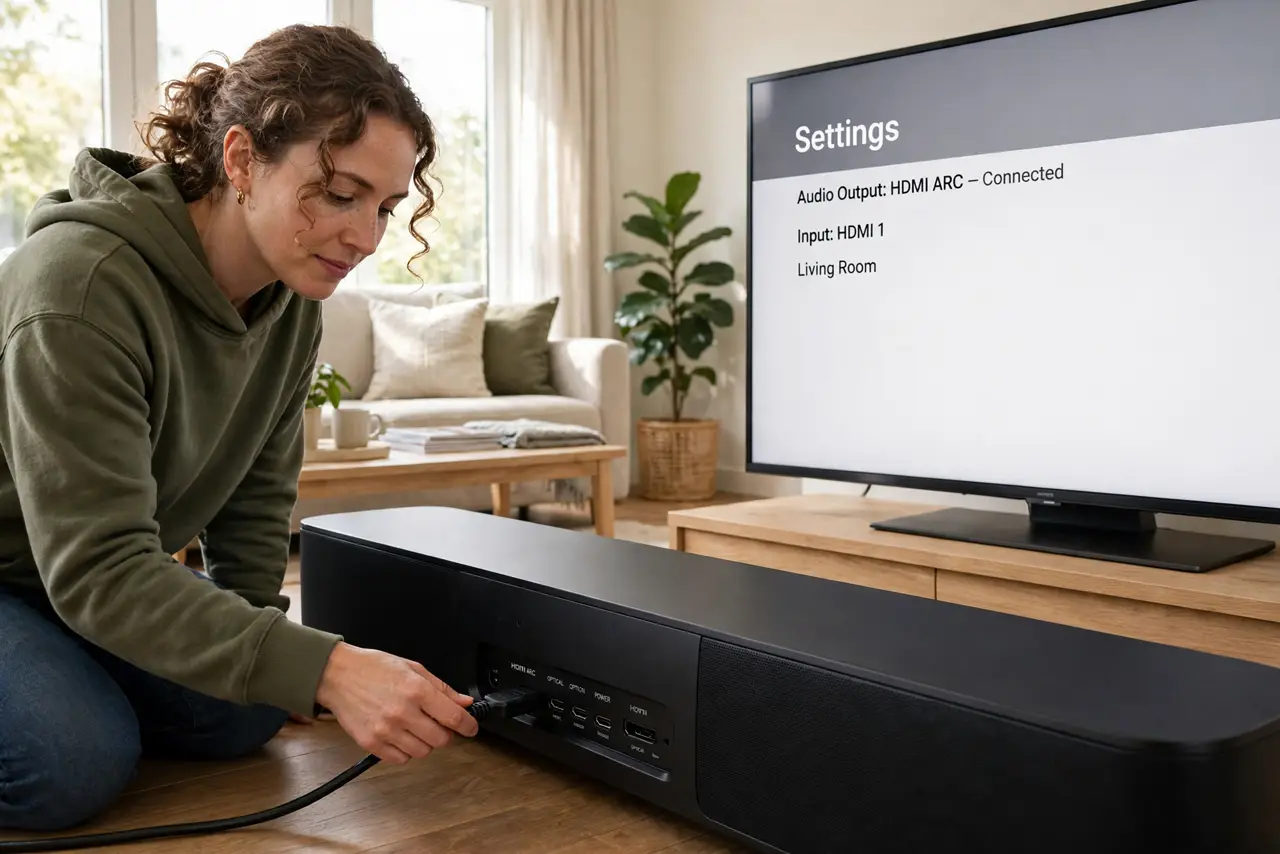
Quick fix: set the TV's audio output to the soundbar and select the right input on the soundbar. Reseat the HDMI or optical cable at both ends. If you use HDMI-ARC, enable CEC in the TV settings — most silent soundbars are a wrong input or a loose cable.
Follow these steps
- Confirm the TV's audio output. In the TV's sound settings, set audio output to the soundbar — HDMI-ARC, optical, or Bluetooth, whichever you connected. TVs love silently reverting to their own speakers after updates.
- Select the right input on the soundbar. Cycle the soundbar's input button to the one you actually plugged in. HDMI 1 vs optical vs Bluetooth — a mismatch here is the single most common cause of silence.
- Reseat both ends of the cable. Unplug the HDMI or optical cable at both ends and plug it back firmly. Optical cables especially need a confident click — a half-seated optical cable passes nothing.
- Enable CEC for HDMI-ARC. HDMI-ARC needs CEC enabled on the TV to handshake properly. Find it under the brand's name — Anynet+, Bravia Sync, Simplink — as the HDMI-ARC guide details.
- Test with another source. Play audio from a different input — Bluetooth from your phone, say. If Bluetooth works but HDMI does not, the problem is the TV link, not the speaker. Try the no-signal HDMI checks next.
- Power-cycle everything. Turn off the TV and soundbar, unplug both for thirty seconds, then power up the soundbar first. HDMI handshakes are finicky, and a clean restart fixes a surprising number of silent setups.
What NOT to do
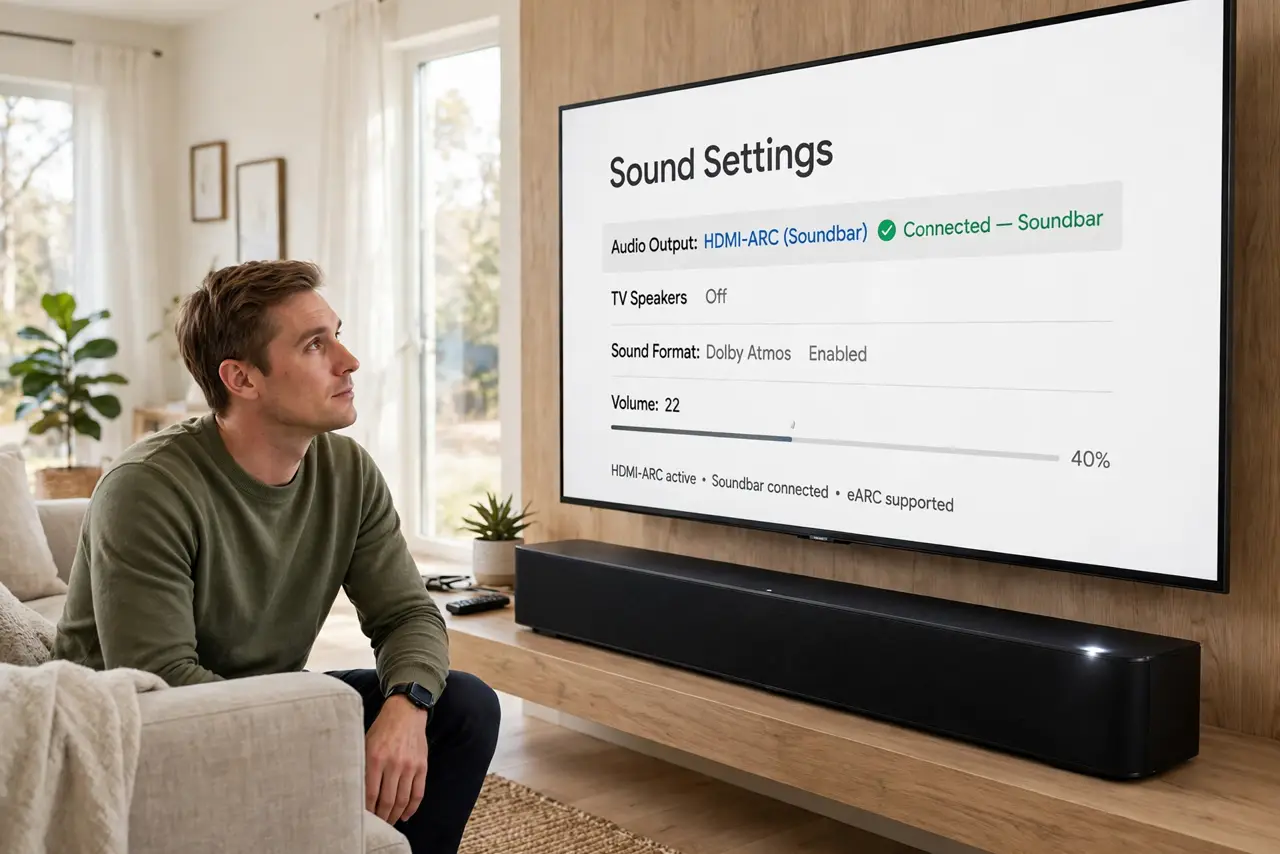
- Do not assume the soundbar is broken. Nine times out of ten it is input, cable, or TV setting — test before returning.
- Do not use a random old HDMI cable for ARC. ARC needs a decent High Speed cable; ancient cables cause exactly this silence.
- Do not leave the TV on internal speakers and wonder. After every TV software update, recheck the audio output setting.
- Do not crank the volume hunting for sound. If it suddenly connects at full blast, your ears and neighbors pay the price.
Frequently asked questions
Why does my soundbar work with Bluetooth but not HDMI?
The speaker is fine — the TV-to-soundbar link is the problem. Check ARC settings, the cable, and the TV's audio output selection.
Do I need a special HDMI cable for ARC?
A High Speed cable suffices for ARC; eARC's higher bandwidth wants an Ultra High Speed cable. Either way, a quality cable beats a mystery-drawer one.
The soundbar worked yesterday — what changed?
Usually a TV update reset the audio output, or the input got bumped. Recheck the TV output and the soundbar input before anything drastic.