Mount Your TV (VESA)
Your TV wobbles on its stand, eats half the console, and the toddler treats it like a climbing frame. Wall mounting fixes all three: the TV floats at perfect height, the console is free, and tip-over risk vanishes. The VESA pattern on the back — four holes in a standard square — is what makes mounts universal.
TL;DR / Quick Fix
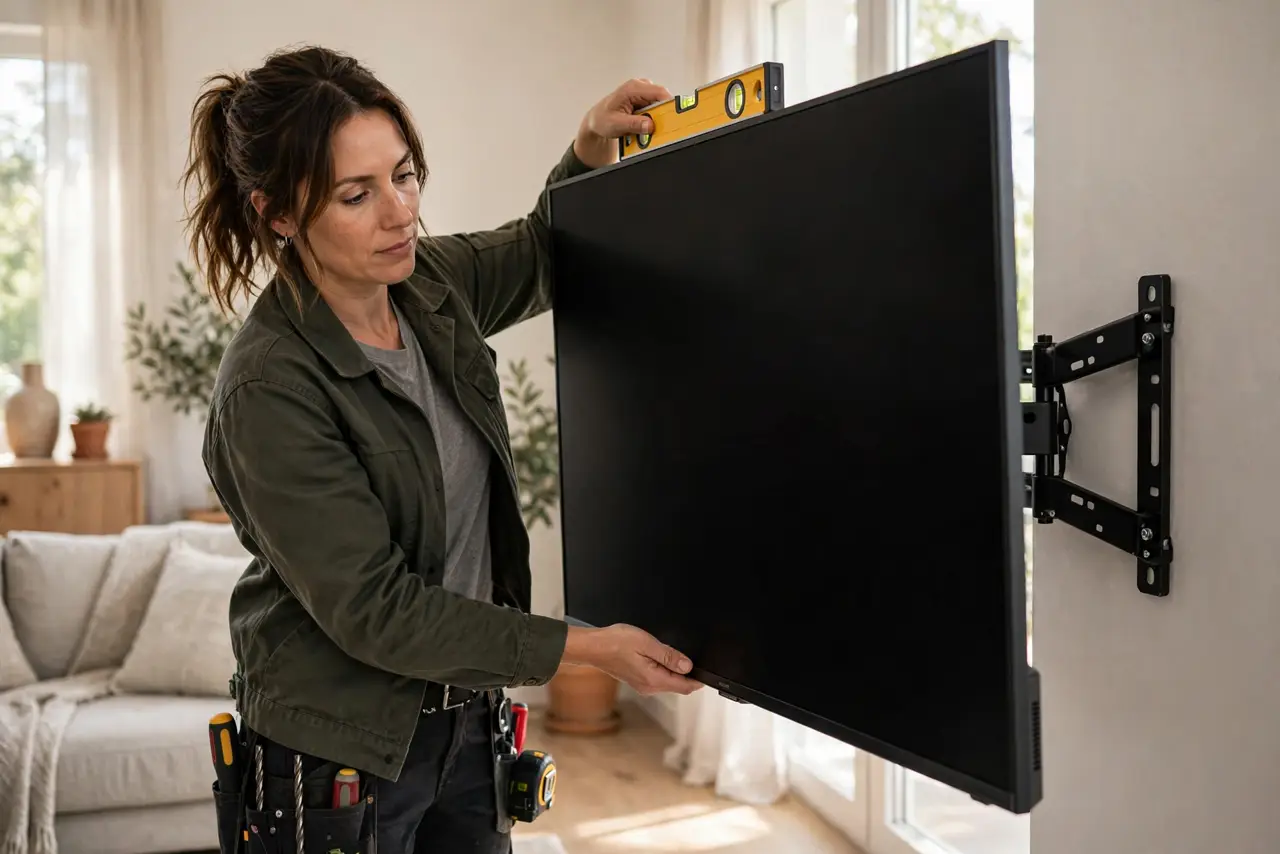
Quick fix: check your TVs VESA pattern (listed in the manual as numbers like 400x400) and buy a mount rated above your TVs weight. Mount into studs — never drywall alone — at seated eye level. Two people, a level, and thirty minutes; the wobble is gone forever.
Follow these steps
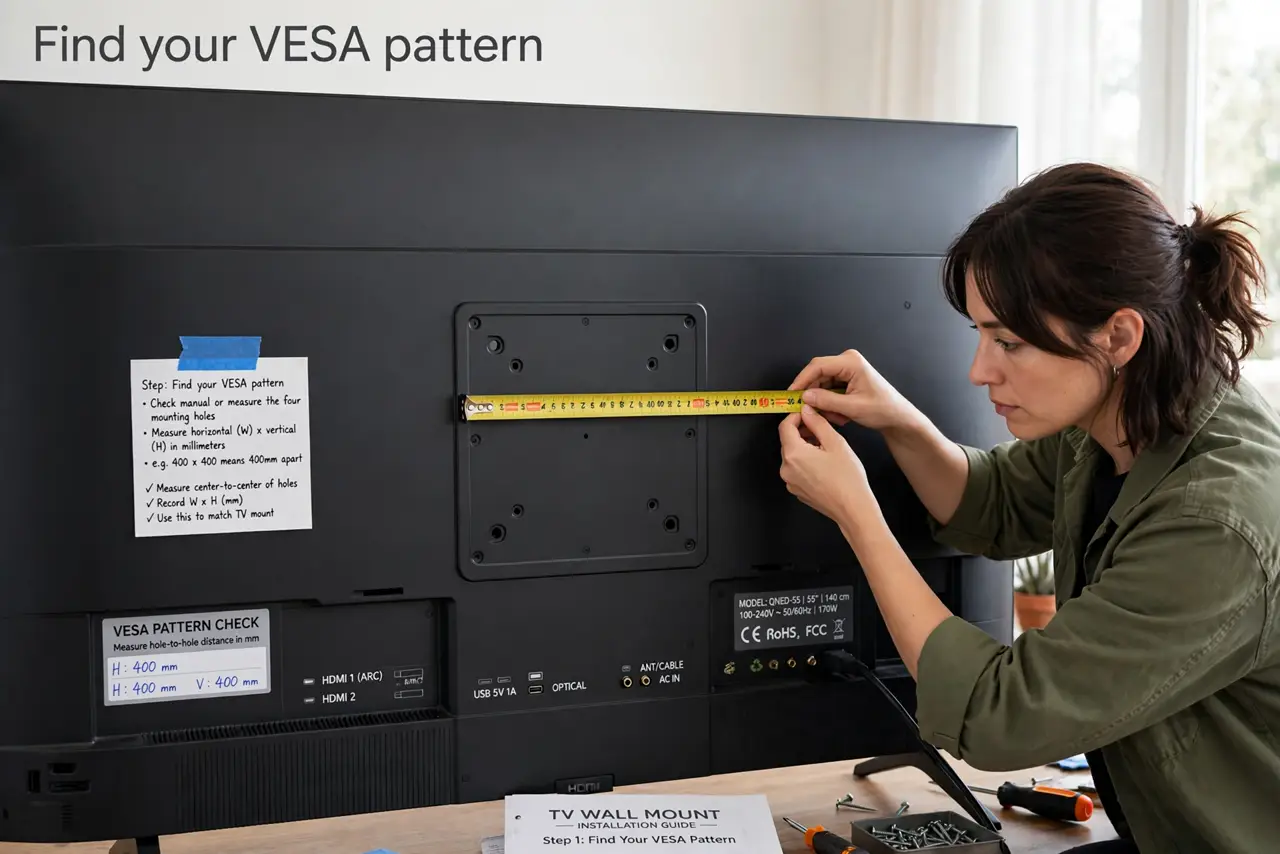
- Find your VESA pattern. Check the manual or measure the four mounting holes: the numbers (like 400x400) are millimeters apart. This pattern is the safe mounting guide starting point — match the mount to it.
- Buy a mount rated above your TV. Weight rating should exceed your TVs weight with margin. Tilting mounts suit eye-level installs; full-motion suits corner rooms.
- Locate the studs. A stud finder marks the solid wood behind drywall. Mounting into studs is non-negotiable for heavy TVs — drywall anchors alone are a collapse waiting to happen.
- Mount at seated eye level. The screens center should sit at your seated eye height. Too high is the classic mistake — above the fireplace looks grand and feels terrible.
- Get a second person. TVs are awkward, heavy, and fragile. One person holds, one person bolts — this is not a solo job no matter how strong you feel.
- Route cables before hanging. Run power and HDMI while the TV is still on the floor. Fishing cables behind a mounted TV is ten times harder.
What NOT to do
- Do not mount into drywall alone. Studs or a proper backing board — drywall anchors cannot hold a real TV.
- Do not mount above the fireplace by default. It looks great in photos and cranes every neck in the room.
- Do not skip the level. A crooked TV mocks you daily — thirty seconds with a level prevents years of tilt.
- Do not hang it solo. Dropping a TV is a thousand-dollar lesson in asking for help.
Frequently asked questions
What is VESA?
The standard mounting-hole pattern on TV backs — four holes in a square, measured in millimeters. Match the mounts VESA range to your TV.
Can I mount on brick or concrete?
Yes, with masonry anchors and a hammer drill. Different hardware, same principle — solid backing or nothing.
How high should the TV be?
Screen center at seated eye level, roughly 42 inches from the floor for most couches.