Two Antiviruses Installed? They Conflict
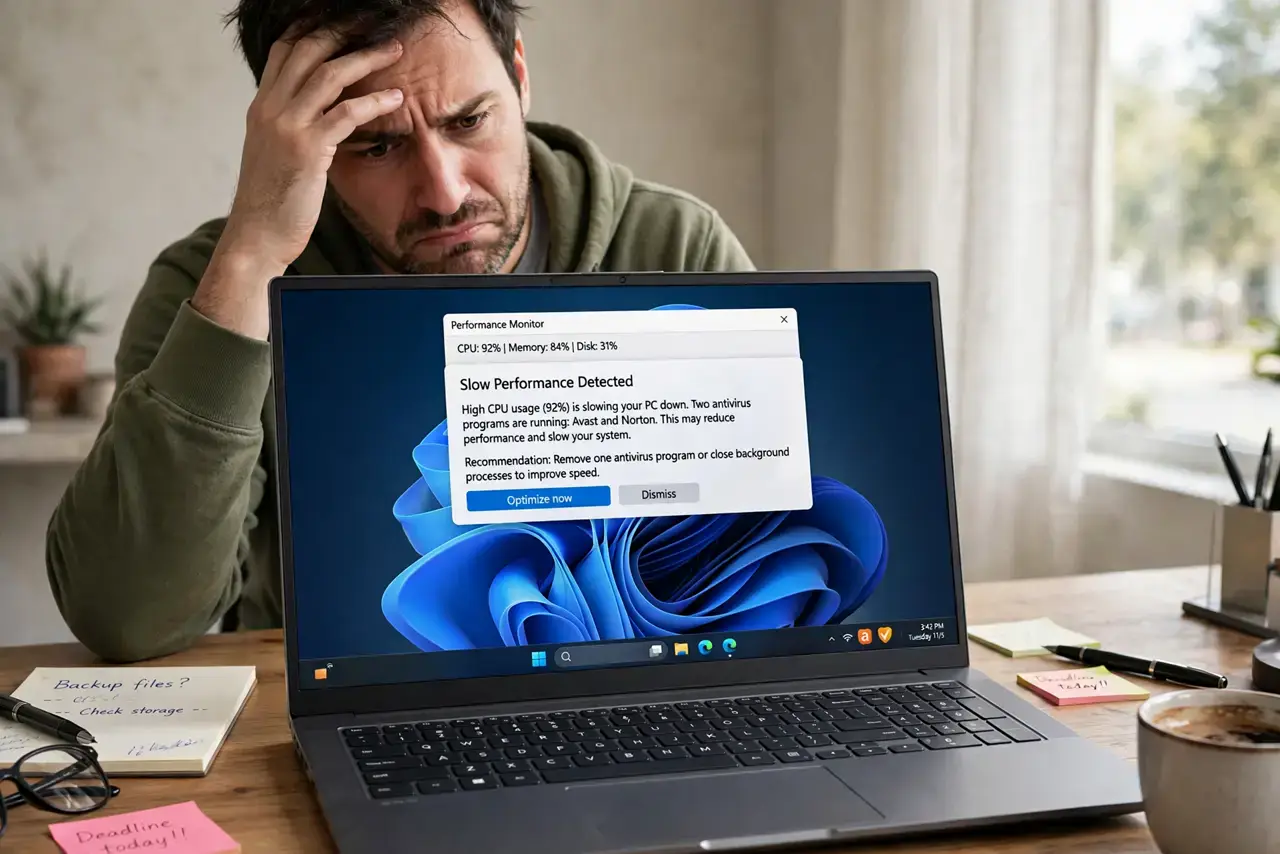
Running two antivirus programs feels like double protection, but they fight each other: each flags the other as suspicious — essentially a false positive at system scale — and together they slow your computer to a crawl while protecting it worse. One good antivirus plus the built-in system protection is the right setup. This guide shows how to fix the conflict safely.
TL;DR / Quick Fix
Quick fix: keep one antivirus — ideally the reputable one you trust most — and fully uninstall the other using its official removal tool. Restart, then confirm the remaining antivirus shows active protection. Never run two real-time scanners at once; layered tools like an on-demand second-opinion scanner are fine.
Follow these steps
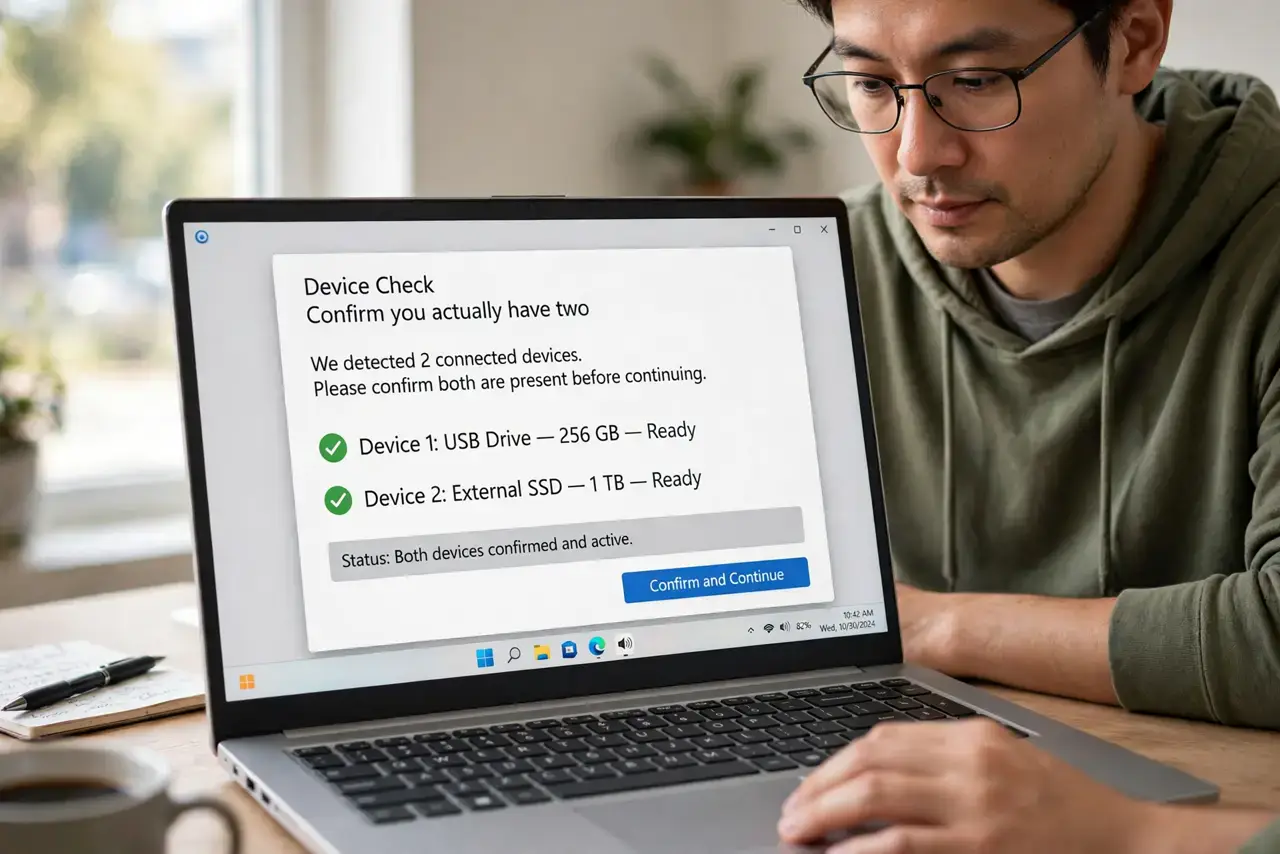
- Confirm you actually have two. Check your installed programs list. Many computers ship with a trial antivirus alongside Windows Security, and both end up running without anyone noticing.
- Choose which one to keep. Keep the one with the better reputation and the subscription you actually pay for. When in doubt, the built-in Windows Security is a solid free choice.
- Uninstall the loser properly. Use the vendor's official removal tool, not just the basic uninstall — antivirus programs bury drivers deep, and leftovers keep conflicting.
- Restart and verify protection. After removal, restart and open your remaining antivirus. Confirm real-time protection shows as on and definitions are current.
- Avoid 'second antivirus' bundles. Some cleanup tools and VPNs bundle their own antivirus. Decline those extras during install so you do not recreate the conflict.
- Use on-demand scans for second opinions. A portable second-opinion scanner that you run manually — not resident — gives you a double-check with zero conflict.
What NOT to do
- Do not just disable one and leave it installed. A disabled antivirus still loads drivers and updates that can clash with the active one.
- Do not install a second antivirus 'to be safe.' More scanners do not mean more safety — they mean more fights and slower everything.
- Do not remove both at once. Uninstall one, verify the other is active, and never leave a gap with zero real-time protection.
- Do not trust pop-ups claiming you need their antivirus urgently. Scareware ads invent infections to sell you the very conflict you are fixing.
Frequently asked questions
Why do two antiviruses slow my computer?
Each scans every file the other touches, and each flags the other's behavior as suspicious — so your CPU does everything twice while they argue.
Is Windows Security enough on its own?
For most people, yes. It is a competent, free, built-in antivirus — and it is designed to be the only real-time scanner running.
What about antivirus plus anti-malware?
A second on-demand scanner you run manually is fine. The conflict only happens with two always-on, real-time shields.