Transfer Two-Factor App to a New Phone?
Authenticator apps do not automatically move with a phone backup in every case. If you wipe the old phone before transferring, you can lock yourself out of accounts. Transfer while both phones are in your hands, and test before wiping anything.
TL;DR / Quick Fix
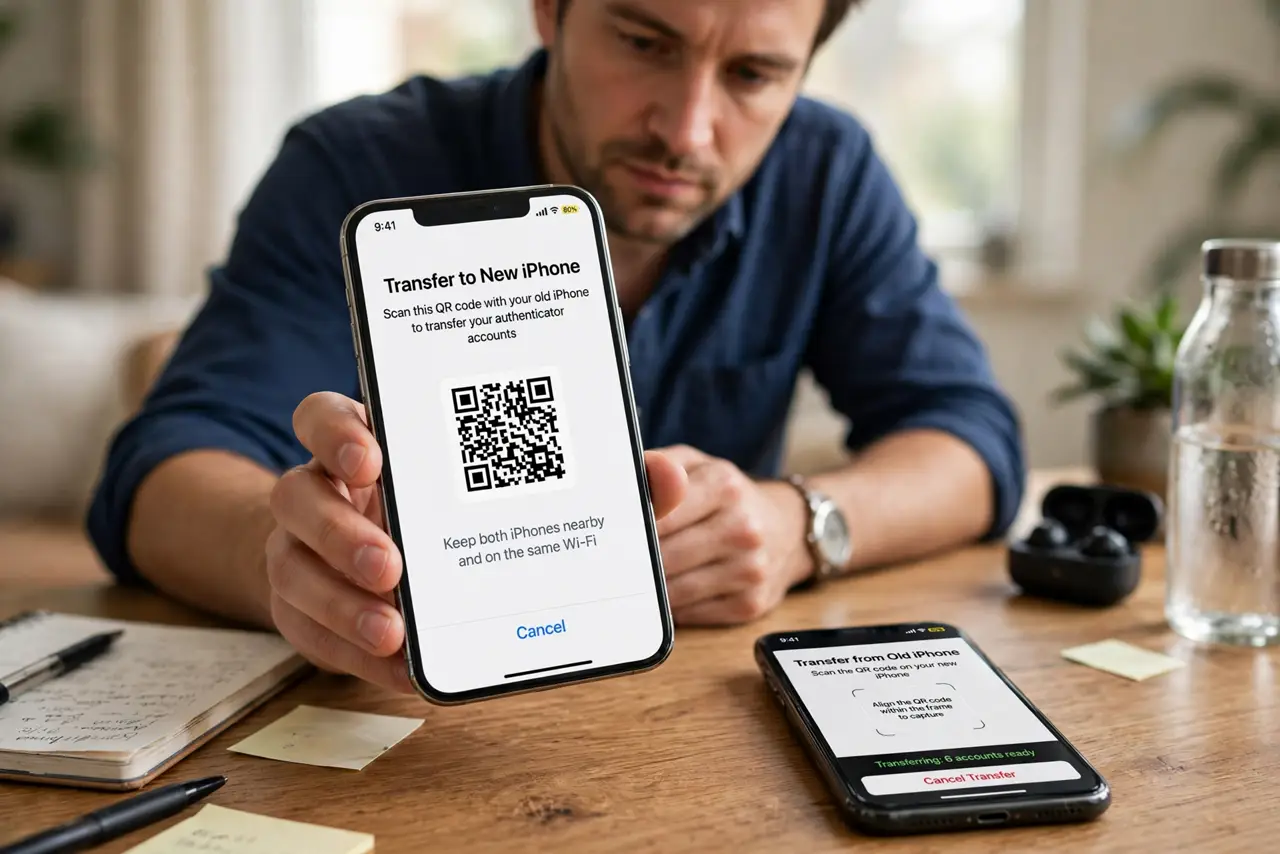
Quick fix: before wiping the old phone, move each account to the new phone using the authenticator export or transfer feature, or by disabling and re-enabling two-factor authentication per account. Test a login on the new phone, then wipe the old one.
Follow these steps
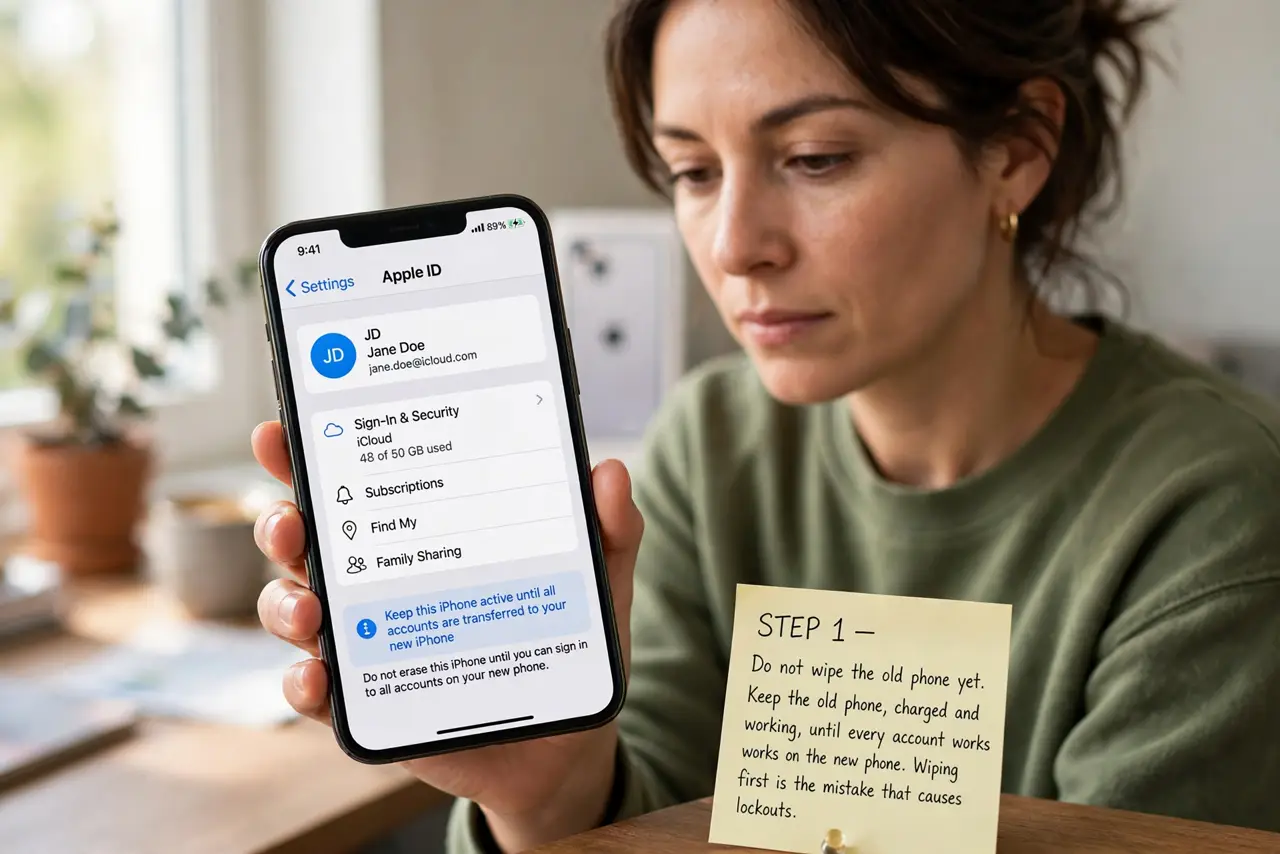
- Do not wipe the old phone yet. Keep the old phone, charged and working, until every account works on the new phone. Wiping first is the mistake that causes lockouts.
- Use the transfer or export feature. In the authenticator app on the old phone, look for transfer, export, or move accounts. Follow it to scan codes on the new phone, and confirm each account appears there.
- Re-enable per account if no transfer exists. If an app offers no transfer, sign into each account on the new phone, turn two-factor authentication off and on again, and scan the new setup code with the new phone.
- Save backup codes during the move. While moving each account, save its backup codes in a safe place. Backup codes rescue you if a transfer fails for one account.
- Test a login on the new phone. For important accounts, sign out and sign back in using a code from the new phone. A successful test proves the transfer worked for that account.
- Wipe the old phone only after testing. Once every important account works on the new phone, sign out of the authenticator on the old phone and wipe it. Only then is the old device safe to sell or give away.
What NOT to do
- Do not wipe, sell, or give away the old phone before testing the new one. A wiped authenticator cannot be recovered from a backup in many cases.
- Do not screenshot setup QR codes and store them in a shared album. A setup code is a key to the account, and should be handled like a password.
- Do not transfer accounts over a public network or a stranger device. Transfer directly between your own two phones.
- Do not skip backup codes during the move. They are the safety net if one account fails to transfer.
Frequently asked questions
What if I already wiped the old phone?
Use backup codes to sign in, then set up the authenticator again on the new phone. Without backup codes, use official account recovery for each account.
Do authenticator apps sync to the cloud?
Some do, if you enabled cloud backup in the app. Check the app settings, but do not assume a phone backup alone moved the codes.
How long does a transfer take?
Usually minutes for the app itself, plus a few minutes per account to test. Budget half an hour, and do not rush the testing step.