Two-Factor SMS Code Delayed? Get In Safely
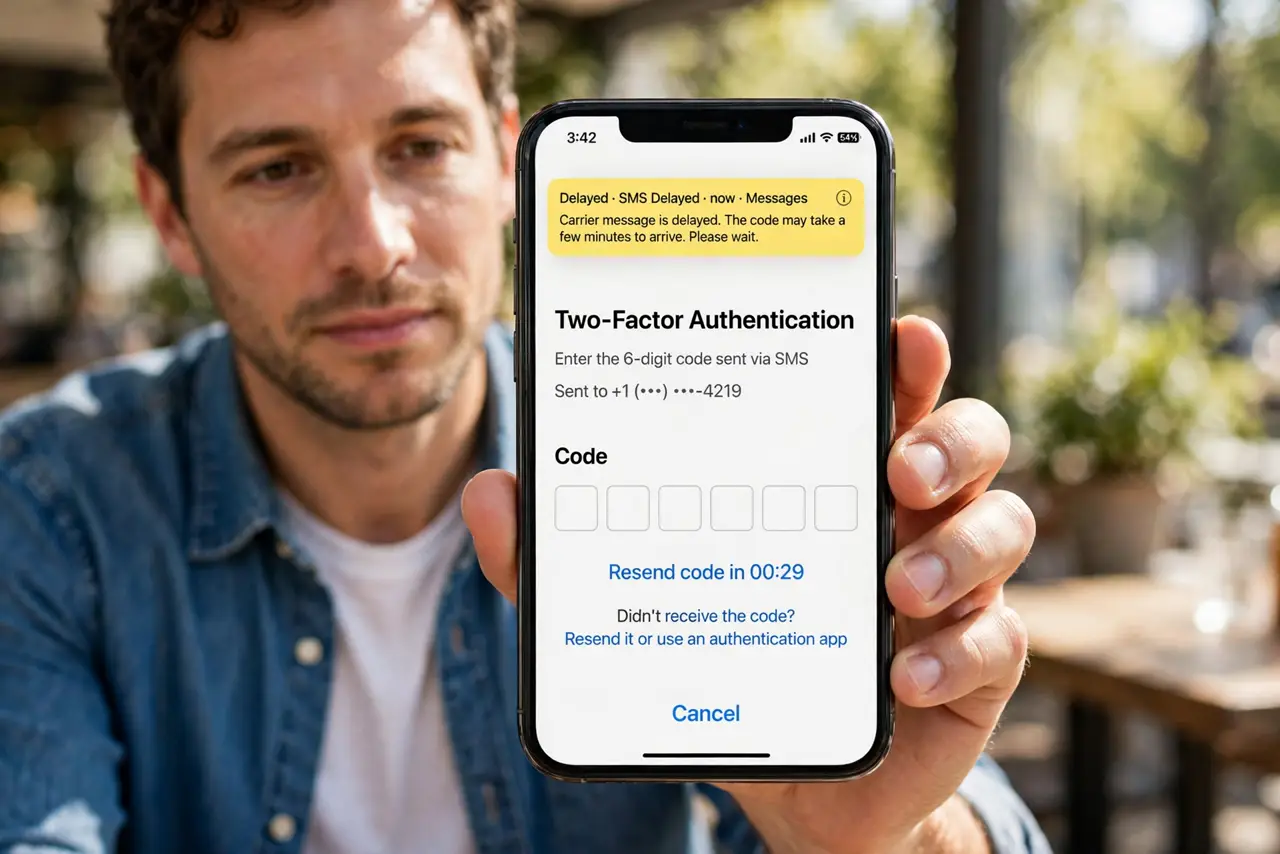
SMS codes can arrive late when signal is weak, the network is busy, or the phone number on file is wrong. Resending repeatedly can make it worse, since several codes may arrive and only the newest works. Wait, check the basics, and use a backup method if one exists.
TL;DR / Quick Fix
Quick fix: wait a full minute, check signal and that the number on file is yours, then request a new code once and enter the newest one. If codes still fail, use an authenticator app or backup code if you set one up.
Follow these steps
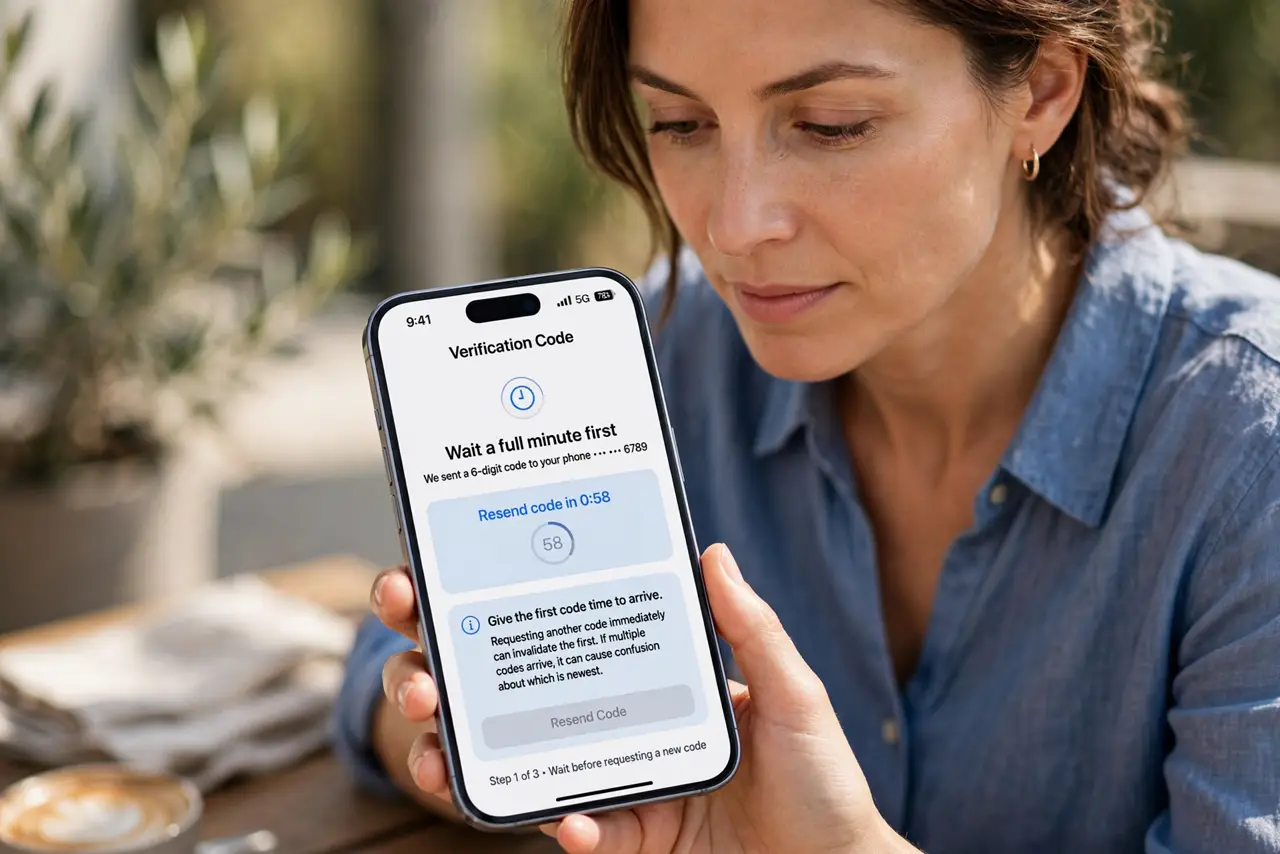
- Wait a full minute first. Give the first code time to arrive. Requesting another code immediately can invalidate the first, and a pile of codes arriving together causes confusion about which is newest.
- Check signal and the phone number. Confirm you have mobile signal, and that the account shows the correct phone number. A code sent to an old number will never arrive, however long you wait.
- Request a new code once. Request one fresh code, then enter the newest code that arrives. Ignore older codes, since only the latest code usually works.
- Check spam and blocked messages. Look in spam, filtered, or blocked message folders for the code. Some phones filter short codes aggressively, and the message may be sitting there.
- Use a backup method if you have one. If you set up an authenticator app, backup codes, or a security key, use that method instead of waiting for SMS. Backup methods exist for exactly this situation.
- Switch to an authenticator app afterwards. Once you are in, consider switching from SMS to an authenticator app for that account. Authenticator codes generate on the device and do not depend on mobile signal.
What NOT to do
- Do not request code after code in a panic. Multiple codes can invalidate each other, and you may end up entering an expired one.
- Do not share a code with anyone, including someone claiming to be support. A code is a login credential, and support never needs it.
- Do not turn off two-factor authentication just because SMS was slow once. Switch methods instead of removing protection.
- Do not enter a code into a page reached from a message link. Sign in through the official app or site yourself.
Frequently asked questions
How long should an SMS code take?
Usually seconds to a minute. Beyond a few minutes, with good signal, something is wrong with the number, the filter, or the network.
What if I never receive codes?
Check the number on file, check blocked and spam folders, and try the backup method. If nothing works, use official account recovery.
Is SMS two-factor still worth using?
Yes, it beats a password alone. An authenticator app is stronger and more reliable, but SMS protection is far better than none.